Slide 8 of 10 from Rocket Infographics PowerPoint Template
Lined Layout Diagram – Rocket Infographics PPT Template
Rocket Process Diagram for Presentations
- Diagram
- Process Flow
- Process Slide
- 16:9
- 100% Editable
What’s on This Slide
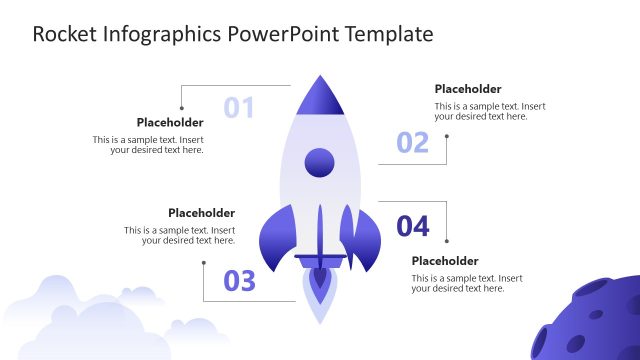
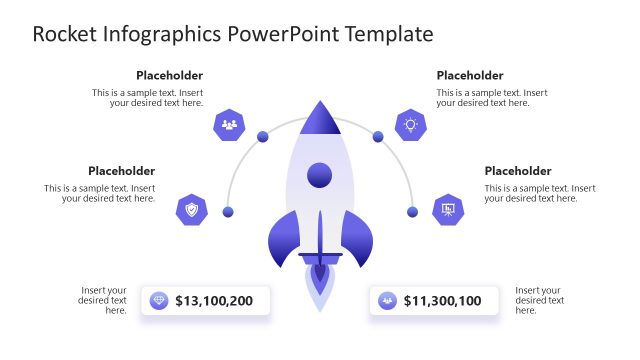
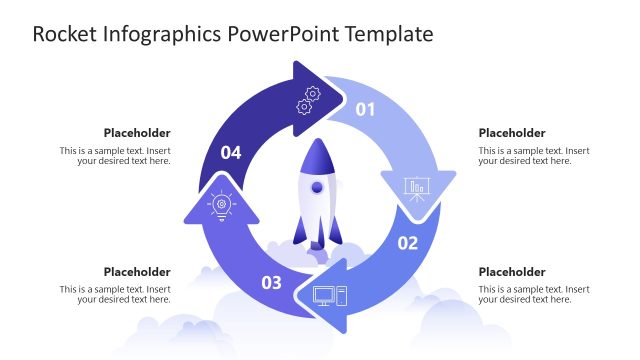
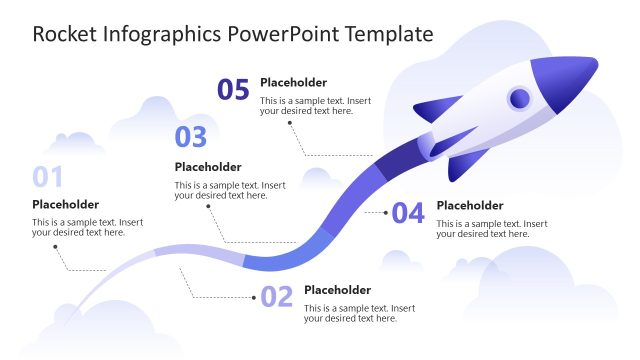
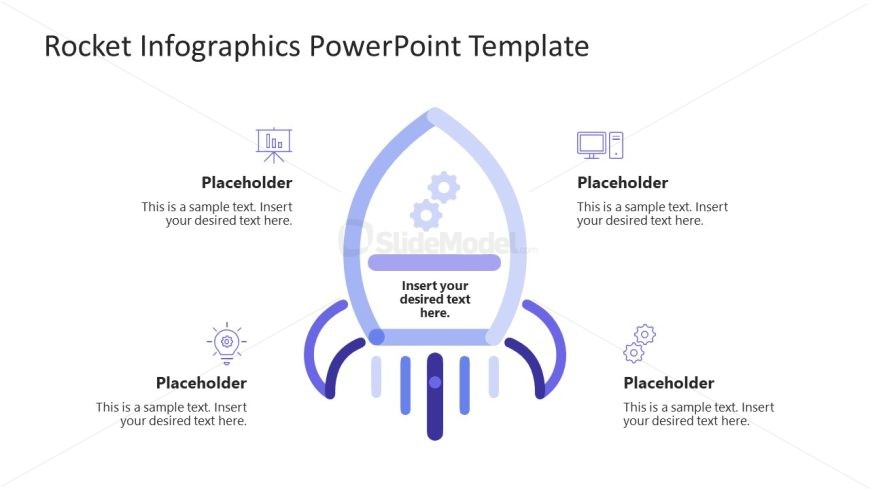
The layout features a central rocket shape with four surrounding text placeholders. The rocket is positioned in the center, with a vertical orientation. Each placeholder is located at the top, bottom, left, and right of the rocket, evenly spaced. The placeholders are rectangular and aligned to allow for text input. The overall color scheme includes shades of blue and purple, creating a cohesive visual theme. The rocket design incorporates gears and icons, enhancing the thematic representation of progress and success.
How to Use It
This layout serves as a process diagram, ideal for illustrating steps or stages in a project. It fits well in a presentation sequence that discusses growth, strategy, or innovation. This structure can be applied in business contexts such as project planning, product development, or strategic initiatives. It allows for clear communication of key points related to a central theme, making it useful for both team meetings and client presentations.
Text Placeholders & Capacity
Keep your copy within these limits so it fits without resizing. Each node can hold about 10 words comfortably.
| Placeholder | Count | Max characters (approx.) |
|---|---|---|
| Item body | 4 | 50 |
Slide Keywords
Download unlimited PowerPoint templates, charts and graphics for your presentations with our annual plan.
DOWNLOADReturn to Rocket Infographics PowerPoint Template.