Slide 1 of 7 from Roadmap Timeline with Traffic Cones for PowerPoint
6112-04-roadmap-traffic-cones-1
Roadmap Timeline with Traffic Cones Overview
- Diagram
- Roadmap
- Timeline Slide
- 16:9
- 100% Editable
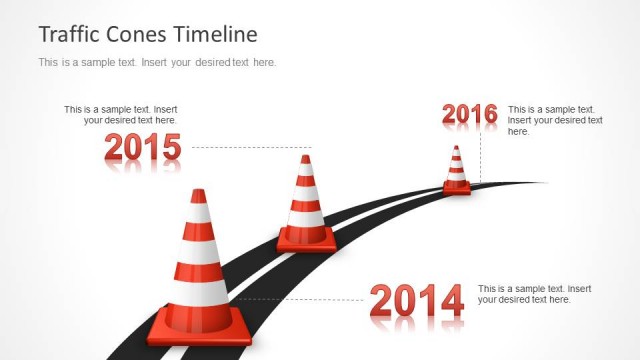
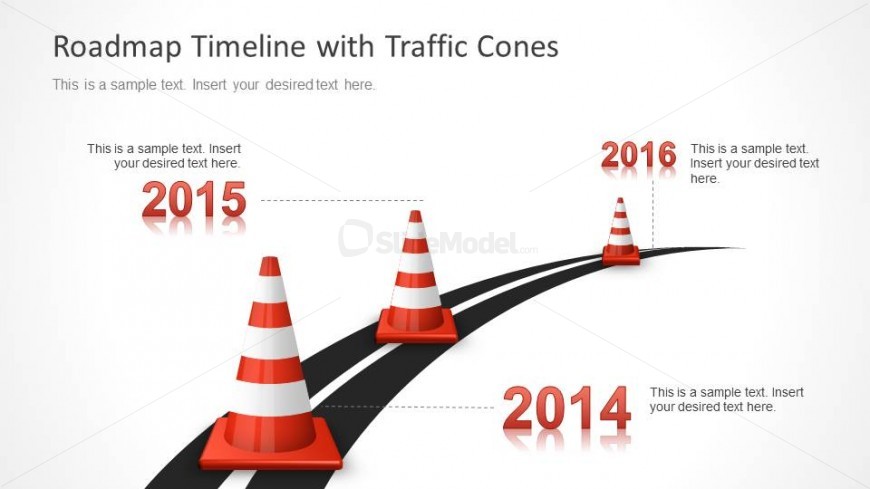
The Roadmap Timeline with Traffic Cones slide from the Roadmap Timeline with Traffic Cones for PowerPoint template offers a clear visual timeline ideal for project timelines and milestone presentations. This editable slide features vector icons of traffic cones along a curved road, providing a structured layout for strategic planning and progress tracking in business presentations or pitch deck templates.
What’s on This Slide
The slide features a curved road with three traffic cones positioned along it. The cones are placed at the years 2014, 2015, and 2016, with corresponding text placeholders aligned above each cone. The text placeholders are centered and indicate where users can insert desired text. The road is depicted in black, contrasting against a light background. The overall layout emphasizes a timeline structure, with a clear visual hierarchy that guides the viewer's eye along the path. The title is prominently displayed at the top, indicating the slide's subject.
How to Use It
This layout serves as a timeline diagram, effectively illustrating chronological milestones. It is suitable for presentations that require a visual representation of project timelines or planning stages. This slide can be used in contexts such as project management, strategic planning, or progress tracking. It fits well at the beginning of a presentation to outline key milestones or as a summary of past achievements. The design allows for easy customization to reflect specific project details or timelines.
Text Placeholders & Capacity
Keep your copy within these limits so it fits without resizing. Node labels can hold about 4 characters, while body slots can fit roughly 40 characters each.
| Placeholder | Count | Max characters (approx.) |
|---|---|---|
| Slide title | 1 | 40 |
| Item heading | 3 | 4 |
| Item body | 3 | 40 |
Slide Keywords
Download unlimited PowerPoint templates, charts and graphics for your presentations with our annual plan.
DOWNLOADReturn to Roadmap Timeline with Traffic Cones for PowerPoint.