Slide 5 of 7 from Roadmap Timeline with Traffic Cones for PowerPoint
6112-04-roadmap-traffic-cones-5
Roadmap with Traffic Cones - Two Ways
- Diagram
- Roadmap
- Process Slide
- 16:9
- 100% Editable
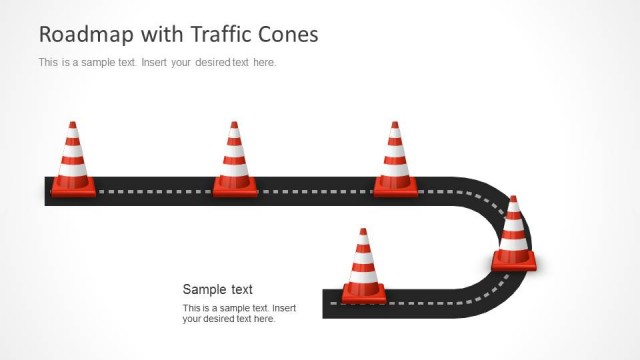
The Roadmap with Traffic Cones - Two Ways slide from the Roadmap Timeline with Traffic Cones for PowerPoint template offers a clear process visualization ideal for project timeline tracking and milestone mapping. This slide layout uses editable shapes and vector icons to highlight multiple pathways and key events, making it suitable for business presentations and event planning slide decks that require precise directional guidance.
What’s on This Slide
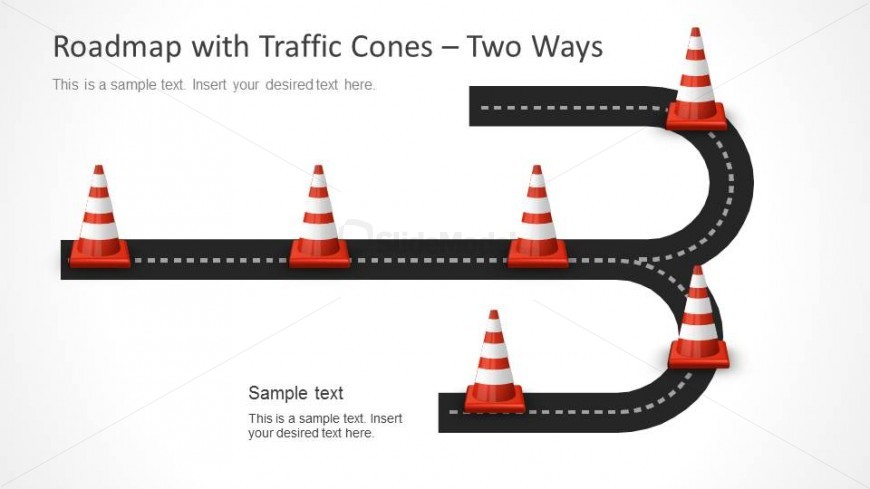
The slide features a curved road layout with traffic cones positioned along the path. The road is represented in a two-way format, with dashed lines indicating lanes. The cones are arranged at various points, emphasizing key milestones. Text placeholders are located at the top and bottom of the slide, aligned to the center. The overall composition is balanced, with the road occupying the central area and cones distributed evenly. The background is light, enhancing visibility of the road and cones, which are in red and white colors.
How to Use It
This layout serves as a two-way roadmap, ideal for illustrating project timelines or processes with multiple pathways. It fits well in a presentation sequence after problem identification and before detailed planning. Suitable for project managers and teams to visualize project phases, it can effectively communicate progress and milestones. This slide can be used to depict scenarios in construction, event planning, or any project requiring clear directional guidance.
Text Placeholders & Capacity
Keep your copy within these limits so it fits without resizing. Body slots can hold roughly 8-10 words each.
| Placeholder | Count | Max characters (approx.) |
|---|---|---|
| Slide title | 1 | 40 |
| Body paragraph | 2 | 50 |
Slide Keywords
Download unlimited PowerPoint templates, charts and graphics for your presentations with our annual plan.
DOWNLOADReturn to Roadmap Timeline with Traffic Cones for PowerPoint.