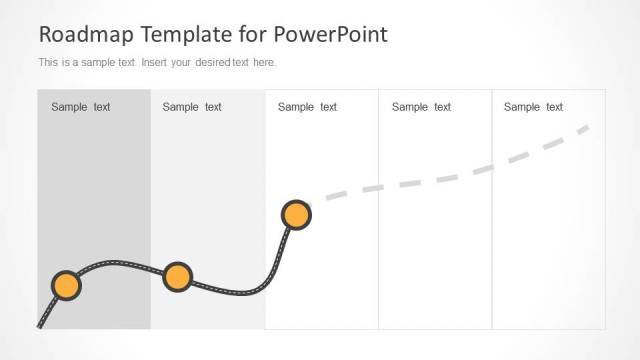
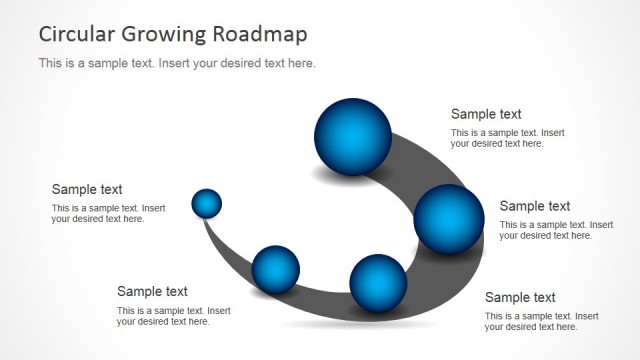
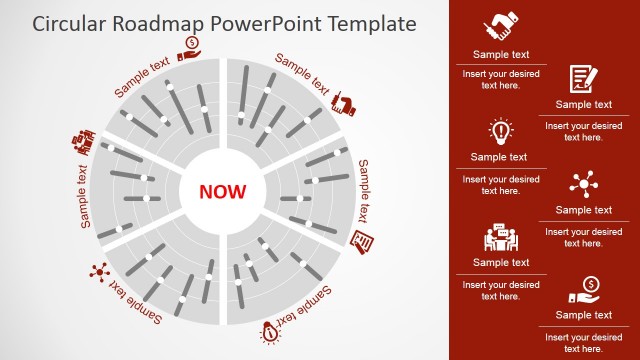
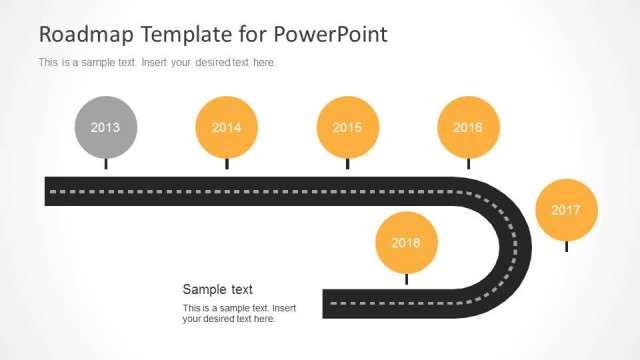
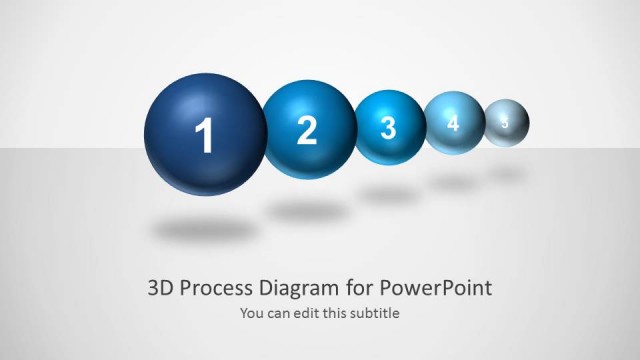
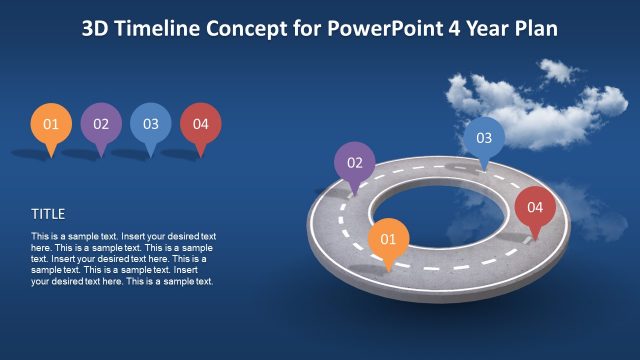
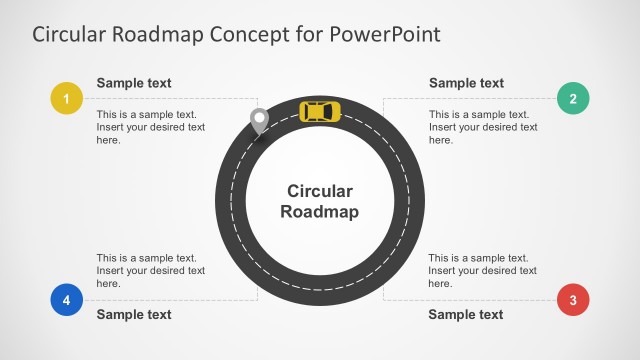
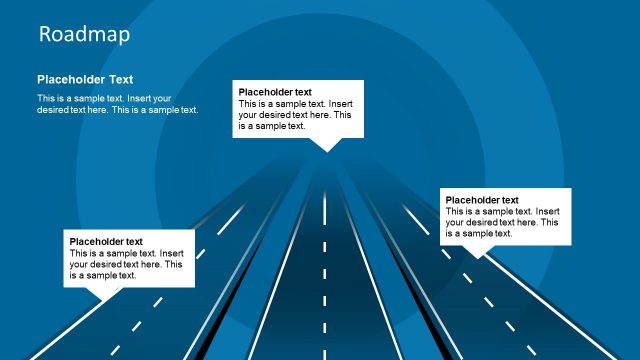
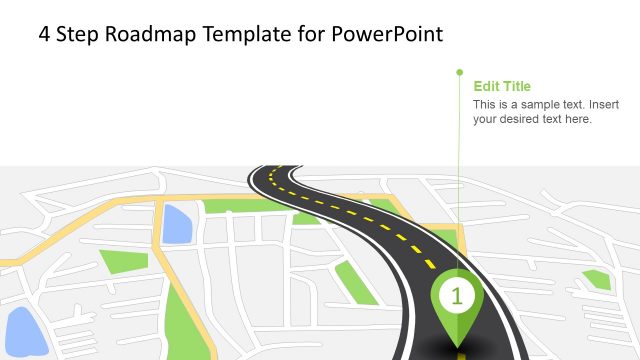
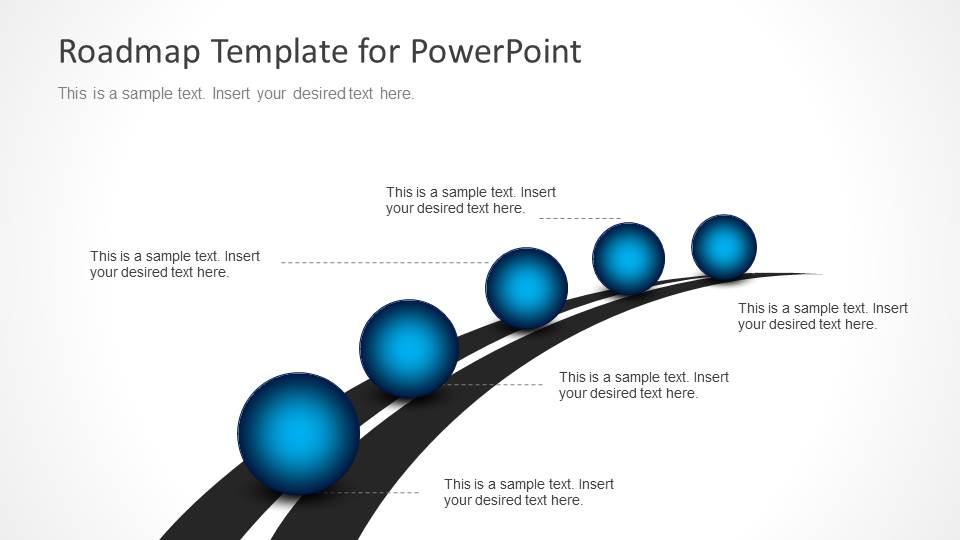
Roadmap Timeline with Spheres for PowerPoint is a roadmap presentation that you can use to represent a business or project planning timeline with a road metaphor and 3D spheres. It contains several roadmap slide designs that you can use in your business presentations, project planning slides or go to market PowerPoint presentations to introduce a new product to the market.
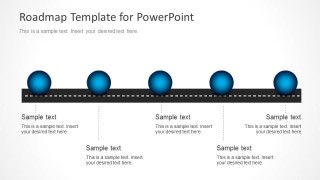
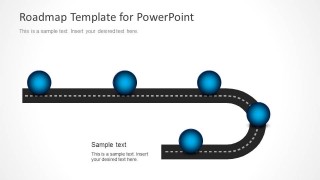
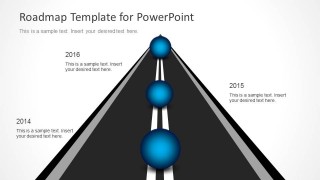
The roadmap timeline template uses a road or street illustration with a 3D sphere on top created with PowerPoint shapes to create a business analogy of a roadmap and timeline.
What’s inside this template
Example presentation scenarios
- A project manager can present an implementation plan to stakeholders using the curved road roadmap to show sequential milestones and ownership notes.
- A product manager can explain a launch schedule to leadership with the year-based perspective roadmap and its dated milestone labels.
- A marketing lead can outline a go-to-market path using the horizontal road timeline to connect campaign stages to short descriptions.
- A consultant can summarize a transformation route for a client by using the U-turn road layout to show a pivot, redirection, or next-phase decision.
Features
- 100% editable presentation template
- Compatible with Microsoft PowerPoint and Google Slides
- 16:9 aspect ratio slides
- Scalable vector shapes, icons and illustrations
- AI-Ready for Microsoft Copilot and Claude
- Instant access and download
Frequently asked questions
Q: How should a presenter turn the road metaphor into a clear planning story?
A: Assign one meaning to every sphere before adding text: phase, milestone, release, decision point, or date. Keep the road direction consistent with the spoken story, then use the callouts for outcomes rather than long descriptions. The strongest use is to show movement from current state to destination.
Q: Who is this roadmap template best suited for?
A: It fits presenters who need to explain a plan at a high level without task-level scheduling. Project managers, product leads, consultants, and marketing teams can use the curved road, horizontal timeline, or U-turn route to brief executives, clients, or cross-functional teams on planned progress and key checkpoints.
Q: Why do the 3D spheres and road layouts help communication?
A: The road creates an immediate progress metaphor, while the blue spheres act as visible anchors for each milestone. This reduces the need for dense text because the audience can see sequence, direction, and destination at a glance. The perspective layouts also imply forward movement and strategic focus.


Roadmap Timeline with Spheres for PowerPoint
5-slide presentation template for roadmap timelines with 3D spheres, road milestones, and project planning stages
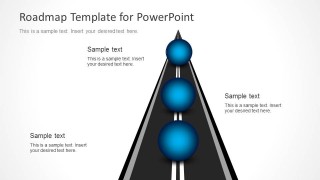
Roadmap Timeline with Spheres for PowerPoint is a 5-slide roadmap timeline template for project and business planning. It includes a curved road sequence, perspective road timeline, straight horizontal milestone road, U-turn route, and year-based road layout for presenters using Microsoft PowerPoint or Google Slides.
- Category
- Timelines & Planning
- Rating


 Loading...
- Aspect ratio
- 16:9
- Item ID
- 6112-03
- Colors
 Microsoft PowerPoint
  Microsoft Copilot
  Claude for PowerPoint
 Other formats supported
Subscribe today and get immediate
access to download our PowerPoint templates.