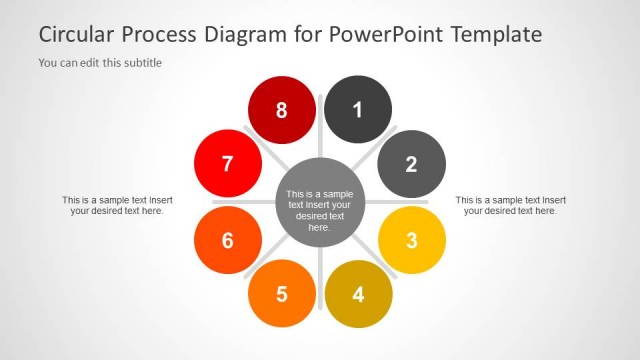
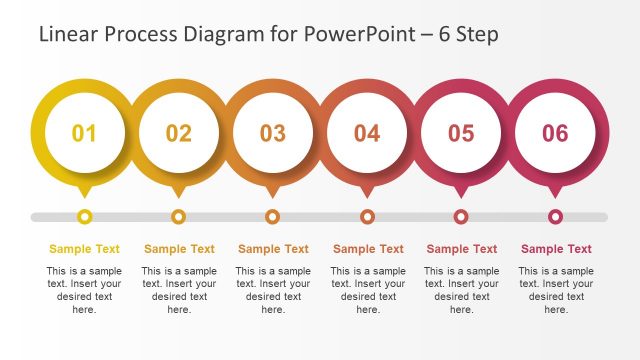
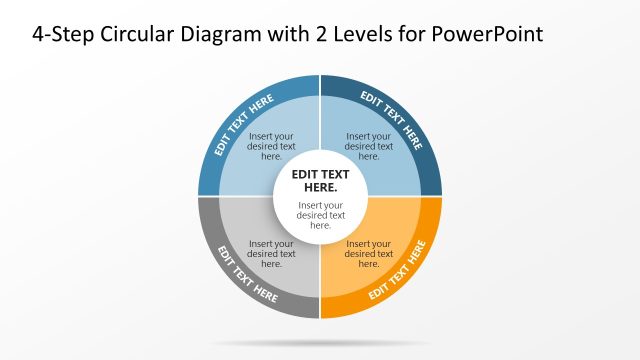
Rectangular Process Diagram for PowerPoint is a presentation template containing useful rectangular diagrams that you can use to describe a complex process of up to 12 steps.
You can download this rectangular process diagram to make a detailed presentation of a complex process using Microsoft PowerPoint. This rectangular diagram for PowerPoint is an alternative to circular process diagrams or cycle diagrams and very useful for business presentations or slide designs on Business Performance Management (BPM).
What’s inside this template
Example presentation scenarios
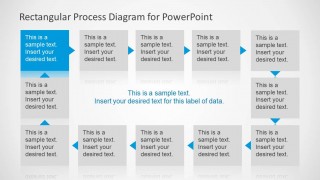
- A business analyst can use the 12-step perimeter cycle to walk stakeholders through a long process without compressing every stage into a circular diagram.
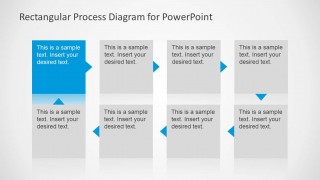
- An operations manager can use the four-column process flow to explain handoffs between departments during a workflow review meeting.
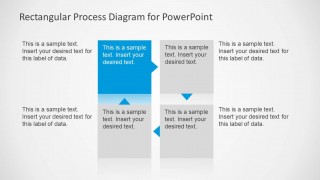
- A consultant can use the split two-column layout to compare two related process tracks while adding supporting notes in the side text areas.
- A training presenter can use the stacked rectangles and arrow connectors to teach employees the order of steps in a repeatable procedure.
Features
- 100% editable presentation template
- Compatible with Microsoft PowerPoint and Google Slides
- Scalable vector shapes, icons and illustrations
- AI-Ready for Microsoft Copilot and Claude
- Instant access and download
Frequently asked questions
Q: How should a presenter explain a complex workflow with these rectangular process diagrams?
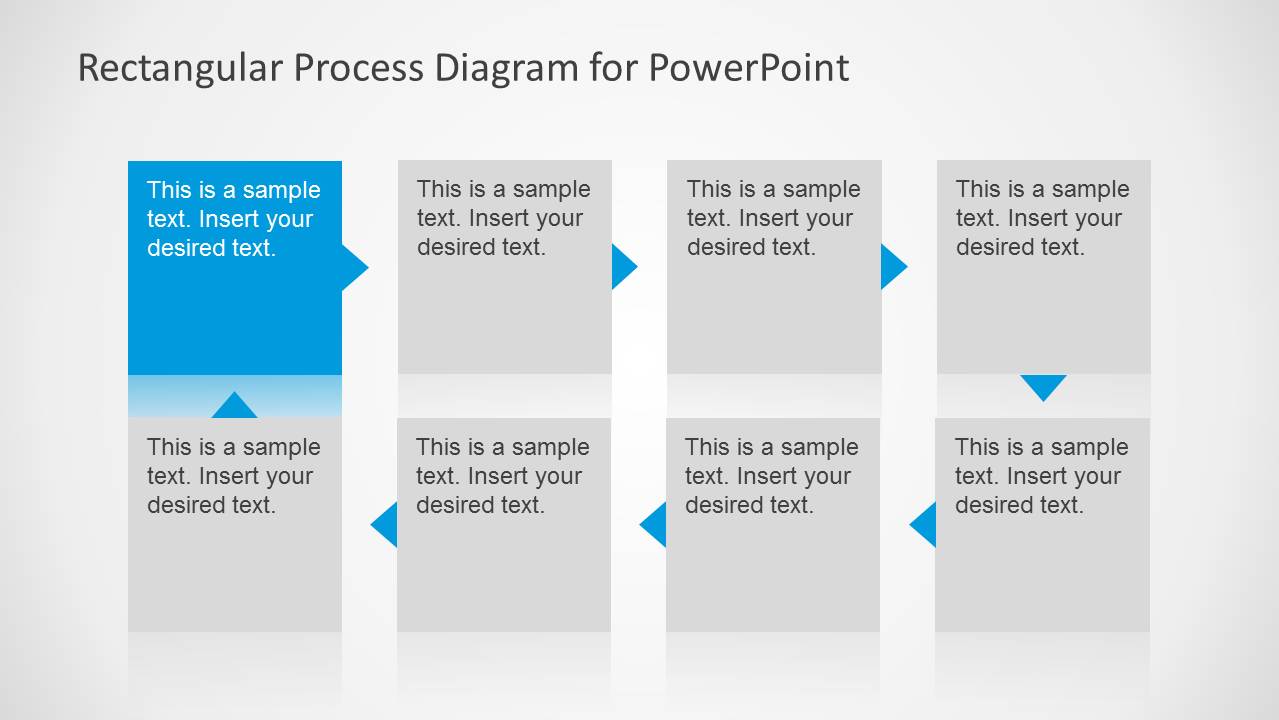
A: Start by naming the whole process, then reveal the logic of the flow before discussing individual steps. Use Slide 2 for a medium-length sequence, and reserve Slide 3 for a longer process with many stages. Keep each rectangle to a short action phrase so the audience follows the arrows instead of reading paragraphs.
Q: Who is this template best suited for in a business presentation?
A: This template fits business analysts, operations managers, and consultants who need to explain how work moves through stages. It is most useful when the process has clear handoffs, repeating steps, or up to 12 labeled stages. The rectangular layout works well for meetings where clarity matters more than visual decoration.
Q: Why use a rectangular process metaphor instead of a circular cycle?
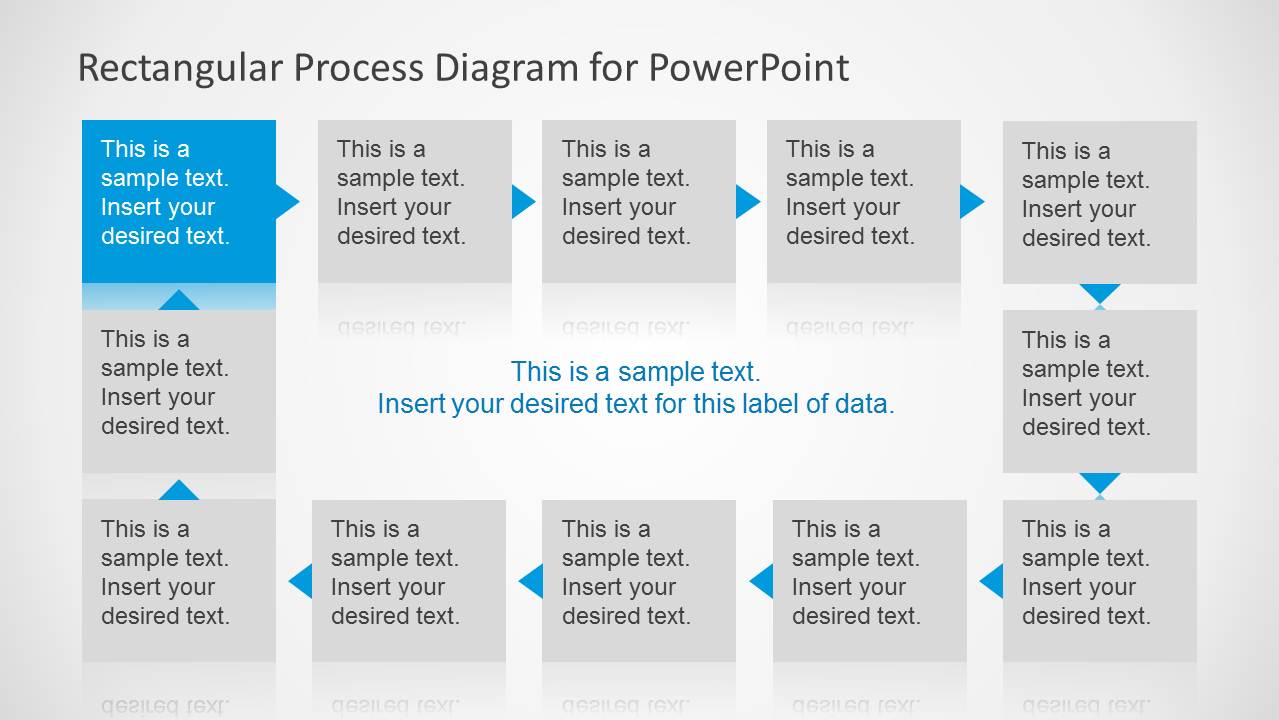
A: A rectangular process keeps the cycle metaphor but gives more space for labels along straight edges. That makes it easier to show long workflows, stage groups, and directional movement without crowding the center. Slide 3 uses the perimeter as a visual path, while the central text area preserves the main takeaway.
Rectangular Process Diagram for PowerPoint
3-slide PowerPoint presentation template for rectangular process flows and 12-step cycles
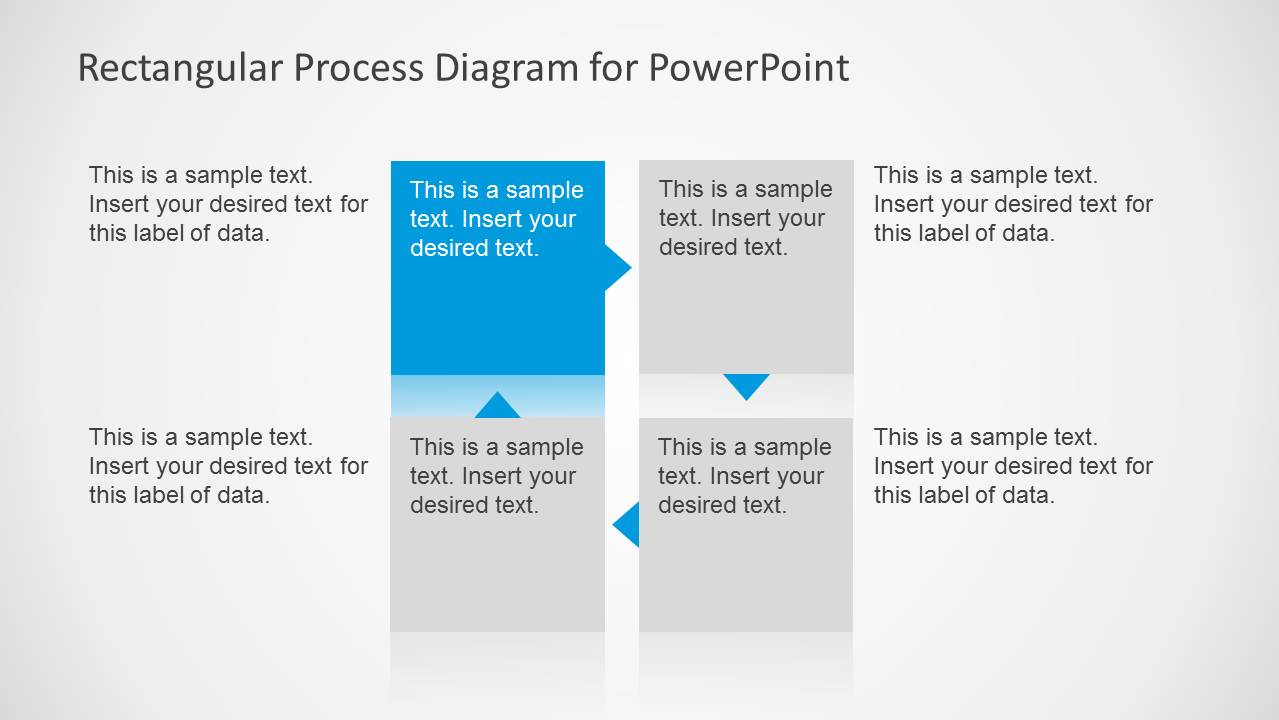
The Rectangular Process Diagram for PowerPoint is a 3-slide presentation template for explaining sequential processes with rectangular flow layouts. It includes a split two-column process, a four-column flow with directional connectors, and a 12-step perimeter cycle. Business presenters can replace text, recolor theme-aware shapes, and prepare process explanations in PowerPoint.


 Loading...
 Microsoft PowerPoint
  Microsoft Copilot
  Claude for PowerPoint
 Other formats supported
Subscribe today and get immediate
access to download our PowerPoint templates.