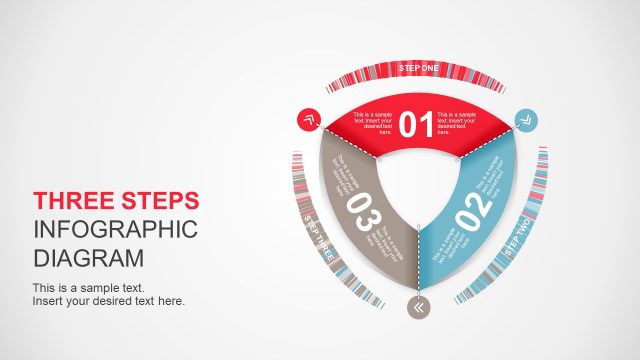
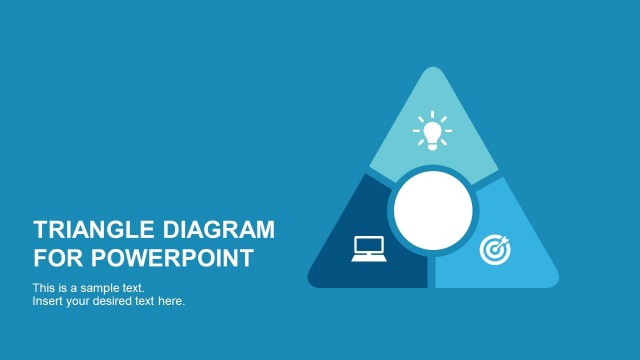
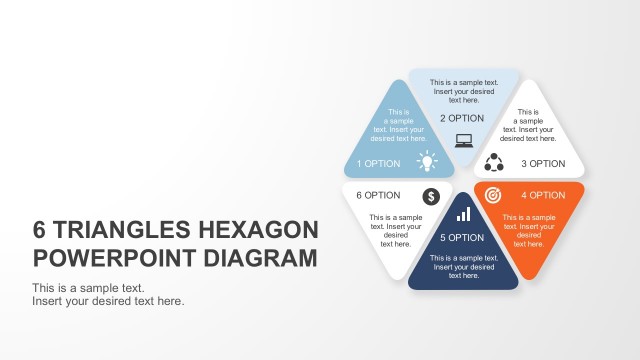
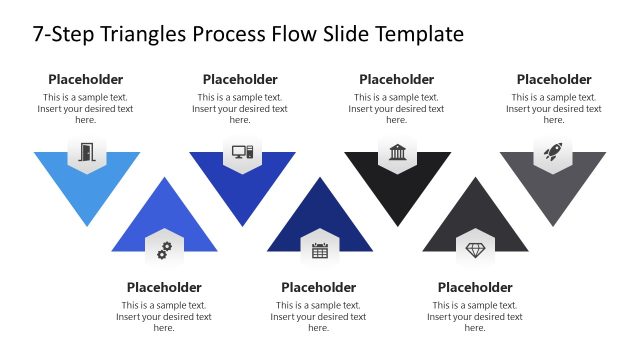
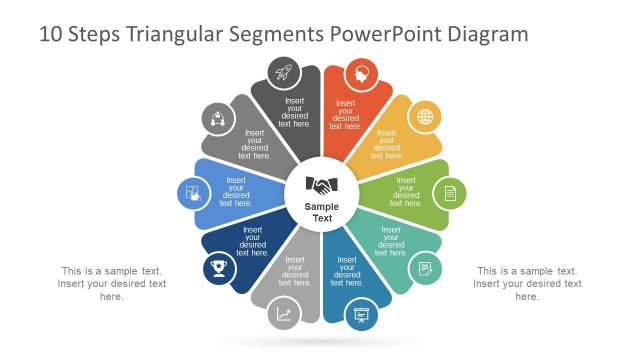
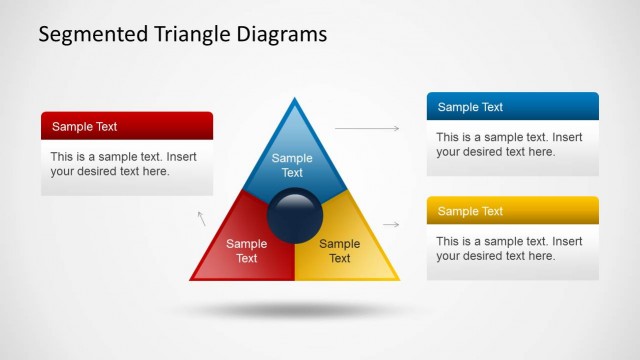
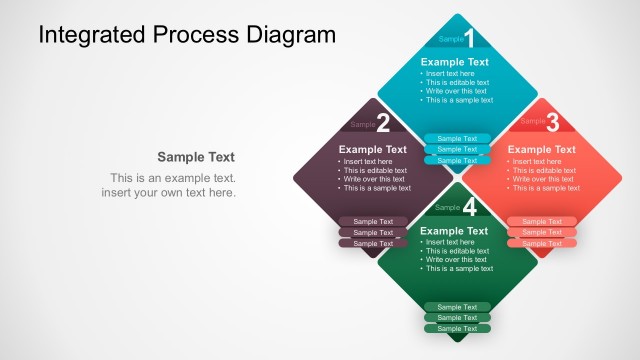
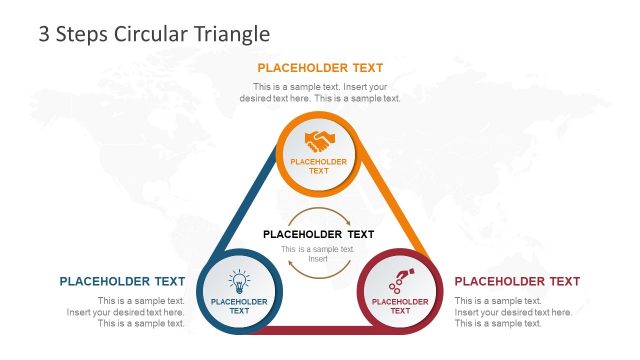
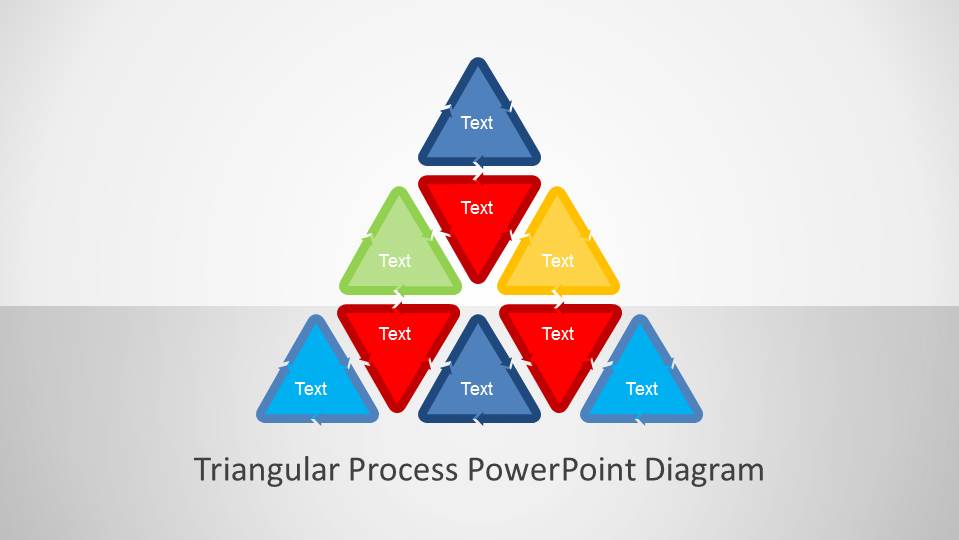
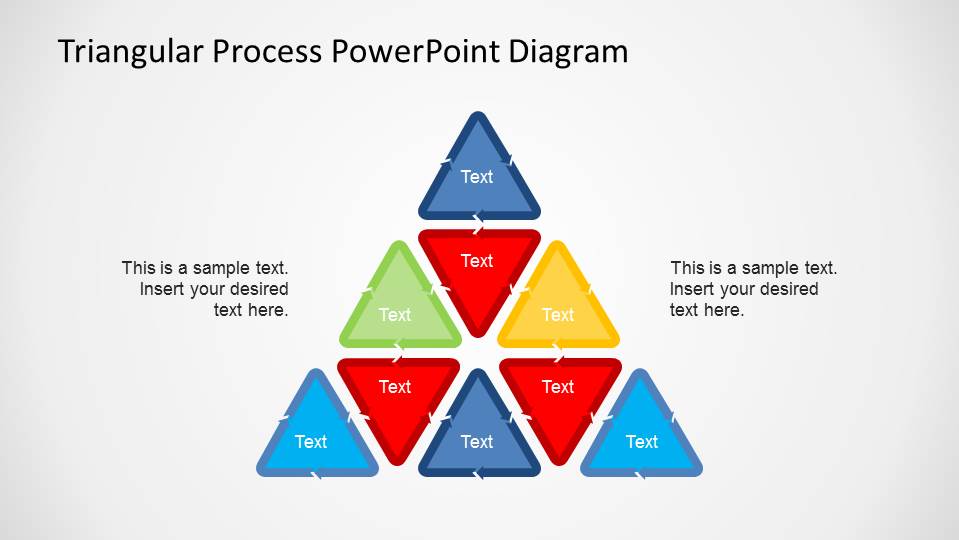
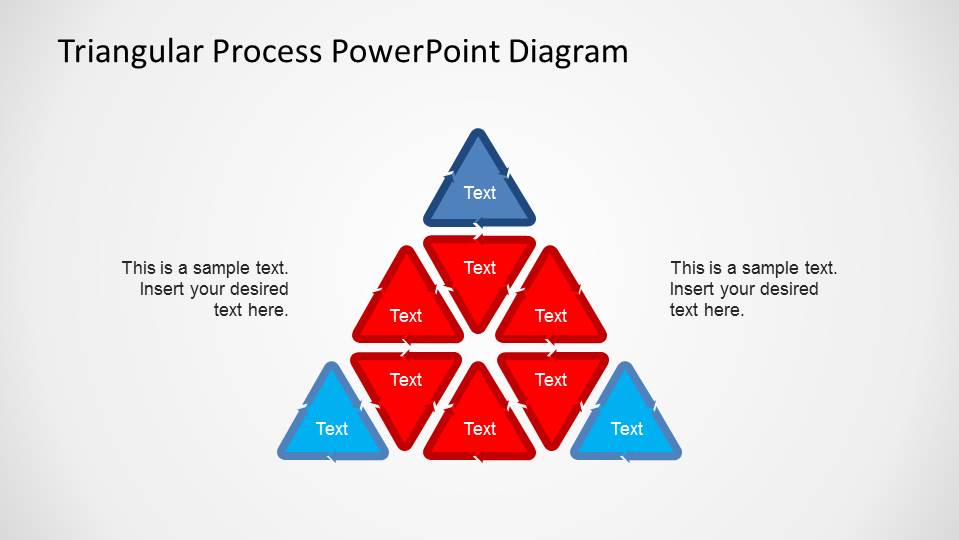
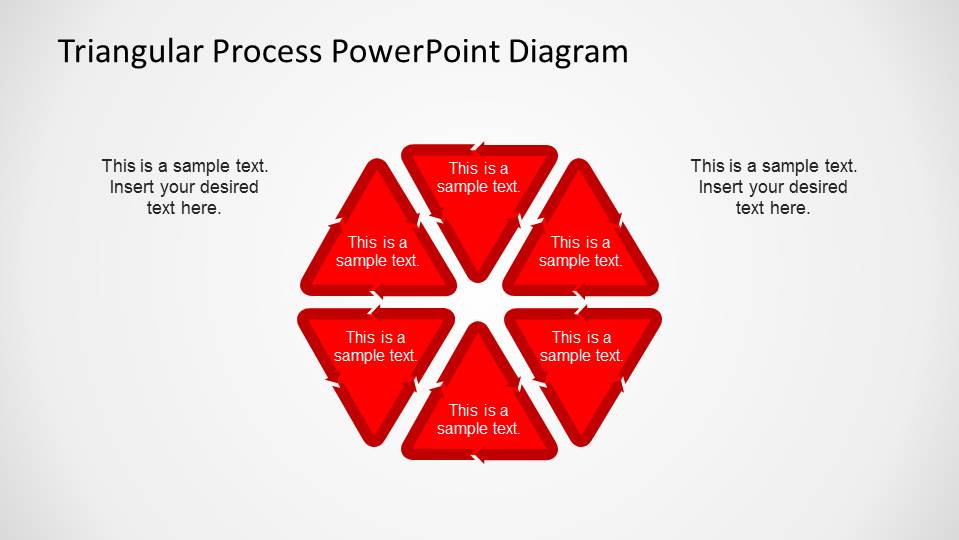
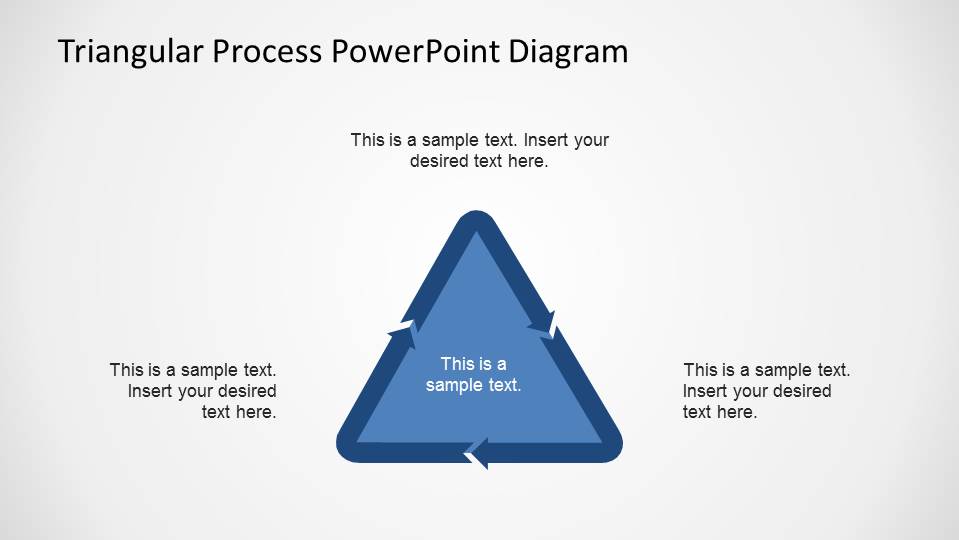
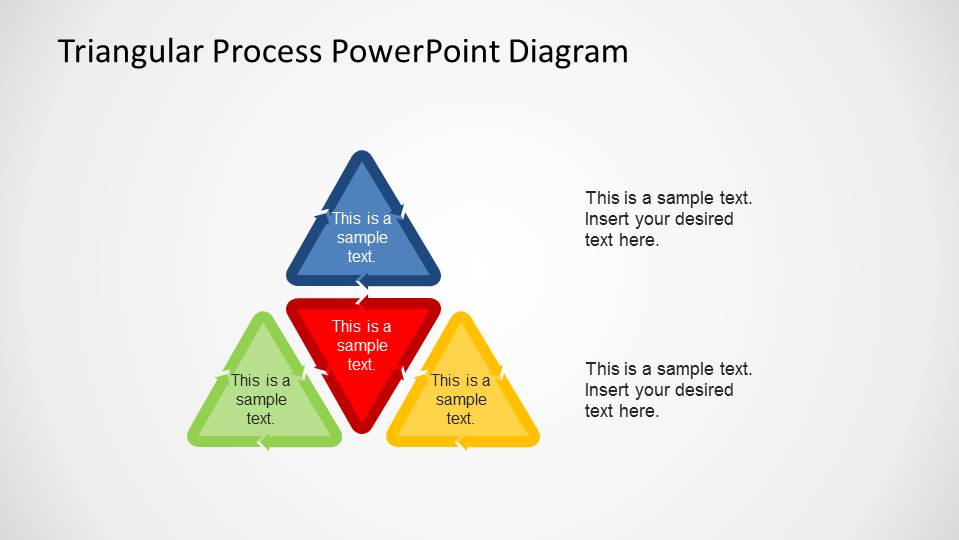
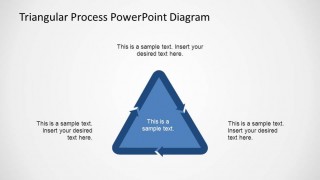
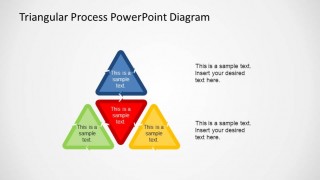
Triangular Process PowerPoint Diagram is a modern presentations created using triangular process loop shapes as building blocks. Higher level figures (triangles, hexagons, squares) are created as a composite. The triangular shapes are designed in modern flat design, using flat arrows in their contour to represent the process flow. The presenter can use this template for Staged Diagrams, or Segmented Diagrams. Being created as the combination of different triangular loops, provides the flexibility of being suitable for different purposes. The PowerPoint Template provides a high level 8 Steps triangular shapes, a 4 Steps triangular shape and a 6 Steps Hexagonal shapes. All of them created with the basic triangle process loop. Different colors identify specific steps. The user can adapt the palette to their needs.
All the figures and building blocks are created with PowerPoint shapes and effect. This provides high flexibility of customization, without loosing any shapes quality.
What’s inside this template
Example presentation scenarios
- A consultant can use the 8-step triangular pyramid to explain how related workstreams build toward a process outcome during a client workshop.
- An operations manager can use the 6-step hexagonal loop to show a recurring improvement cycle and connect each stage to a short explanation.
- A project manager can use the 4-step triangular process slide to summarize core phases of an implementation plan for executives.
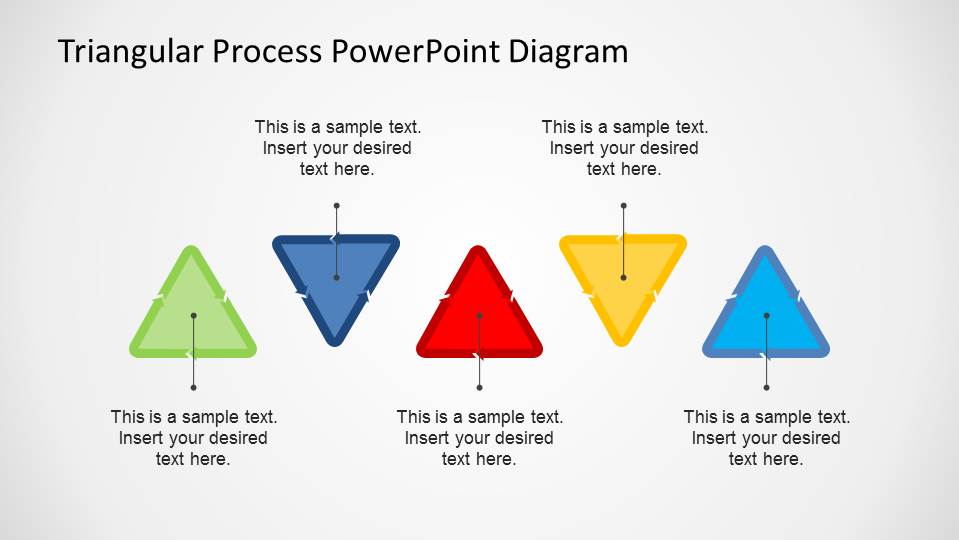
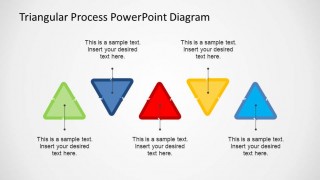
- A trainer can use the standalone triangle markers to introduce separate process concepts before showing how they fit into a larger workflow.
Features
- 100% editable presentation template
- Compatible with Microsoft PowerPoint and Google Slides
- 16:9 aspect ratio slides
- Scalable vector shapes, icons and illustrations
- AI-Ready for Microsoft Copilot and Claude
- Instant access and download
Frequently asked questions
Q: How should I present a process clearly with this template?
A: Start with the diagram that matches the number of process stages. Use the 8-step pyramid for layered or building-block logic, the 6-step hexagon for a repeatable loop, and the single triangle cycle for three core movements. Keep each triangle label short, then place explanation in the callout text areas instead of overcrowding the shapes.
Q: Who is this template best suited for?
A: This template is best for presenters who need to explain a process structure rather than report metrics. Consultants, operations leads, business analysts, and trainers can map phases, dependencies, or repeated actions. The visual style works especially well when the audience needs to see how individual steps connect into one overall system.
Q: Why use triangular and hexagonal process diagrams instead of a standard list?
A: The triangle arrow metaphor makes movement and direction visible, while the pyramid arrangements show hierarchy or accumulation. The hexagonal loop suggests repetition and continuity without needing extra arrows. These shapes help the audience understand whether the process is linear, grouped, cyclical, or built from smaller components.
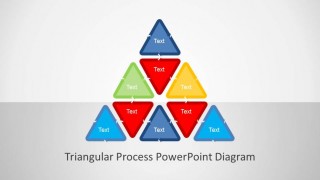
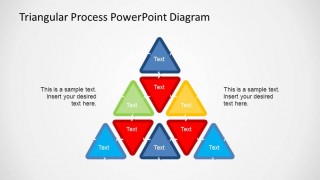
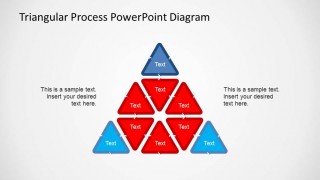
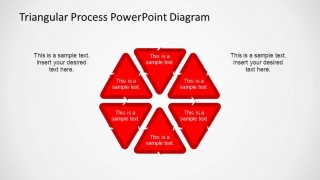
Triangular Process PowerPoint Diagram
7-slide presentation template for triangular process flows, hexagon loops, and arrow-based step diagrams
Triangular Process PowerPoint Diagram is a 7-slide process diagram template for showing staged workflows with triangular arrow shapes. It includes an 8-step pyramid, a 6-step hexagonal loop, a 3-sided triangle cycle, and standalone triangle step markers for business analysts, consultants, and trainers in Microsoft PowerPoint and Google Slides.
- Category
- Process Diagrams
- Rating


 Loading...
- Aspect ratio
- 16:9, 4:3
- Item ID
- 6514-01
- Colors
 Microsoft PowerPoint
  Microsoft Copilot
  Claude for PowerPoint
 Other formats supported
Subscribe today and get immediate
access to download our PowerPoint templates.