Our Roles & Responsibilities PowerPoint Template Slides present the RASCI model (derived from the original RACI Matrix), an efficient framework to delegate duties to the team members. Creating a highly coordinated environment in project management and business operations is essential by providing a proper working channel. This coordination is only possible by segregating the functional units(team members) into groups and assigning specific goals. Here comes the RASCI model that ensures the distribution of justified responsibilities according to the defined roles.
This PowerPoint template is an editable layout for the RASCI chart, where users can mention their definition and use it for their professional presentations.
The template slide shows a circular core diagram with the title work RASCI. Five diagonal points originate from its double-ringed circular boundary, each representing the components of RASCI, i.e., Responsible, Accountable, Supportive, Consulted, and Informed. These points are mentioned using PowerPoint shapes and meaningful graphic icons. In front of label tiles, there is a space for adding relevant descriptions. This template slide is available in three background color and formatting variations. Presenters can choose between these Roles & Responsibilities PowerPoint Template Slides and use them in their professional presentations.
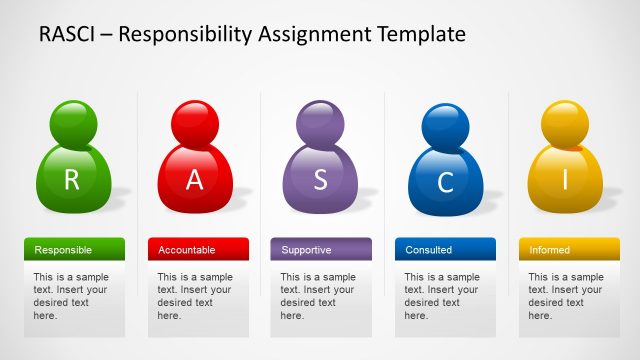
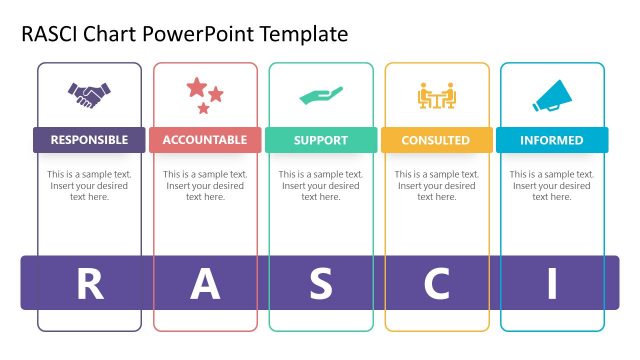
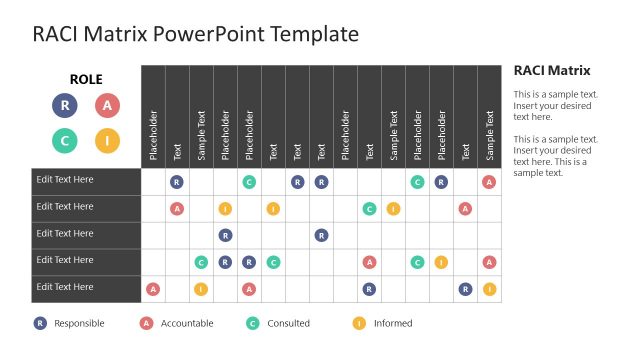
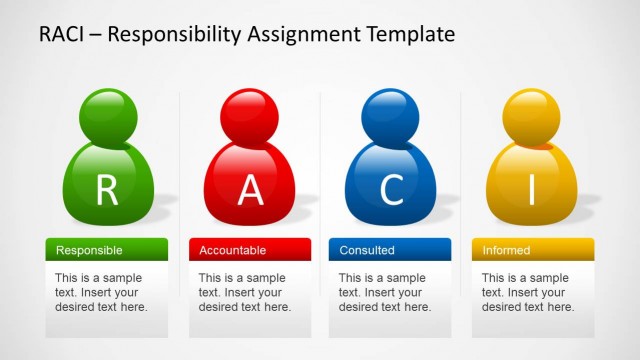
Presenters can use this diagram to demonstrate the working of the RASCI model to an audience. The five roles and their responsibilities can be elaborated through this template diagram. For instance, professionals can list down the responsibilities of the essential team members, i.e., the Project executive (Responsible), Project manager (Accountable), Area Specialist (Consulted), Project team (Supportive), and the Stakeholders (Informed). All the components of the template design are entirely editable, and users can easily make any changes to the design, color scheme, fonts, and other settings. The slides can be customized using PowerPoint, Google Slides, and Keynote.
What’s inside this template
Example presentation scenarios
- A project manager can use the five role callouts to explain who is Responsible, Accountable, Supportive, Consulted, and Informed during a kickoff meeting.
- A PMO lead can present the muted gray version to standardize governance language across teams while keeping focus on the role definitions.
- A consultant can use the dark-background RASCI diagram in a client workshop to map stakeholder involvement and clarify decision paths.
- An operations manager can use the central RASCI hub and description fields to train a team on process ownership before a handoff.
Features
- 100% editable presentation template
- Compatible with Microsoft PowerPoint and Google Slides
- 16:9 aspect ratio slides
- Scalable vector shapes, icons and illustrations
- AI-Ready for Microsoft Copilot and Claude
- Instant access and download
Frequently asked questions
Q: How should a presenter explain the RASCI model with this template?
A: Start with the central RASCI hub, then move through the five role bands in order: Responsible, Accountable, Supportive, Consulted, and Informed. Keep each description field action based, such as who performs, approves, supports, advises, or receives updates. This turns the diagram into a shared working agreement instead of a list of definitions.
Q: What type of presentation is this template best suited for?
A: This template fits project kickoff, governance alignment, team onboarding, and process handoff presentations where the audience needs a quick explanation of ownership. It is best for project managers, PMO leads, consultants, and operations leaders who want to clarify roles before work begins or before responsibilities change.
Q: Why does the circular RASCI diagram work better than a plain bullet list?
A: The circular hub makes RASCI feel like one shared operating model, while the five connected role bands show each responsibility as a distinct part of that model. The spoke-like layout acts as a visual metaphor for coordination: separate roles radiate from the same project center and stay connected to the same outcome.


Roles & Responsibilities PowerPoint Template Slides
3-slide presentation template for RASCI roles, responsibility callouts, and project ownership mapping
This 3-slide presentation template explains RASCI roles and responsibilities with a central RASCI circle, five role callouts, icon markers, and description fields. It is designed for project managers, PMO leads, and operations teams defining Responsible, Accountable, Supportive, Consulted, and Informed ownership in Microsoft PowerPoint or Google Slides.
- Category
- Business PowerPoint Templates
- Rating

 Loading...
- Aspect ratio
- 16:9
- Item ID
- 21498-01
- Colors
 Microsoft PowerPoint
 Microsoft Copilot
 Claude for PowerPoint
Other formats supported
Subscribe today and get immediate
access to download our PowerPoint templates.