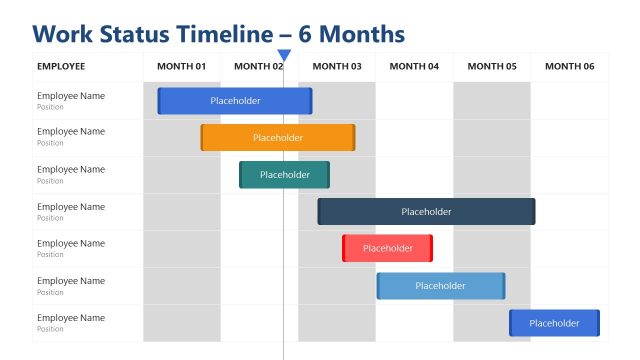
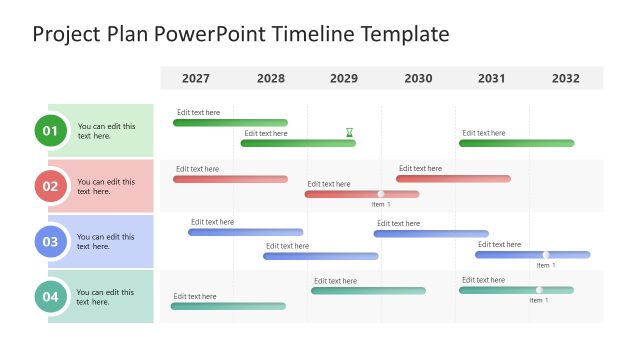
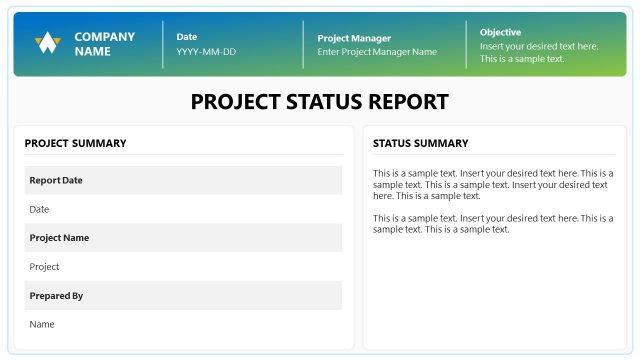
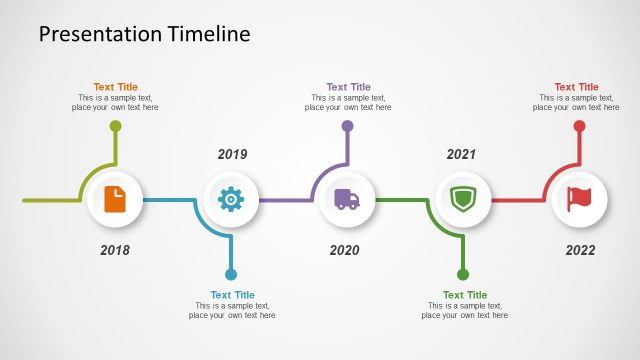
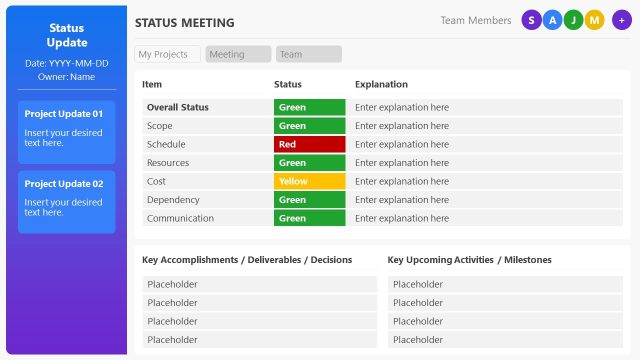
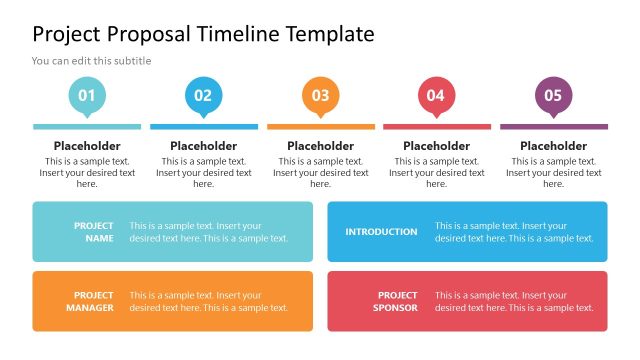
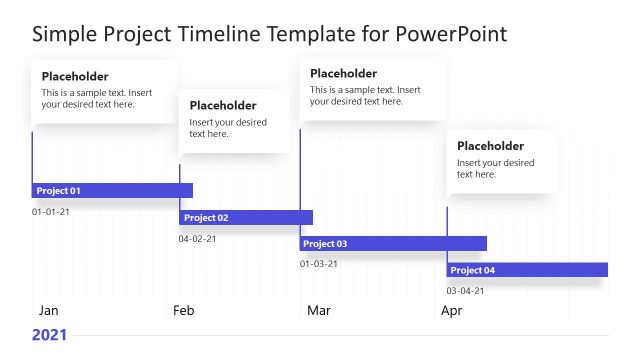
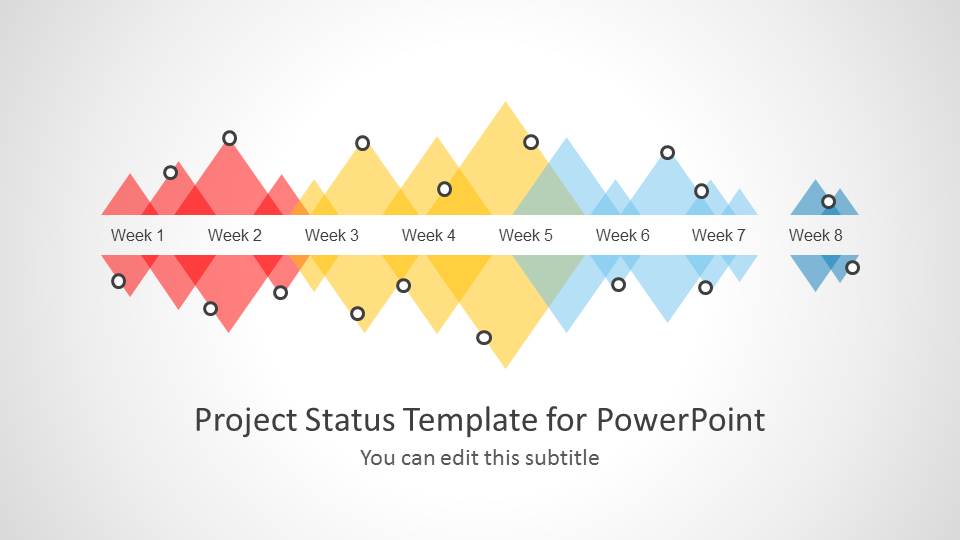
Editable Project Status template for PowerPoint is an awesome timeline concept design for presentations that you can use to make a timeline presentation on project planning and describe the project status and its development phases.
Inside this presentation template with timeline slides you can find six unique slide design concepts. The phases are divided by weeks and different colors are being used. You can use the colors to represent different phases or the status of a project along the time.
What’s inside this template
Example presentation scenarios
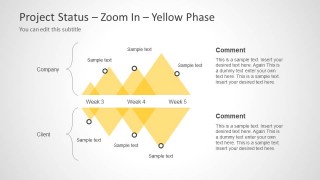
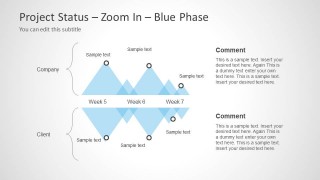
- A project manager can brief executives on schedule progress by opening with the full eight-week timeline and then explaining red, yellow, and blue phase changes.
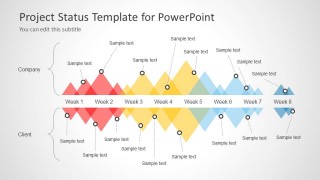
- A client-facing consultant can compare delivery responsibilities using the company and client swimlane layout with milestone callouts on the same weekly schedule.
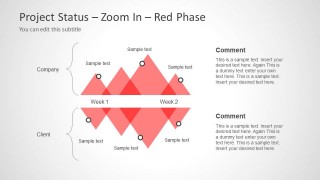
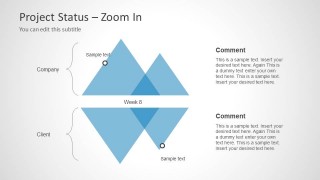
- A program lead can isolate risks or completed work by using the red, yellow, or blue zoom-in phase slides for a focused discussion.
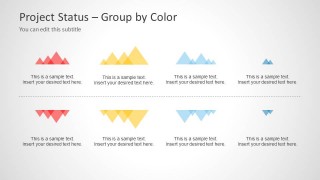
- An operations presenter can close a weekly review with the group-by-color summary to recap status categories, phase outcomes, or next steps.
Features
- 100% editable presentation template
- Compatible with Microsoft PowerPoint and Google Slides
- Scalable vector shapes, icons and illustrations
- AI-Ready for Microsoft Copilot and Claude
- Instant access and download
Frequently asked questions
Q: How should a presenter explain the timeline without overcrowding the status update?
A: Start with Slide 2 to establish the full eight-week path and the split between company and client activity. Then move only to the zoom-in phase that needs discussion. Keep each milestone label short, and use the comment blocks for decisions, risks, or changes rather than repeating what is already visible on the timeline.
Q: Who is this template best suited for in a project meeting?
A: This template fits project managers, consultants, and delivery leads who need to explain progress over several weeks to stakeholders. It is especially useful when the audience must understand both the overall schedule and the status of individual phases, such as red early work, yellow middle activity, and blue later-stage delivery.
Q: Why use the triangular phase shapes instead of a standard horizontal timeline?
A: The layered triangles create visual peaks and overlaps, which make phase intensity, handoffs, and clustered milestones easier to discuss than a flat line. The repeated company and client lanes also help the audience compare responsibility and timing without adding a dense project table.


Project Status Timeline Template for PowerPoint
7-slide PowerPoint presentation template for project timelines, week schedules, and color-coded status phases
Project Status Timeline Template for PowerPoint is a 7-slide project planning deck for status updates and schedule reviews. It includes an eight-week timeline, company and client swimlane comparison, red, yellow, and blue zoom-in phase views, and a color-grouped summary. It is designed for project managers and business teams using PowerPoint.


 Loading...
 Microsoft PowerPoint
  Microsoft Copilot
  Claude for PowerPoint
 Other formats supported
Subscribe today and get immediate
access to download our PowerPoint templates.