Slide 3 of 7 from Project Status Timeline Template for PowerPoint
Project Status Timeline Design Zoom In – Red Phase
Project Status Zoom In Red Phase Overview
- Diagram
- Timeline Horizontal
- Project Plan Slide
- 16:9
- 100% Editable
The Project Status Zoom In Red Phase slide from the Project Status Timeline Template for PowerPoint offers a clear horizontal timeline layout ideal for detailed project status updates. This slide template features editable shapes and vector icons arranged to highlight critical phases over two weeks, supporting business presentations and team progress reviews. Its design enhances communication between company and client stakeholders, making it a practical choice for corporate presentations and slide decks focused on project tracking.
About This Slide
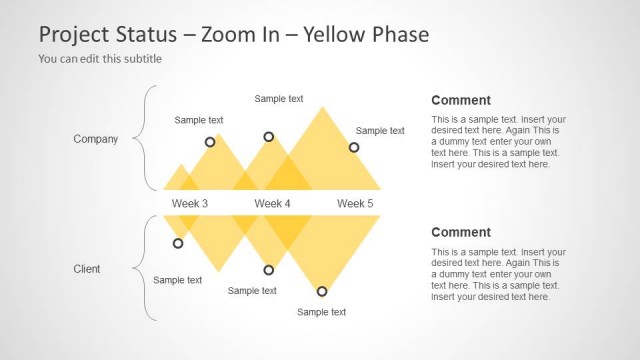
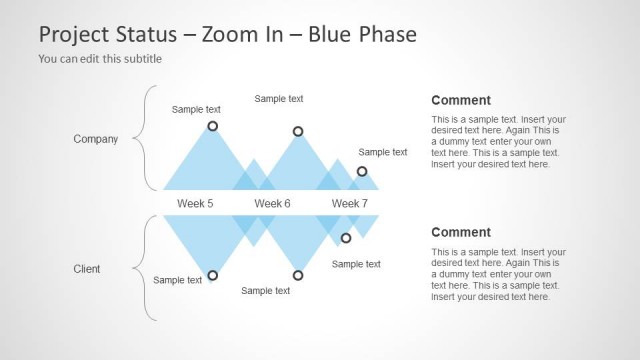
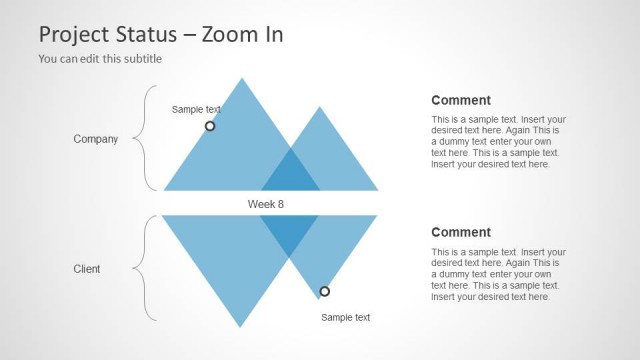
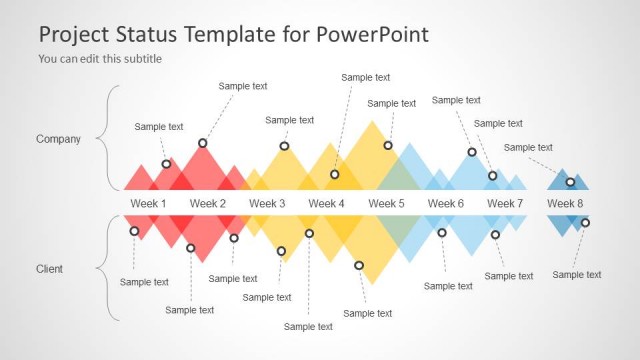
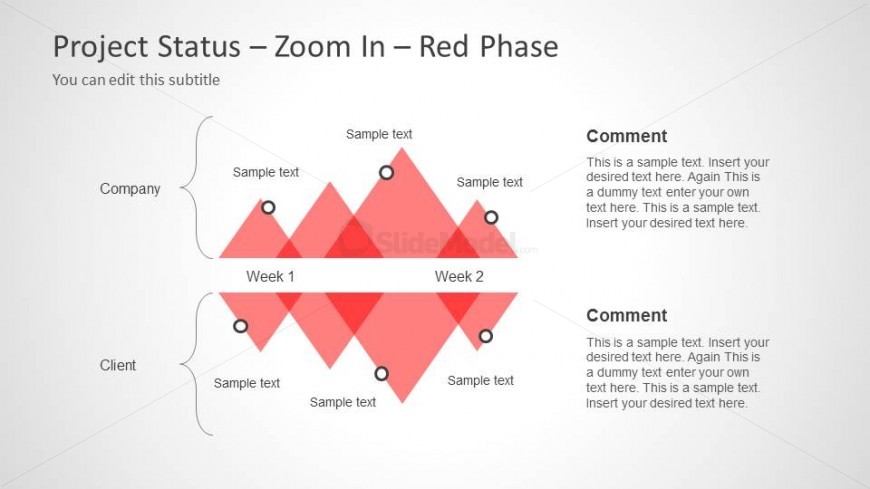
This is a timeline concept design with zoom effect and space to enter the Client and Company milestones. The timeline concept has space to enter the comments and notes.
What’s on This Slide
The layout features a central timeline divided into two weeks, labeled Week 1 and Week 2, with diamond shapes representing project phases. Above the timeline, there are two horizontal sections labeled Company and Client, each containing text placeholders for project status updates. The diamond shapes are colored red and arranged in a zigzag pattern, creating a visual hierarchy. On the right side, there are two comment sections with text placeholders for additional notes. The background is light gray, enhancing the visibility of the red elements.
How to Use It
This layout serves as a focused project status update, ideal for presenting progress over two weeks. It fits within a timeline presentation sequence, allowing project managers to highlight specific phases. This slide is useful for business meetings where detailed project tracking is necessary, particularly for stakeholders needing concise updates. It can be used to compare project phases between different teams or clients, emphasizing critical areas of focus.
Text Placeholders & Capacity
Keep your copy within these limits so it fits without resizing. Body slots can hold roughly 10-15 words each.
| Placeholder | Count | Max characters (approx.) |
|---|---|---|
| Slide title | 1 | 30 |
| Subtitle | 1 | 50 |
| Item heading | 4 | 20 |
| Item body | 4 | 50 |
| Callout | 2 | 100 |
Slide Keywords
Download unlimited PowerPoint templates, charts and graphics for your presentations with our annual plan.
DOWNLOAD