Slide 6 of 7 from Project Status Timeline Template for PowerPoint
6093-01-project-status-powerpoint-template-6
Project Status Zoom In Slide for Presentations
- Diagram
- Other
- Project Plan Slide
- 16:9
- 100% Editable
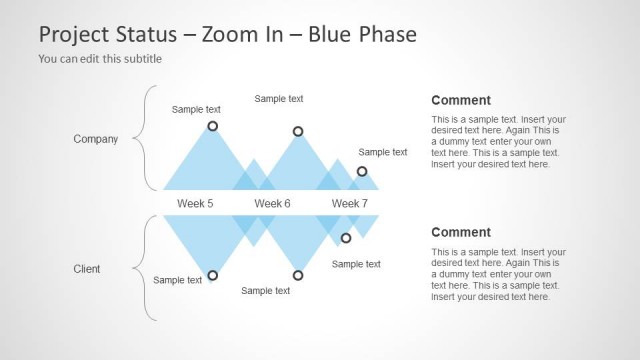
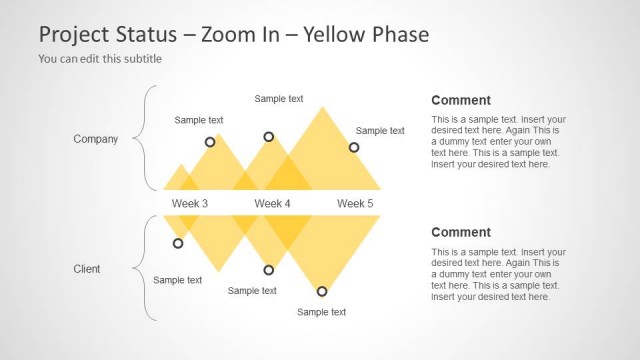
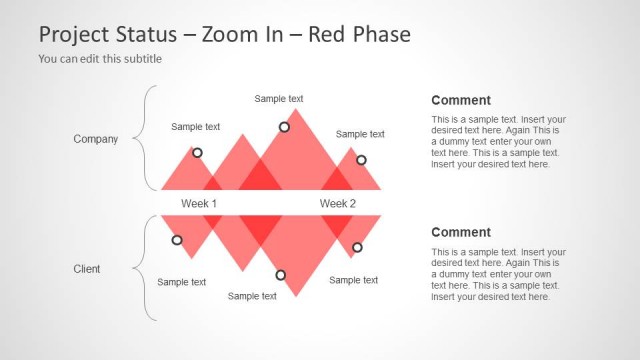
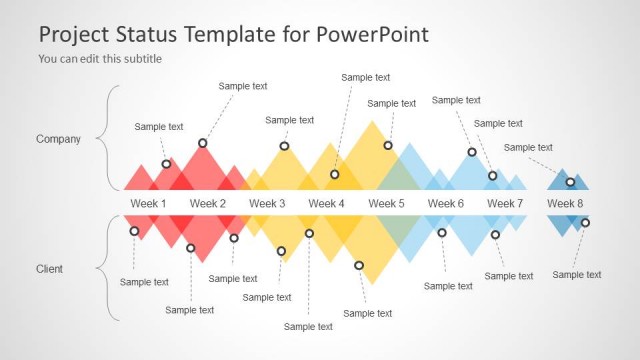
The Project Status Zoom In slide from the Project Status Timeline Template for PowerPoint offers a clear visual comparison of company and client updates, ideal for detailed weekly project reviews. This slide layout uses editable shapes and vector icons to highlight key milestones, making it suitable for business presentations and stakeholder reports within a slide deck.
What’s on This Slide
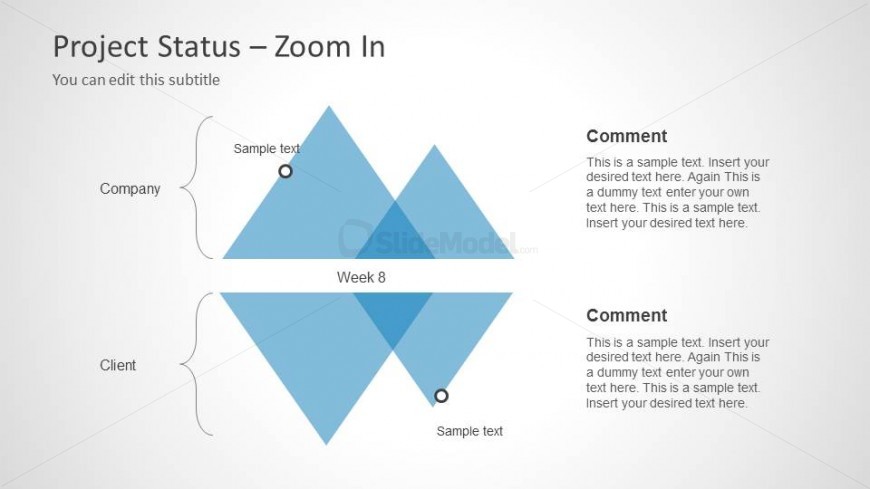
The layout features two large diamond shapes positioned at the center, representing the company and client statuses for Week 8. Each diamond contains a circular node at the top, indicating a key point. Text placeholders are located to the left and right of the diamonds, labeled 'Company' and 'Client,' with additional comment sections beneath each diamond. The background is light gray, enhancing the visibility of the blue diamonds. The visual hierarchy emphasizes the diamonds, with the text placeholders arranged to support the main visual elements.
How to Use It
This layout serves as a detailed status update for a project, focusing on specific aspects for both the company and client. It fits well in a presentation sequence after an overview slide, allowing for a deep dive into project specifics. Ideal scenarios include weekly project reviews, stakeholder updates, or client presentations, where clear comparisons are necessary. It can be used individually to highlight key project phases or milestones.
Text Placeholders & Capacity
Keep your copy within these limits so it fits without resizing. Node body slots can hold roughly 25-30 words each.
| Placeholder | Count | Max characters (approx.) |
|---|---|---|
| Slide title | 1 | 30 |
| Subtitle | 1 | 50 |
| Item heading | 2 | 20 |
| Item body | 2 | 150 |
| Callout | 2 | 150 |
Slide Keywords
Download unlimited PowerPoint templates, charts and graphics for your presentations with our annual plan.
DOWNLOAD