Slide 5 of 7 from Project Status Timeline Template for PowerPoint
6093-01-project-status-powerpoint-template-5
Project Status - Zoom In - Blue Phase
- Diagram
- Timeline Horizontal
- Project Plan Slide
- 16:9
- 100% Editable
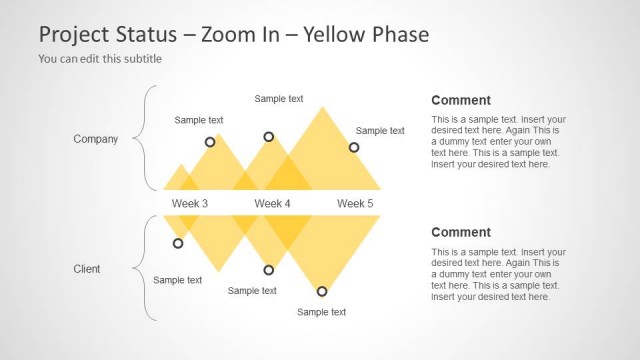
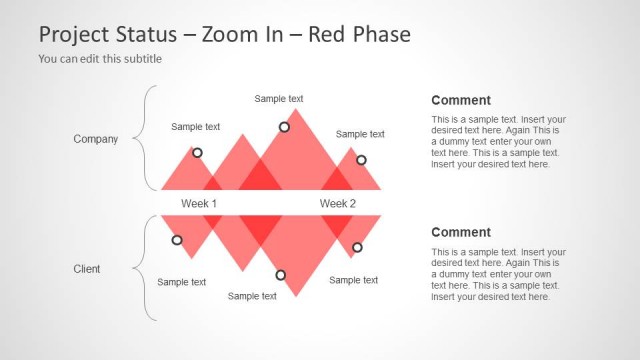
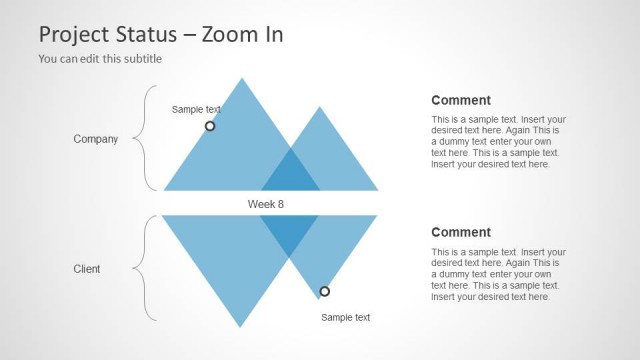
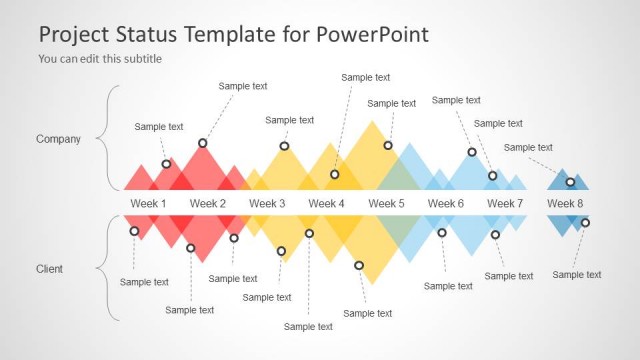
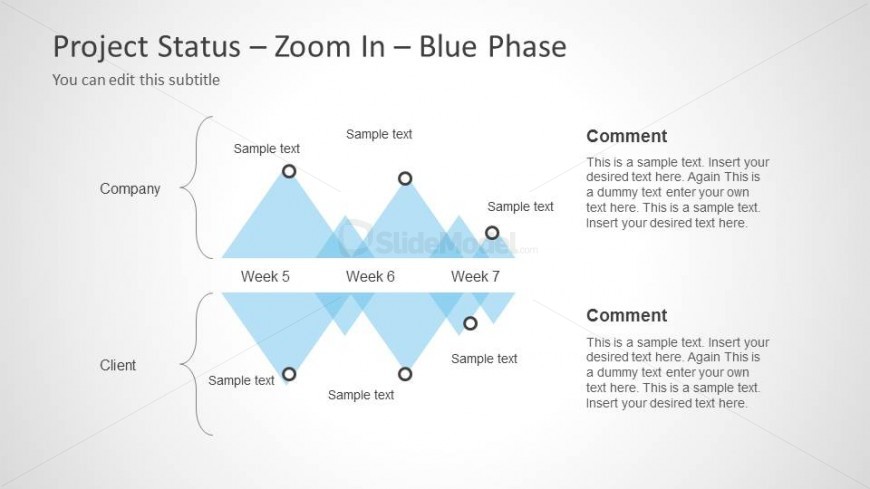
The Project Status - Zoom In - Blue Phase slide from the Project Status Timeline Template for PowerPoint offers a clear horizontal timeline layout ideal for weekly project updates and stakeholder presentations. Featuring editable shapes and a structured comparison of company and client status, this slide supports detailed progress tracking within a business presentation or corporate slide deck.
What’s on This Slide
The layout features a central horizontal timeline with three labeled weeks: Week 5, Week 6, and Week 7. Above and below the timeline are two vertical sections labeled 'Company' and 'Client,' each containing text placeholders for status updates. The timeline is represented by a series of blue diamond shapes, with circular nodes indicating progress points. Comment sections are positioned to the right of the timeline, providing space for additional notes. Text placeholders are aligned consistently, enhancing visual hierarchy and clarity.
How to Use It
This layout serves to present a focused view of project status over specific weeks, making it suitable for project updates. It fits well in a sequence of project management slides, particularly after an overview or problem-framing slide. Use this structure when detailing phases of a project, highlighting progress, or comparing company and client perspectives. It is effective for weekly status reports or stakeholder meetings.
Text Placeholders & Capacity
Keep your copy within these limits so it fits without resizing. Node body slots can accommodate roughly 10-15 words each.
| Placeholder | Count | Max characters (approx.) |
|---|---|---|
| Slide title | 1 | 30 |
| Subtitle | 1 | 50 |
| Item heading | 3 | 15 |
| Item body | 6 | 50 |
| Callout | 2 | 100 |
Slide Keywords
Download unlimited PowerPoint templates, charts and graphics for your presentations with our annual plan.
DOWNLOAD