Slide 7 of 7 from Project Status Timeline Template for PowerPoint
6093-01-project-status-powerpoint-template-7
Project Status - Group by Color Overview
- Diagram
- Matrix Grid
- Project Plan Slide
- 16:9
- 100% Editable
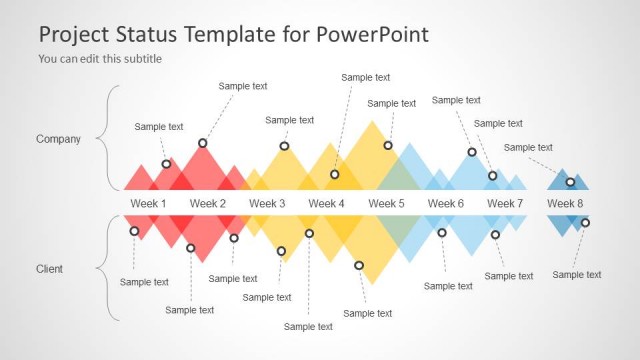
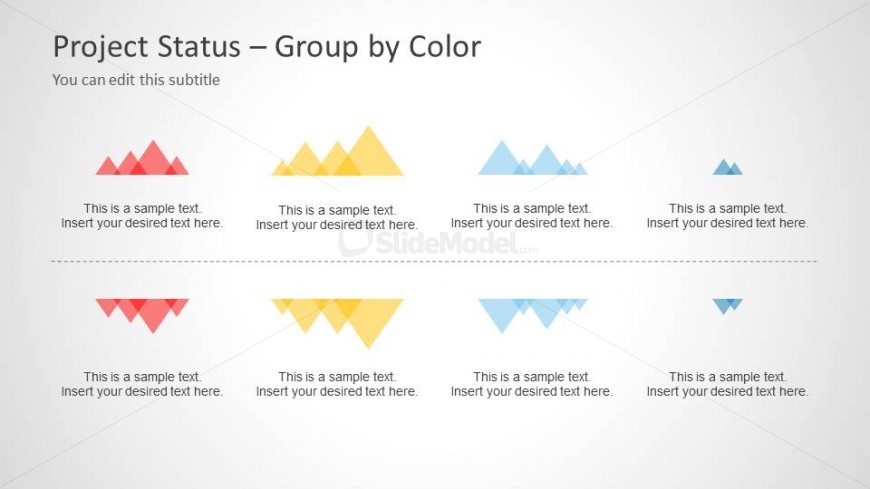
The Project Status - Group by Color slide from the Project Status Timeline Template for PowerPoint offers a clear visual matrix for tracking project phases using colored triangular shapes. This slide layout is designed for business presentations and weekly team meetings, providing a concise overview of project progress. It integrates well into corporate presentation slide decks, utilizing editable shapes to highlight status updates effectively within a professional slide template.
What’s on This Slide
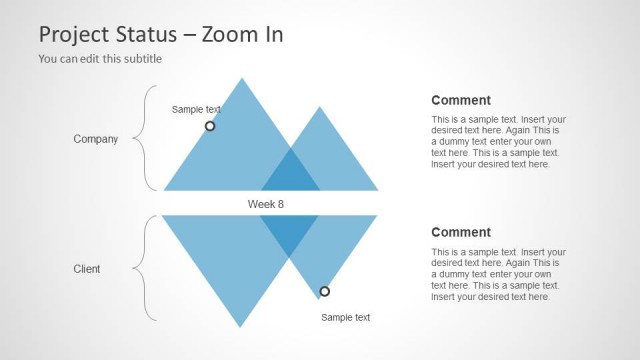
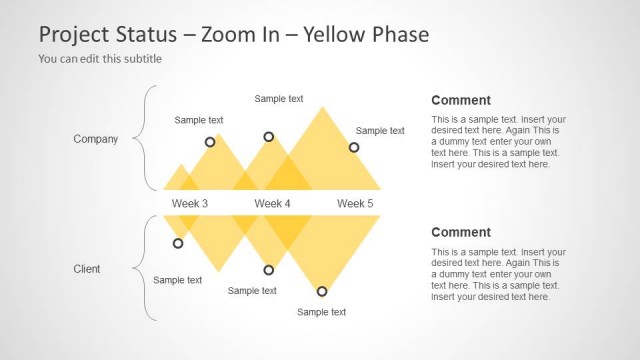
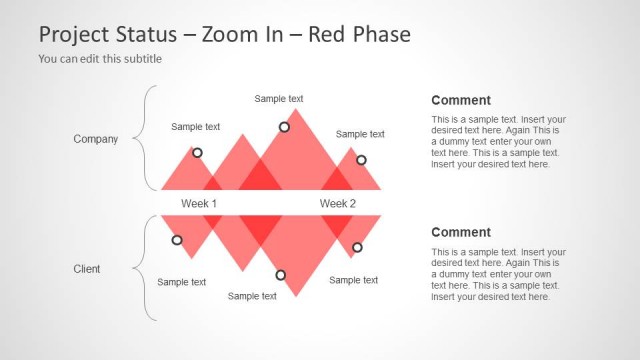
The layout features a title at the top center, with a subtitle below it. Below the title, there are two rows of colored triangular shapes, each representing project status. The first row contains four triangles in red, yellow, blue, and light blue, each accompanied by a text placeholder below. The second row mirrors the first with triangles in red, yellow, and blue. Each triangle is aligned evenly, and the text placeholders are centered beneath them. A horizontal dashed line separates the two rows, creating a clear visual distinction.
How to Use It
This layout serves as a visual summary of project statuses grouped by color, ideal for presenting project updates. It fits well at the end of a presentation, summarizing key points from earlier slides. This structure is useful in business scenarios where stakeholders need a quick overview of project phases or statuses, particularly in project management contexts. It can also be employed in weekly status meetings to highlight progress or issues.
Text Placeholders & Capacity
Keep your copy within these limits so it fits without resizing. Node body slots can accommodate roughly 8-10 words each.
| Placeholder | Count | Max characters (approx.) |
|---|---|---|
| Slide title | 1 | 30 |
| Subtitle | 1 | 50 |
| Item body | 8 | 40 |
Slide Keywords
Download unlimited PowerPoint templates, charts and graphics for your presentations with our annual plan.
DOWNLOAD