Slide 6 of 6 from Process Gear Diagrams for PowerPoint
Ecosystem Gears Slide Design for PowerPoint
3 Step Circular Diagram for Process Presentation
- Diagram
- Circular Cycle
- Process Slide
- 16:9
- 100% Editable
The 3 Step Circular Diagram slide from the Process Gear Diagrams for PowerPoint template visually represents workflows using interlocking gears to illustrate cyclical processes. This slide layout is ideal for business presentations and project management, offering editable shapes and text placeholders for clear depiction of operational sequences within a corporate presentation or pitch deck template.
About This Slide
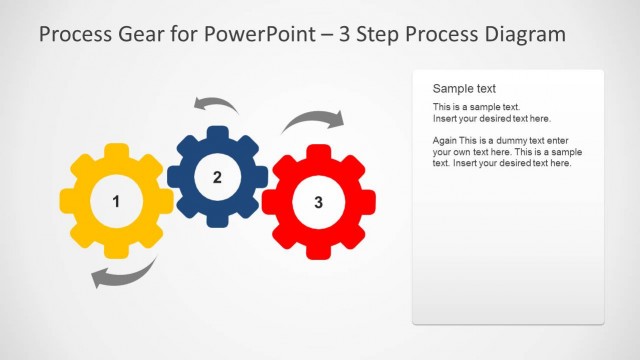
Ecosystem slide design with gear icons and gear shapes for PowerPoint presentations with 3 gears and arrows inside a dotted circle that you can use to describe a process. The slide design contains colorful gear illustrations simulating a mechanical work or running a process inside a controlled ecosystem or space.
What’s on This Slide
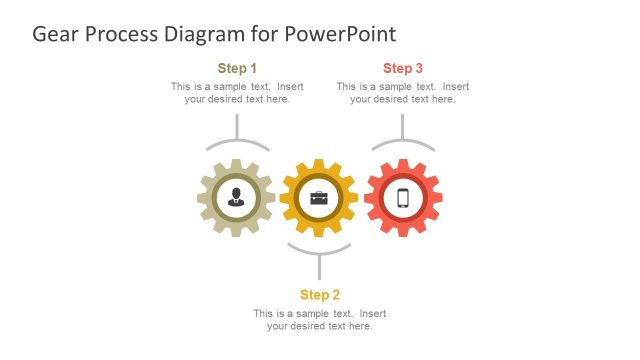
The layout features three interlocking gears arranged in a circular formation at the center. Each gear is distinct in color, with two in blue and one in yellow. Arrows connect the gears, indicating a flow of interaction among them. Surrounding the gears are three text placeholders, positioned at the top, left, and right, aligned to provide space for descriptive content. The background is a light gradient, enhancing the visibility of the gears and text. The overall composition emphasizes the cyclical nature of the process being illustrated.
How to Use It
This layout serves as a visual representation of a three-step process, ideal for illustrating workflows or operational sequences. It fits well in a presentation sequence following a problem statement or introduction, leading into detailed explanations of each step. This diagram is useful in business contexts such as project management, process optimization, or training sessions, where clear communication of sequential actions is necessary. It can also be adapted for various industries to depict systematic approaches to tasks.
Text Placeholders & Capacity
Keep your copy within these limits so it fits without resizing. Text slots can accommodate concise descriptions, roughly 15-20 words each.
| Placeholder | Count | Max characters (approx.) |
|---|---|---|
| Item heading | 3 | 30 |
| Body paragraph | 3 | 100 |
Slide Keywords
Download unlimited PowerPoint templates, charts and graphics for your presentations with our annual plan.
DOWNLOADReturn to Process Gear Diagrams for PowerPoint.