Slide 4 of 6 from Process Gear Diagrams for PowerPoint
6122-01-process-gear-4
6-Step Gear Process Diagram for Presentations
- Diagram
- Circular Cycle
- Process Slide
- 16:9
- 100% Editable
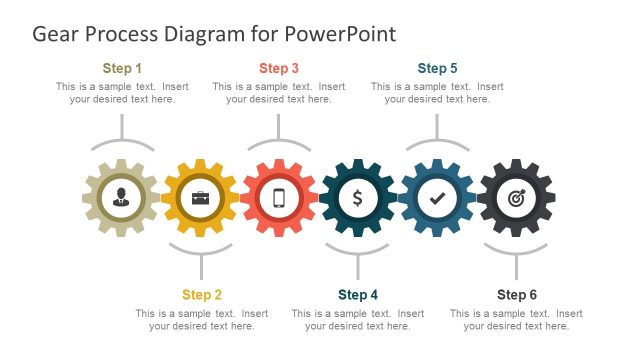
The 6-Step Gear Process Diagram from the Process Gear Diagrams for PowerPoint template visually represents sequential workflows using colorful, interconnected gears. This slide layout is ideal for business presentations and project management, offering editable shapes to clearly illustrate cyclical or iterative processes within a professional slide deck.
What’s on This Slide
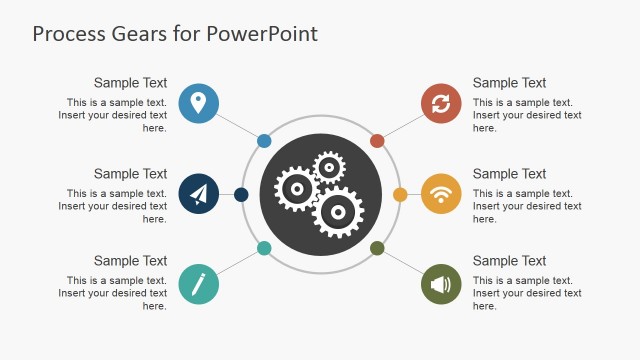
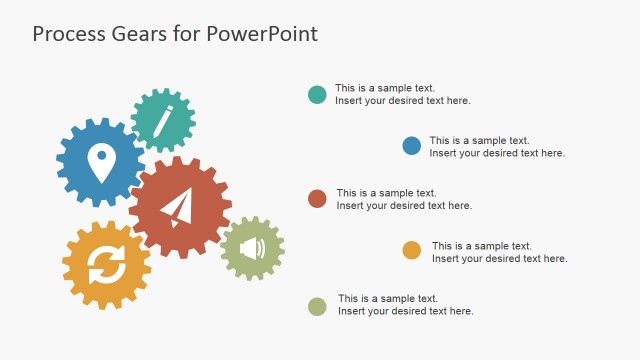
The slide features a central gear surrounded by six smaller gears arranged in a circular layout. Each gear is a different color: red, blue, green, yellow, and orange. Each gear contains a number from 1 to 6, indicating steps in a process. Text placeholders are positioned adjacent to each gear, allowing for descriptive content. The central gear is larger and serves as a focal point, while the surrounding gears are smaller and evenly spaced. The background is light, providing contrast to the colorful gears.
How to Use It
This layout serves as a visual representation of a six-step process, ideal for illustrating workflows or procedures. It fits well in presentations that require a clear depiction of sequential steps. Use it in business contexts such as project management, operational workflows, or process improvement discussions. The circular arrangement emphasizes the interconnectedness of steps, making it suitable for processes that are cyclical or iterative in nature.
Text Placeholders & Capacity
Keep your copy within these limits so it fits without resizing. Node body slots can hold roughly 15-20 words each.
| Placeholder | Count | Max characters (approx.) |
|---|---|---|
| Item heading | 6 | 30 |
| Item body | 6 | 100 |
Slide Keywords
Download unlimited PowerPoint templates, charts and graphics for your presentations with our annual plan.
DOWNLOADReturn to Process Gear Diagrams for PowerPoint.