Slide 1 of 6 from Process Gear Diagrams for PowerPoint
6122-01-process-gear-1
4-Step Process Gear Diagram for Presentations
- Diagram
- Process Flow
- Process Slide
- 16:9
- 100% Editable
The 4-Step Process Gear Diagram slide from the Process Gear Diagrams for PowerPoint template visually represents sequential workflows using four interlocking gears. This slide layout is ideal for business presentations, project planning, and training sessions, offering editable shapes and clear visual hierarchy to enhance audience understanding in corporate presentations and pitch decks.
What’s on This Slide
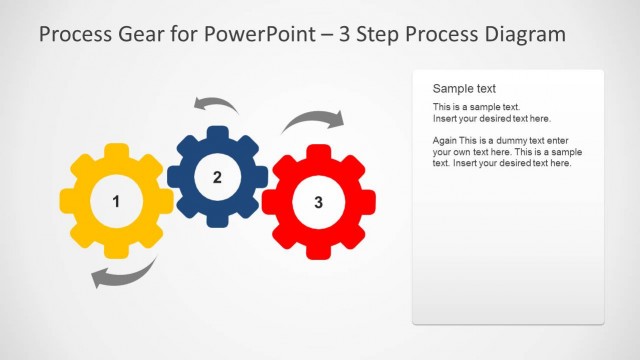
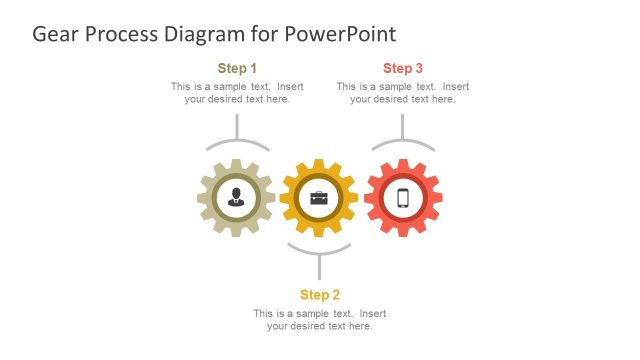
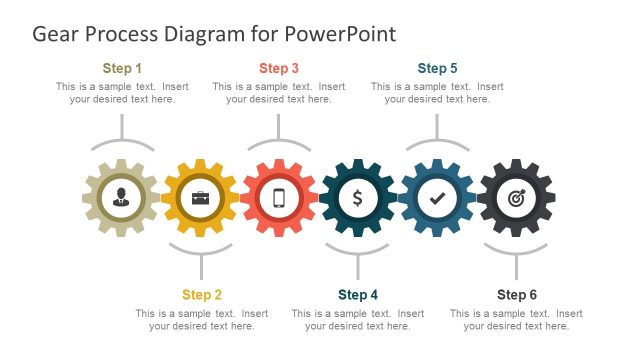
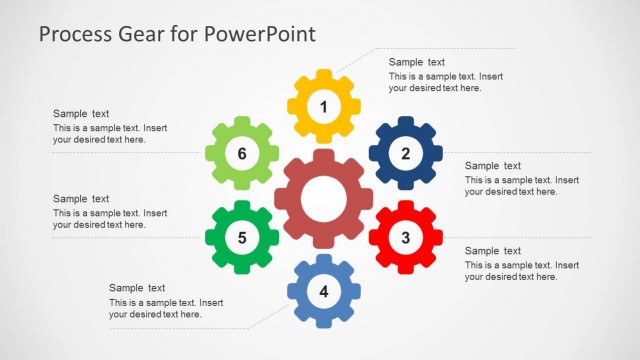
The layout features four interlocking gears arranged horizontally. The first gear is yellow, labeled '1', followed by a blue gear labeled '2', a red gear labeled '3', and a blue gear labeled '4'. Each gear is visually distinct, with varying colors and sizes, contributing to a clear visual hierarchy. The background is light gray, enhancing the visibility of the gears. Below the gears, there is a text placeholder centered, indicating the title of the slide. The overall composition emphasizes the sequential nature of the process.
How to Use It
This layout serves as a visual representation of a four-step process, ideal for illustrating workflows or sequential tasks. It fits well at the beginning of a presentation to introduce a process or methodology. In business contexts, it can be used for project planning, operational workflows, or training sessions. The clear visual structure aids in audience comprehension, making it suitable for both formal and informal presentations.
Text Placeholders & Capacity
Keep your copy within these limits so it fits without resizing. The title slot can accommodate around 5-6 words comfortably.
| Placeholder | Count | Max characters (approx.) |
|---|---|---|
| Slide title | 1 | 30 |
Slide Keywords
Download unlimited PowerPoint templates, charts and graphics for your presentations with our annual plan.
DOWNLOADReturn to Process Gear Diagrams for PowerPoint.