Slide 8 of 16 from Procedure Handbook Presentation Template
Visual Aids Discussion Slide – Procedure Handbook PPT Template
Visual Aids in Procedure Handbook Presentation
- Text Layout
- List Blocks
- Process Slide
- 16:9
- 100% Editable
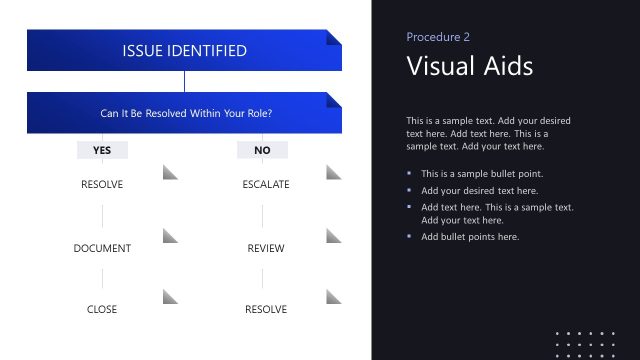
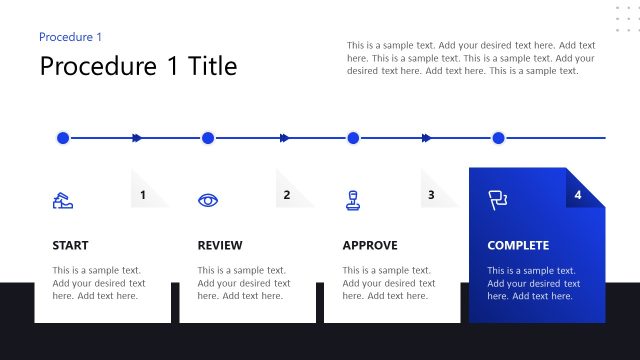
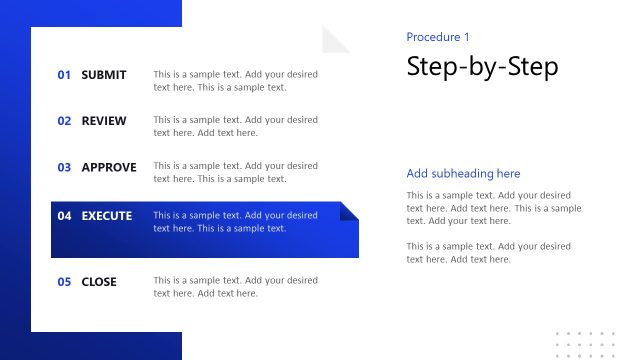
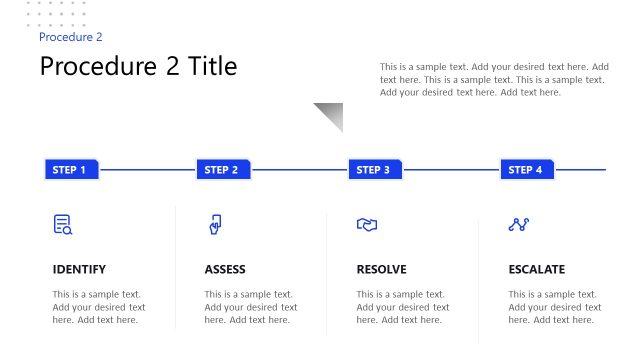
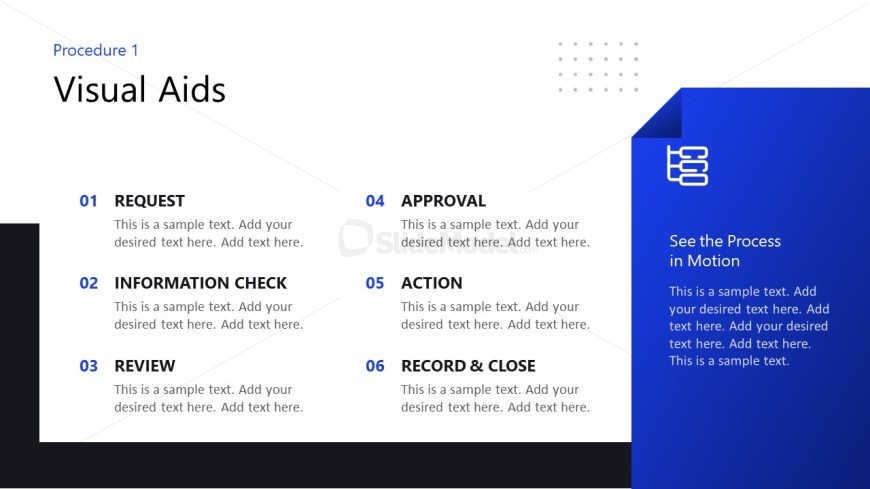
The Visual Aids slide from the Procedure Handbook Presentation Template offers a clear layout for outlining processes with numbered lists and descriptive text. This slide design is ideal for training materials and workflow documentation, featuring editable shapes and a distinct sidebar for supplementary information. It supports effective communication in business presentations and pitch deck templates by organizing sequential steps with a balanced visual hierarchy.
What’s on This Slide
The layout features a left-aligned list of six numbered items, each labeled with a title and accompanied by a text placeholder for descriptions. The first three items are positioned in the upper left, while the last three are in the lower left. A prominent blue sidebar on the right contains a title and additional text placeholder. The background is split between white and dark blue, creating a clear visual separation. The overall composition emphasizes the left list while the sidebar provides supplementary information. The visual hierarchy is clear, with larger text for titles and smaller text for descriptions.
How to Use It
This layout serves as a structured outline for presenting a series of steps or procedures, making it suitable for process documentation or training materials. It fits well in a sequence that introduces a procedure or outlines a workflow. Real-world applications include training sessions, operational guidelines, or process overviews in business contexts. This layout effectively communicates sequential information while allowing for detailed descriptions alongside each step.
Text Placeholders & Capacity
Keep your copy within these limits so it fits without resizing. Body slots can hold roughly 15-20 words each.
| Placeholder | Count | Max characters (approx.) |
|---|---|---|
| Slide title | 1 | 30 |
| Item heading | 6 | 20 |
| Item body | 6 | 100 |
| Callout | 1 | 50 |
| Body paragraph | 1 | 150 |
Slide Keywords
Download unlimited PowerPoint templates, charts and graphics for your presentations with our annual plan.
DOWNLOADReturn to Procedure Handbook Presentation Template.