Slide 13 of 16 from Procedure Handbook Presentation Template
Review & Update Process Discussion with Infographics
Review & Update Process Slide
- Diagram
- Process Flow
- Process Slide
- 16:9
- 100% Editable
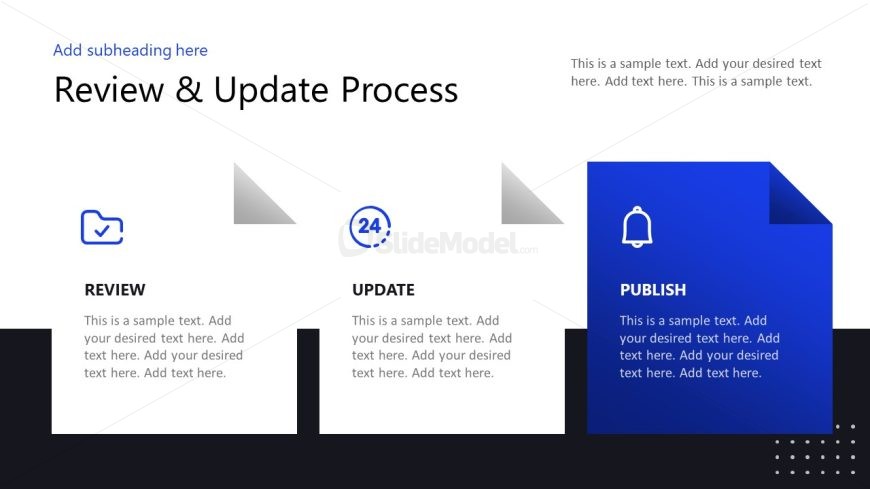
The Review & Update Process slide from the Procedure Handbook Presentation Template visually outlines key workflow stages using editable shapes and vector icons. This slide template is ideal for business presentations or project management decks requiring clear process flow illustration. Its structured design supports effective communication of sequential steps like review, update, and publish, making it a practical choice for corporate presentations and pitch decks.
What’s on This Slide
The layout features three horizontal sections aligned left to right. Each section contains a title, a circular icon, and a text placeholder. The first section is labeled 'REVIEW' with a checkmark icon, the second is 'UPDATE' with a circular number '24', and the third is 'PUBLISH' with a bell icon. The sections have a consistent design with a light background and dark text, while the 'PUBLISH' section has a blue background for emphasis. Text placeholders are centered in each section, allowing for detailed descriptions. The overall composition is clean and structured.
How to Use It
This layout serves to illustrate a sequential process, making it suitable for presentations on workflow or procedural steps. It fits well after problem identification slides, guiding the audience through the review, update, and publication phases. This structure is useful in business contexts such as project management, policy updates, or operational procedures, where clarity in process flow is essential. It can also be adapted for training sessions or instructional materials.
Text Placeholders & Capacity
Keep your copy within these limits so it fits without resizing. Node body slots can hold roughly 30-40 words each.
| Placeholder | Count | Max characters (approx.) |
|---|---|---|
| Slide title | 1 | 30 |
| Subtitle | 1 | 50 |
| Item heading | 3 | 10 |
| Item body | 3 | 200 |
Slide Keywords
Download unlimited PowerPoint templates, charts and graphics for your presentations with our annual plan.
DOWNLOADReturn to Procedure Handbook Presentation Template.