Slide 10 of 16 from Procedure Handbook Presentation Template
Six Step Business Process Presentation – Procedure Handbook Layout
Step-by-Step Process Overview Slide
- Diagram
- Process Flow
- Process Slide
- 16:9
- 100% Editable
The Step-by-Step Process Overview slide from the Procedure Handbook Presentation Template offers a clear, structured layout ideal for project management and training materials. This slide template features editable shapes arranged to guide audiences through sequential tasks, enhancing clarity in business presentations. Its design supports effective process documentation within professional slide decks, compatible with both PowerPoint templates and Google Slides templates.
What’s on This Slide
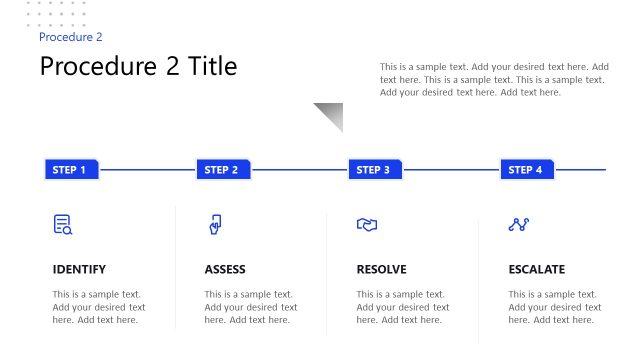
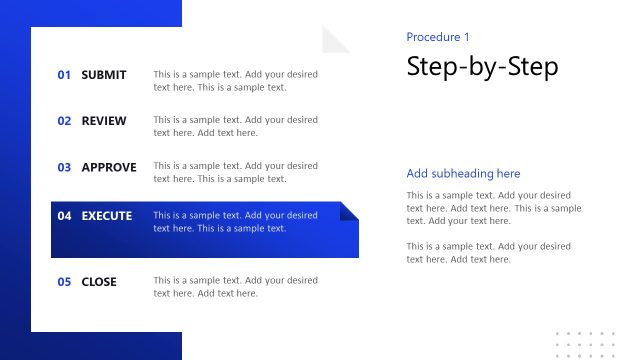
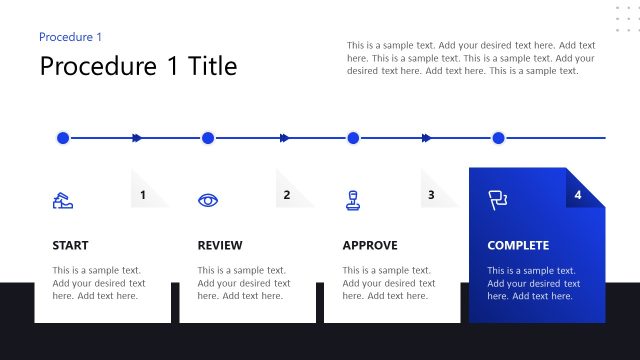
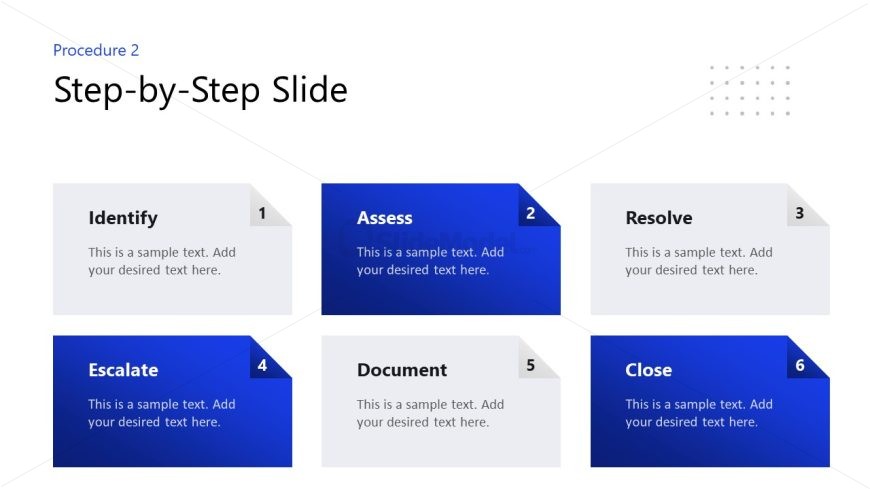
The layout features six distinct sections arranged in two rows of three. Each section contains a rounded rectangle with a label at the top, numbered from one to six. The first row includes 'Identify,' 'Assess,' and 'Resolve,' while the second row features 'Escalate,' 'Document,' and 'Close.' Each section has a placeholder for text below the label, aligned centrally. The background is a gradient of blue, with white text for labels. The visual hierarchy emphasizes the labels through size and color contrast, creating a clear flow from left to right, top to bottom.
How to Use It
This layout serves as a step-by-step guide, ideal for outlining processes in a presentation. It fits well after problem identification slides and before detailed explanations. Common scenarios include training sessions, project management overviews, or procedural documentation. Each section can be filled with specific actions or steps, making it suitable for instructional contexts. The structured format aids in clarity and retention of information, guiding the audience through sequential tasks effectively.
Text Placeholders & Capacity
Keep your copy within these limits so it fits without resizing. Node body slots can hold roughly 10 words each.
| Placeholder | Count | Max characters (approx.) |
|---|---|---|
| Item heading | 6 | 20 |
| Item body | 6 | 50 |
Slide Keywords
Download unlimited PowerPoint templates, charts and graphics for your presentations with our annual plan.
DOWNLOADReturn to Procedure Handbook Presentation Template.