Slide 9 of 16 from Procedure Handbook Presentation Template
Second Procedure PowerPoint Slide – Procedure Handbook PPT Template
Procedure Steps Overview Slide
- Diagram
- Process Flow
- Process Slide
- 16:9
- 100% Editable
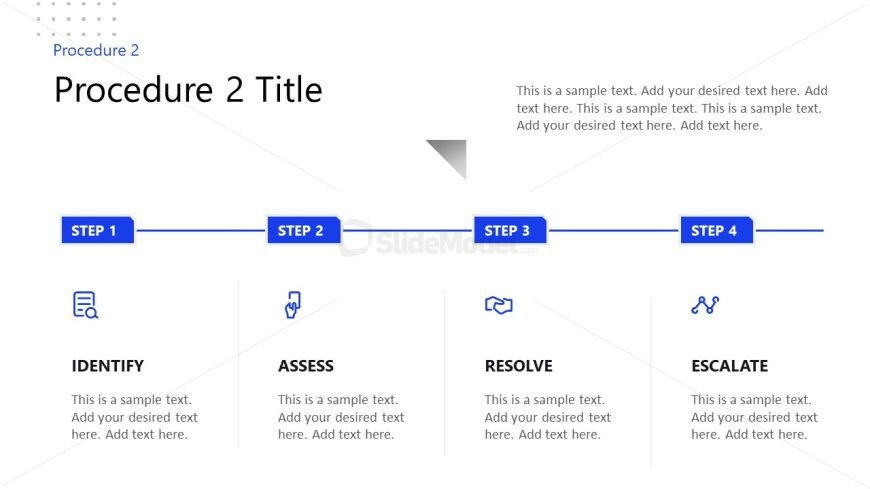
The Procedure Steps Overview slide from the Procedure Handbook Presentation Template offers a clear, sequential layout ideal for illustrating operational workflows and project management processes. This slide uses editable shapes and vector icons to visually guide audiences through each step, making it a practical choice for business presentations and training materials within slide decks or Google Slides templates.
What’s on This Slide
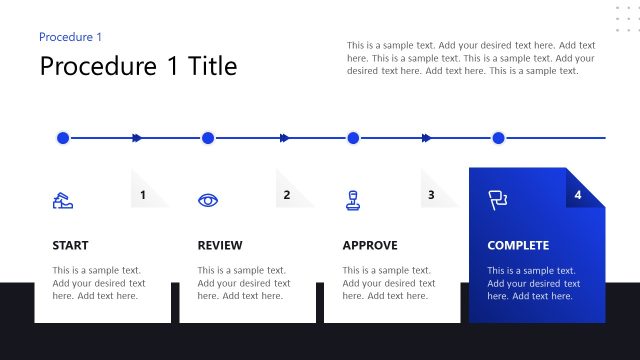
The slide features a top-centered title and subtitle, with a horizontal layout below. Four steps are displayed in rectangular boxes, each labeled with a step number and title. Icons accompany each step, positioned above the text. The steps are connected by horizontal lines, creating a flow from left to right. Text placeholders are present beneath each step, aligned centrally within their respective boxes. The background is predominantly white with blue accents, ensuring clear visibility of elements. Overall, the layout emphasizes a sequential process.
How to Use It
This layout serves as a step-by-step guide, ideal for illustrating processes or procedures. It fits well in a presentation sequence after introducing a problem or context, guiding the audience through a structured approach. Common scenarios include project management, training sessions, or operational workflows where clarity in sequential steps is essential. The clear visual hierarchy aids in understanding complex processes by breaking them down into manageable parts.
Text Placeholders & Capacity
Keep your copy within these limits so it fits without resizing. Body slots can hold approximately 25-30 words each.
| Placeholder | Count | Max characters (approx.) |
|---|---|---|
| Slide title | 1 | 30 |
| Item heading | 4 | 10 |
| Item body | 4 | 150 |
Slide Keywords
Download unlimited PowerPoint templates, charts and graphics for your presentations with our annual plan.
DOWNLOADReturn to Procedure Handbook Presentation Template.