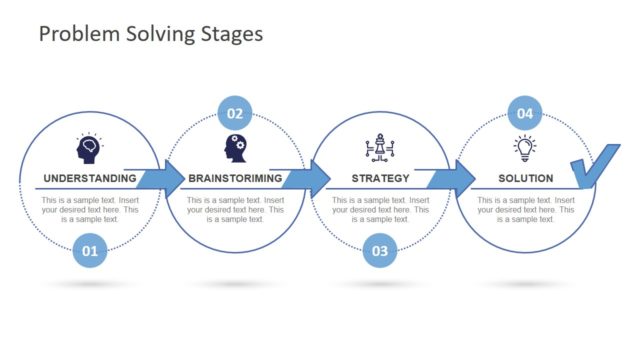
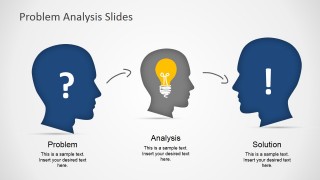
Problem Analysis Solution Slides for PowerPoint is a presentation design containing creative head silhouettes arranged in a way that you can use to define and analyze a problem and provide a solution or ideas throughout the process. The brain and head illustrations for PowerPoint are created as PowerPoint shapes so you can easily modify the layout to match any desired presentation need. The slides are prepared with text placeholders that you can easily edit to describe your own problem and solution.
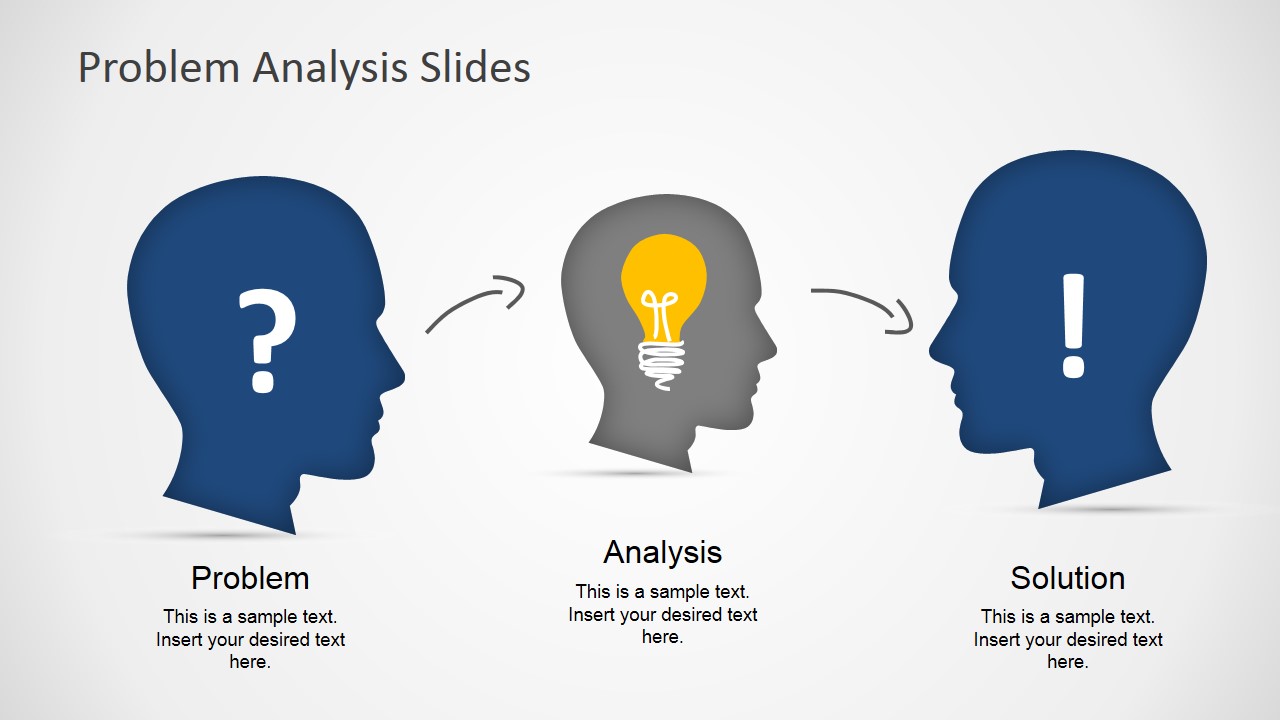
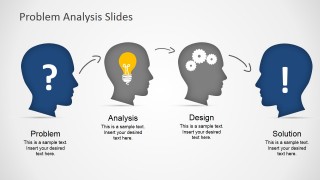
One of the head pictures has a question mark inside the head while the other head illustrations contains a creative light bulb shape in PowerPoint and exclamation mark picture. You can easily modify the icons inside each head picture by replacing the icon with any other graphic or icon in our PowerPoint templates gallery.
What’s inside this template
Example presentation scenarios
- A consultant can use the Problem, Analysis, Solution flow to frame a client issue, explain the diagnostic step, and introduce the recommended answer.
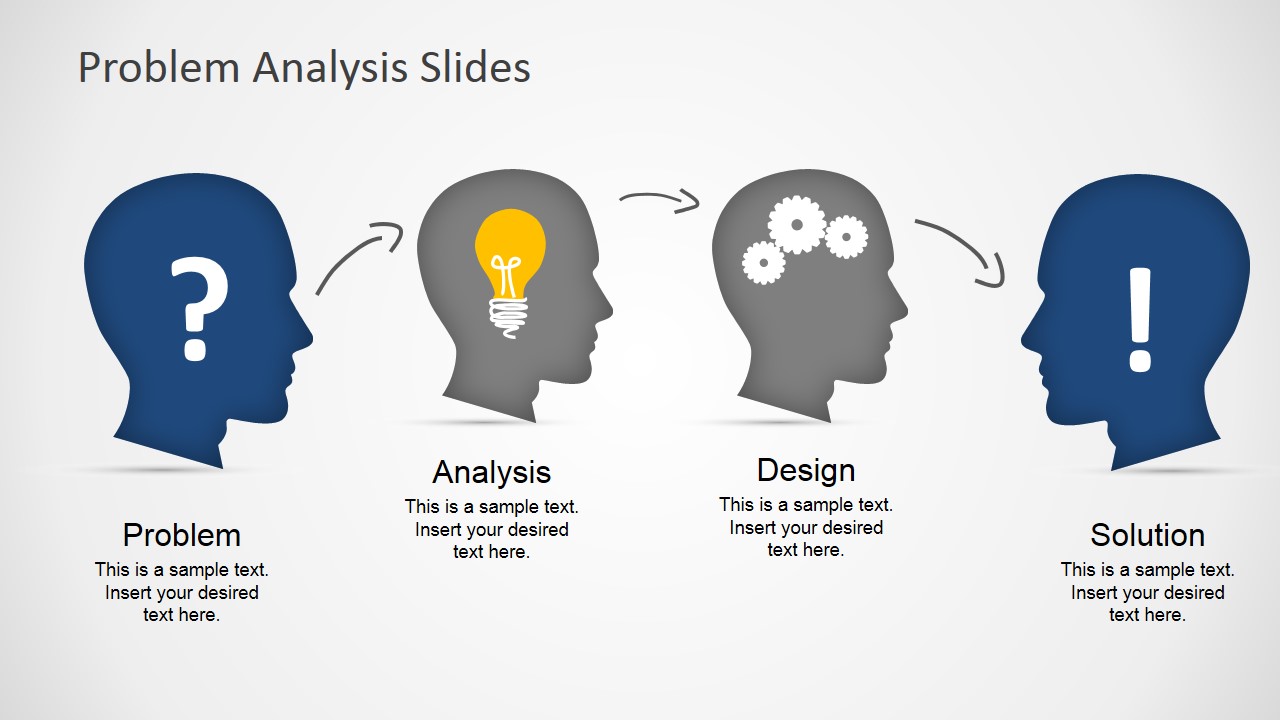
- A product manager can use the four-step Problem, Analysis, Design, Solution diagram to show how user pain points become design decisions and product improvements.
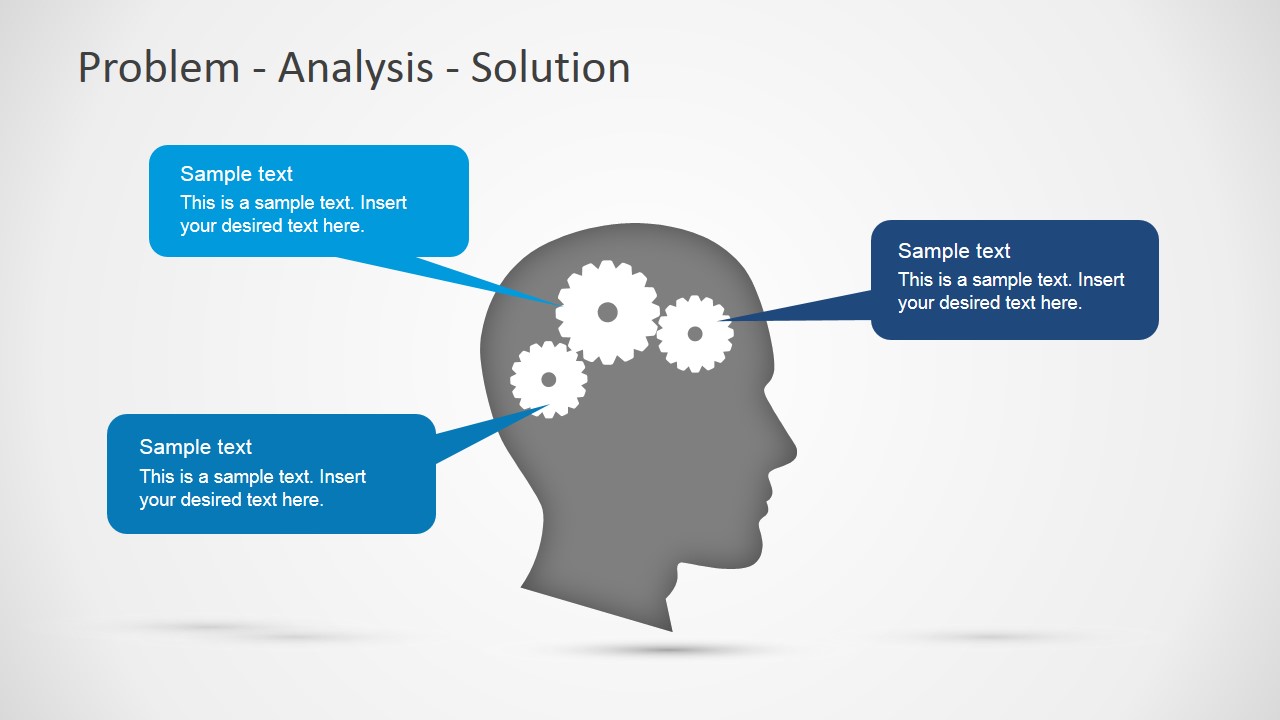
- A workshop facilitator can use the gear callout slide to summarize brainstormed causes, insights, and solution ideas around one central challenge.
- A business analyst can use the head silhouette diagrams to brief stakeholders on root cause findings and keep the discussion focused on the proposed path forward.
Features
- 100% editable presentation template
- Compatible with Microsoft PowerPoint and Google Slides
- 16:9 aspect ratio slides
- Scalable vector shapes, icons and illustrations
- AI-Ready for Microsoft Copilot and Claude
- Instant access and download
Frequently asked questions
Q: How should a presenter use these slides to explain a problem without making the message feel abstract?
A: Start with one specific problem statement under the question-mark head, then use the analysis or design step to name the cause, constraint, or decision logic. Keep each text block short. The final exclamation-mark or solution head should state the recommended action, not just a broad idea, so the audience sees a clear conclusion.
Q: Who is this template best suited for in a business presentation?
A: This template fits presenters who need to frame thinking rather than report dense data. Consultants, product managers, business analysts, and workshop leaders can use the Problem, Analysis, Solution and Problem, Analysis, Design, Solution diagrams to align a room around what is wrong, how it was examined, and what should happen next.
Q: Why do the head, light bulb, gear, and question mark visuals help this message?
A: The head silhouettes turn an abstract reasoning process into a mental journey. The question mark signals uncertainty, the light bulb signals insight, the gears signal structured thinking, and the exclamation mark signals a decided answer. That visual metaphor helps the audience follow the shift from confusion to diagnosis to resolution.

Problem Analysis Solution Slides for PowerPoint
3-slide presentation template for problem analysis, head silhouettes, and solution idea mapping
Problem Analysis Solution Slides for PowerPoint is a 3-slide presentation template for explaining a problem-solving path. It includes a three-step Problem, Analysis, Solution diagram, a four-step Problem, Analysis, Design, Solution flow, and a head silhouette callout slide with gears. It is made for Microsoft PowerPoint and Google Slides.
- Category
- Shapes
- Rating


 Loading...
- Aspect ratio
- 16:9
- Item ID
- 6133-03
- Colors
 Microsoft PowerPoint
  Microsoft Copilot
  Claude for PowerPoint
 Other formats supported
Subscribe today and get immediate
access to download our PowerPoint templates.