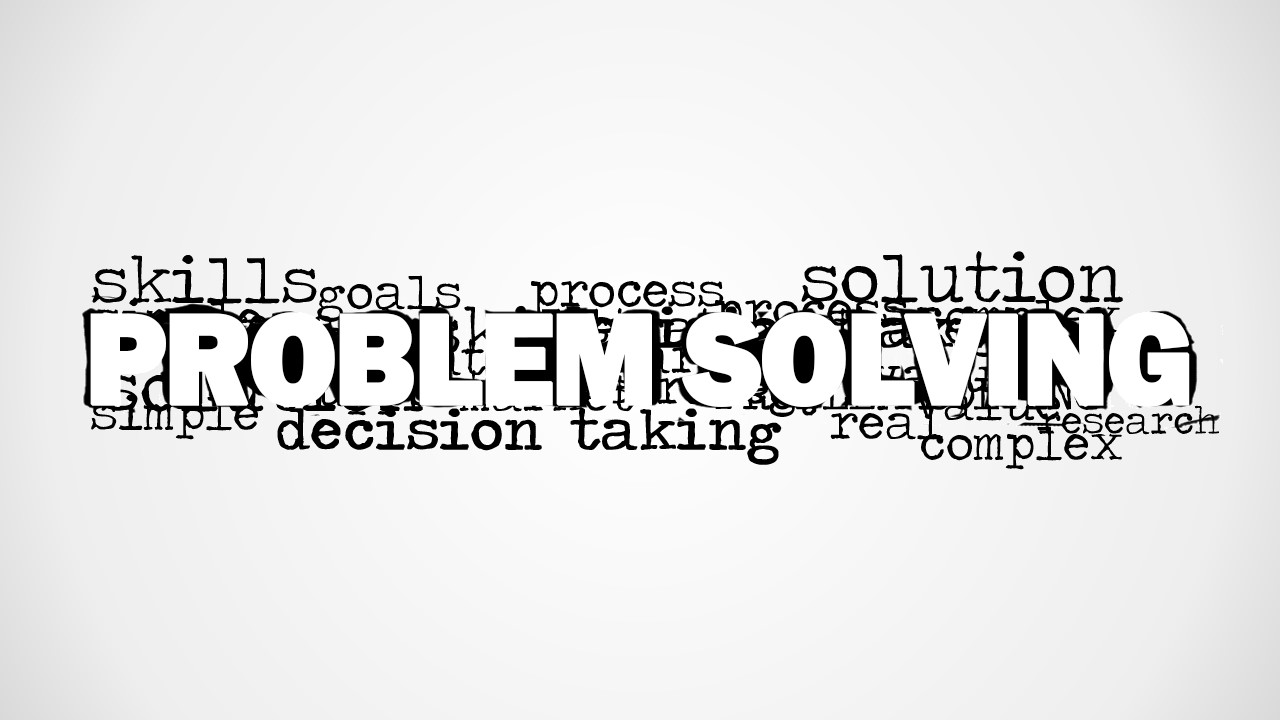
Highlight problem solving techniques by the Problem Solving Word Cloud Picture for PowerPoint. The user can emphasize the importance of the factors that contribute to the solution with the words in the picture. The PowerPoint template can also be used to introduce the importance of the process in the corporate world.
Basically, problem solving is the method of finding solutions to complex issues. It has always been one of the primary foundations of education. It is taught that the first step is to clarify the question to be able to give an exact answer. Identify what are given or the important points in the problem. Utilize these given facts and analyse the situation thoroughly. After the analysis, try to generate alternative solutions. Evaluate the solutions and select the best option. The next step is to implement the solution and follow up. Lastly, generate a contingency plan. All these procedures are applicable to a wide array of concepts- scientific, mathematical, and business-related.
The user can present the words found in the word cloud as an outline of the overall report. Instead of creating a detailed, step-by-step presentation, he can extensively explain on each topic with just one picture. Other factors like the facts in the problem can be added on the slides as texts or shapes. Elements like skills, goals and process are likely to be relative to business entities.
Ideal for contingency planning and brainstorming activities but can also be used to evaluate effective handling of difficult situations. The user can customize the design to make it suitable to the theme of the report. The colors can likewise be edited. Any modification will not affect the image quality of the PowerPoint slides.
Leverage your discourse with Problem Solving Word Cloud Picture for PowerPoint. The presenter can also download Overcoming Challenges PowerPoint Template from the gallery.
What’s inside this template
Example presentation scenarios
- A consultant can open a client workshop by showing the problem-solving word cloud and asking participants to connect terms such as goals, process, research, and decision taking to the current challenge.
- A project manager can use the blank canvas after the word cloud to capture the team discussion, define the issue, and list candidate actions in a short planning meeting.
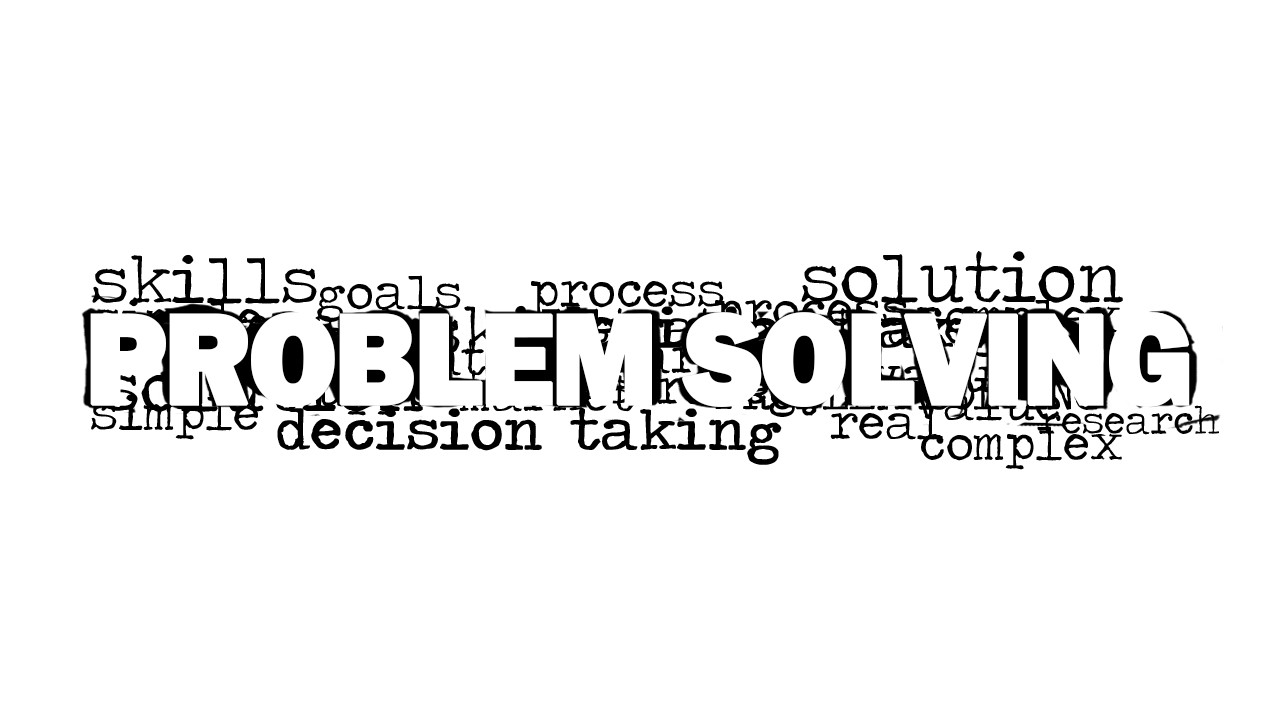
- A trainer can introduce a problem-solving skills module with the white-background word cloud and then explain how skills, research, and process affect solution quality.
- A business analyst can use the grayscale word cloud as a section divider before presenting a deeper root-cause analysis or options review.
Features
- 100% editable presentation template
- Compatible with Microsoft PowerPoint and Google Slides
- 16:9 aspect ratio slides
- Scalable vector shapes, icons and illustrations
- AI-Ready for Microsoft Copilot and Claude
- Instant access and download
Frequently asked questions
Q: How should a presenter explain the word cloud so it supports the message instead of acting as decoration?
A: Start with the central phrase, PROBLEM SOLVING, and use the surrounding words as talking points. Group related terms verbally, such as goals and process, then research and decision taking. This turns the image into an agenda for the discussion and helps the audience see which factors matter before details are added.
Q: What presentation situation is this template best suited for?
A: This template fits short facilitation moments where the goal is to frame a complex issue before discussion. Consultants, trainers, analysts, and team leads can use it to open a workshop, transition into a problem analysis section, or prompt a group to identify the skills and steps needed for a solution.
Q: Why use a word cloud instead of a process chart for this topic?
A: A word cloud works when the presenter wants to surface associations before imposing a sequence. The oversized PROBLEM SOLVING text acts as the focal idea, while smaller terms create a cloud metaphor for the many inputs around a challenge. It invites exploration before the presenter moves into a structured method.


Problem Solving Word Cloud Picture for PowerPoint
2-slide presentation template with problem-solving word cloud picture layouts for brainstorming and analysis discussions
Problem Solving Word Cloud Picture for PowerPoint is a 2-slide presentation template for framing analysis, brainstorming, and decision discussions. It includes a large centered problem-solving word cloud, a clean blank canvas, and a white-background word cloud variant. Business presenters can use it in Microsoft PowerPoint and Google Slides.
- Category
- Pictures
- Rating

 Loading...
- Aspect ratio
- 16:9
- Item ID
- 8177-01
- Colors
 Microsoft PowerPoint
  Microsoft Copilot
  Claude for PowerPoint
 Other formats supported
Subscribe today and get immediate
access to download our PowerPoint templates.