The Problem Solution Slide Template for PowerPoint is an interactive presentation template for presenting the problem and solution statements before companies, teammates, or employees. Discussing a problem and its solution proposition is common in every field. For instance, in the corporate sector, teams report bugs, issues & glitches in the system that the associated departments resolve. Similarly, some problems may arise that require a brainstorming session with the teammates to devise appropriate solutions. Medical professionals, teachers, real estate professionals, and others may face this situation daily. This best PPT template can help users create interactive presentations to elaborate on the problem and how it can be solved. Professionals can use these slides in multiple situations according to the requirements, such as in meetings, posters, sessions, or webinars. Both slide designs in this template are compatible with all PowerPoint versions, Google Slides, and Keynote software.
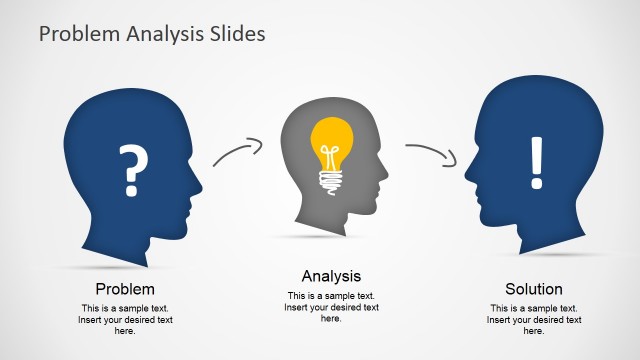
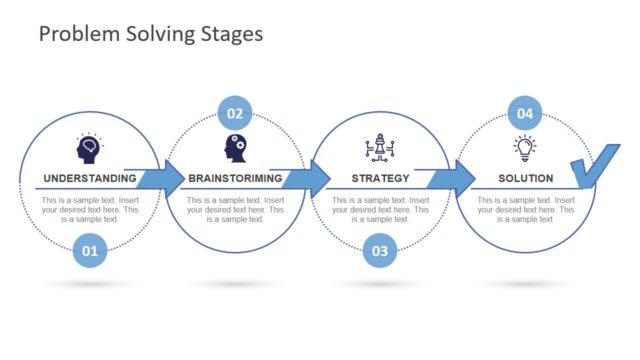
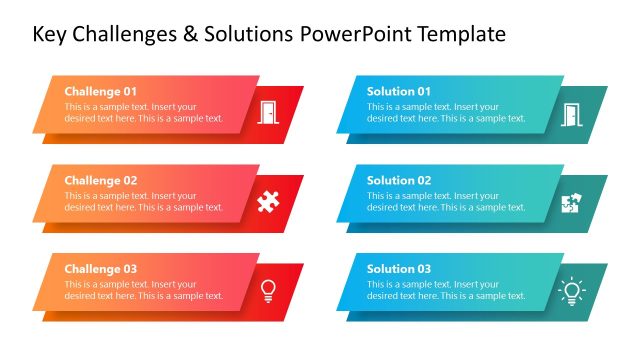
Our Problem Solution Slide Template for PowerPoint carries a slide divided into two equal segments. Both sides have a human hand illustration in an upward direction. In the left part, a red colored question mark is added with the title of the problem. In contrast, the other side has a glowing bulb diagram with the solution title. Placeholder text boxes are also added to these segments to mention the details. The following slide has a similar design but varies in the orientation of the human hands. These hand illustrations are shown wearing professional attire. Users can change the colors as every element is created using 100% editable PowerPoint shapes. Similarly, presenters can choose either slide for their presentations according to their choice. Some other changes to the arrangement of text and fonts can be conveniently made using the PowerPoint toolbar. So, download and use this presentation template for professional and academic use cases.
What’s inside this template
Example presentation scenarios
- A project manager can use the side-by-side comparison to explain a delivery blocker, summarize the root issue, and show the recommended fix during a project update.
- A consultant can present a client pain point with the question mark area and then introduce the proposed recommendation with the light bulb area.
- An educator can use the problem and solution placeholders to teach a case discussion where students first identify the issue and then evaluate a response.
- A department lead can open a brainstorming session by showing the problem text on the left and inviting the team to refine the solution text on the right.
Features
- 100% editable presentation template
- Compatible with Microsoft PowerPoint and Google Slides
- 16:9 aspect ratio slides
- Scalable vector shapes, icons and illustrations
- AI-Ready for Microsoft Copilot and Claude
- Instant access and download
Frequently asked questions
Q: How should a presenter structure the message on these slides?
A: Keep the left side limited to the core problem, not a full background narrative. Use the right side for the proposed answer, expected outcome, or next decision. The question mark and light bulb already signal the logic, so the text should be short enough for the audience to compare both sides instantly.
Q: Who is this template best suited for?
A: This template fits presenters who need to make one issue understandable before asking for discussion or approval. Project managers, consultants, educators, and department leads can use it when the audience needs a clear contrast between the current problem and the recommended solution rather than a long analysis deck.
Q: Why do the hand illustrations, question mark, and light bulb work for this message?
A: The hands act as a support metaphor, visually holding the problem and solution in balance. The question mark makes the uncertainty or pain point easy to spot, while the light bulb marks the answer as an idea. This pairing reduces cognitive load and makes the slide readable at a glance.


Problem Solution Slide Template for PowerPoint
2-slide presentation template with problem solution comparison, question mark, and light bulb visuals
This 2-slide problem solution presentation template presents a side-by-side problem and solution comparison with a vertical divider, question mark icon, light bulb idea icon, and supporting hand illustrations. It is designed for business, academic, and team discussions in Microsoft PowerPoint and Google Slides.
- Category
- Diagrams
- Rating


 Loading...
- Aspect ratio
- 16:9
- Item ID
- 21883-01
- Colors
 Microsoft PowerPoint
 Microsoft Copilot
 Claude for PowerPoint
Other formats supported
Subscribe today and get immediate
access to download our PowerPoint templates.