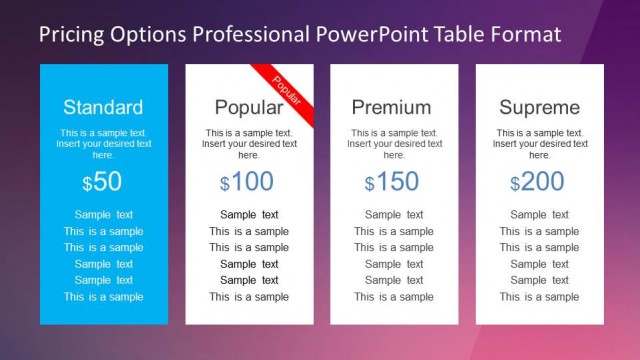
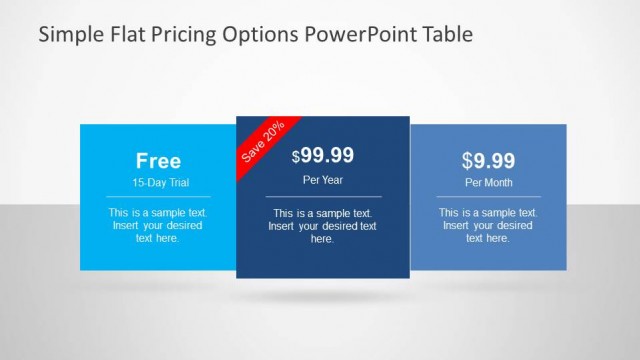
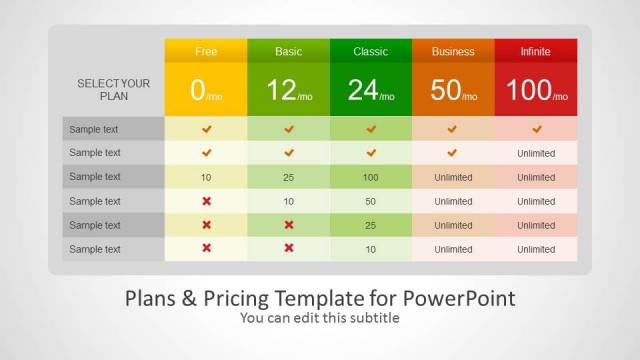
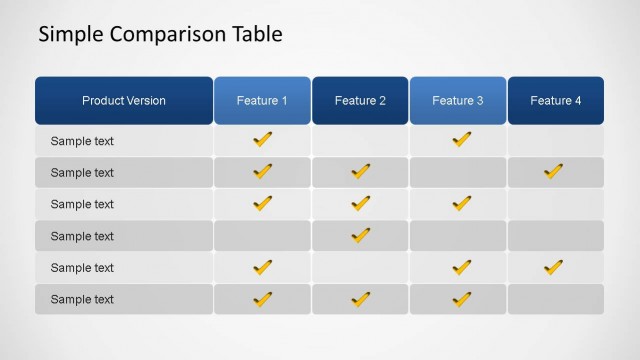
Pricing Options Comparison Table for PowerPoint is a professional flat design presentation designed for comparing different value propositions and product mix.
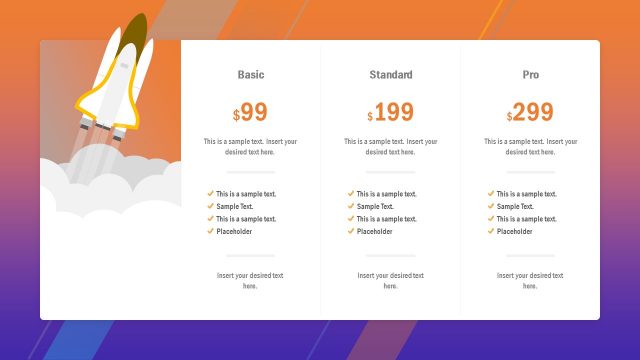
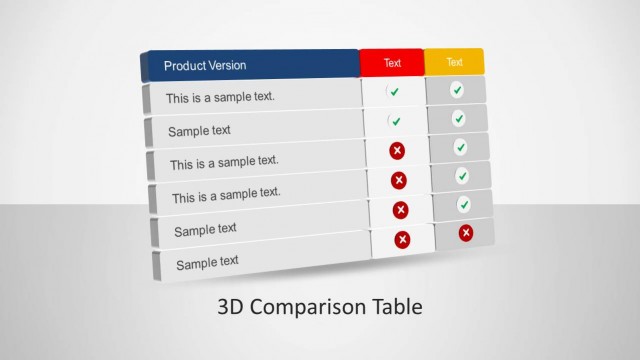
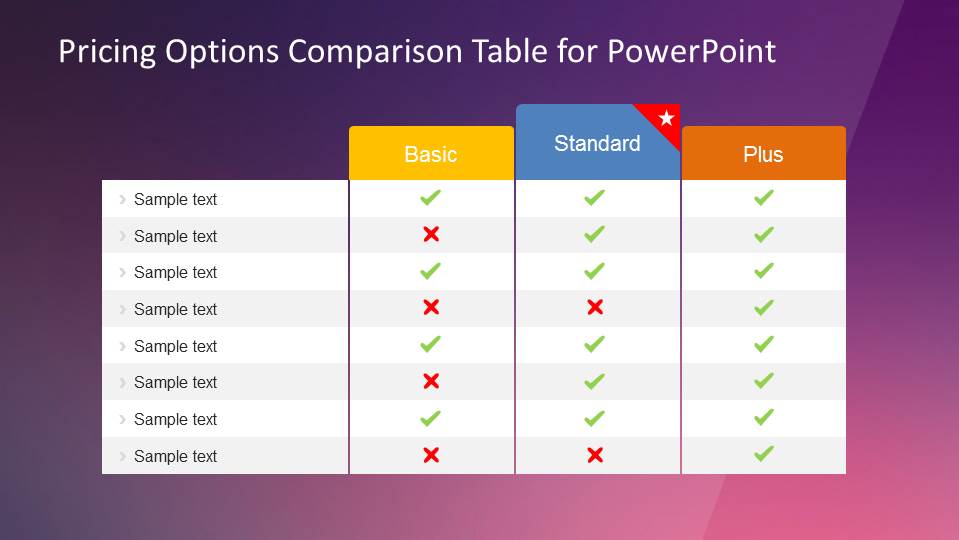
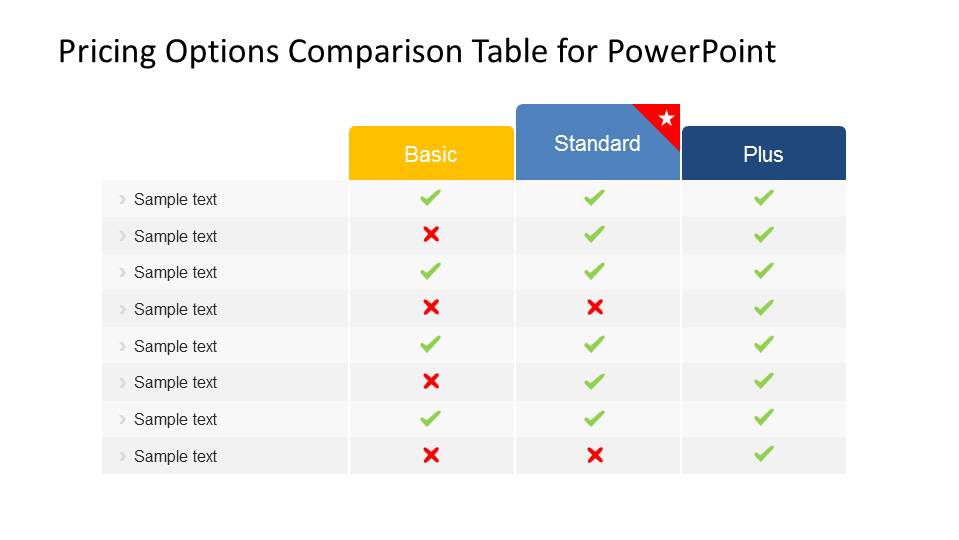
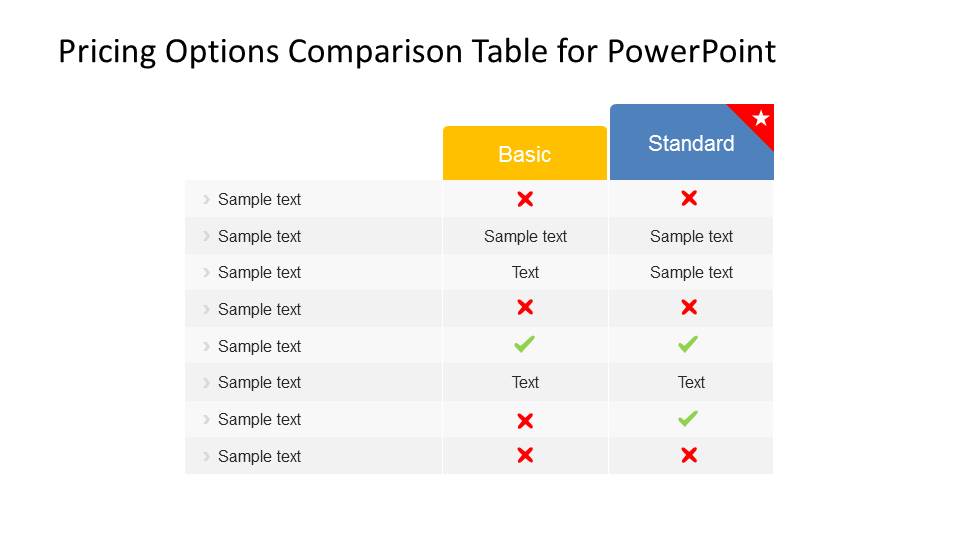
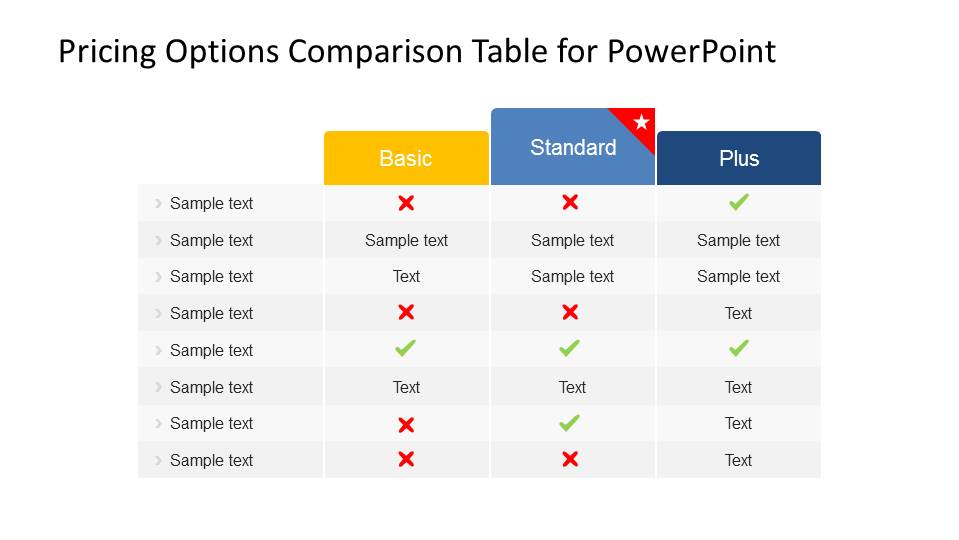
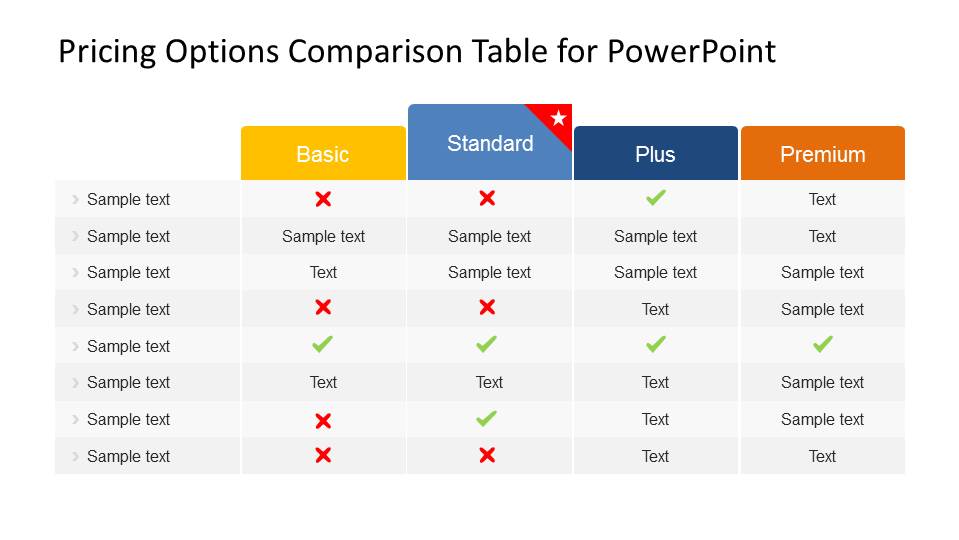
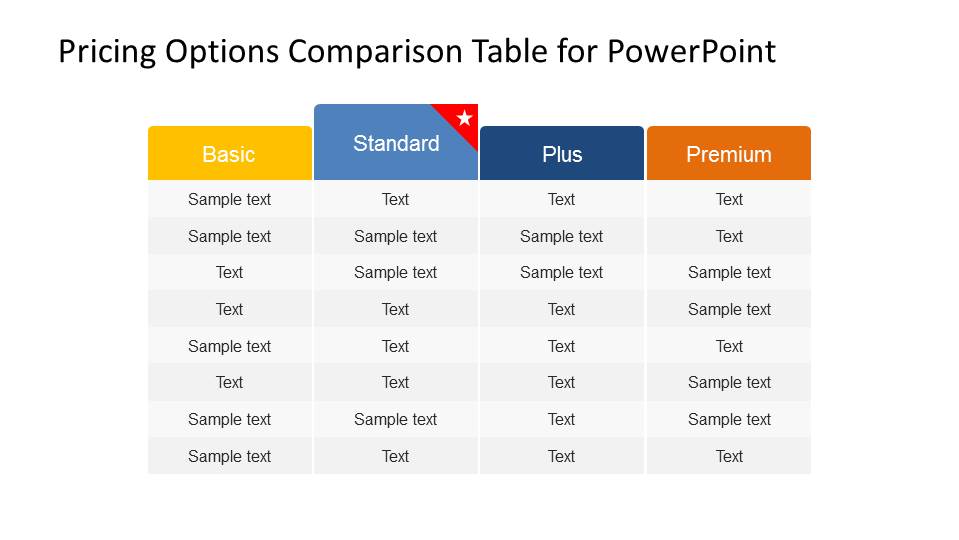
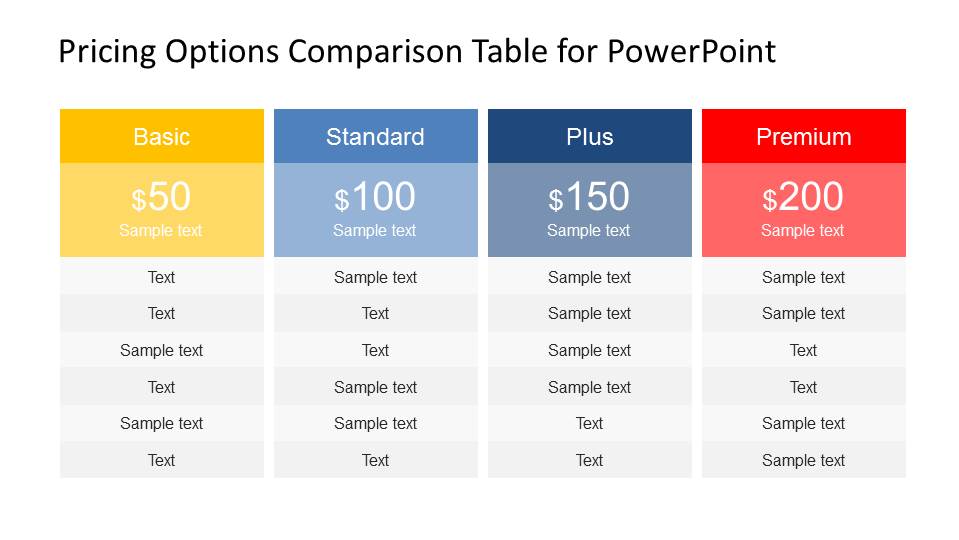
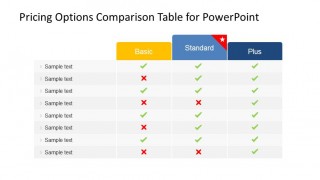
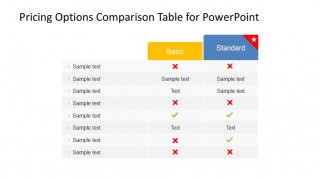
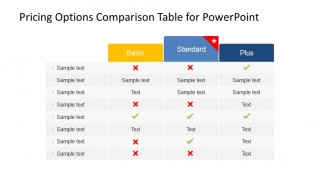
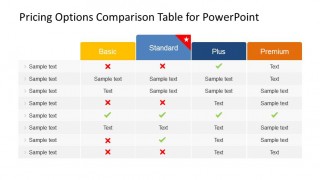
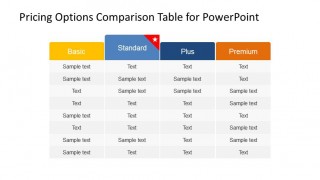
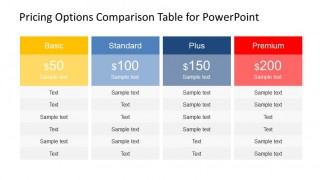
The main shapes is created as a PowerPoint table, 100% fully editable. Each of the rows describes one of the product features included in the mix. Each column represents a product mix. The presentations has different flavors for comparisons. It provides simple tables, tables with cross and ticks icons for describing what features a mix has, and a final 4 columns pricings options table, that presents a prices and description in a web style.
All the shapes and tables are fully customizable by the user, using PowerPoint properties.
Impress your audience and close your sales deal, with this modern pricing options comparison table for PowerPoint.
What’s inside this template
Example presentation scenarios
- A sales team can present a good-better-best offer by using the three-column tick/cross table and the recommended star marker to direct attention to the preferred plan.
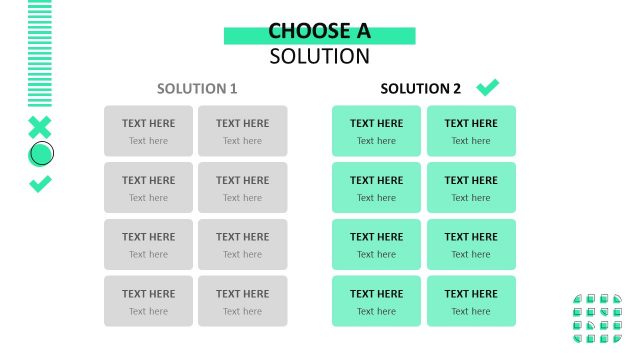
- A product marketer can explain a launch package lineup by using the four-column feature matrix to show which features appear in Basic, Standard, Plus, and Premium tiers.
- A pricing manager can brief executives on revenue packaging by using the pricing card layout to compare monthly prices, short plan descriptions, and included features.
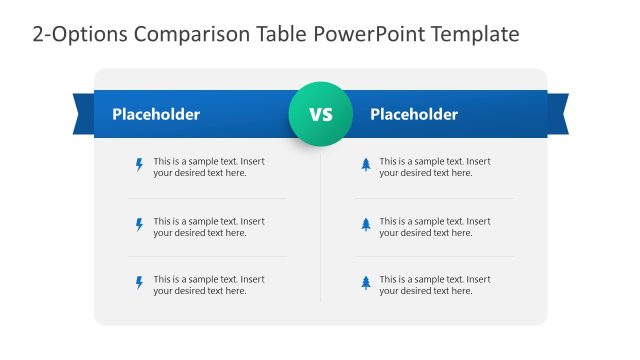
- A solutions consultant can compare two offer versions for a prospect by using the two-plan table with text cells and check/cross indicators.
Features
- 100% editable presentation template
- Compatible with Microsoft PowerPoint and Google Slides
- 16:9 aspect ratio slides
- Scalable vector shapes, icons and illustrations
- AI-Ready for Microsoft Copilot and Claude
- Instant access and download
Frequently asked questions
Q: How should a presenter explain the pricing differences without overloading the audience?
A: Start with the rows that matter most to the buyer, then use the check and cross icons to make inclusion or exclusion obvious. Keep long explanations out of the matrix and reserve them for speaker notes. If one plan is the preferred recommendation, use the Standard column marker as the decision anchor before discussing price.
Q: Who is this template best suited for in a pricing discussion?
A: This template fits sales, product marketing, and business development teams that need to compare packaged offers rather than present raw pricing math. It works best when the audience needs to understand tradeoffs among plans, feature access, and value proposition tiers before choosing a Basic, Standard, Plus, or Premium option.
Q: Why do the table and card layouts help communicate value?
A: The repeated colored headers create a plan ladder metaphor, making each tier feel like a clear choice instead of a paragraph of conditions. Tick/cross rows reduce reading effort, while the final pricing cards shift the audience from feature comparison to purchase framing. This sequence supports faster evaluation.
Pricing Options Comparison Table for PowerPoint
7-slide presentation template for pricing tables, feature comparisons, sales plan tiers, and value propositions
Pricing Options Comparison Table for PowerPoint is a 7-slide table template for sales and marketing teams comparing plan tiers and value propositions. It includes three-column tick/cross comparison tables, two-plan comparison tables, four-column feature matrices, and pricing card layouts for Microsoft PowerPoint and Google Slides.
- Category
- Text & Tables
- Rating


 Loading...
- Aspect ratio
- 16:9, 4:3
- Item ID
- 6571-03
- Colors
 Microsoft PowerPoint
  Microsoft Copilot
  Claude for PowerPoint
 Other formats supported
Subscribe today and get immediate
access to download our PowerPoint templates.