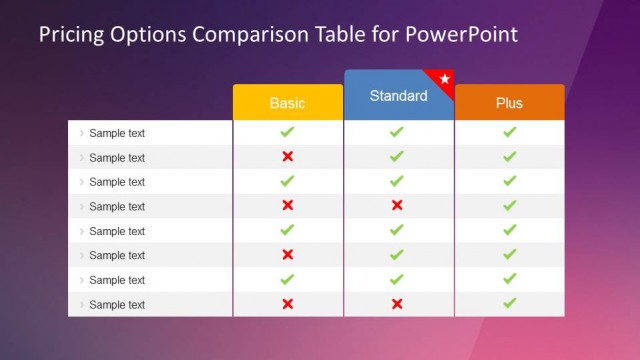
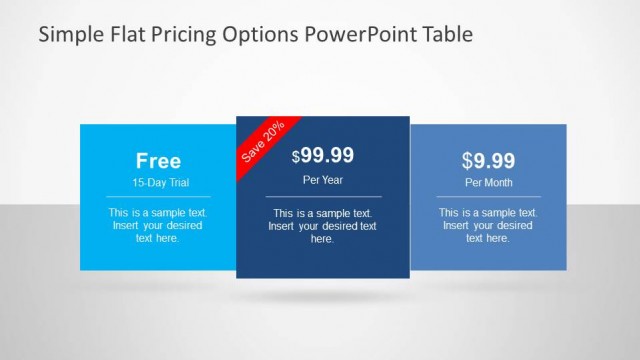
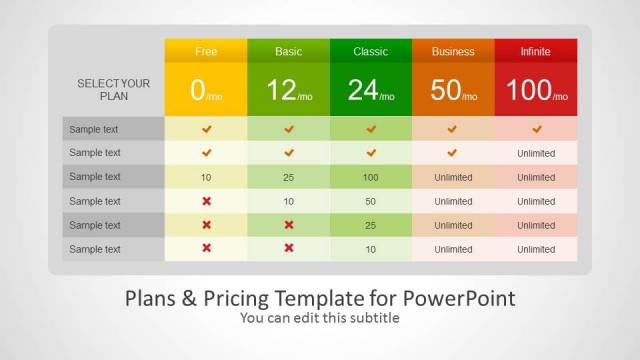
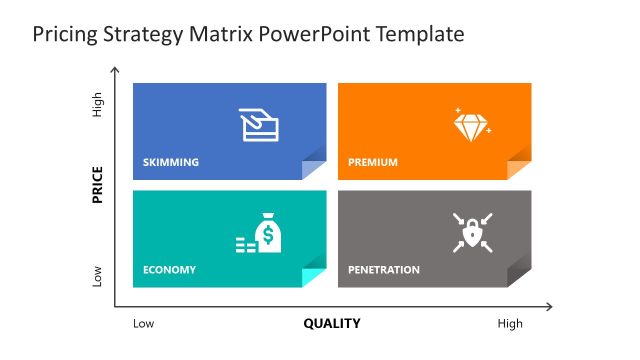
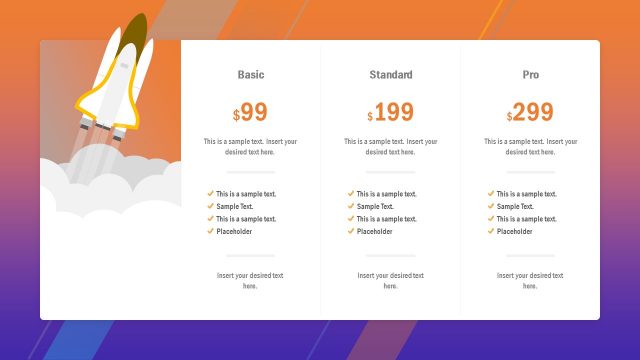
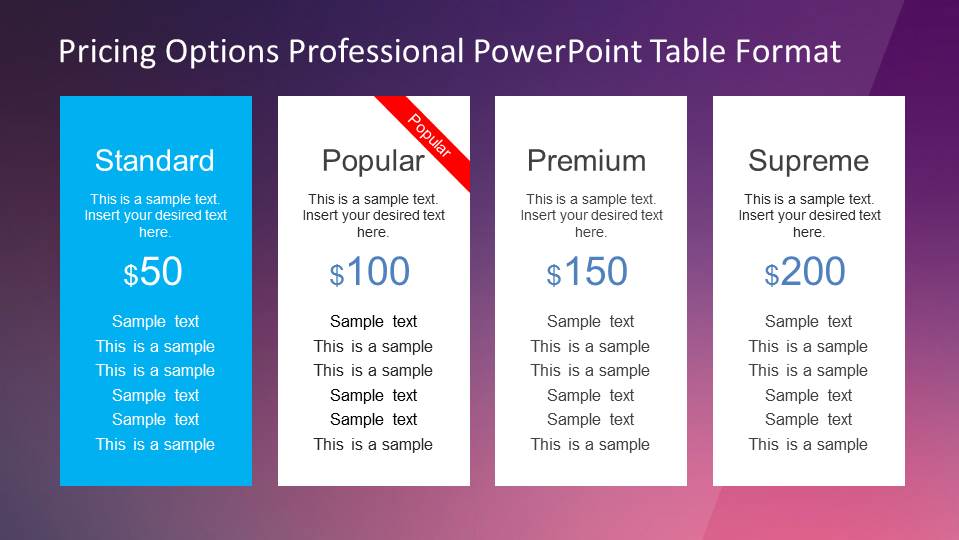
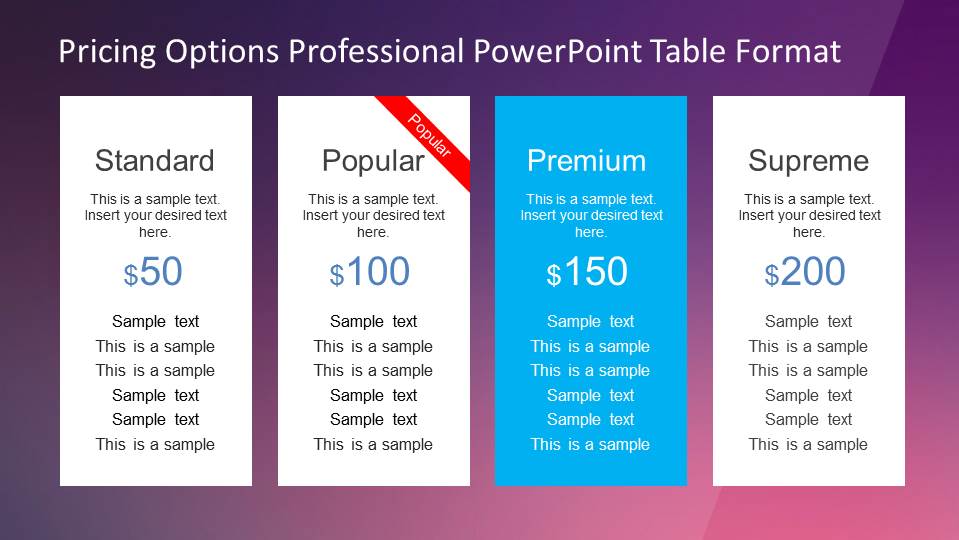
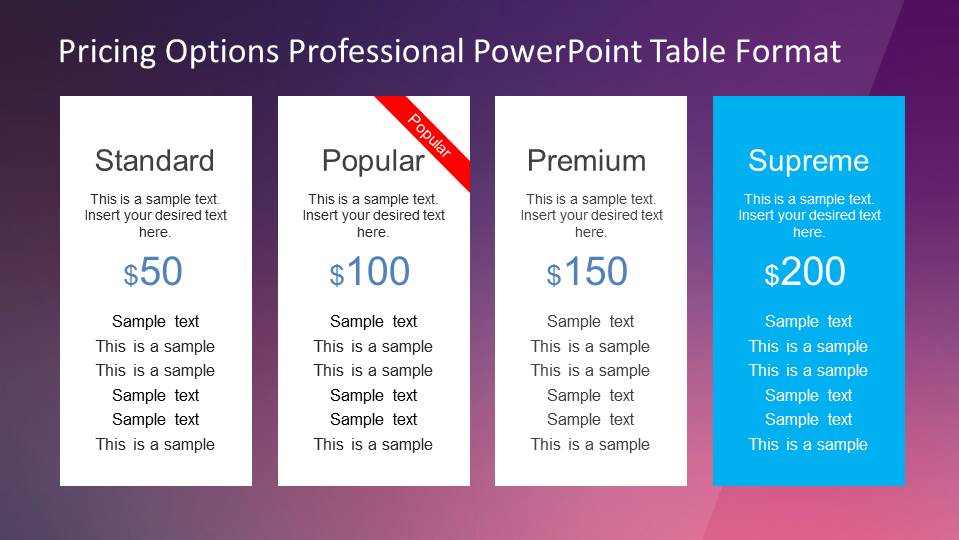
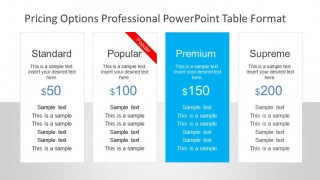
Professional Pricing Options Table for PowerPoint is an amazing presentation with four different pricing options displayed in a column layout. The presentation provides a vectorial background that can be edited and adapted through the PowerPoint Slide Master Tool. The boxes with the pricing options are created with 100% Editable PowerPoint shapes, allowing the user to customize the look and feel full. These pricing options tables are ideal for closing sales proposals or defining the final marketing mix for products, as they display the price and value proposition for the offer.
Whenever a presenter is navigating through a sales proposal presentation or deck, it is necessary to clearly present the value proposition of the product/service and describe the mix (the presenter can combine this template with our Marketing Mix presentations). During this process, the visual impact needs to be clear and should impress in the audience’s mind the main purchasing ideas. For that, this presentation is created with a warm background and impressive numbers that the audience will remember.
Create outstanding decks and infographics with this modern professional pricing options table for PowerPoint that appeals to global audiences.
What’s inside this template
Example presentation scenarios
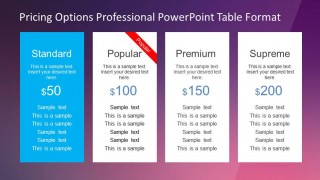
- A sales executive can use the four-column pricing table to walk a prospect through Standard, Popular, Premium, and Supreme options and clarify which plan best fits the buying need.
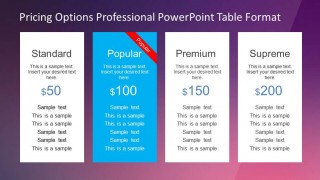
- A product marketer can use the highlighted plan column to position a preferred subscription tier and connect the price point with the listed feature benefits.
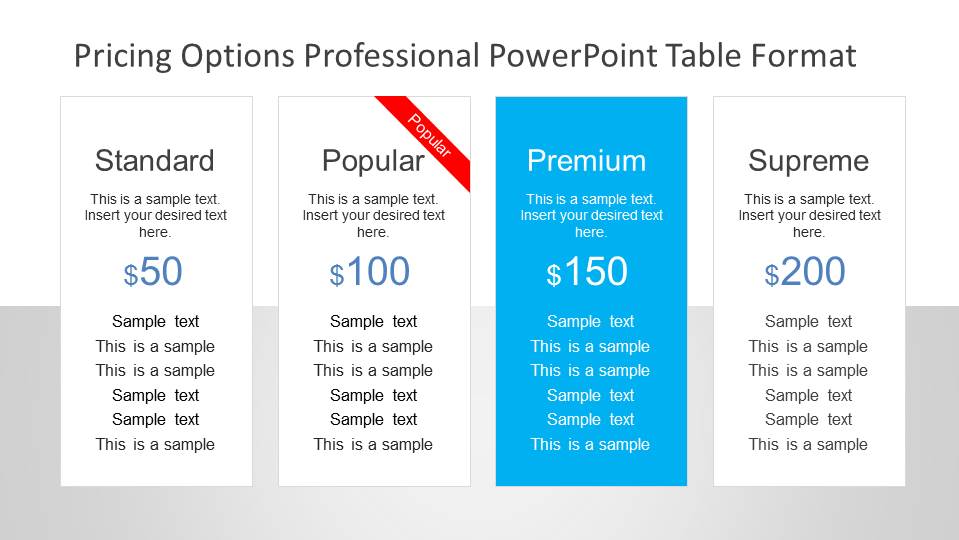
- A consultant can use the light background pricing table to compare service packages in a client proposal without distracting from the names, prices, and feature text.
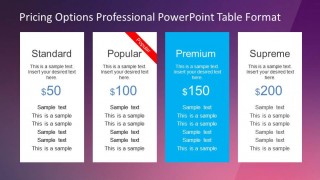
- A startup founder can use the Popular ribbon and highlighted Premium layout to test different recommended offers in an investor or partner pitch.
Features
- 100% editable presentation template
- Compatible with Microsoft PowerPoint and Google Slides
- 16:9 aspect ratio slides
- Scalable vector shapes, icons and illustrations
- AI-Ready for Microsoft Copilot and Claude
- Instant access and download
Frequently asked questions
Q: How should I present the pricing comparison so the audience does not focus only on the lowest price?
A: Start by framing the decision around fit, not cost. Use the four columns to explain who each tier is for, then move attention to the highlighted plan and its feature list. Keep the lower-priced Standard option credible, but use the cyan emphasis and the Popular ribbon to show the recommended value path.
Q: What kind of offer is this pricing table best suited for?
A: This template works best for offers with four clear tiers, such as software subscriptions, consulting packages, service bundles, or membership plans. It is strongest when each option has a simple name, one visible price, and a short feature list. Sales teams and product marketers can use it near the close of a proposal.
Q: Why does the template repeat the same pricing table with different highlighted plans?
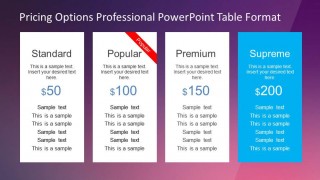
A: The repeated table lets the presenter shift emphasis without rebuilding the comparison. One version can favor Standard, another Popular, another Premium, and another Supreme. This is useful when tailoring the same proposal to different buyer segments, because the visual metaphor of a spotlighted card immediately signals the preferred choice.

Professional Pricing Options Table for PowerPoint
5-slide presentation template for pricing tables, plan comparisons, and value proposition tiers.
Professional Pricing Options Table for PowerPoint is a 5-slide pricing comparison template for sales and marketing teams. It shows four-column pricing tables with Standard, Popular, Premium, and Supreme tiers, highlighted plan columns, a red Popular ribbon, and dark or light background variants for Microsoft PowerPoint and Google Slides.
- Category
- Text & Tables
- Rating


 Loading...
- Aspect ratio
- 16:9, 4:3
- Item ID
- 6571-02
- Colors
 Microsoft PowerPoint
  Microsoft Copilot
  Claude for PowerPoint
 Other formats supported
Subscribe today and get immediate
access to download our PowerPoint templates.