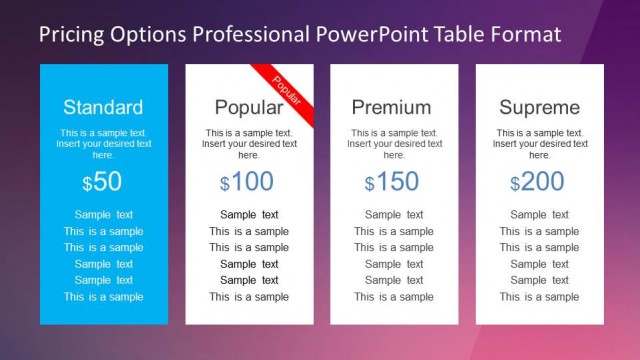
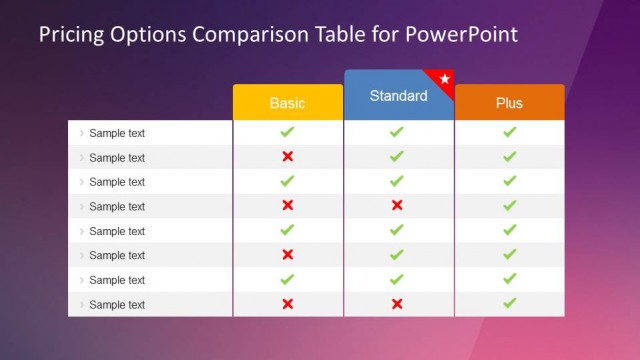
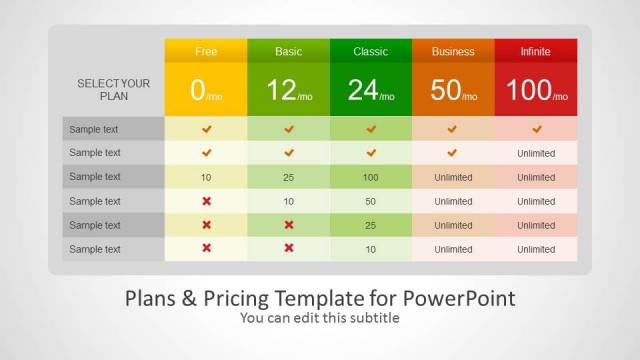
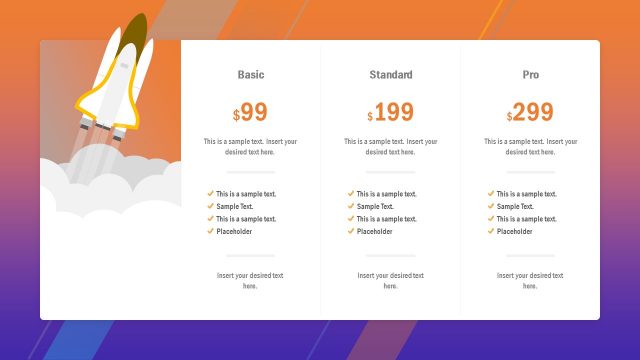
Simple Flat Pricing Options PowerPoint Table is a creative presentation containing different options of pricing proposals. Ideal for Sales or Marketing presentations, the user can adapt each of the columns to the value proposition of the offering, as well as the price and features offered. The table is created entirely with PowerPoint shapes, allowing the user to fully customize the look and feel, number of columns and colors of the theme.
This Pricing Table is created using modern flat design, actually being the defacto on web and mobile. The color palette is warm and the designs is non intrusive, allowing the presenter to focus on the value proposition and pricing options, rather than distracting messages.
Combine our Pricing Options PowerPoint table with our Marketing Templates and create presentations that appeal to executive audiences.
What’s inside this template
Example presentation scenarios
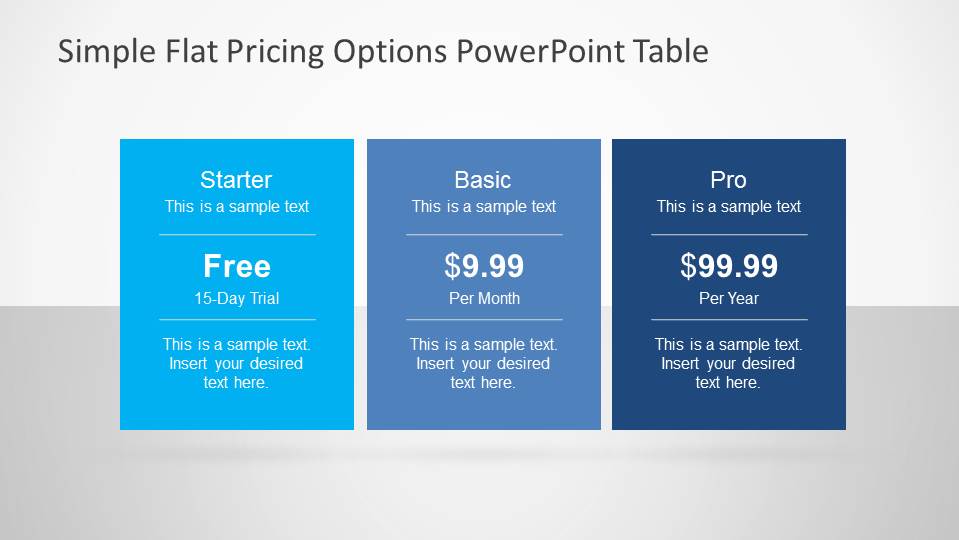
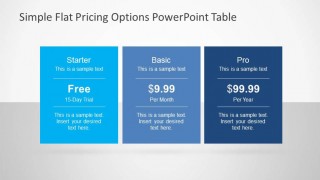
- A SaaS sales lead can compare Starter, Pro, and Basic subscription tiers with the three-column plan cards before asking prospects to choose a package.
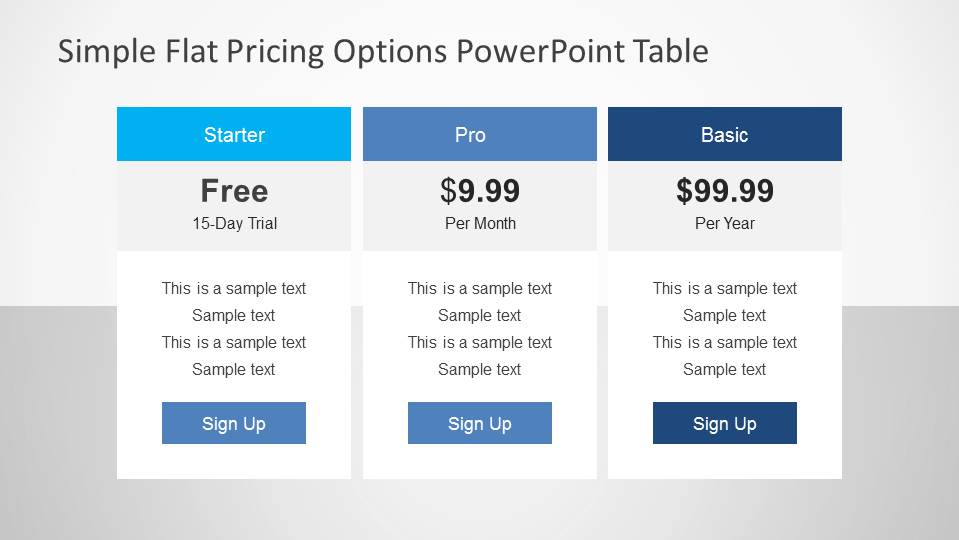
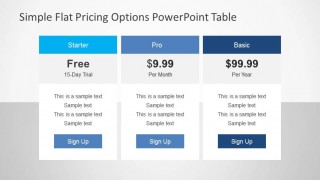
- A marketing manager can present a launch pricing page concept by using the feature-row comparison table to show what each offer includes.
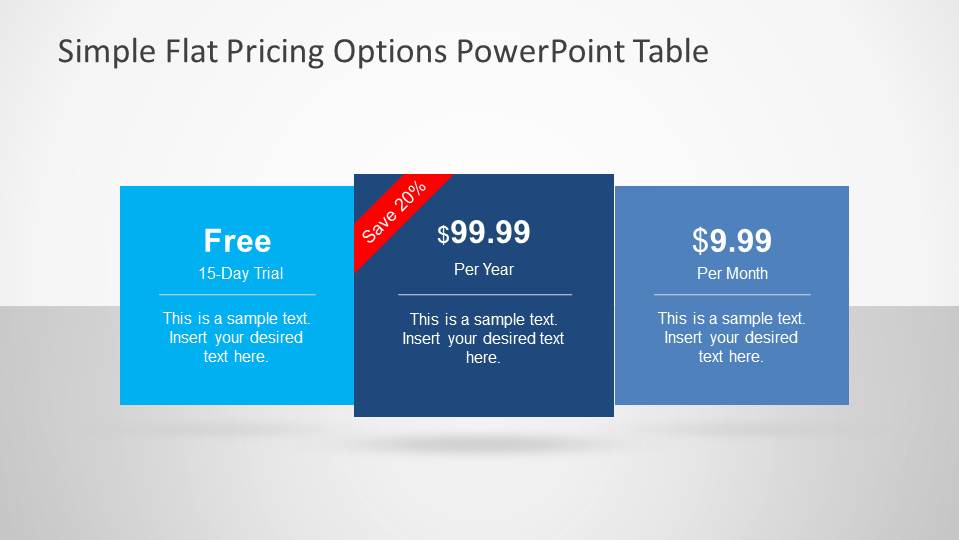
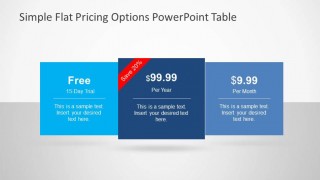
- A business development presenter can place a recommended package in the raised center card and use the sale ribbon to call attention to a limited discount.
- A product manager can explain packaging changes to executives by replacing the sample feature rows with plan limits, service levels, and billing terms.
Features
- 100% editable presentation template
- Compatible with Microsoft PowerPoint and Google Slides
- 16:9 aspect ratio slides
- Scalable vector shapes, icons and illustrations
- AI-Ready for Microsoft Copilot and Claude
- Instant access and download
Frequently asked questions
Q: How should I present the pricing tiers without making the audience focus only on cost?
A: Lead with the problem each tier solves, then reveal the price as a buying decision point. Use the equal three-column card slide for a neutral comparison, and use the overlapping card slide when one option should feel recommended. Keep feature copy short so the audience compares value, not just dollar amounts.
Q: Who is this pricing table best suited for?
A: This template fits sales, marketing, and product teams that need to explain a small set of packages quickly. It works well for SaaS plans, service bundles, membership levels, or product tiers where the presenter must compare included features and guide a buyer toward a clear next step.
Q: Why use flat pricing cards instead of a dense spreadsheet?
A: The card metaphor makes each plan feel like a selectable offer, similar to a website pricing page. The simple flat blocks, large price text, and sign-up buttons create a decision path. This is stronger than a spreadsheet when the goal is choice clarity rather than detailed financial analysis.
Simple Flat Pricing Options PowerPoint Table
3-slide presentation template for pricing tables, plan tiers, and sales package comparison
This is a 3-slide pricing table presentation template for comparing service packages, subscription tiers, or sales offers. The deck shows overlapping pricing cards, equal three-column plan cards, and a feature-row comparison table with sign-up buttons. It is intended for sales and marketing teams using Microsoft PowerPoint or Google Slides.
- Category
- Text & Tables
- Rating


 Loading...
- Aspect ratio
- 16:9, 4:3
- Item ID
- 6571-01
- Colors
 Microsoft PowerPoint
  Microsoft Copilot
  Claude for PowerPoint
 Other formats supported
Subscribe today and get immediate
access to download our PowerPoint templates.