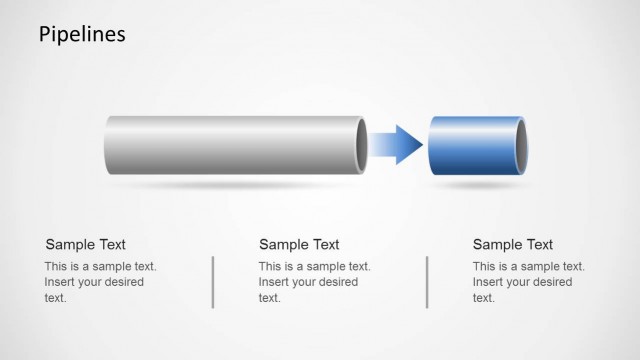
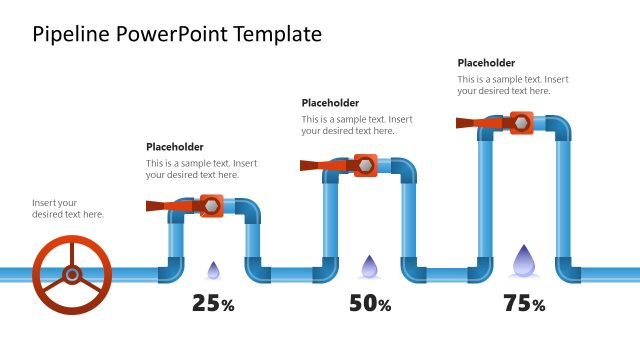
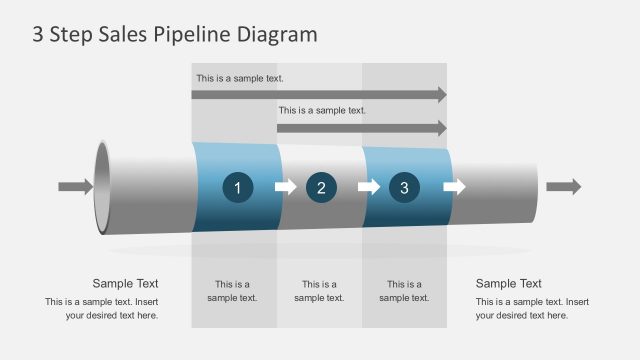
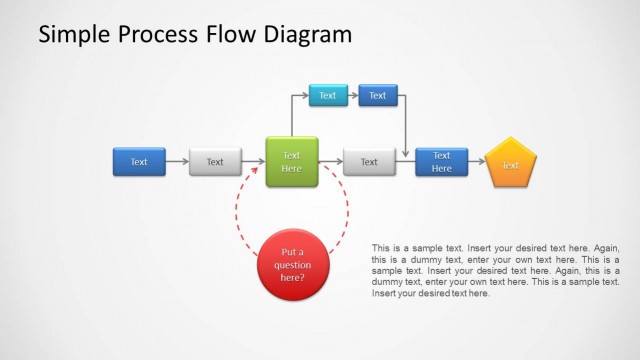
Pipelines Diagram Template for PowerPoint is a presentation template containing a creative pipeline design created with shapes that you can use in Microsoft PowerPoint.
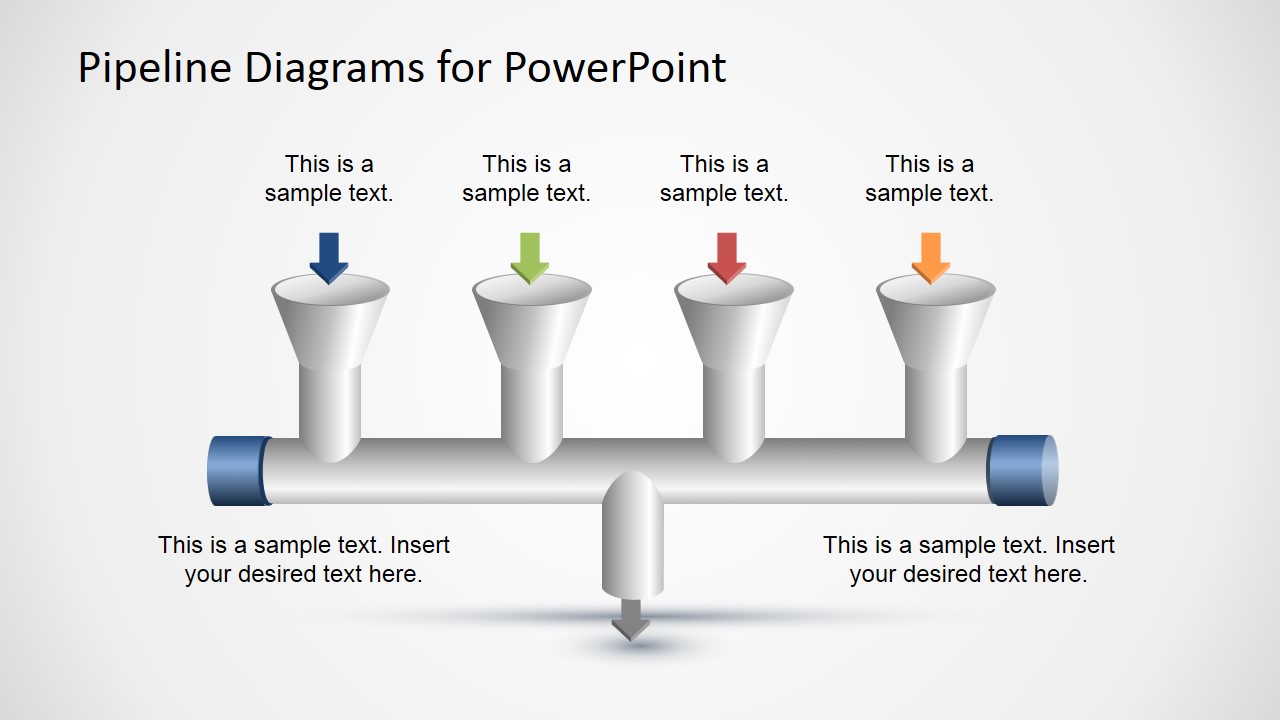
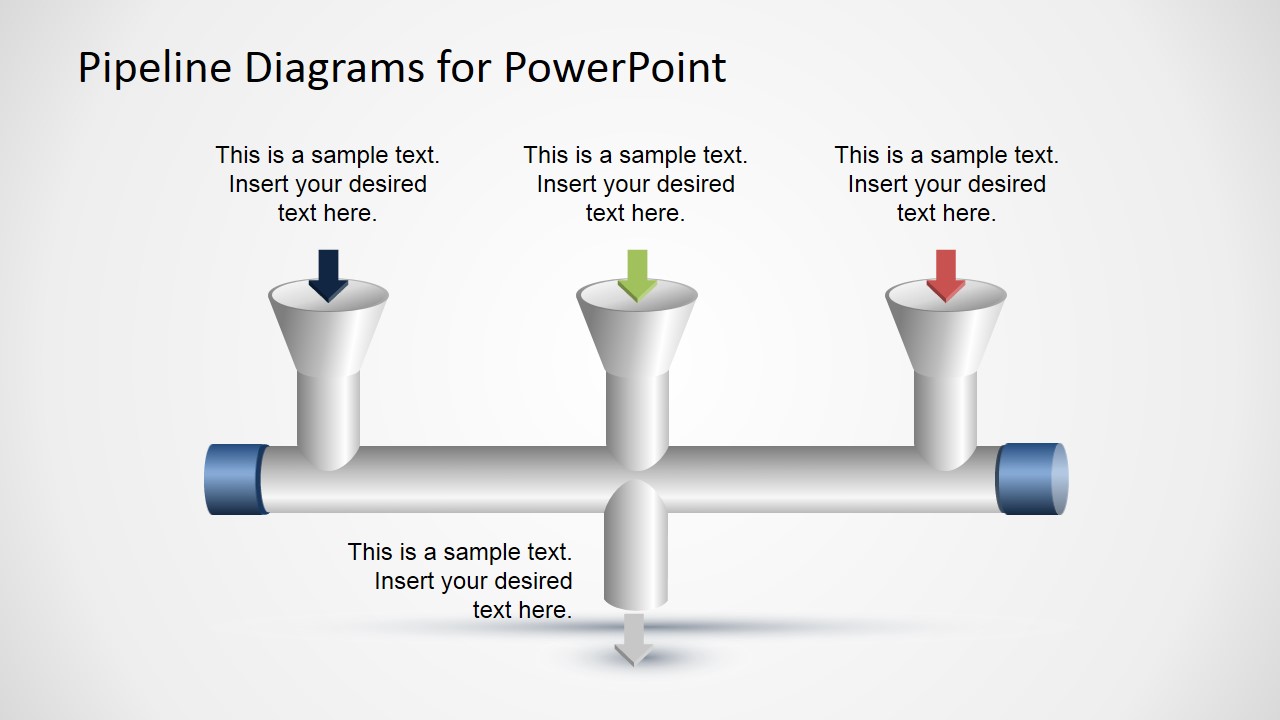
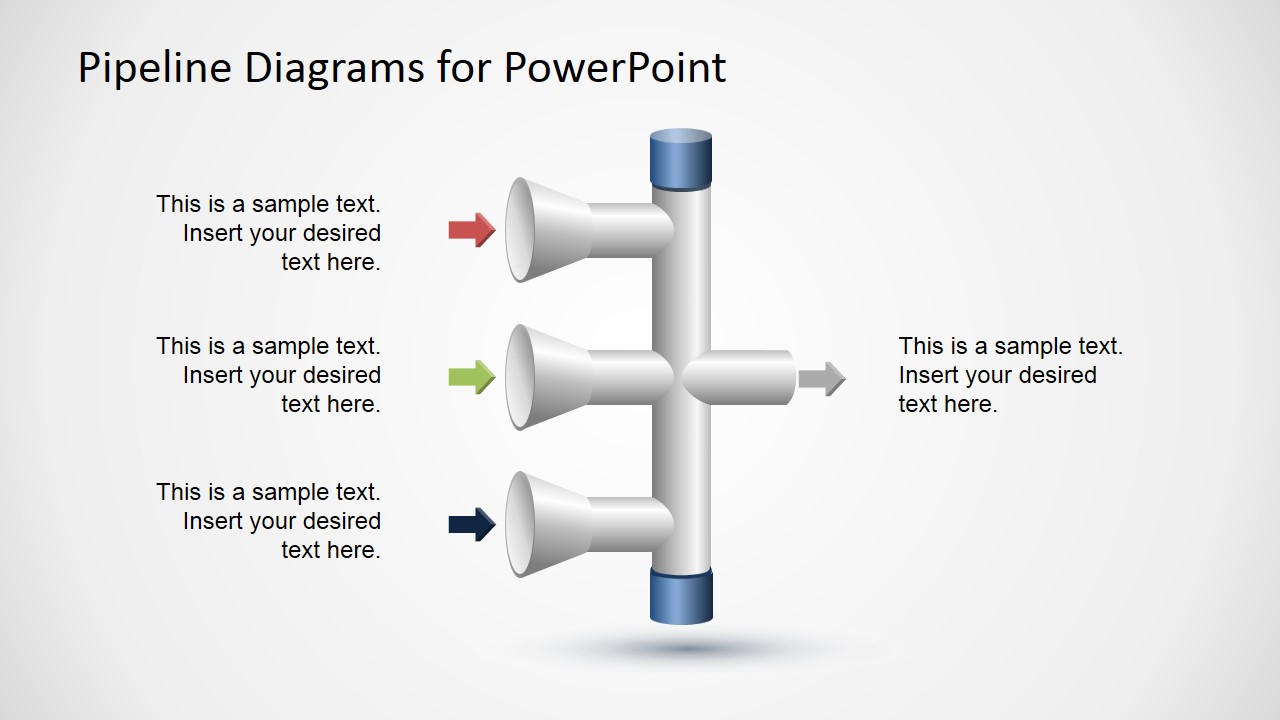
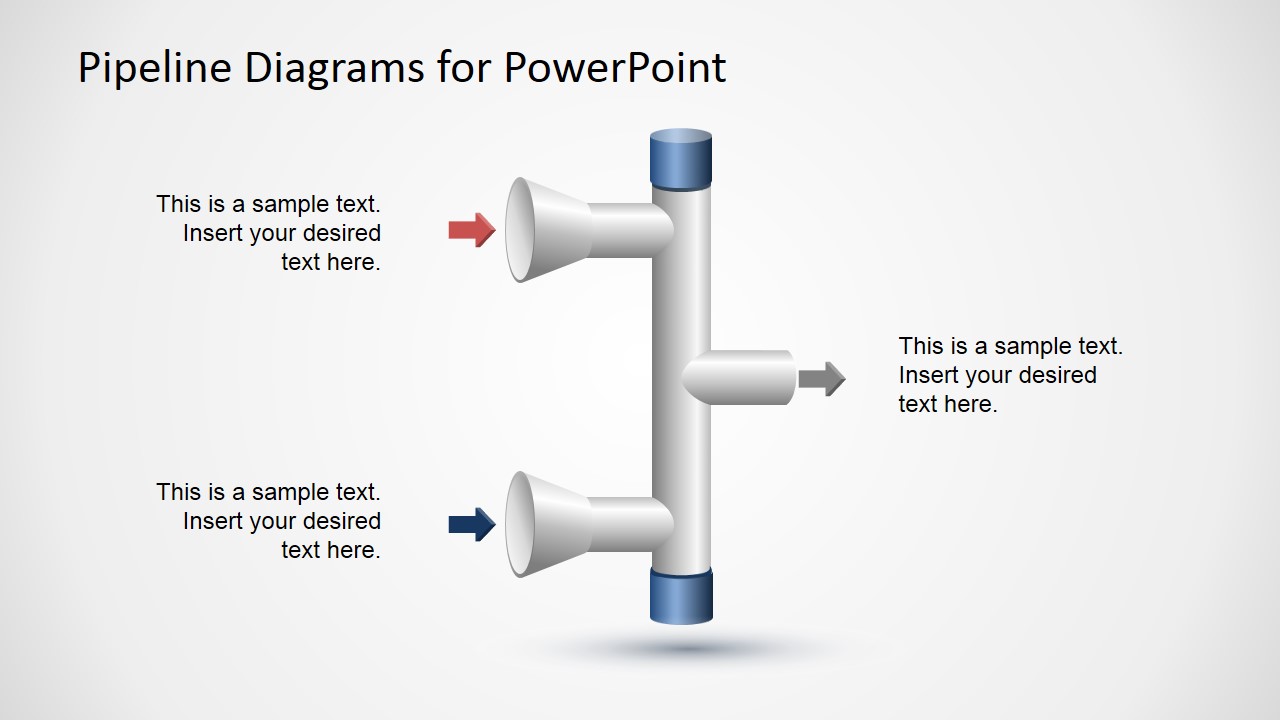
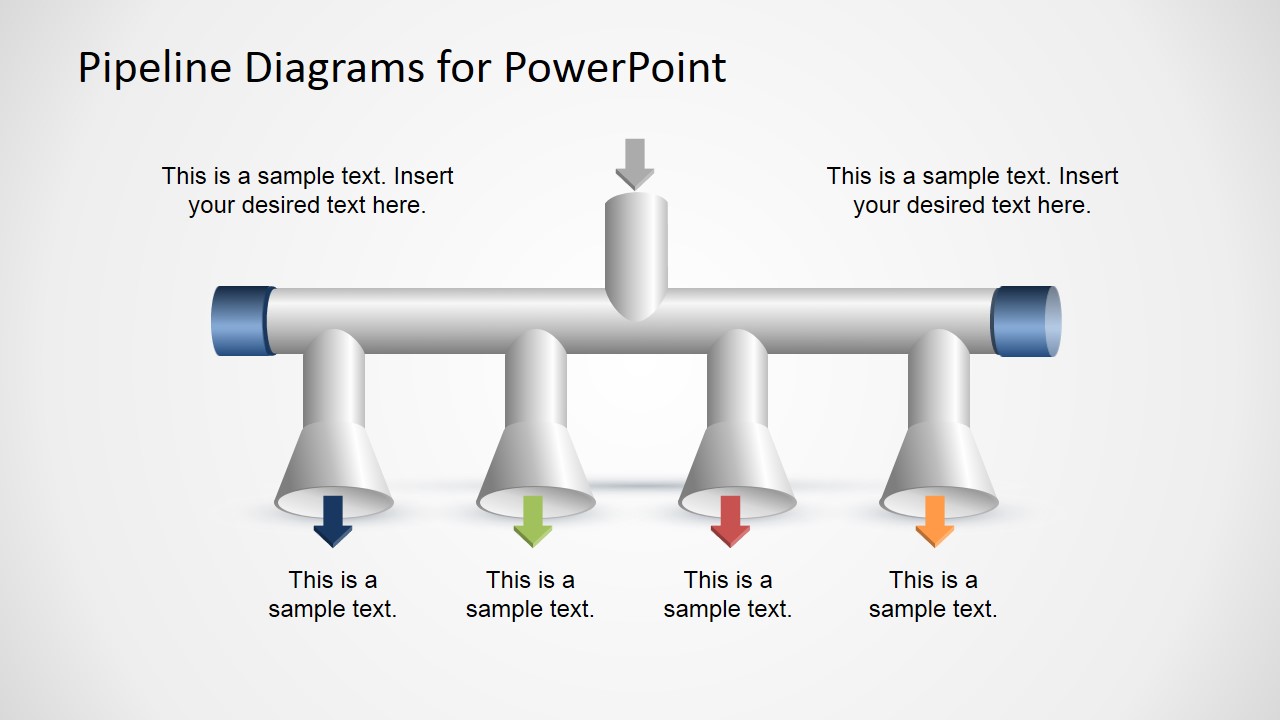
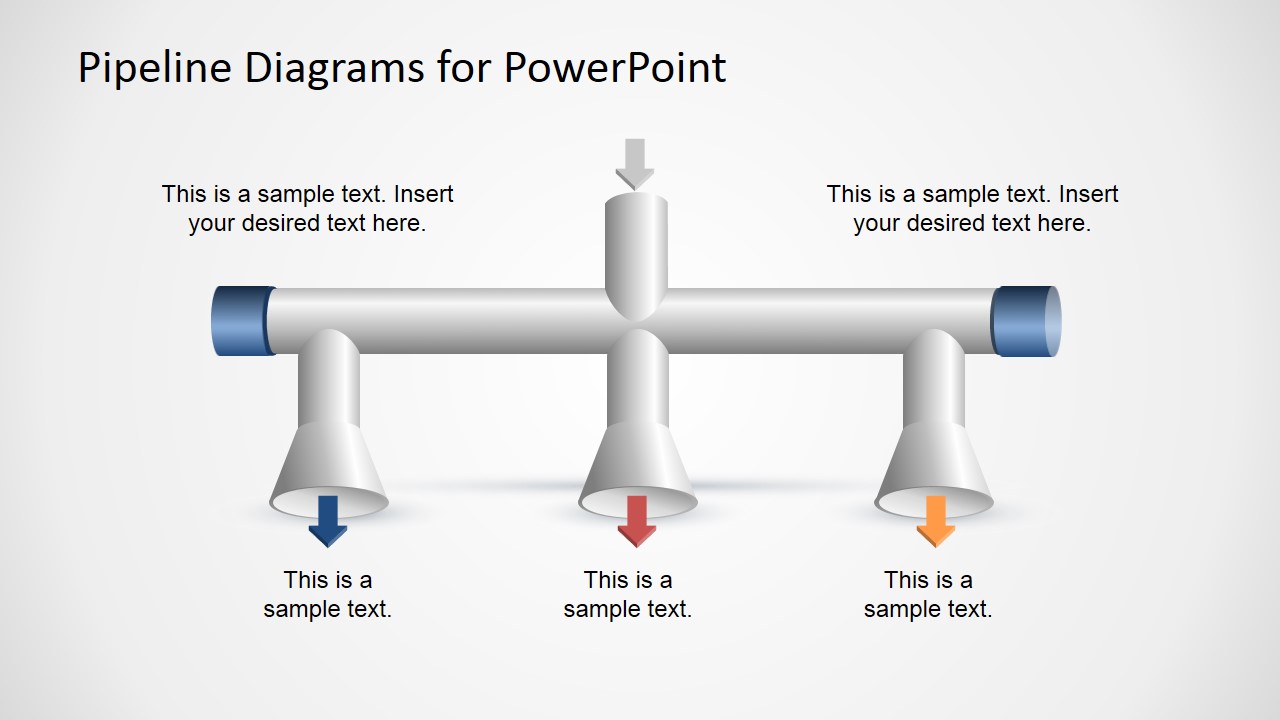
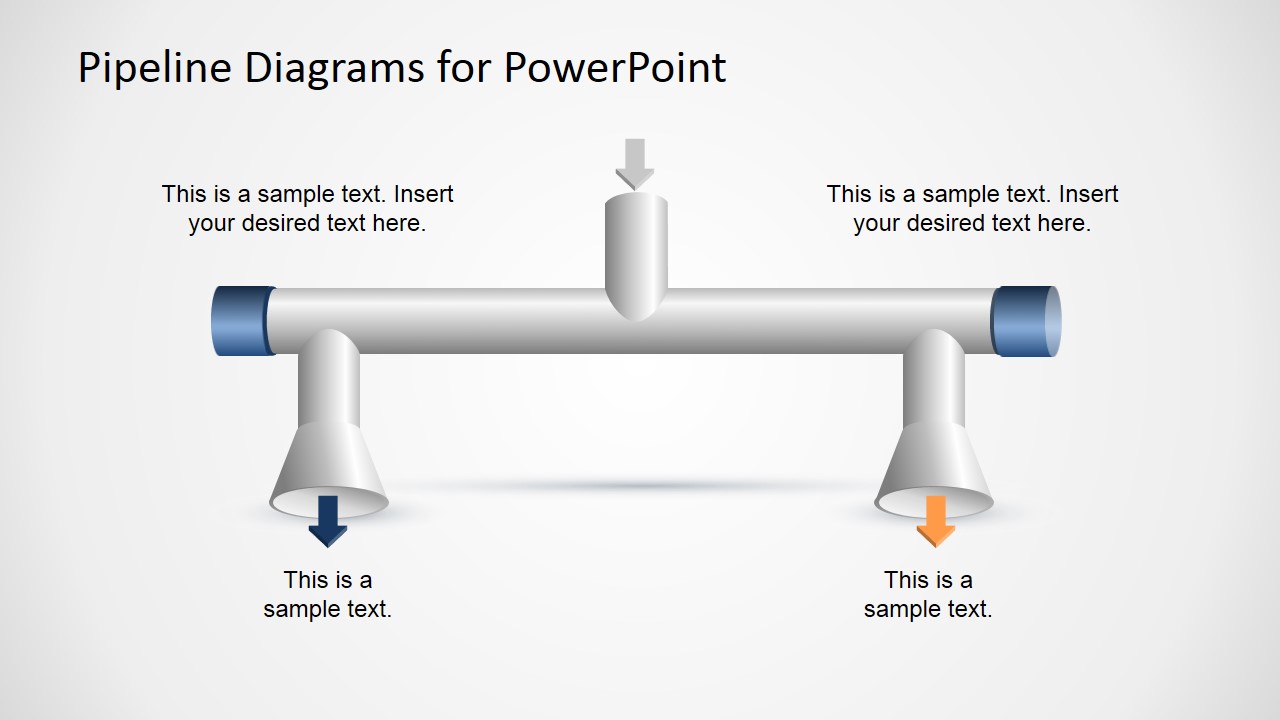
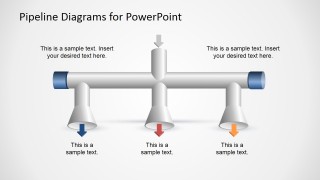
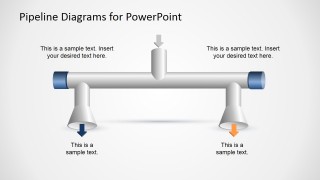
You can use the pipeline design components to represent a pipeline process flow in PowerPoint with inputs and outputs. This pipelines template has different number of inputs and outputs in the PowerPoint slides and text placeholders so you can easily customize it for your own needs. It also contains colorful arrows to decorate the pipeline process.
Alternatively you can download free PowerPoint templates and slide designs for presentations including samples of our editable shapes or other pipeline diagrams for PowerPoint from our content gallery.
What’s inside this template
Example presentation scenarios
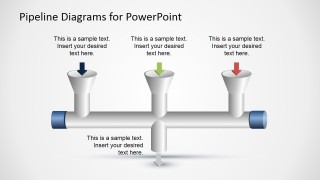
- An operations manager can explain how several intake streams feed one downstream process by using the horizontal pipeline slides with multiple top input funnels and a bottom output.
- A product manager can show how customer requests, feature ideas, or data sources move into a shared workflow by using the colored arrow callouts and text placeholders.
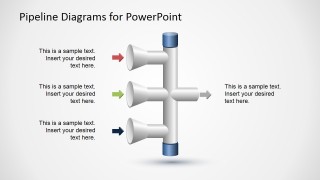
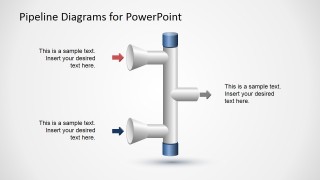
- A consultant can compare alternative process designs by selecting the vertical manifold layouts with two or three inputs and one output path.
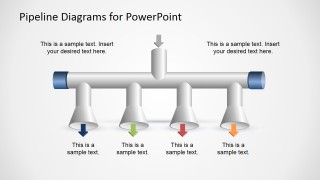
- A sales operations leader can describe lead sources and routed outcomes with the split output pipeline slides that show one intake and multiple downward outlets.
Features
- 100% editable presentation template
- Compatible with Microsoft PowerPoint and Google Slides
- 16:9 aspect ratio slides
- Scalable vector shapes, icons and illustrations
- AI-Ready for Microsoft Copilot and Claude
- Instant access and download
Frequently asked questions
Q: How should a presenter explain a pipeline process clearly with these slides?
A: Start by labeling each arrow as a specific input or output before adding explanatory text. Use one slide per configuration, such as four inputs into one process or one intake split into several outputs. Keep the pipe graphic as the central path and use the text placeholders to explain cause, sequence, or ownership.
Q: When is this template a better choice than a standard flowchart?
A: This template works best when the message is about flow, intake, routing, or distribution rather than detailed decisions. Operations teams, sales operations groups, and analysts can use the pipe metaphor to show how inputs converge or outputs branch. A standard flowchart is better for yes-no logic and step-by-step task order.
Q: Why does the pipeline metaphor improve communication for process topics?
A: The pipe shapes make direction and movement easy to read before the audience studies the labels. Funnel-like openings suggest intake, outlet shapes suggest distribution, and colored arrows distinguish different streams. This visual metaphor helps presenters explain process capacity, routing, or conversion without relying only on boxes and connectors.
Pipelines Diagram Template for PowerPoint
7-slide pipeline diagram presentation template for process inputs, outputs, and directional flow mapping.
Pipelines Diagram Template for PowerPoint is a 7-slide diagram template for showing process flow with pipe metaphors. It includes horizontal pipeline inputs and outputs, vertical intake manifolds, split output pipes, and directional arrow callouts. It is for operations, product, and business presenters using Microsoft PowerPoint or Google Slides.
- Category
- Diagrams
- Rating


 Loading...
- Aspect ratio
- 16:9
- Item ID
- 6783-01
- Colors
 Microsoft PowerPoint
  Microsoft Copilot
  Claude for PowerPoint
 Other formats supported
Subscribe today and get immediate
access to download our PowerPoint templates.