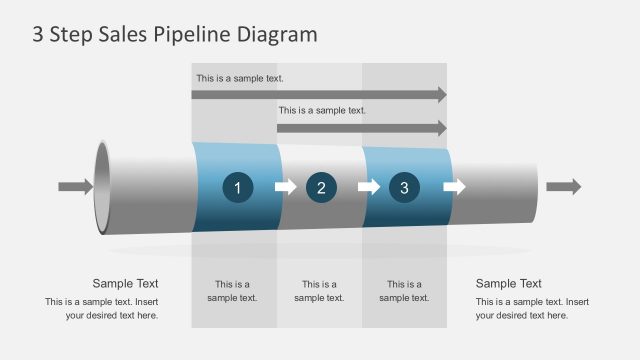
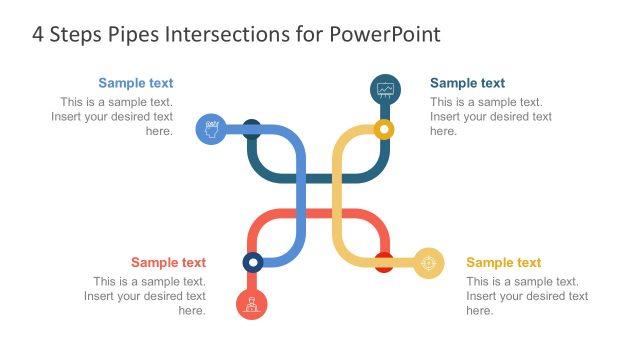
The Pipeline PowerPoint Template is a user-friendly presentation template that provides you with various pipeline slide designs and graphics to create attractive and engaging PowerPoint presentations. With this 100% editable pipeline PPT template, you can easily visualize and communicate complex ideas related to pipeline processes, flow processes, or other business concepts that involve pipeline diagrams.
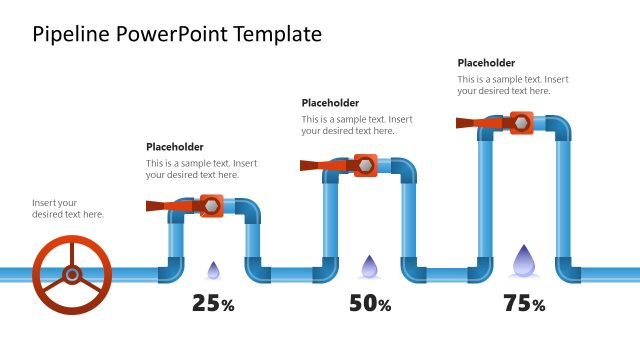
Inside this pipeline PowerPoint template you can find 8 creative pipeline slide designs containing different arrangements and layouts of pipelines with colors.
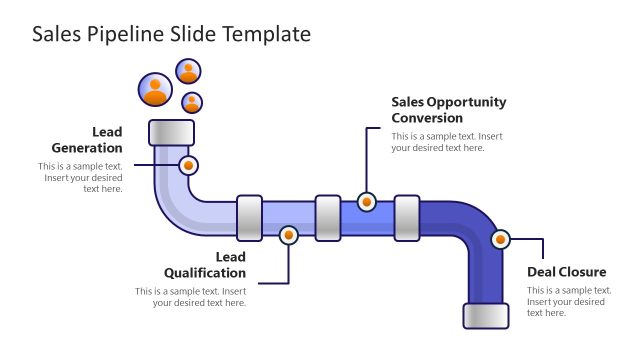
One possible use case for this pipeline PowerPoint template is to represent revenue-generating opportunities in a business development pipeline template. By using the editable pipeline shapes and colors provided in the PowerPoint template, you can create a customized pipeline diagram that showcases the different stages of your business development pipeline, from lead generation to conversion.
Another use case for this pipeline template is in the context of product development. You can use the 100% editable pipeline slide designs to illustrate the various stages involved in bringing a product to market, such as ideation, prototyping, testing, and launch. This can be particularly useful when presenting to investors or stakeholders who need a clear understanding of the product pipeline.
The Pipeline PowerPoint Template can also be useful in B2B sales. By using pipeline graphics, you can visually represent your sales pipeline and showcase your sales process in a clear and engaging way. This can help you to identify potential bottlenecks in the pipeline and optimize your sales process for better results.
In addition to these use cases, the Pipeline PowerPoint Template can be used in a variety of other contexts, such as project management, supply chain management, and logistics. With its editable pipeline shapes and colors, this pipeline slide template provides you with a flexible tool to create visually appealing and effective presentations that convey complex ideas in a clear and concise manner.
The Pipeline template for presentations is compatible with major versions of Microsoft PowerPoint & Google Slides.
Alternatively, you can download other pipeline PPT templates for PowerPoint & Google Slides presentations.
What’s inside this template
Example presentation scenarios
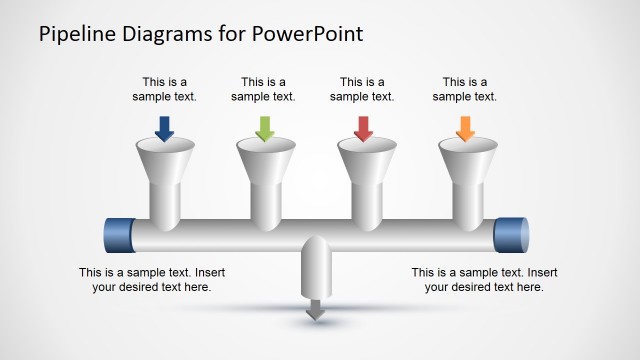
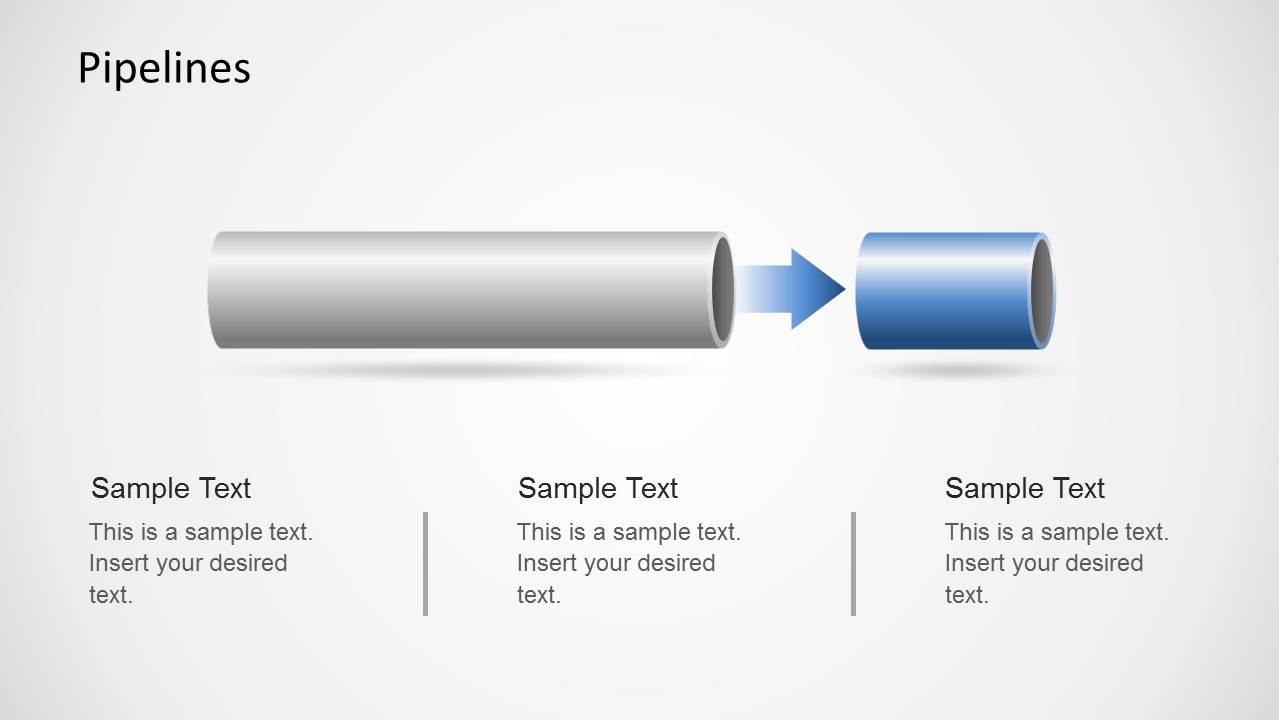
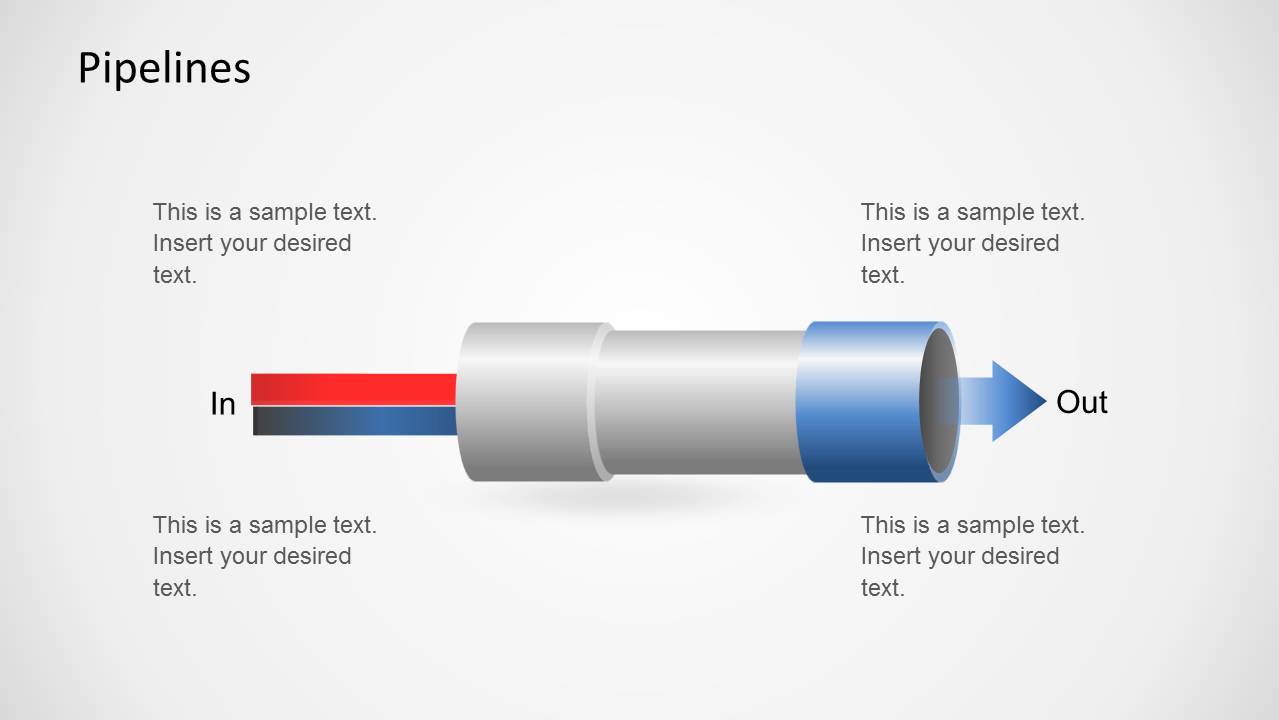
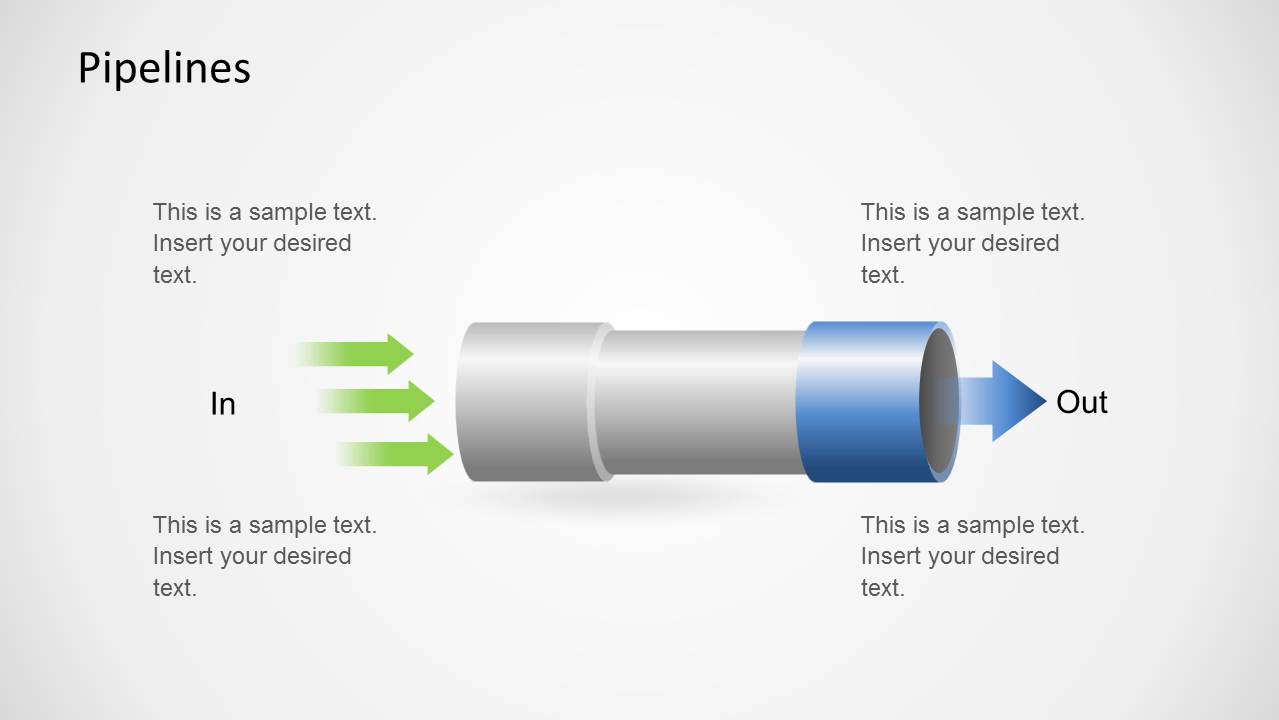
- A sales manager can present a lead-to-conversion process using the straight input-output pipeline and colored arrows to show where prospects enter, move forward, and exit.
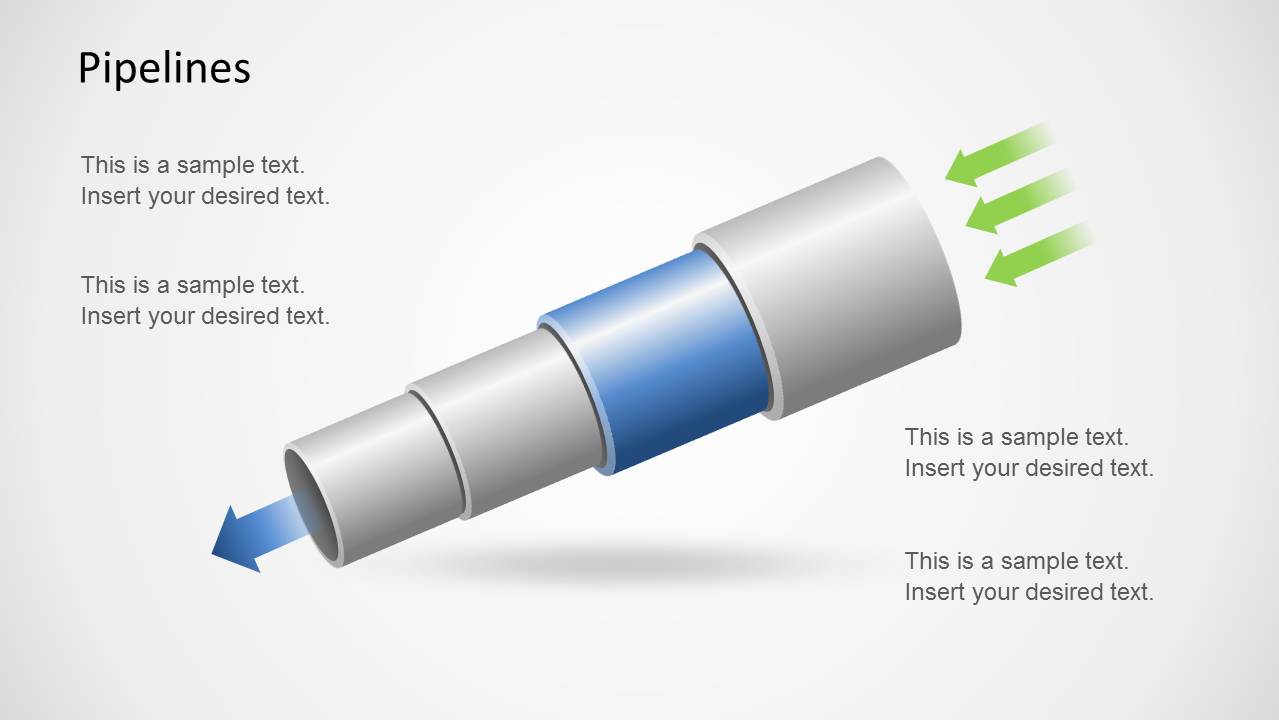
- A product manager can explain development stages to executives by labeling the segmented angled pipeline with ideation, build, testing, launch, and feedback steps.
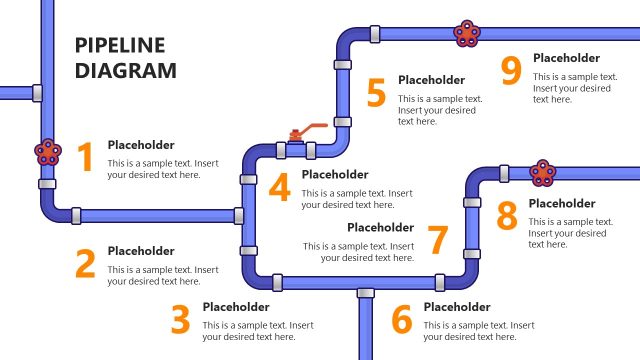
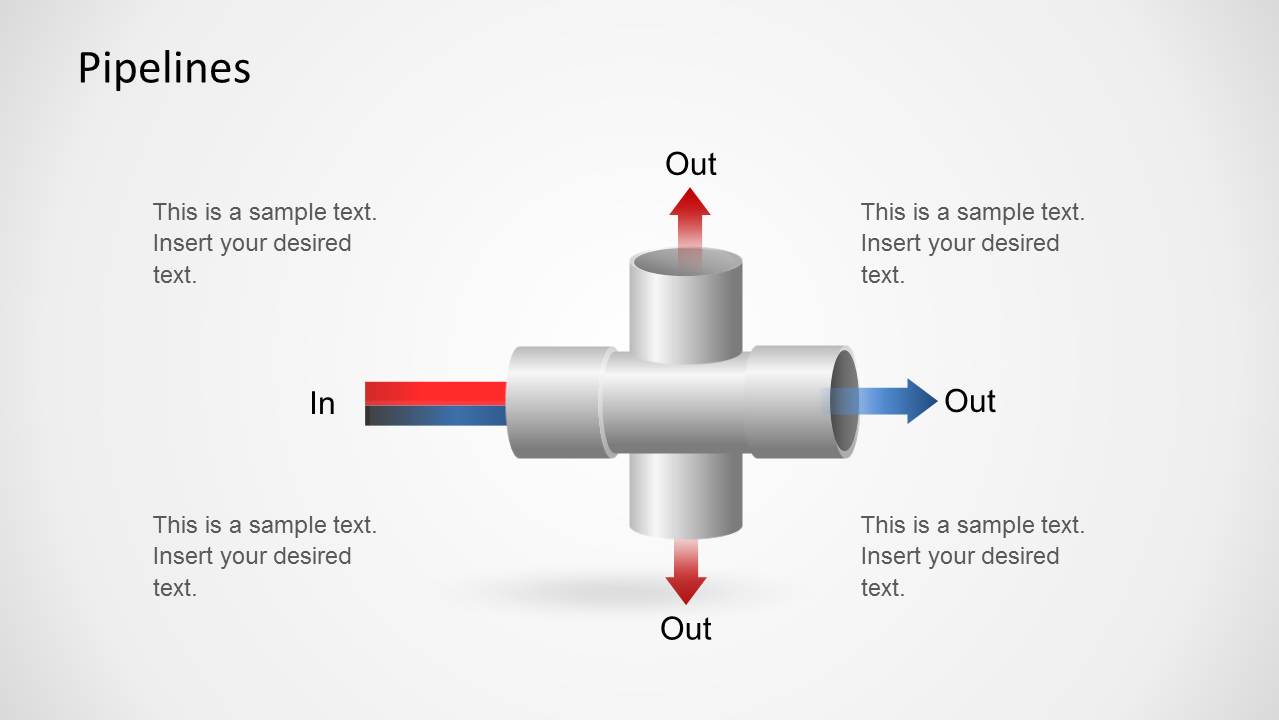
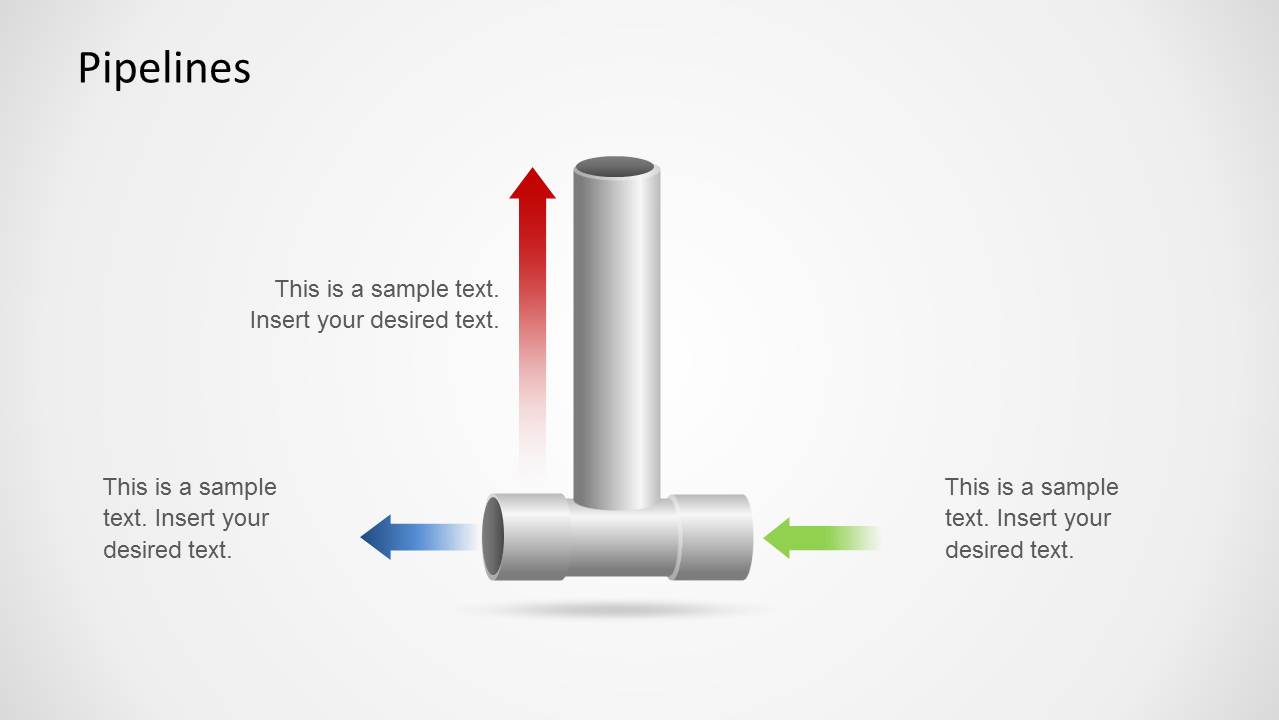
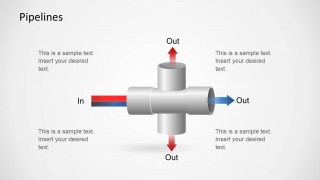
- An operations leader can review bottlenecks in a workflow using the cross-junction and vertical elbow diagrams to separate inputs, outputs, and side paths.
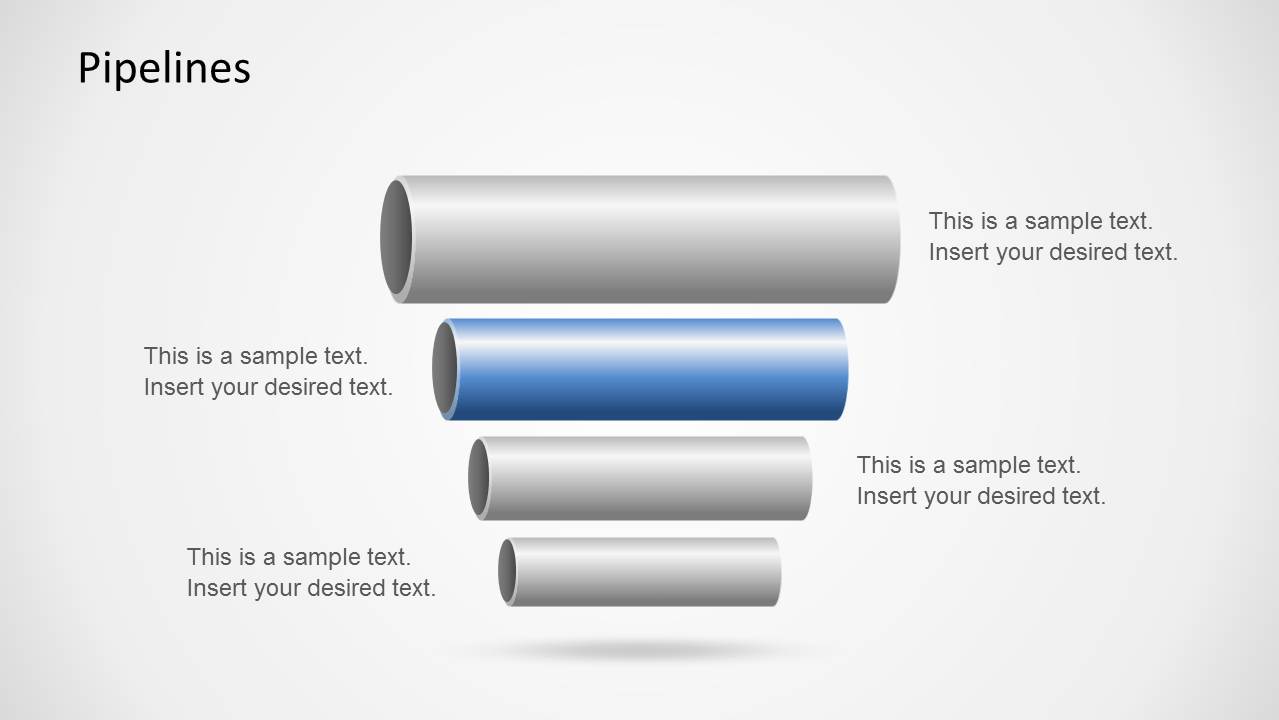
- A consultant can compare parallel process streams with the stacked pipe slide, using the highlighted blue pipe to show the recommended pathway or current priority.
Features
- 100% editable presentation template
- Compatible with Microsoft PowerPoint and Google Slides
- 16:9 aspect ratio slides
- Scalable vector shapes, icons and illustrations
- AI-Ready for Microsoft Copilot and Claude
- Instant access and download
Frequently asked questions
Q: How should a presenter use the pipe metaphor without oversimplifying the process?
A: Use each pipe as a high-level movement path, then reserve callouts for the few constraints or decisions that matter. The straight pipeline works for a single end-to-end flow, while the cross-junction and elbow layouts can show diversion, rework, or parallel outputs. Keep labels short so the direction of movement remains obvious.
Q: Who is this template best suited for in a business presentation?
A: This template fits presenters who need to explain how opportunities, products, materials, or tasks move through a system. Sales leaders can map funnel progression, product teams can show stage gates, and operations managers can describe throughput. It is strongest when the audience needs a simple visual model before deeper discussion.
Q: Why do the 3D-style pipes and arrows help communicate process logic?
A: The pipe metaphor turns an abstract process into a physical flow, so inputs, outputs, branches, and bottlenecks become easier to scan. Colored arrows add direction and urgency, while gray pipe bodies keep attention on highlighted segments. The stacked pipe slide also supports comparison by making one stream visually stand out.








PowerPoint Pipeline Template
8-slide presentation template for pipeline process flows, junction diagrams, and staged input-output visuals
The PowerPoint Pipeline Template is an 8-slide 16:9 presentation template for explaining flows through pipe metaphors. It includes straight input-output pipelines, a cross-junction, a vertical elbow junction, stacked pipe comparisons, and angled segmented pipelines. Business, sales, operations, and product teams can edit it in Microsoft PowerPoint or Google Slides.
- Category
- Shapes
- Rating


 Loading...
- Aspect ratio
- 16:9
- Item ID
- 6273-01
- Colors
 Microsoft PowerPoint
  Microsoft Copilot
  Claude for PowerPoint
 Other formats supported
Subscribe today and get immediate
access to download our PowerPoint templates.