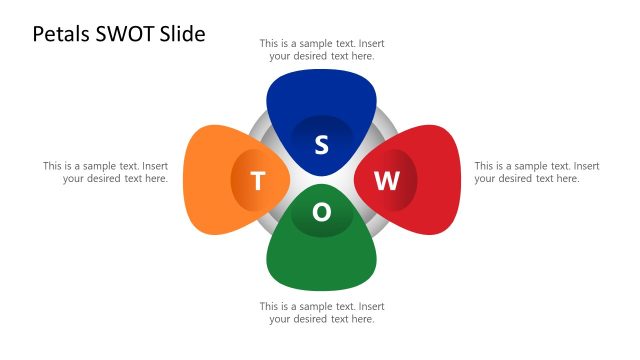
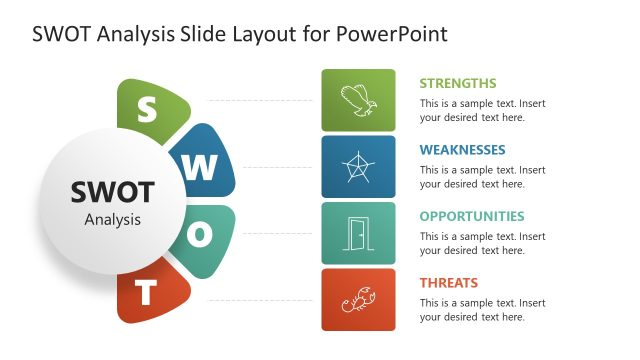
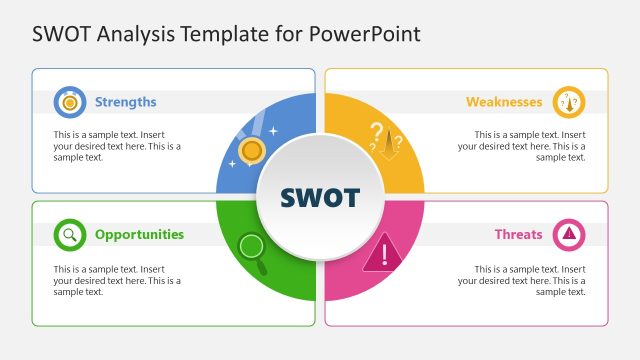
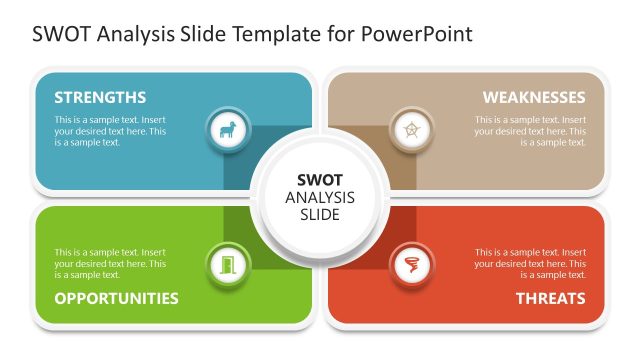
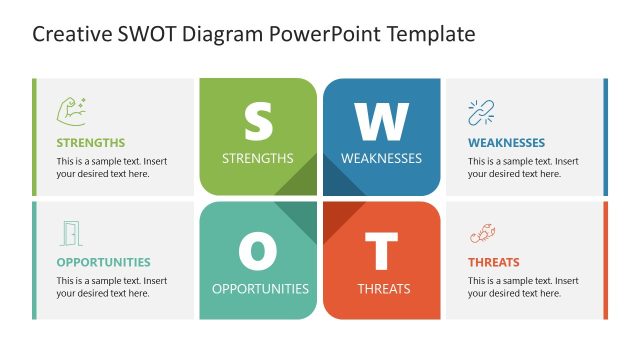
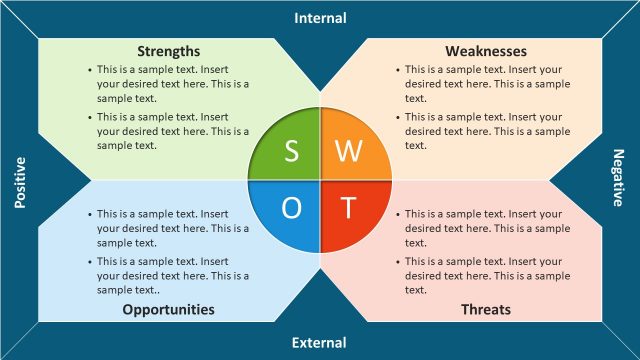
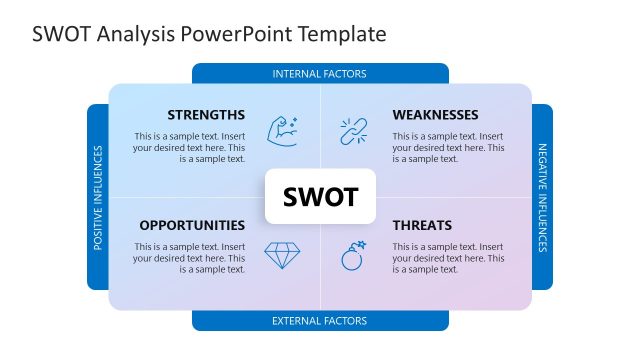
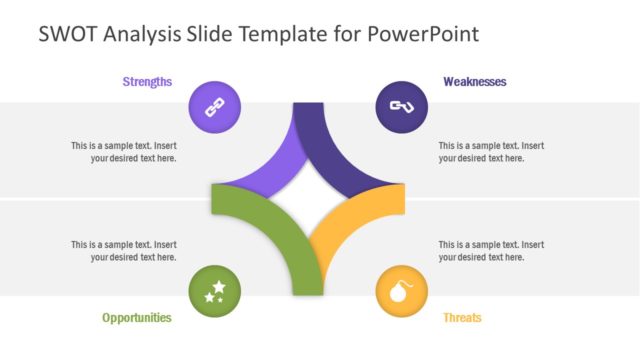
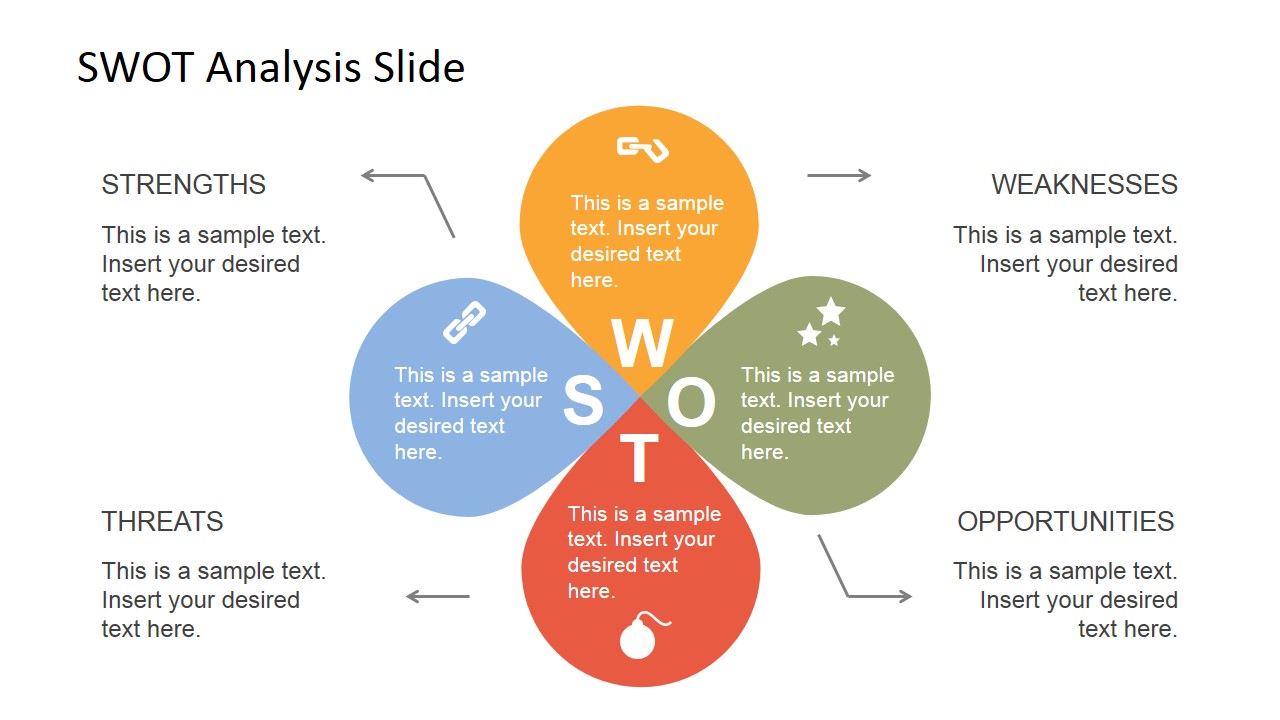
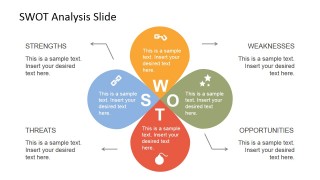
Petals SWOT Analysis PowerPoint Template– SWOT analysis or a Strengths, Weaknesses, Opportunities and Threats diagram is a business model that identify the said factors for strategic planning. The creative design of the template gives a fresh look on the famous model. The petals metaphor each factor and the flower than is formed can symbolize a blooming company. Impress professional audience with Petals SWOT Analysis PowerPoint Template.
Ideal for business planning, the Office template can attract multiple ideas that can enhance any company status. A new atmosphere always squeezes intellectual juices from its audience. SWOT Analysis is applied to personal issues as well. In brainstorming activities, the slide designs can surely serve as an extremely useful tool. It generally gives a sense of direction to a strategic planning. Even in research, the template can supplement in project planning and in identifying a research problems.
SWOT Analysis is a guideline for decision making. First the user creates a list of factors or characters that belong to each of its component. After that, priorities can be set. What is the goal? Is it to create a new business venture or to strengthen the weak points or the company? With the aid of the business model, an entity can view clear options and goals.
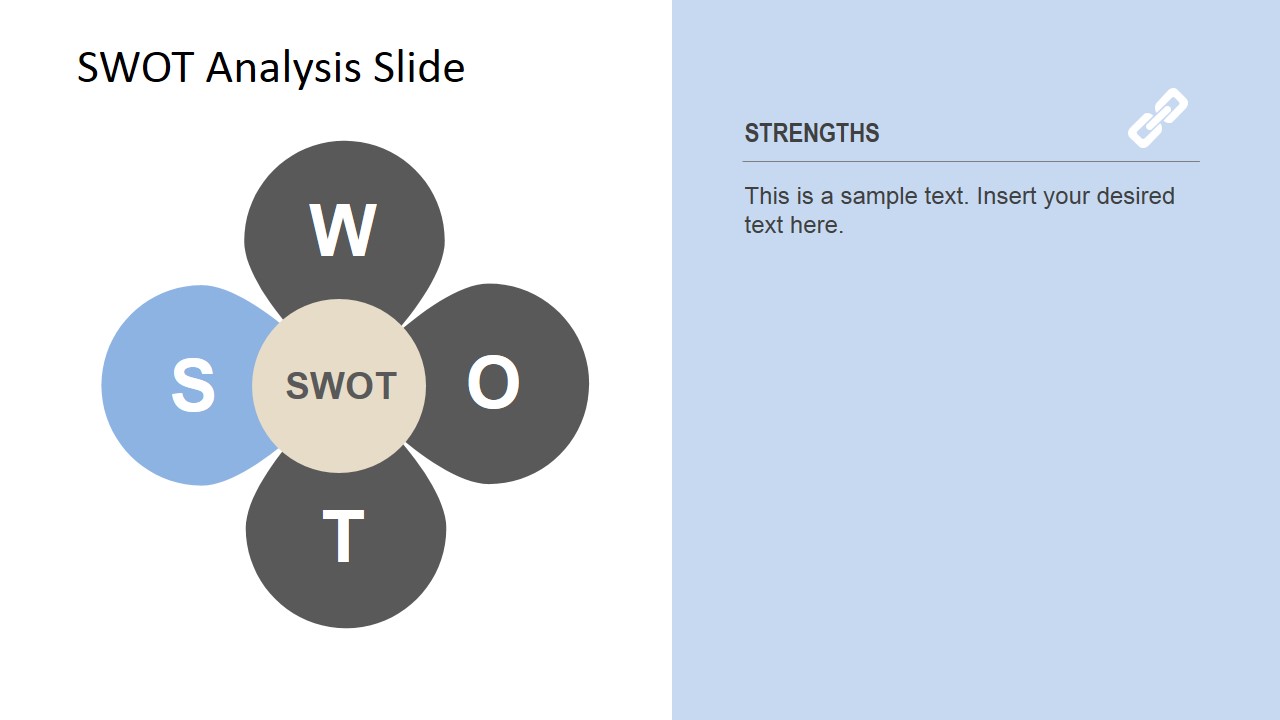
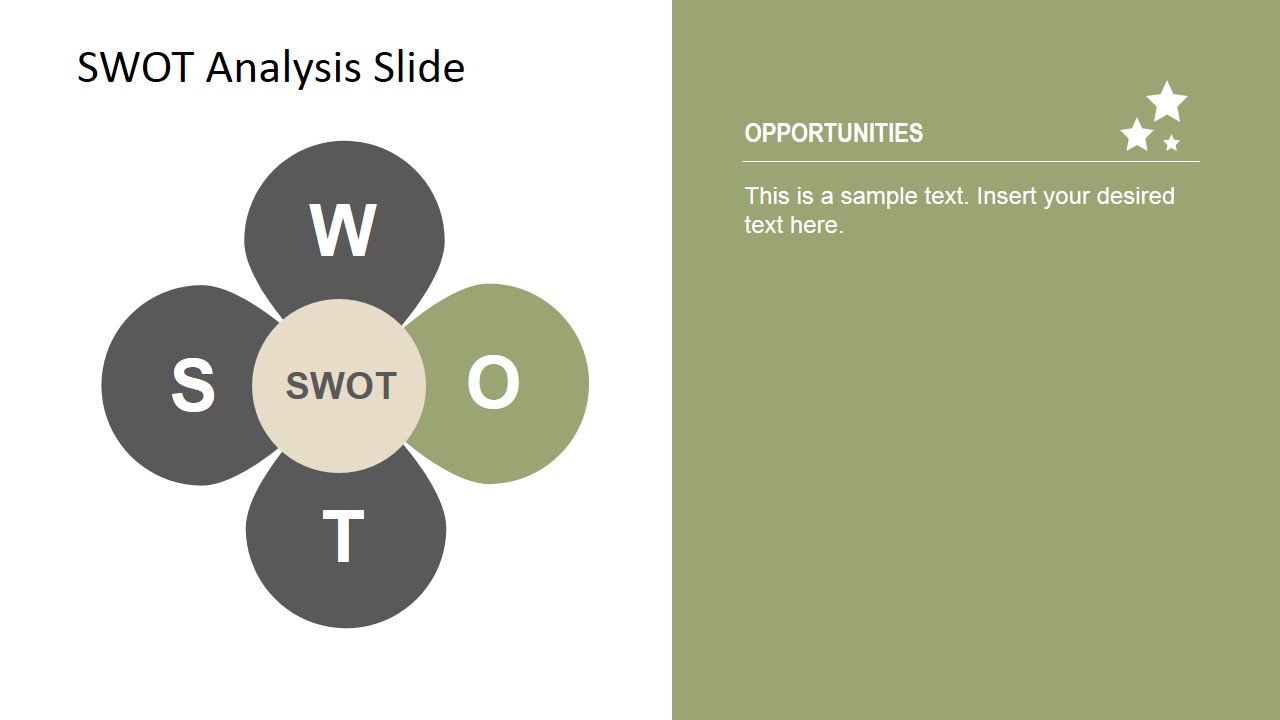
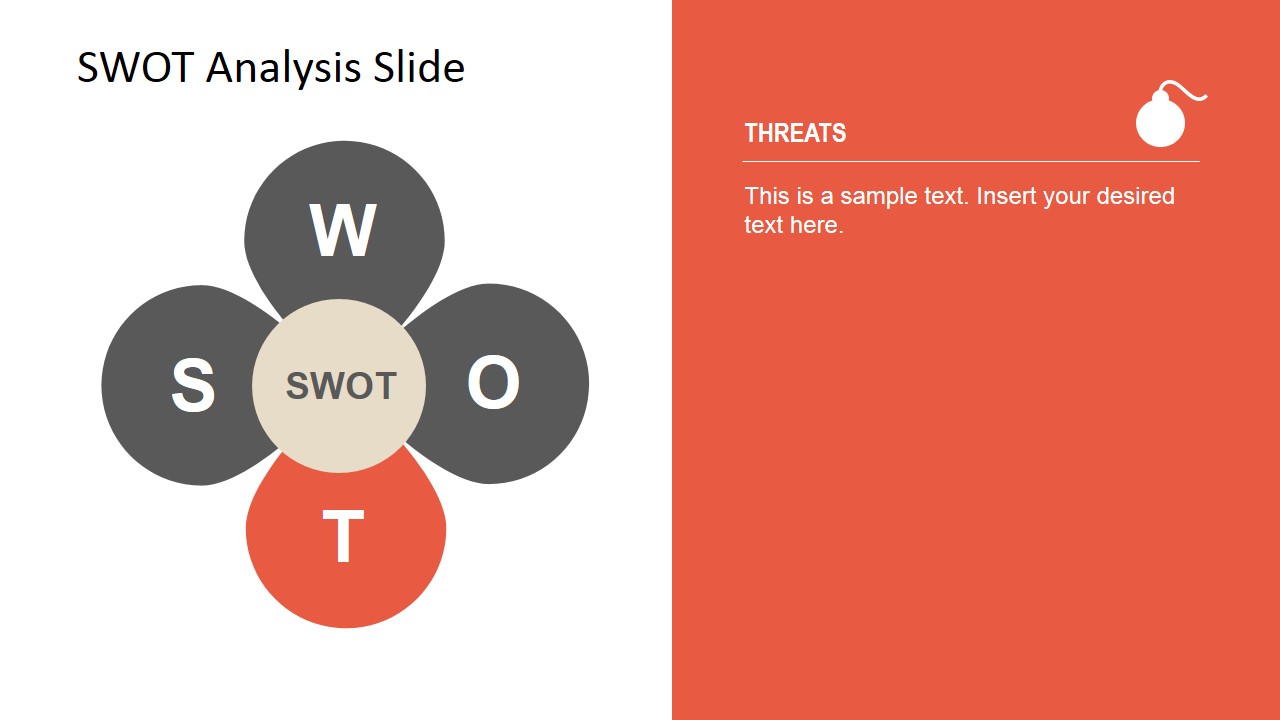
In the first slide, labels that correspond to each petal are shown- STRENGTHS, WEAKNESSES, THREATS and OPPORTUNITIES. They are represented by their initials and relative icons. In the second slide, the petals highlight on the icons that metaphor the components. SWOT can be seen in the circle at the center of the diagram. The next four slides emphasize the factors individually. Finally, the last slide is a replica of the first, except for its black background.
Colorful and creative, Petals SWOT Analysis PowerPoint Template is a must use in appealing to global audiences. See SWOT PowerPoint Templates at the SlideModel gallery.
What’s inside this template
Example presentation scenarios
- A business consultant can use the four-petal SWOT overview to introduce a client workshop and collect initial ideas before discussing each category in detail.
- A product manager can use the Strengths and Weaknesses spotlight slides to compare internal capabilities before deciding which product priorities need attention.
- A leadership team can use the Opportunities and Threats spotlight slides to frame market choices, risks, and external forces during a planning meeting.
- A facilitator can use the dark-background summary slide to close a brainstorming session with a concise recap of the most important SWOT findings.
Features
- 100% editable presentation template
- Compatible with Microsoft PowerPoint and Google Slides
- 16:9 aspect ratio slides
- Scalable vector shapes, icons and illustrations
- AI-Ready for Microsoft Copilot and Claude
- Instant access and download
Frequently asked questions
Q: How should a presenter structure the discussion with this petals SWOT layout?
A: Start with the full four-petal overview so the audience sees the relationship between all SWOT categories at once. Then move through the factor spotlight slides to discuss one category at a time. Keep each panel limited to the most important points, then return to the summary slide for decisions or next steps.
Q: Who is this SWOT template best suited for?
A: This template fits consultants, strategy teams, managers, and founders who need a clear visual method for framing internal and external business factors. It works well in planning meetings, discovery workshops, and executive discussions where the presenter needs to organize qualitative ideas before moving into priorities or action plans.
Q: Why use a petal metaphor instead of a standard SWOT matrix?
A: The flower-petal metaphor makes the four SWOT areas feel connected rather than isolated boxes. The center label keeps attention on the overall analysis, while the colored petals and icons make each factor easy to recognize. This design is useful when the goal is group discussion, idea generation, or a less rigid strategy conversation.





Petals SWOT Analysis PowerPoint Template
7-slide SWOT analysis presentation template with petal diagram and factor spotlight layouts
Petals SWOT Analysis PowerPoint Template is a 7-slide strategy diagram deck for SWOT planning in Microsoft PowerPoint and Google Slides. It uses a flower-petal SWOT overview, side callouts, individual factor spotlight slides, and a dark-background summary view for business planning, workshops, and executive discussions.
- Category
- Strategy
- Rating


 Loading...
- Aspect ratio
- 16:9
- Item ID
- 6816-01
- Colors
 Microsoft PowerPoint
  Microsoft Copilot
  Claude for PowerPoint
 Other formats supported
Subscribe today and get immediate
access to download our PowerPoint templates.