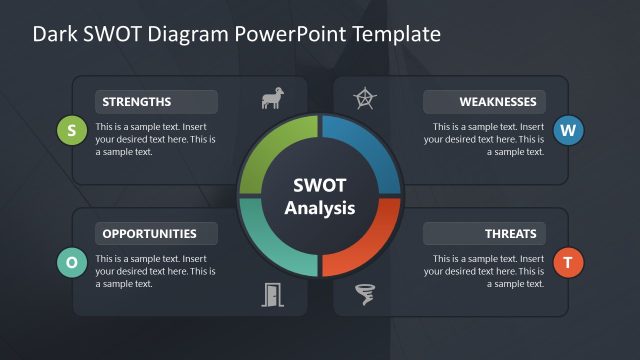
Creative SWOT PowerPoint Template – a fine and effective tool for smart business and personal development. Designed with flat shapes and colorful objects, the PowerPoint template is an effective visual aid. The diagram illustrate with meaningful icons and default texts. The minimized textual content makes it interesting and attractive. It can surely appeal to global audiences.
Strengths, Weaknesses, Opportunities and Threats are the 4 elements of SWOT analysis. Each component is identified for a specific purpose. The business might want to enter on a new project, expansion or approach. It can be applied in a personal level. The individual can determine personal strengths and focus on developing them even more. Weaknesses can be established and improve later on. It all starts with the awareness that these things affect the growth of any entity. After that, one can decide on how to deal with these influencing forces. It is an extremely significant concept for companies, organizations and people.
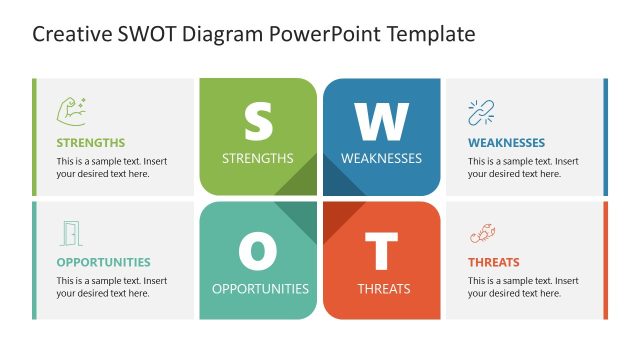
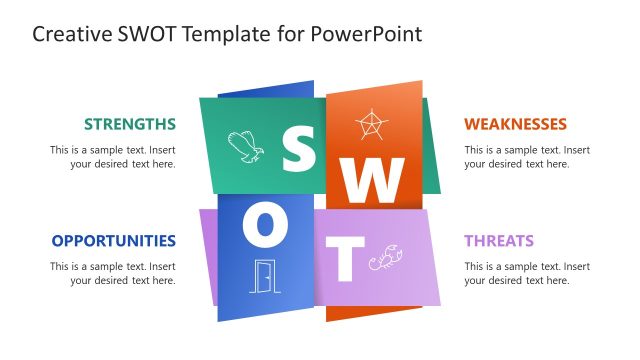
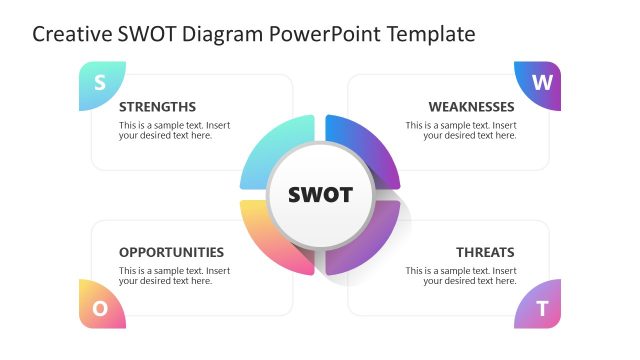
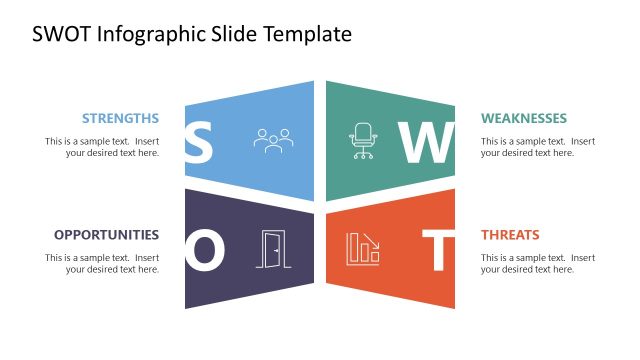
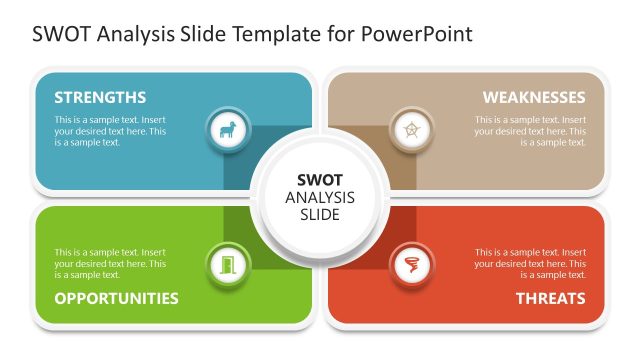
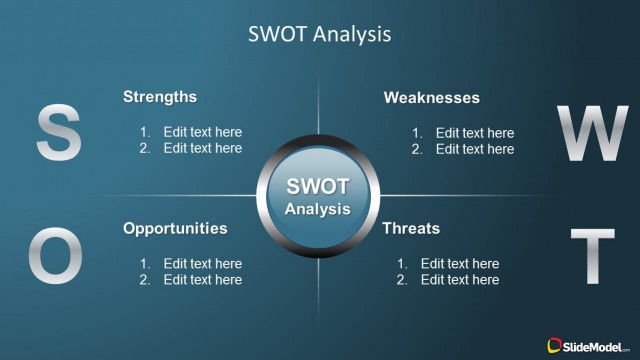
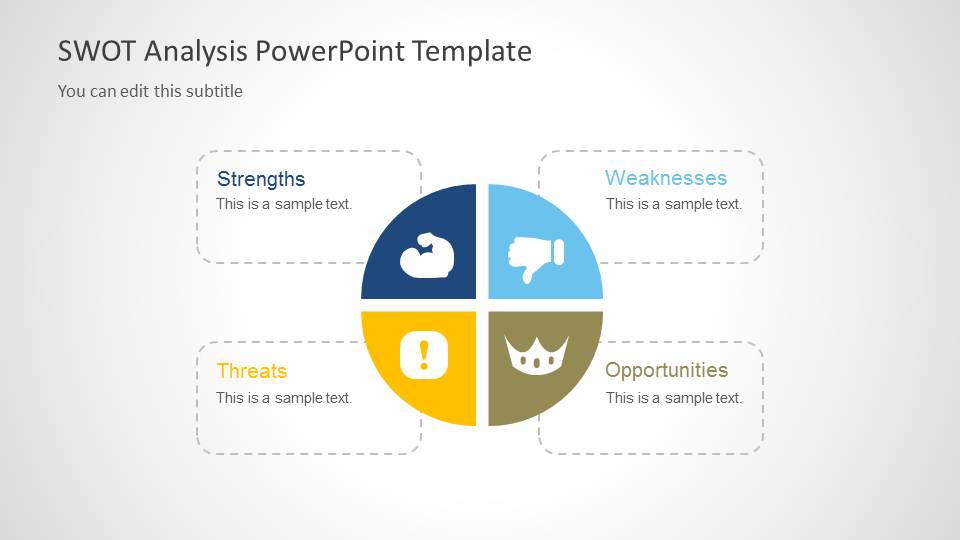
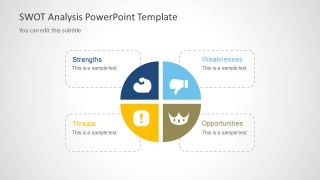
The first slide covers the complete output of the diagram. It shows an equally sliced pie chart. The 4 parts enclose the four elements of SWOT Analysis. They are labelled with corresponding titles on text placeholders. Every element is symbolized by flat shape icons in different colors as follows:
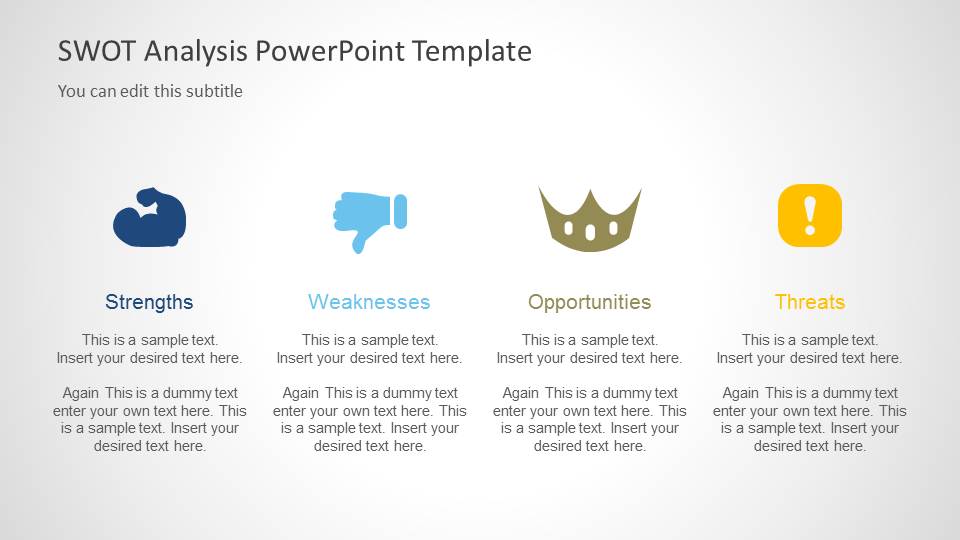
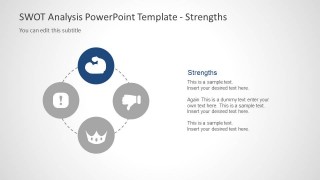
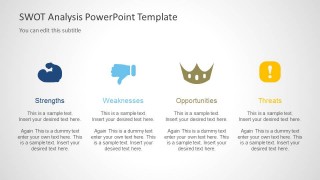
Strengths- Dark blue- Biceps
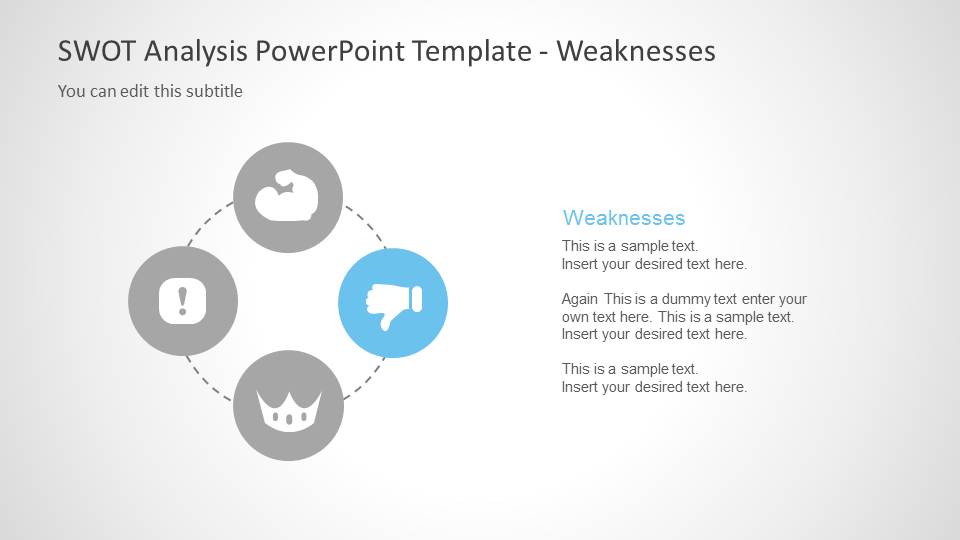
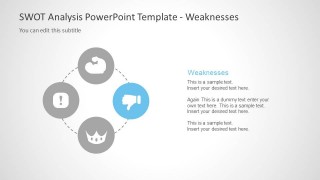
Weaknesses- Light blue- Thumb down
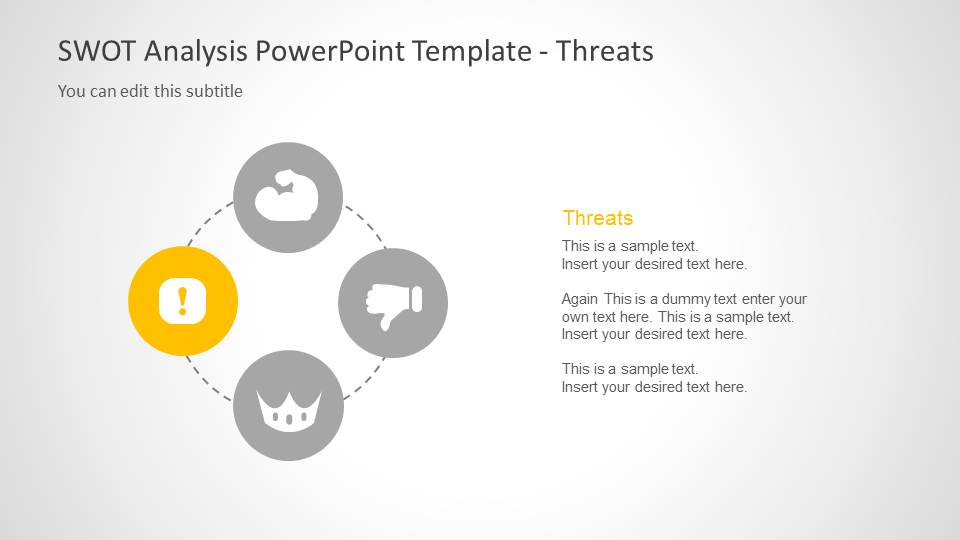
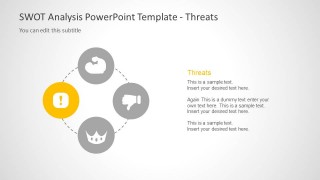
Threats- Yellow- Exclamation point
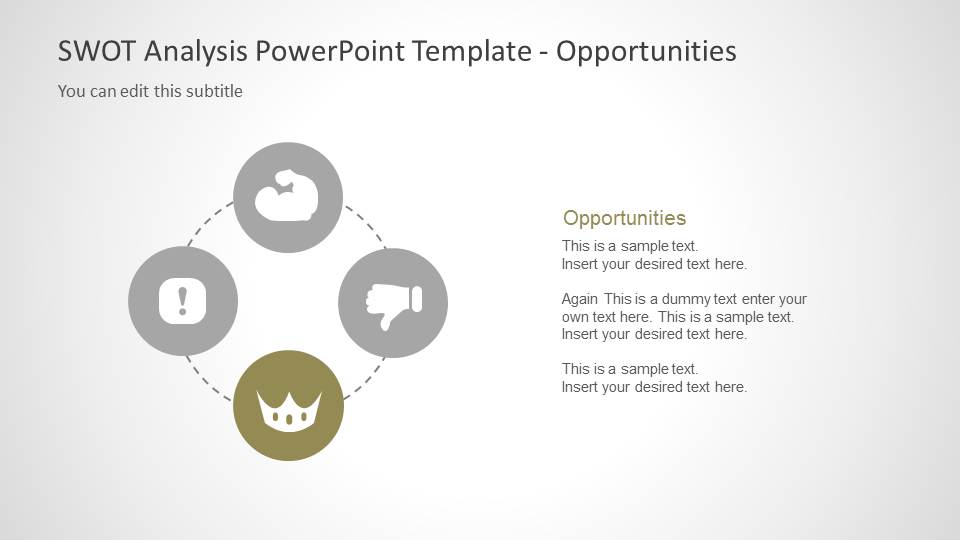
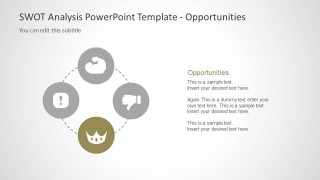
Opportunities- Dull olive- Crown
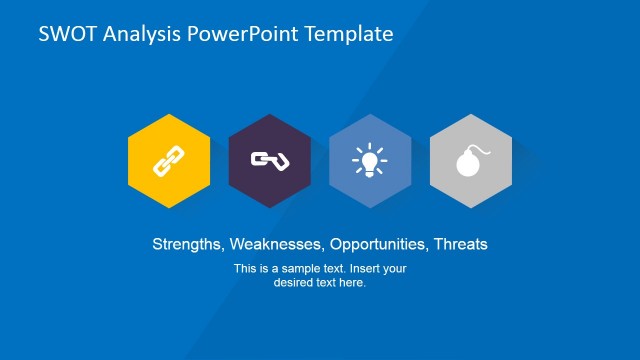
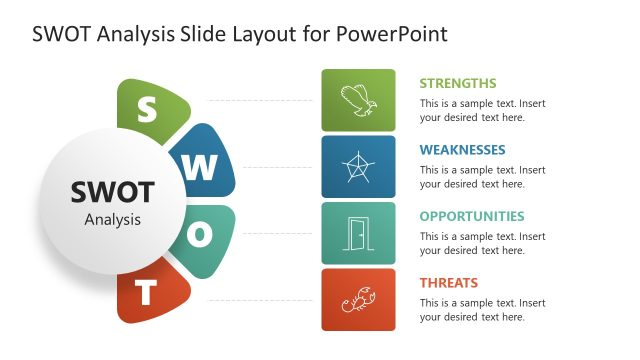
The next 4 slides individually highlight the parts of the diagram. A text box is positioned on the right side of the slides to incorporate brief descriptions. The last slide summarizes the contents of the report in a compressed layout.
Ideal for business planning presentations, the PowerPoint design is an efficient analysis tool. The model is perfect in capturing the factors that compose a person, organization or company. It can apply to project planning, business management and decision-making.
Creative SWOT PowerPoint Template can develop smart and quality graphics for impressive presentations. SWOT PowerPoint templates feature a variety of styles. It is a category of downloadable templates from the SlideModel gallery.
What’s inside this template
Example presentation scenarios
- A startup founder can use the SWOT pie matrix to frame a market entry discussion and show investors how strengths, weaknesses, opportunities, and threats relate to one decision.
- A project manager can use the four individual focus slides to guide a planning workshop, assigning one slide each to strengths, weaknesses, opportunities, and threats.
- A marketing strategist can use the four-column summary slide to compare campaign risks, brand advantages, market openings, and competitive threats in one closing view.
- A consultant can use the highlighted circular diagrams to present findings to leadership, moving from the complete SWOT overview to each factor before the recap.
Features
- 100% editable presentation template
- Compatible with Microsoft PowerPoint and Google Slides
- Scalable vector shapes, icons and illustrations
- AI-Ready for Microsoft Copilot and Claude
- Instant access and download
Frequently asked questions
Q: How should a presenter structure a SWOT discussion with this template?
A: Start with the pie matrix to define the four-factor frame before discussing evidence. Then use the strengths, weaknesses, opportunities, and threats focus slides as separate conversation points, keeping each text block brief. Close with the four-column summary so the audience can compare the final assessment and see which factors should drive decisions.
Q: Who is this SWOT template best suited for?
A: It fits presenters who need a fast strategic assessment rather than a long research report. Entrepreneurs, project managers, consultants, and marketing teams can use it to explain a business idea, project option, campaign plan, or organizational situation where internal capabilities and external conditions must be reviewed together.
Q: Why does the circular SWOT metaphor help the message?
A: The circular layout treats the four SWOT factors as connected parts of one strategic picture, not as isolated lists. Highlighting one icon at a time on the focus slides helps the audience concentrate on the current factor while still seeing its relationship to the other three.

Creative SWOT PowerPoint Template
6-slide SWOT presentation template with pie matrix, focus diagrams, and summary columns
Creative SWOT PowerPoint Template is a 6-slide strategy deck for SWOT analysis. It includes a four-part SWOT pie matrix, individual focus slides for strengths, weaknesses, opportunities, and threats, and a four-column summary layout. It is intended for business planning, project assessment, entrepreneurship, and marketing strategy discussions.


 Loading...
 Microsoft PowerPoint
  Microsoft Copilot
  Claude for PowerPoint
 Other formats supported
Subscribe today and get immediate
access to download our PowerPoint templates.