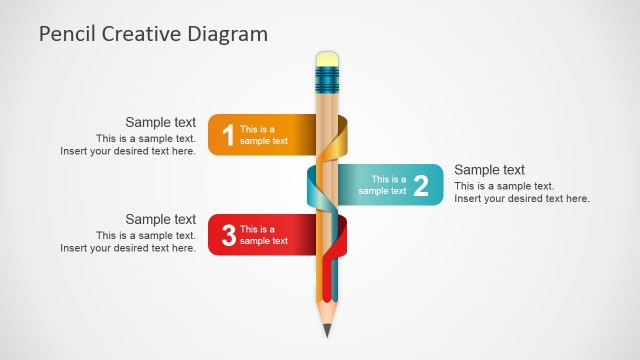
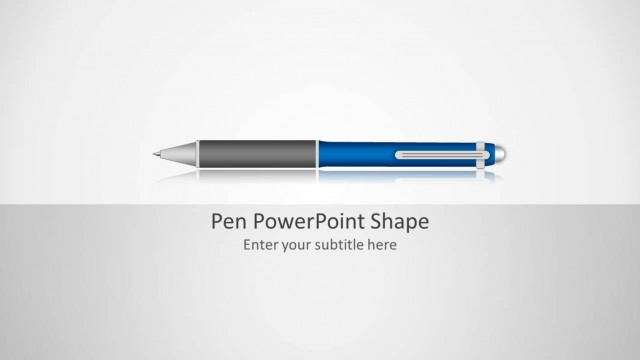
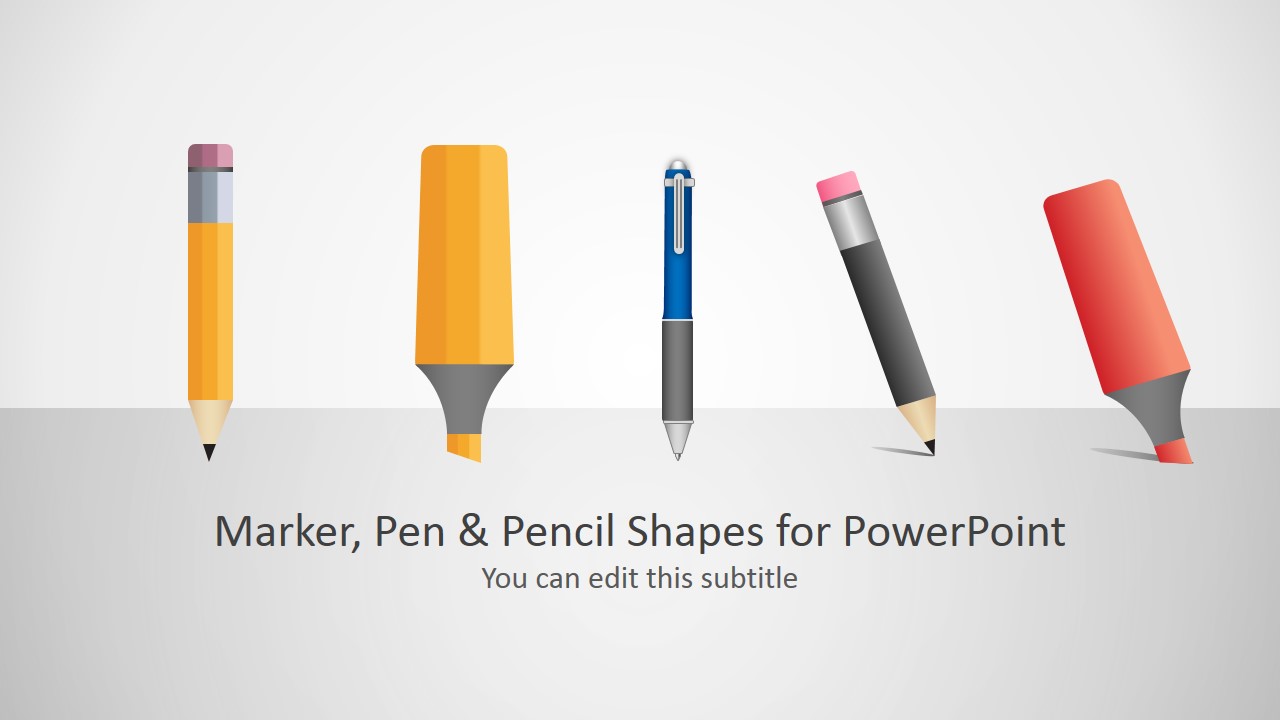
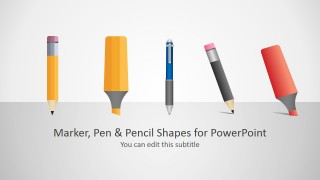
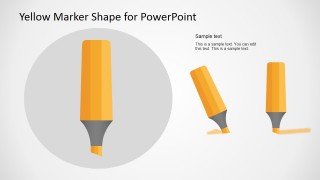
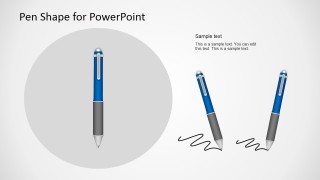
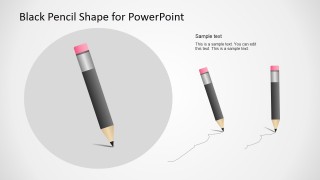
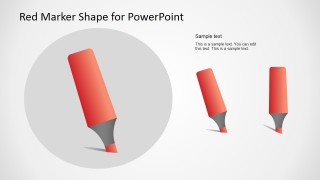
Pen, Pencil & Marker Shapes for PowerPoint is a presentation design containing pencil tools created as PowerPoint illustrations or vector shapes. You can download and use the shapes in this PowerPoint presentation to decorate your own slides, highlight text in PowerPoint or make slide designs with annotations. This PPT template contains two editable marker shapes, a pen and a pencil illustration ready for Microsoft PowerPoint.
Alternatively, you can download other presentation slides with 100% editable infographics PPT templates for PowerPoint & Google Slides presentations.
What’s inside this template
Example presentation scenarios
- An educator can use the pencil and marker layouts to introduce lesson sections, mark key ideas, and create a visual bridge between instructional content and annotation cues.
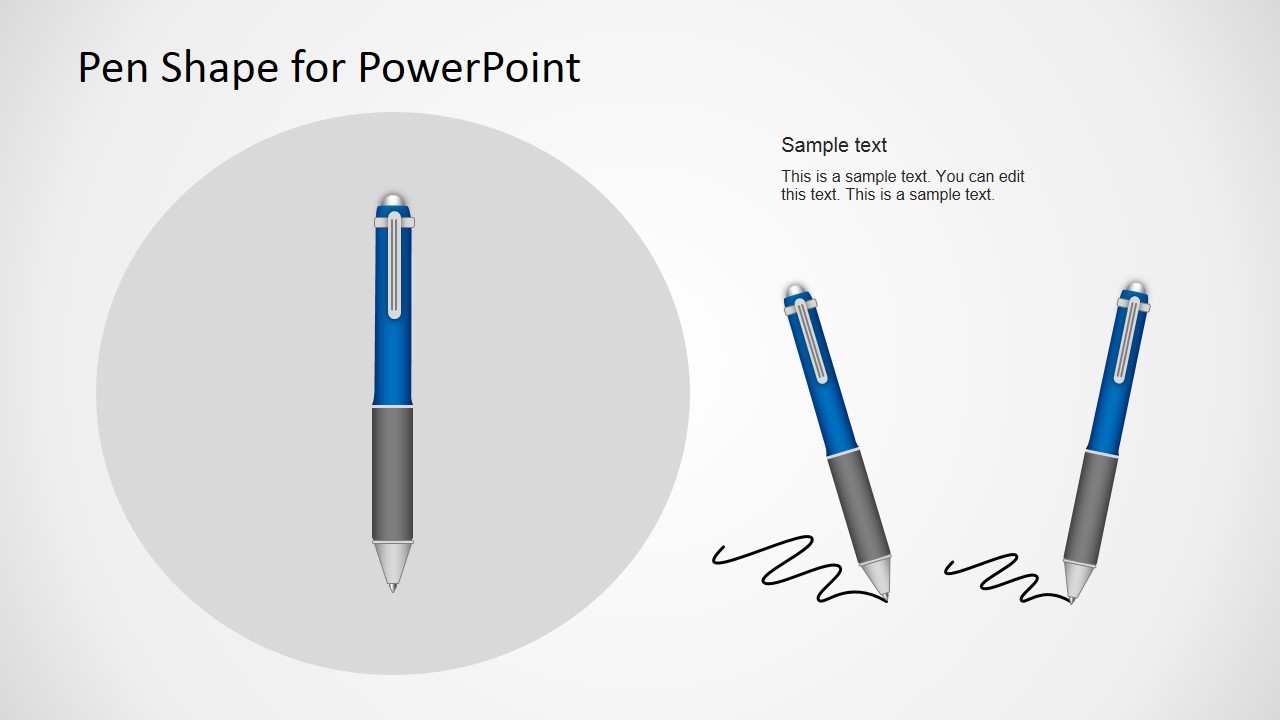
- A corporate trainer can use the pen shape slide to signal exercises, worksheet moments, or participant reflection points during a workshop presentation.
- A consultant can place the marker illustrations near recommendations or findings to make selected points feel intentionally highlighted in a client-facing deck.
- A marketing presenter can use the cover layout with all writing tools to frame a brainstorming session, campaign review, or creative planning discussion.
Features
- 100% editable presentation template
- Compatible with Microsoft PowerPoint and Google Slides
- 16:9 aspect ratio slides
- Scalable vector shapes, icons and illustrations
- AI-Ready for Microsoft Copilot and Claude
- Instant access and download
Frequently asked questions
Q: How should a presenter use these writing instrument shapes without making the slide feel decorative only?
A: Use each pen, pencil, or marker as a visual cue tied to a clear presentation action. A pencil can introduce drafting or planning, a marker can call attention to a decision, and the pen can frame notes or signatures. Keep the illustration near the point it supports, not as unrelated artwork.
Q: Who is this template best suited for?
A: This template fits educators, trainers, consultants, and presenters who need annotation or drawing metaphors more than a full business storyline. It works well for lessons, workshop prompts, brainstorming sessions, and slides that need to make a key phrase look marked, sketched, or reviewed by hand.
Q: Why do the large gray circles and smaller duplicate objects help communication?
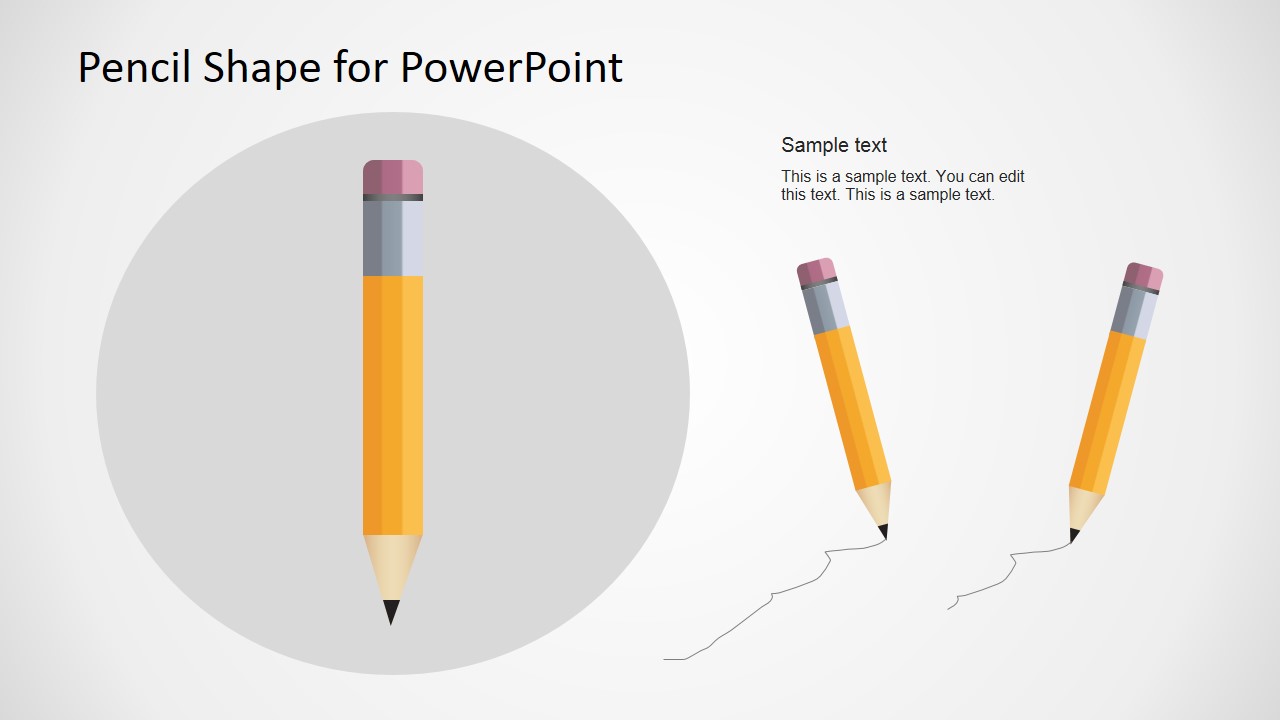
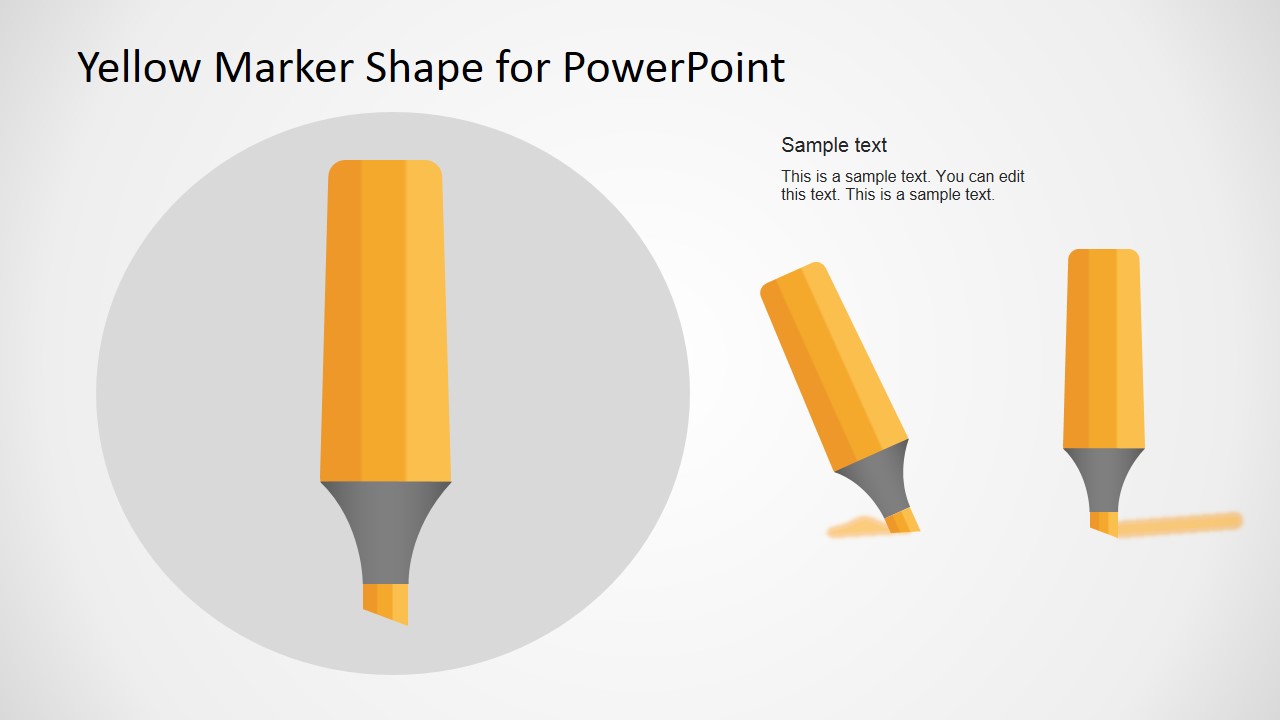
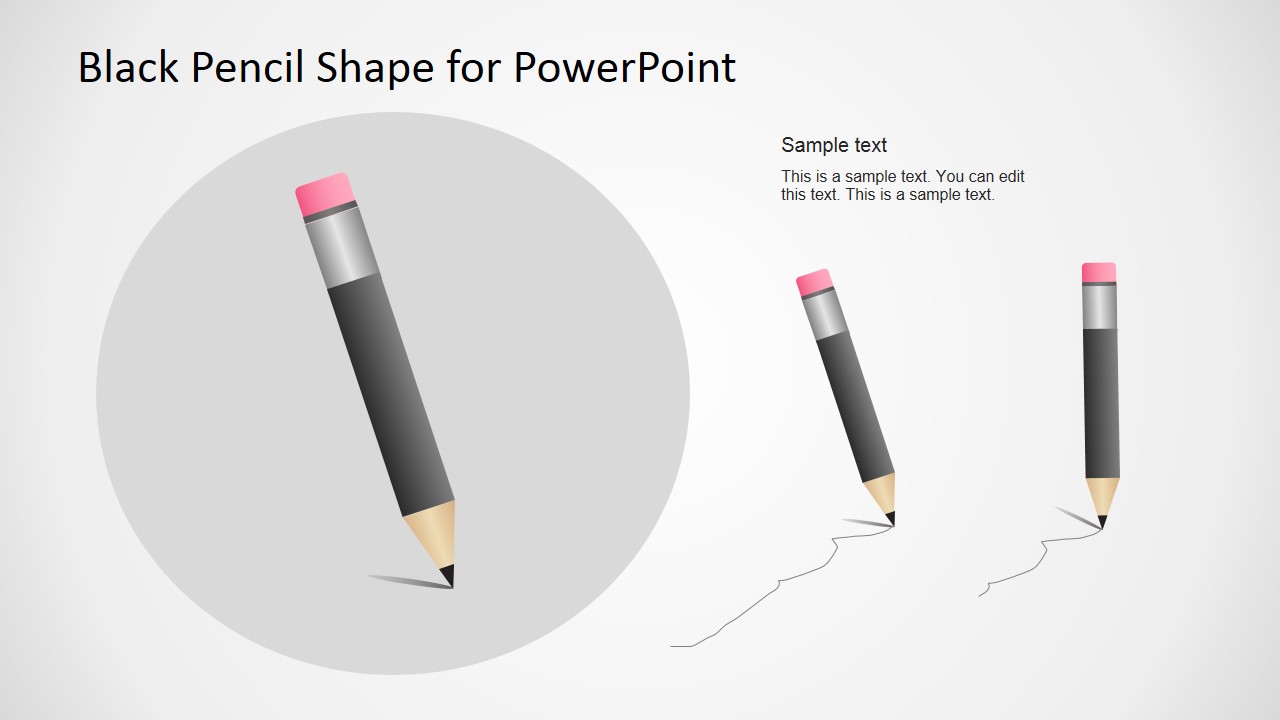
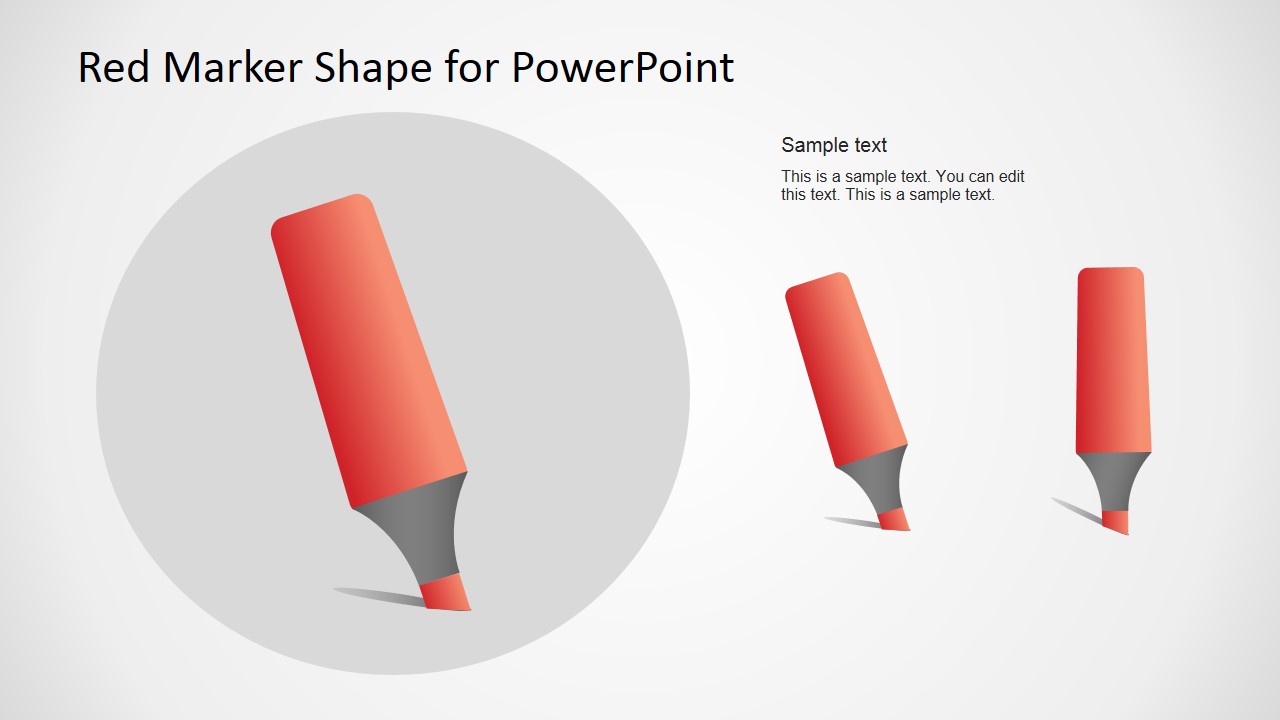
A: The gray circular background creates a focal zone for the main writing tool, while the smaller angled versions show alternate uses or motion. This structure makes the object easy to scan, then gives the presenter extra variants for showing highlighting, underlining, sketching, or annotation behavior across a deck.
Pen, Pencil & Marker Shapes for PowerPoint
6-slide presentation template with editable pen, pencil, and marker annotation shapes
Pen, Pencil & Marker Shapes for PowerPoint is a 6-slide shape presentation template for adding visual annotation tools to decks. It includes a cover layout plus pencil, yellow marker, pen, black pencil, and red marker slides. The vector illustrations are editable for presenters using Microsoft PowerPoint or Google Slides.
- Category
- Shapes
- Rating

 Loading...
- Aspect ratio
- 16:9
- Item ID
- 2030-01
- Colors
 Microsoft PowerPoint
  Microsoft Copilot
  Claude for PowerPoint
 Other formats supported
Subscribe today and get immediate
access to download our PowerPoint templates.