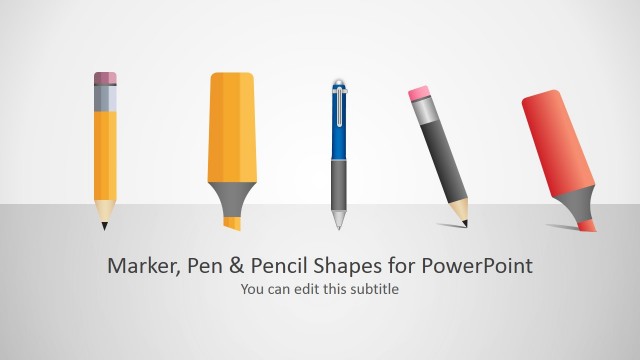
This pen shape template for PowerPoint is a presentation design template for Microsoft PowerPoint containing slides with pen illustrations.
Pen clipart for PowerPoint can help you to make presentation slides with pen graphics and illustrations. You can use the pen shape for PowerPoint to make PPT presentations with metaphors of drawing tools. This pen shape for PowerPoint can be copied and pasted in PowerPoint and it was created as PowerPoint graphics so you can easily change the pen color and shape properties in PowerPoint.
What’s inside this template
Example presentation scenarios
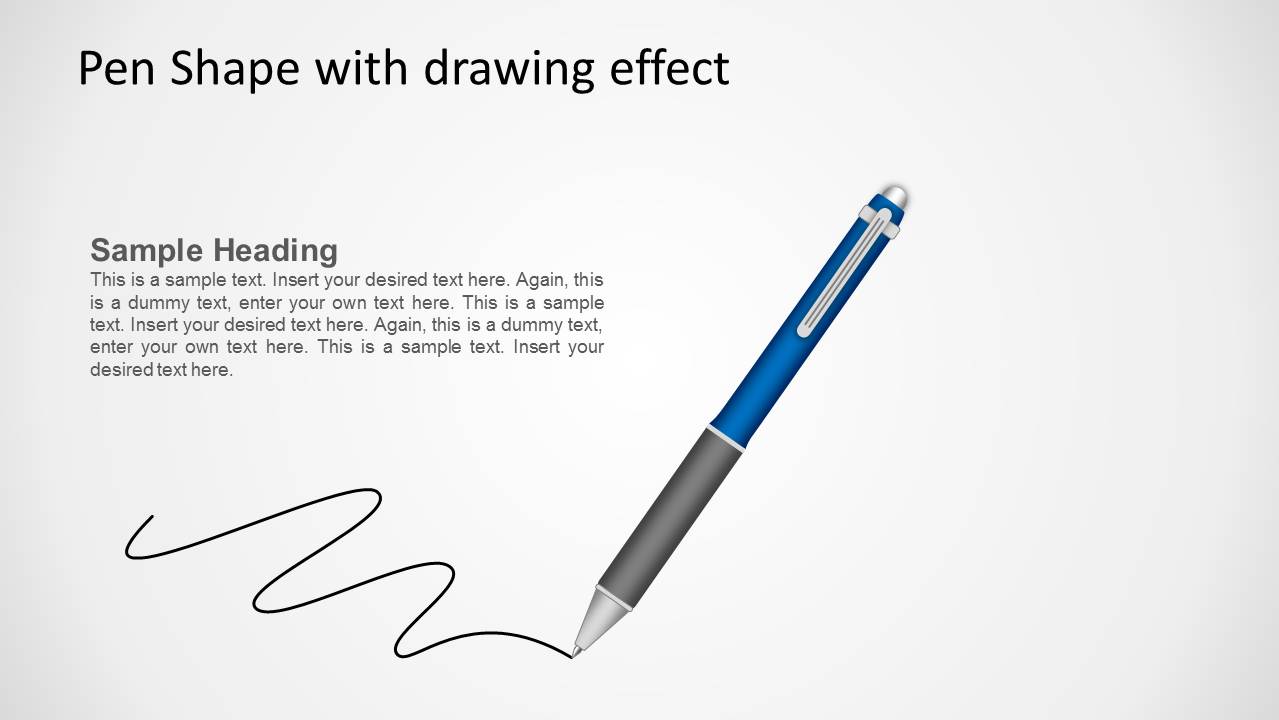
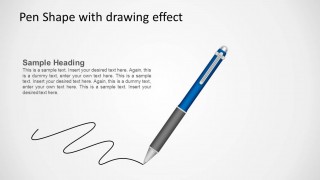
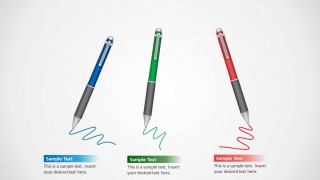
- A trainer can introduce a note-taking exercise with the cover pen slide and then use the drawing-effect scene to explain how participants should sketch ideas.
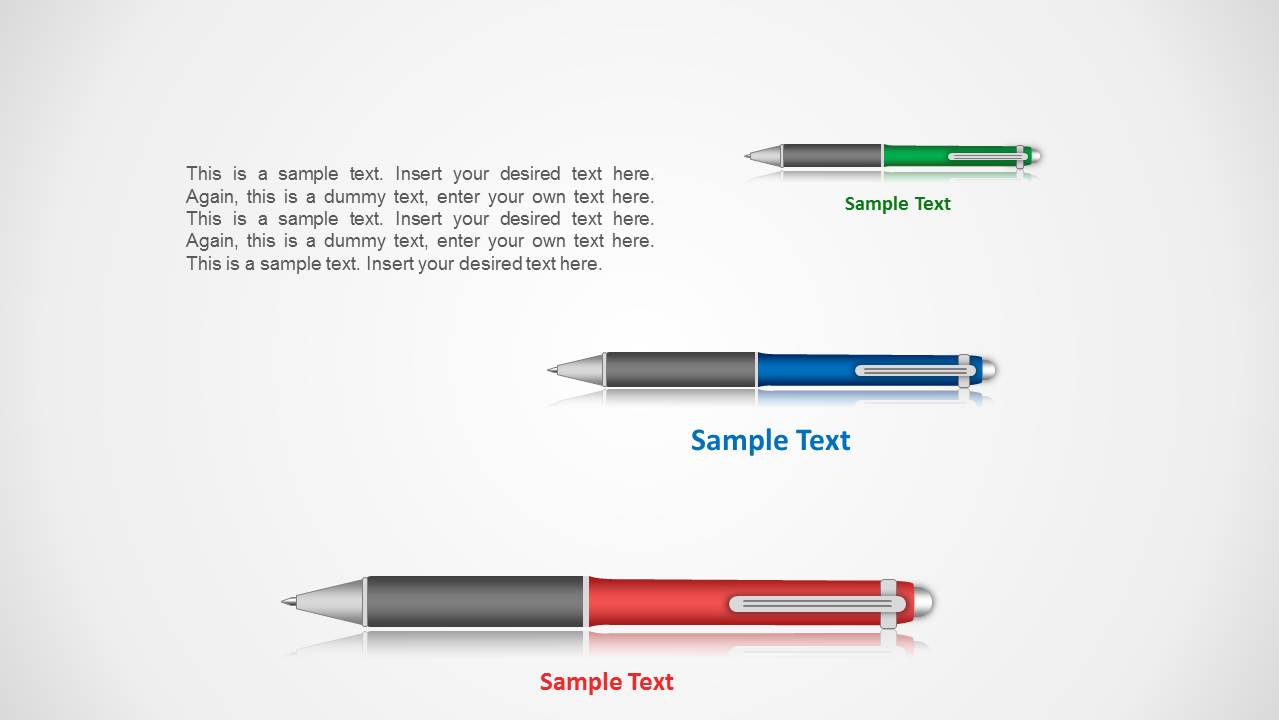
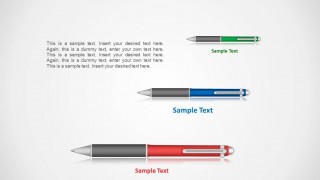
- An educator can present writing prompts or classroom instructions using the three horizontal pen variants with short sample text labels.
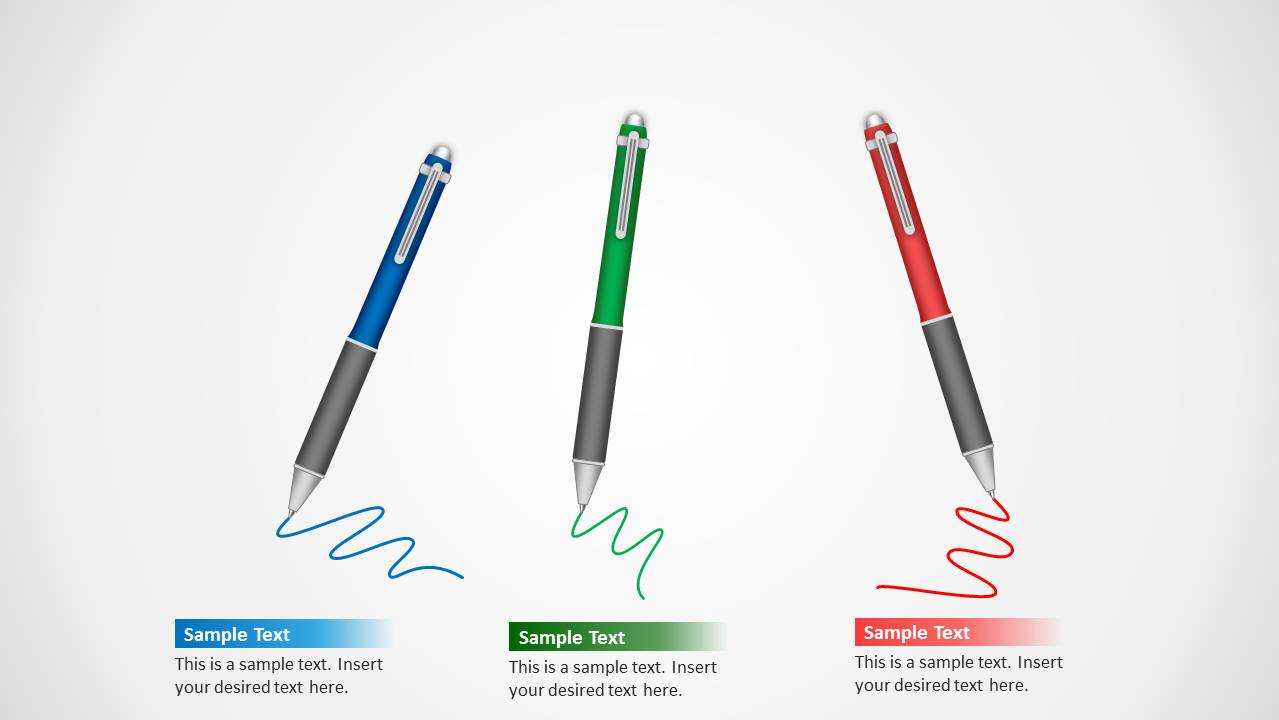
- A consultant can map three workstreams or recommendations with the three-column pen callout slide, assigning each colored pen to a separate topic.
- A marketing presenter can use the pen and handwriting metaphor to introduce campaign copy, draft review, or message refinement.
Features
- 100% editable presentation template
- Compatible with Microsoft PowerPoint and Google Slides
- 16:9 aspect ratio slides
- Scalable vector shapes, icons and illustrations
- AI-Ready for Microsoft Copilot and Claude
- Instant access and download
Frequently asked questions
Q: How should a presenter use the pen metaphor without making the slide feel decorative?
A: Connect each pen graphic to a specific audience action, such as write, review, sketch, approve, or annotate. Use the drawing-effect slide for a process explanation and the three-column callout slide for grouped takeaways. Keep text short so the pen remains a visual cue for action rather than background art.
Q: Who is this template best suited for in a business or learning setting?
A: It fits presenters who need to discuss written work, notes, ideation, edits, or workshop outputs. Trainers, educators, consultants, and content teams can use the pen cover to introduce the topic, the drawing-effect slide to show creation in progress, and the colored callouts to separate examples or tasks.
Q: Why do the pen layouts help communicate writing and drafting topics?
A: The pen is a direct metaphor for authorship, markup, and idea capture. The visible handwriting lines imply motion and creation, while the color variants create quick category separation. This design helps audiences read the slide as an instruction, draft, or annotation moment before they process the body text.
Pen Shape for PowerPoint
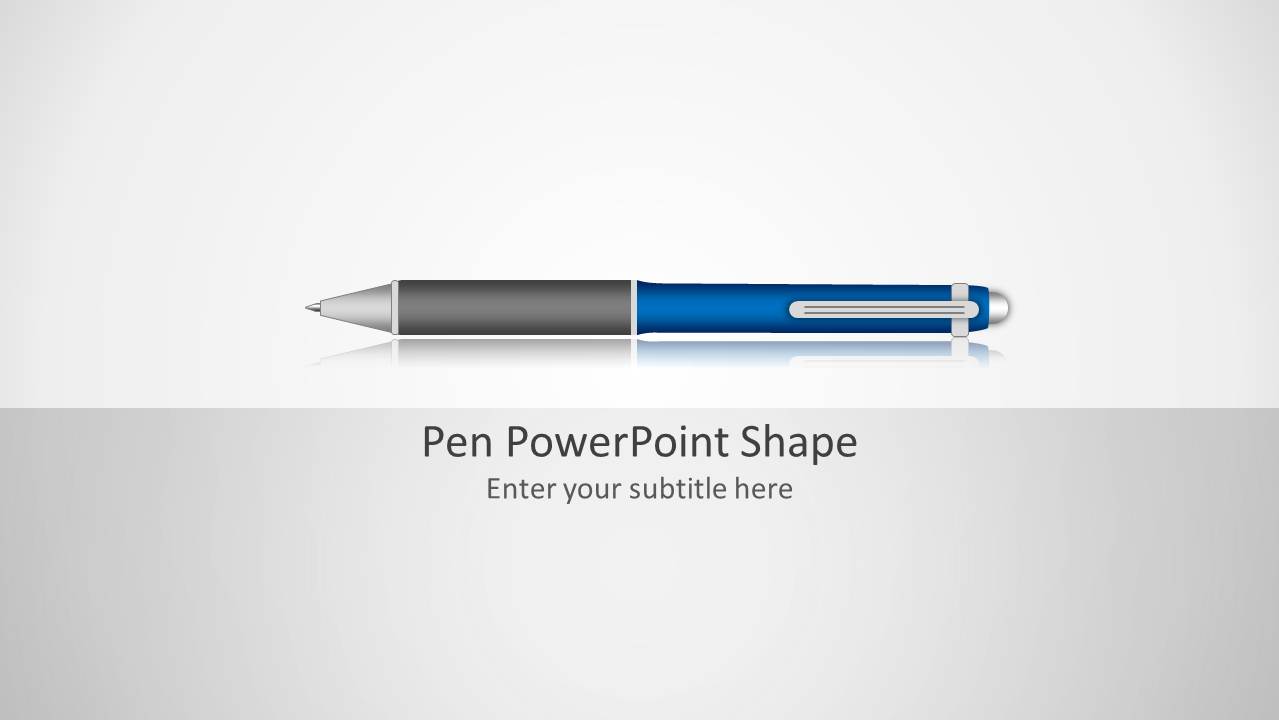
4-slide PowerPoint presentation template with editable pen shapes, handwriting lines, and note labels
Pen Shape for PowerPoint is a 4-slide shape template with editable pen illustrations for writing, notes, and drawing metaphors. Visible layouts include a title cover, drawing-effect pen scene, horizontal pen color variants, and three-column pen callouts. It is for presenters who need reusable pen graphics in PowerPoint.
- Category
- Shapes
- Rating


 Loading...
- Aspect ratio
- 16:9
- Item ID
- 1091
- Colors
 Microsoft PowerPoint
  Microsoft Copilot
  Claude for PowerPoint
 Other formats supported
Subscribe today and get immediate
access to download our PowerPoint templates.