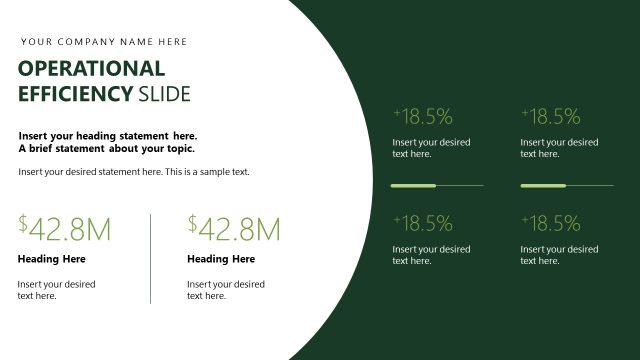
Slide 7 of 13 from Management Report PowerPoint Template
Operational Highlights Slide with Placeholder Text
Operational Highlights Slide for Management Report
- Text Layout
- Other
- Context Slide
- 16:9
- 100% Editable
The Operational Highlights Slide from the Management Report PowerPoint Template offers a clear and organized layout ideal for quarterly performance updates and project status reports. This slide template features editable shapes and structured sections to present key financial summaries and growth metrics effectively, making it a practical choice for business presentations and corporate slide decks.
What’s on This Slide
The layout features a top section with a company name placeholder and a title stating 'Operational Highlights Slide.' Below, there are three equally sized columns, each containing a number label (01, 02, 03) aligned at the bottom. Each column has a heading placeholder and a text placeholder for detailed descriptions. On the right side, there is a larger area with a heading placeholder and two additional placeholders for percentage and monetary values. The background is divided into light and dark sections, creating a visual contrast. The overall structure is clean and organized, emphasizing clarity.
How to Use It
This layout serves to present key operational highlights in a structured format, making it suitable for executive updates. It fits well after performance metrics and before strategic initiatives in a presentation sequence. This slide is useful for summarizing critical data points, such as growth percentages and financial figures, in a business context. It can be applied in various scenarios, including quarterly reviews, project updates, or performance assessments, where concise information delivery is essential.
Text Placeholders & Capacity
Keep your copy within these limits so it fits without resizing. Body slots can hold roughly 15-20 words each.
| Placeholder | Count | Max characters (approx.) |
|---|---|---|
| Slide title | 1 | 30 |
| Body paragraph | 6 | 100 |
| Item heading | 3 | 15 |
| Callout | 2 | 15 |
Slide Keywords
Download unlimited PowerPoint templates, charts and graphics for your presentations with our annual plan.
DOWNLOADReturn to Management Report PowerPoint Template.