Operational Excellence PowerPoint Template
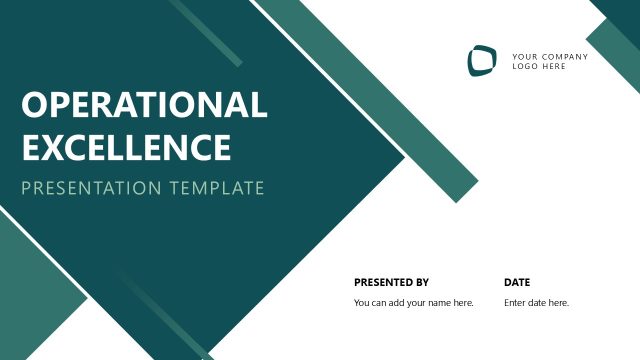
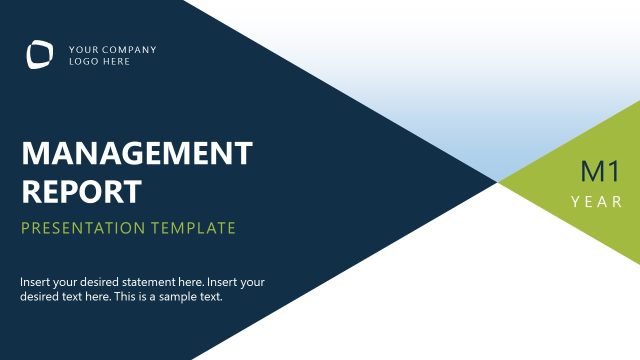
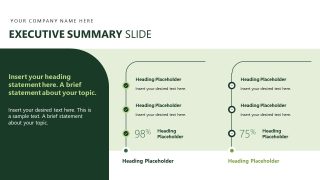
Report operational performance and improvement priorities with our editable Operational Excellence PowerPoint Template. This animated PPT template helps presenters move from objectives and KPIs into performance reviews, improvement actions, and next steps. This progression helps presenters connect current results with operational decisions, where repeated section layouts keep each review focused on evidence, priorities, and follow-up actions.
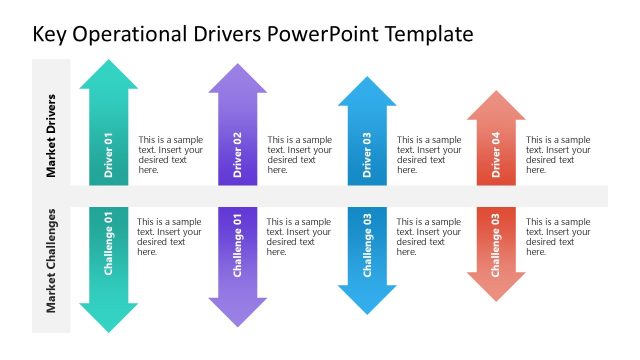
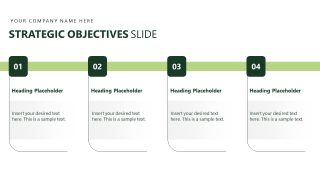
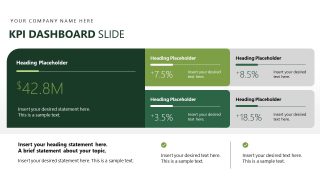
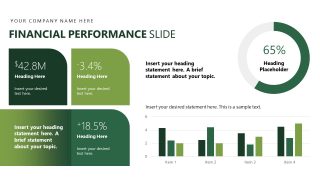
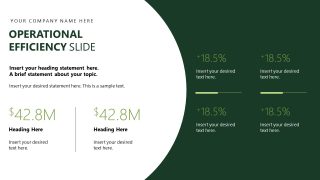
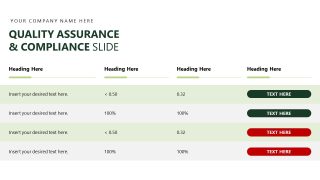
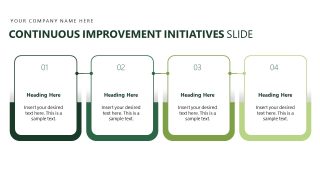
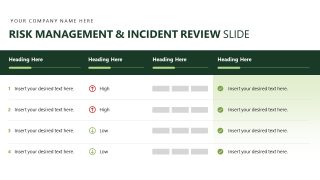
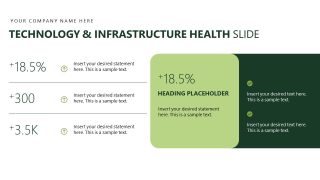
The strategic objectives slide establishes the measures that guide the review. KPI dashboard slide brings headline figures and supporting indicators together for a quick performance check. The financial performance slide compares key results with supporting metrics, while the operational efficiency slide focuses on efficiency measures. The continuous improvement initiatives slide connects improvement actions to the next cycle of priorities. Additional slides help professionals cover quality assurance & compliance, risk management & incident review, and technology & infrastructure. An operations manager uses a monthly performance meeting to review KPI results and improvement priorities. The layout keeps performance evidence tied to actions for the next cycle. A department head uses the strategic objectives slide during an operational review to confirm targets and discuss progress. An operations consultant presents a client review using the financial performance and operational efficiency sections. These sections help decision-makers assess results and identify areas requiring attention.
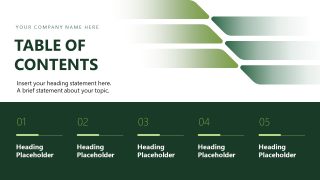
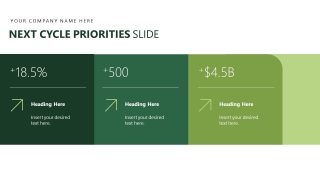
Project leaders frame upcoming work around next-cycle priorities and next steps during planning meetings using the Operational Excellence PowerPoint Template. The presentation template also helps teams focus on immediate actions after performance reviews. In a continuous improvement workshop, a team organizes proposed actions around current findings. It chooses which initiatives move into the next implementation period. Replace sample figures with current operating results and revise section labels for your reporting cycle. You can also change theme colors to match your organization’s brand palette. Update headings and supporting figures as priorities change across reporting periods. Download the operational excellence presentation template to report performance, review operational priorities, and plan improvement actions in the executive presentations.







You must be logged in to download this file.
DOWNLOAD- Category
- Strategy
- Rating

 Loading...
- Size
- 16x9
- Item ID
- 85355-01
- Colors
Subscribe today and get immediate
access to download our PowerPoint templates.