Slide 2 of 17 from Operational Excellence PowerPoint Template
Five-Section Table of Contents for Operational Excellence Design
Table of Contents Slide for Presentations
- Text Layout
- Agenda Toc
- Agenda Slide
- 16:9
- 100% Editable
What’s on This Slide
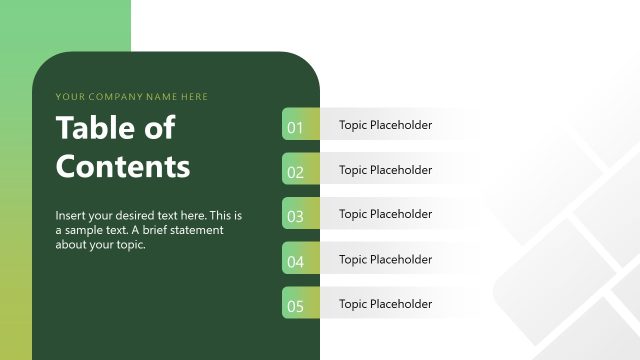
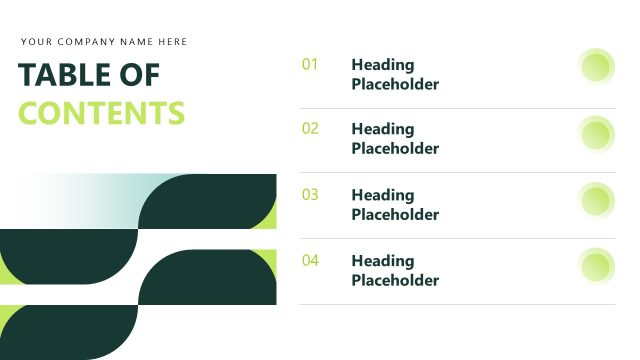
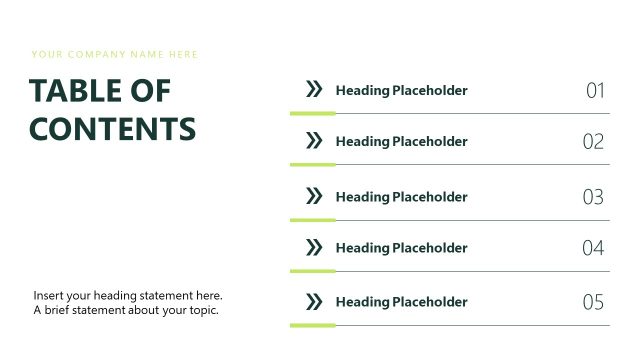
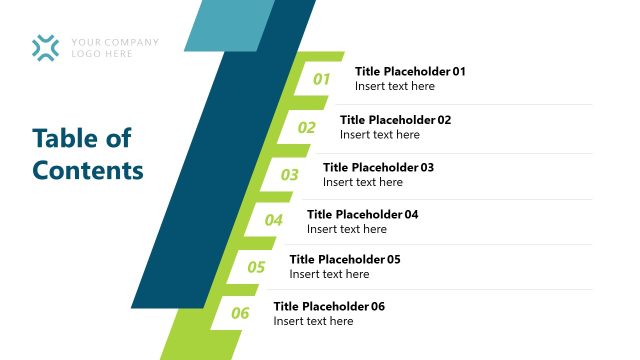
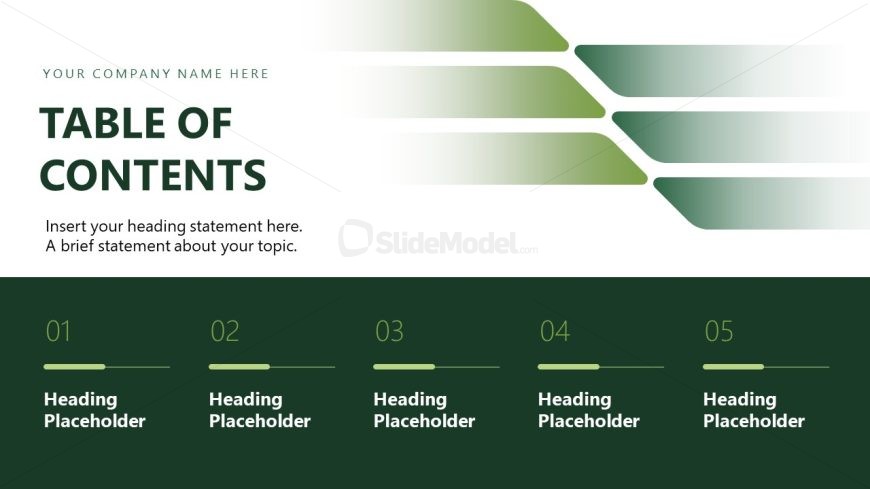
The layout features a prominent title at the top left, stating 'TABLE OF CONTENTS' in large font. Below it, there are two text placeholders for a company name and a brief statement, aligned to the left. The lower section contains five numbered placeholders arranged horizontally, each with a corresponding heading placeholder. A green gradient background transitions from light to dark, enhancing visual appeal. The overall composition is clean, with a clear hierarchy established through font size and color contrast.
How to Use It
This layout serves as a table of contents, guiding viewers through the presentation's structure. It fits early in a presentation sequence, following an introduction slide. Ideal for business scenarios, it helps outline key topics and sections, ensuring clarity and organization. Use it to summarize agenda items or main points, making it easier for the audience to follow along. This slide is particularly useful in operational excellence or strategic planning contexts.
Text Placeholders & Capacity
Keep your copy within these limits so it fits without resizing. Body slots can hold roughly 20-25 words each.
| Placeholder | Count | Max characters (approx.) |
|---|---|---|
| Slide title | 1 | 30 |
| Body paragraph | 1 | 150 |
| Item heading | 5 | 30 |
Slide Keywords
Download unlimited PowerPoint templates, charts and graphics for your presentations with our annual plan.
DOWNLOADReturn to Operational Excellence PowerPoint Template.