Slide 7 of 17 from Operational Excellence PowerPoint Template
Financial Performance Metrics Dashboard for Operational Excellence Layout
Financial Performance Overview Slide
- Chart
- Bar Vertical
- Financial Summary Slide
- 16:9
- 100% Editable
What’s on This Slide
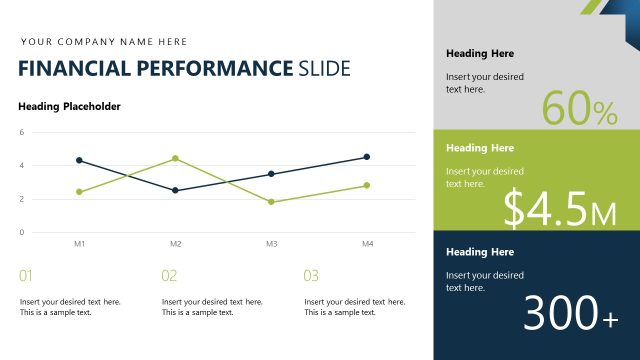
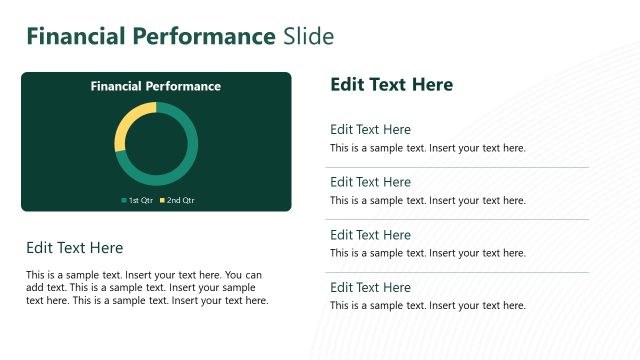
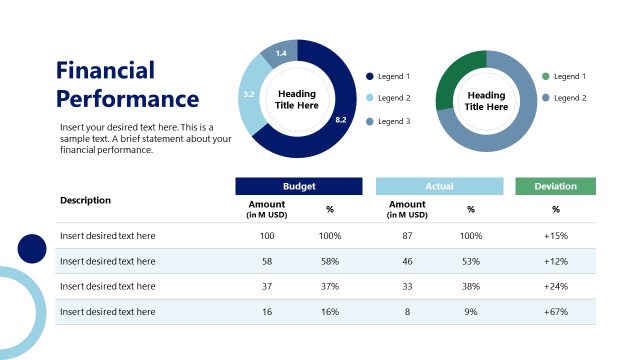
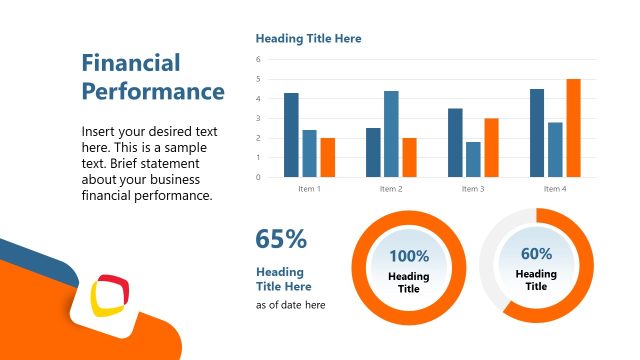
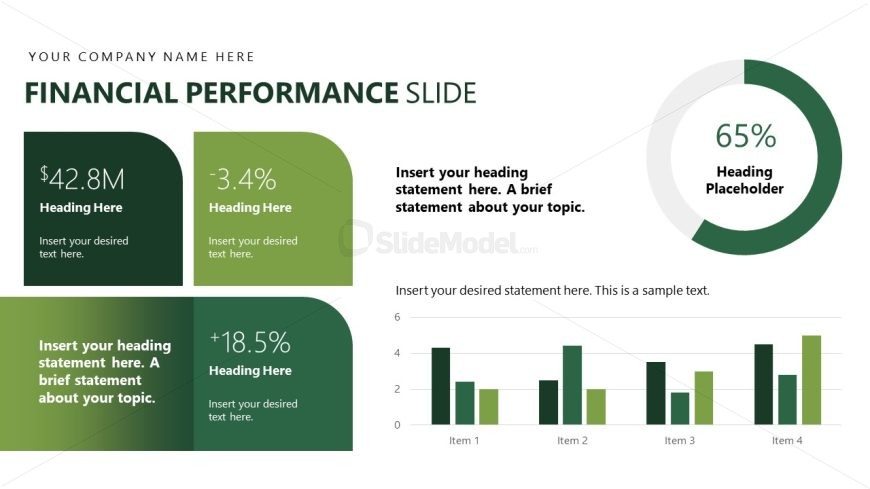
The layout features a combination of text and graphical elements. The top left contains a rounded rectangle with a dollar amount, while the top right displays a percentage within a circular gauge. Below, two additional rounded rectangles present financial metrics, each with a heading placeholder. A bar chart occupies the bottom section, displaying four bars labeled 'Item 1' through 'Item 4.' Text placeholders are aligned to the left within the rectangles, while the gauge is centered. The overall color scheme includes green tones with white text, creating a clear visual hierarchy.
How to Use It
This layout serves to present financial performance metrics, making it suitable for quarterly reports or business reviews. It effectively combines key figures and a bar chart to illustrate trends. Positioned after problem framing slides, it transitions into analysis or strategy discussions. This structure is ideal for stakeholders needing a concise overview of financial data, allowing for quick comprehension of performance indicators and trends.
Text Placeholders & Capacity
Keep your copy within these limits so it fits without resizing. Node labels are tight, roughly 8 characters each.
| Placeholder | Count | Max characters (approx.) |
|---|---|---|
| Slide title | 1 | 30 |
| Item heading | 4 | 10 |
| Item body | 4 | 50 |
| Chart title | 1 | 50 |
Slide Keywords
Download unlimited PowerPoint templates, charts and graphics for your presentations with our annual plan.
DOWNLOADReturn to Operational Excellence PowerPoint Template.