Slide 1 of 4 from Now vs Future PowerPoint Template
Editable Now vs Future PPT Template
Current vs Future State Comparison Slide
- Text Layout
- Other
- Comparison Slide
- 16:9
- 100% Editable
The Current vs Future State Comparison slide from the Now vs Future PowerPoint Template offers a clear layout for strategic planning by contrasting present conditions with future goals. This slide layout is ideal for management discussions, featuring editable shapes and a balanced design that supports effective communication in business presentations or pitch deck templates.
What’s on This Slide
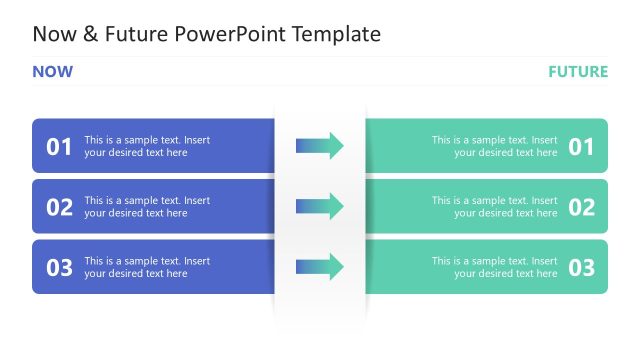
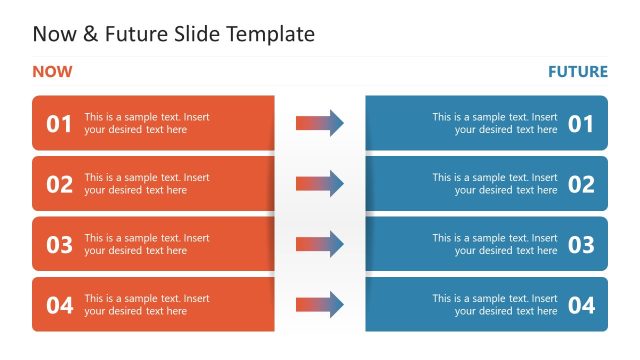
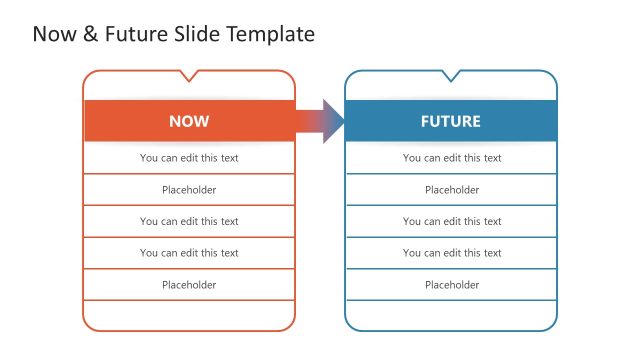
The layout features two vertical sections labeled 'NOW' and 'FUTURE.' Each section contains four rectangular boxes stacked vertically, with the left section in a blue gradient and the right in a green gradient. Each box has a number and a placeholder for text, aligned centrally. Between the two sections, there are horizontal arrows pointing from the left to the right, indicating a flow from the current state to the future state. The overall composition is balanced, with clear visual separation between the two states.
How to Use It
This layout serves as a comparison tool for presenting current and future states side by side. It is effective in strategic discussions, such as management strategy sessions or planning meetings, where stakeholders assess progress and future goals. It fits well at the beginning of a presentation to set the context or as a transition between sections. This structure can be adapted for various business scenarios, including project updates or strategic planning.
Text Placeholders & Capacity
Keep your copy within these limits so it fits without resizing. Node body slots can hold roughly 10-12 words each.
| Placeholder | Count | Max characters (approx.) |
|---|---|---|
| Item heading | 4 | 30 |
| Item body | 4 | 60 |
Slide Keywords
Download unlimited PowerPoint templates, charts and graphics for your presentations with our annual plan.
DOWNLOADReturn to Now vs Future PowerPoint Template.