Slide 1 of 2 from Free Now vs Future PowerPoint Template
Free Now vs Future Presentation Template
Now vs Future Comparison Slide
- Text Layout
- List Blocks
- Comparison Slide
- 16:9
- 100% Editable
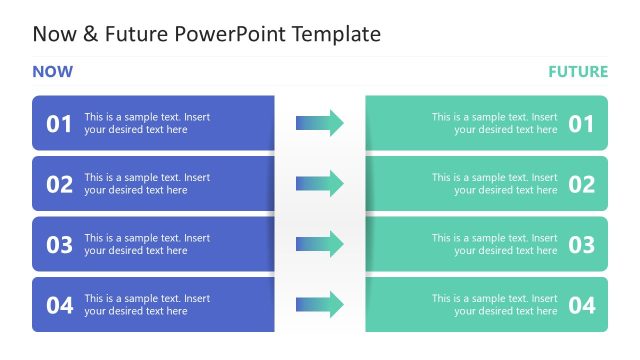
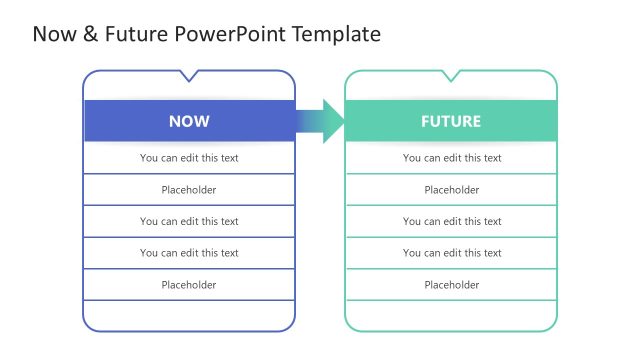
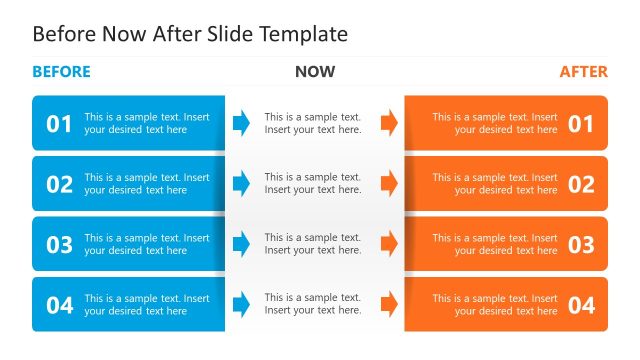
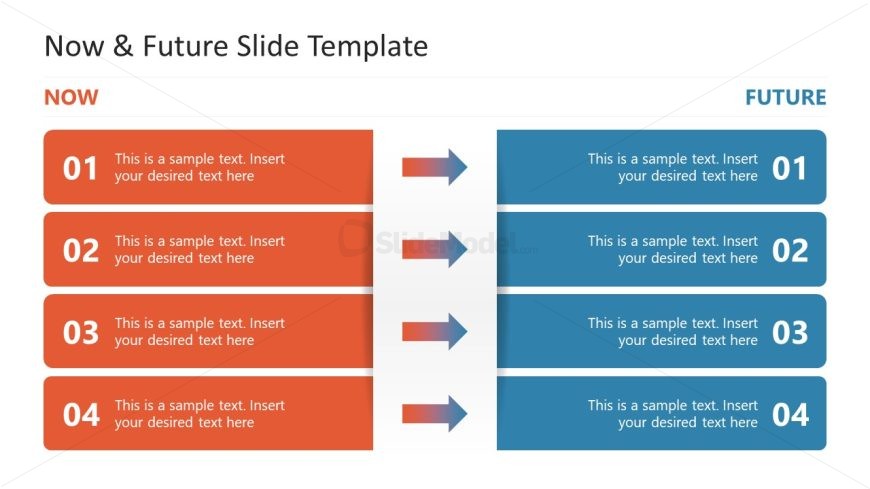
The Now vs Future Comparison slide from the Free Now vs Future PowerPoint Template is designed for strategic planning discussions and change management presentations. This layout features two vertical sections that clearly delineate current and future states, making it an effective tool for illustrating product feature comparisons and operational updates. With its visually distinct color schemes and structured placeholders, it enhances business presentations by facilitating clear communication of shifts in strategy.
What’s on This Slide
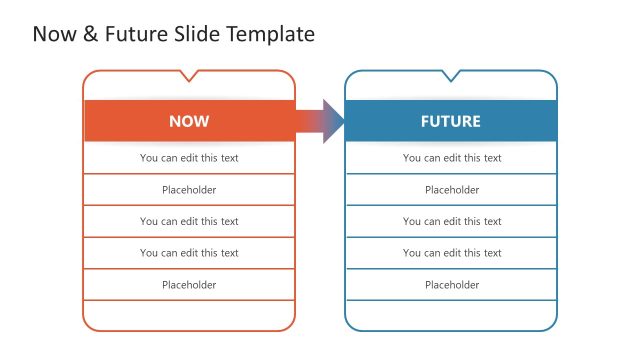
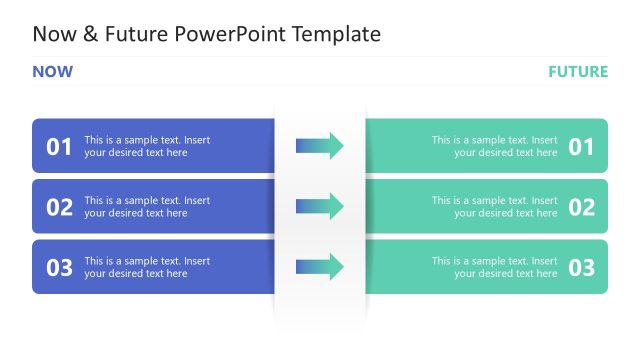
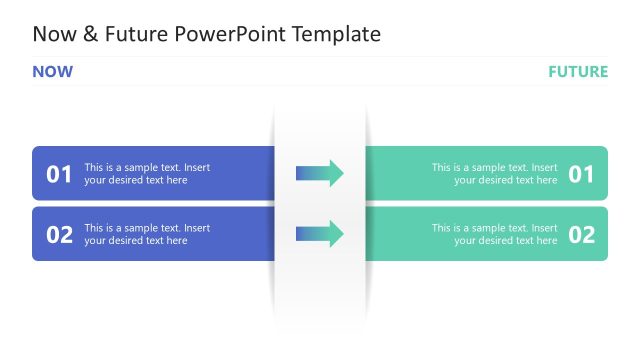
The layout features two vertical sections labeled 'NOW' and 'FUTURE' on the left and right, respectively. Each section contains four rows with numbered placeholders for text, aligned centrally. Between the sections, there are horizontal arrows indicating a transition from the 'NOW' to the 'FUTURE' state. The 'NOW' section has a warm color scheme with orange backgrounds for the text boxes, while the 'FUTURE' section uses a cool blue color scheme. Text placeholders are evenly spaced, allowing for clear visual separation between the two categories.
How to Use It
This layout serves as a comparison tool, effectively illustrating the differences between current and future states. It fits well within a presentation sequence that discusses strategic planning, change management, or forecasting. This structure is useful in business contexts where stakeholders need to understand shifts in strategy, product features, or operational changes over time. It can be used to present timelines, project updates, or transformation initiatives.
Text Placeholders & Capacity
Keep your copy within these limits so it fits without resizing. Each text box can accommodate about 5-7 words comfortably.
| Placeholder | Count | Max characters (approx.) |
|---|---|---|
| Item heading | 4 | 30 |
| Item body | 4 | 50 |
Slide Keywords
Download unlimited PowerPoint templates, charts and graphics for your presentations with our annual plan.
DOWNLOADReturn to Free Now vs Future PowerPoint Template.