Slide 2 of 2 from Free Now vs Future PowerPoint Template
Editable Free Now vs Future PPT Template
Now and Future Comparison Slide
- Text Layout
- List Blocks
- Comparison Slide
- 16:9
- 100% Editable
What’s on This Slide
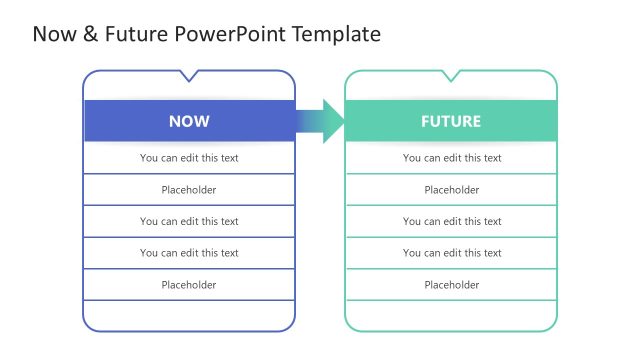
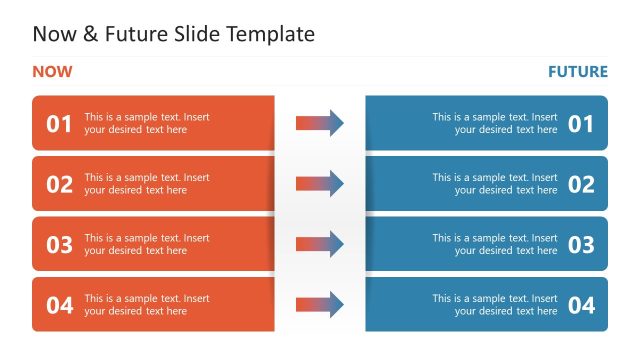
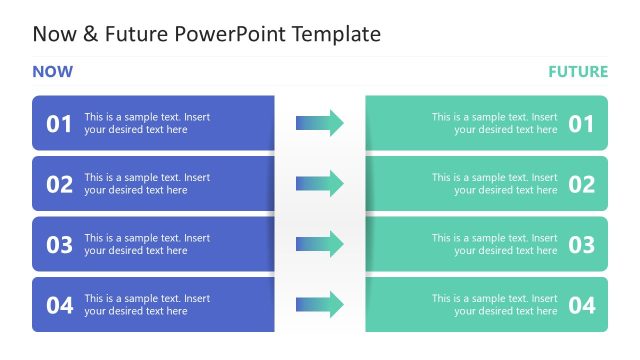
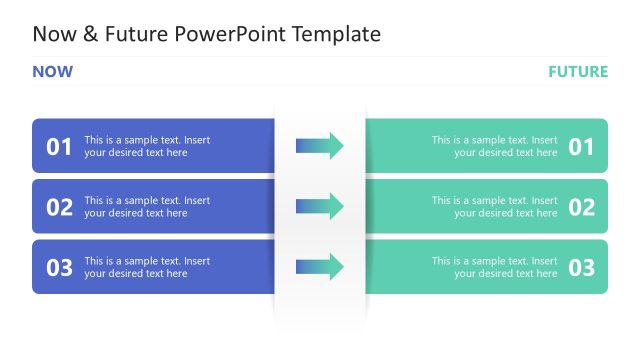
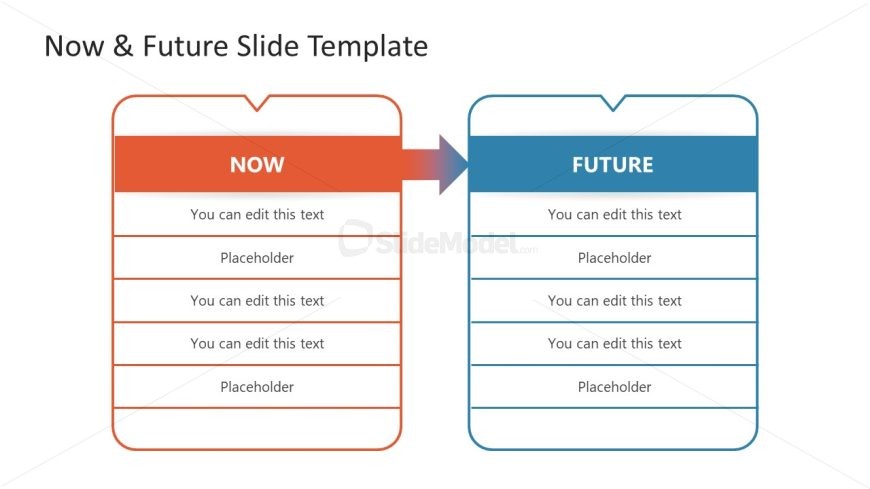
The layout features two side-by-side sections labeled 'NOW' and 'FUTURE.' The left section is colored orange, while the right section is blue. Each section contains five text placeholders arranged vertically, with the first row in each section featuring a bold title. The placeholders are aligned centrally within their respective sections. An arrow connects the two sections, indicating a transition from the current state to the future state. The overall composition is symmetrical, emphasizing a direct comparison between the two concepts.
How to Use It
This layout serves as a comparative analysis tool, ideal for illustrating differences between current and future scenarios. It fits well in a presentation sequence after a problem statement, leading into a discussion of solutions or future goals. This structure is useful for business contexts such as strategic planning, project proposals, or change management discussions, where stakeholders need to understand the evolution of ideas or processes.
Text Placeholders & Capacity
Keep your copy within these limits so it fits without resizing. Body slots can hold roughly 6-8 words each.
| Placeholder | Count | Max characters (approx.) |
|---|---|---|
| Slide title | 1 | 30 |
| Item body | 8 | 40 |
Slide Keywords
Download unlimited PowerPoint templates, charts and graphics for your presentations with our annual plan.
DOWNLOADReturn to Free Now vs Future PowerPoint Template.