Slide 1 of 2 from Before Now After PowerPoint Template
Before Now After Presentation Slide Template
Before Now After Comparison Slide
- Diagram
- Comparison Split
- Comparison Slide
- 16:9
- 100% Editable
The Before Now After Comparison slide from the Before Now After PowerPoint Template offers a structured layout ideal for business presentations that require clear performance comparisons or product evolution timelines. This slide template features editable shapes and numbered placeholders to visually map changes over time, making it a practical choice for corporate presentations or pitch deck templates focused on project updates.
What’s on This Slide
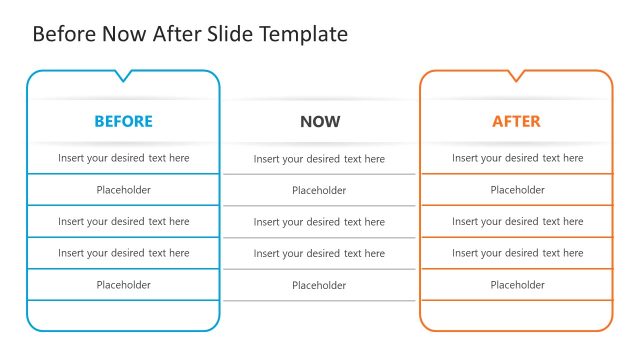
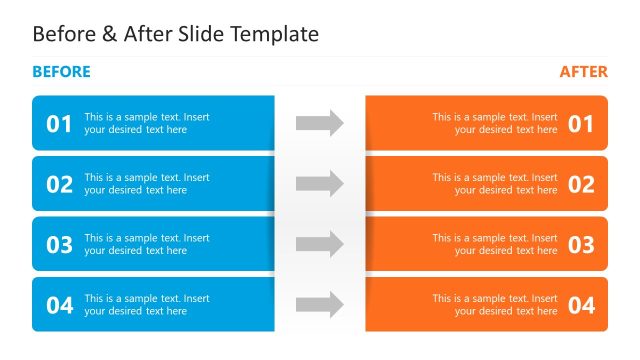
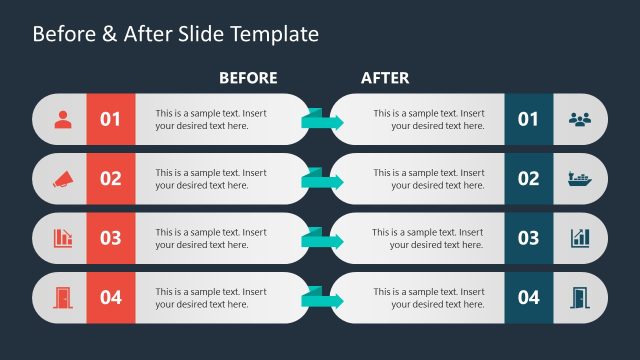
The layout features three vertical sections labeled 'BEFORE', 'NOW', and 'AFTER'. Each section contains four rows, with the leftmost and rightmost sections in blue and orange, respectively. Each row includes a numbered placeholder on the left and right, with corresponding text placeholders aligned centrally. Arrows connect the 'BEFORE' and 'AFTER' sections to the 'NOW' section, indicating a flow of information. The overall design is structured, with clear visual separation between sections and consistent alignment of text elements.
How to Use It
This layout serves as a comparative framework, ideal for showcasing changes over time or performance shifts. It fits well in presentations discussing progress, transformations, or product updates. This slide can be used in business contexts such as project updates, marketing strategies, or product development timelines. It effectively illustrates the evolution from a previous state to a current and future state, making it suitable for various analytical discussions.
Text Placeholders & Capacity
Keep your copy within these limits so it fits without resizing. Node body slots can hold about 8-10 words each.
| Placeholder | Count | Max characters (approx.) |
|---|---|---|
| Item heading | 8 | 30 |
| Item body | 8 | 50 |
Slide Keywords
Download unlimited PowerPoint templates, charts and graphics for your presentations with our annual plan.
DOWNLOADReturn to Before Now After PowerPoint Template.