Slide 3 of 4 from Now vs Future PowerPoint Template
Now vs Future PPT Slide Template
Current vs Future State Comparison Slide
- Diagram
- Comparison Split
- Comparison Slide
- 16:9
- 100% Editable
The Current vs Future State Comparison slide from the Now vs Future PowerPoint Template offers a clear visual layout ideal for strategic planning and change management discussions. This slide template uses editable shapes and vector icons to distinctly compare present conditions with future goals, making it a practical choice for business presentations and project updates within a professional slide deck.
What’s on This Slide
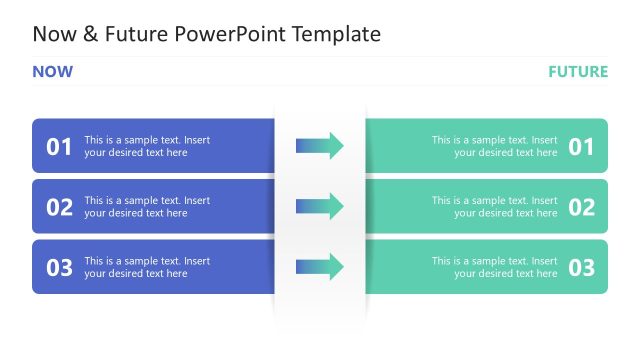
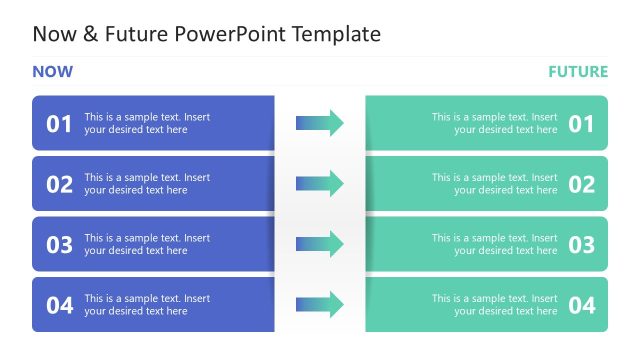
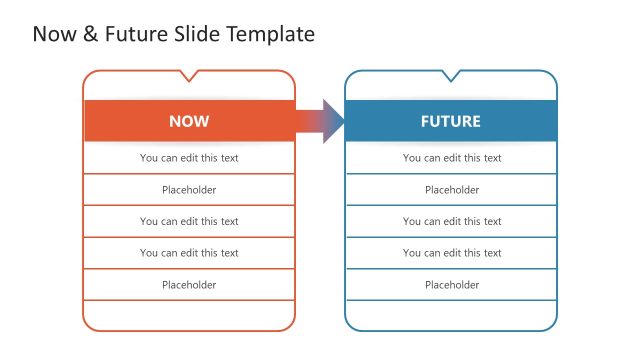
The layout features two vertical sections labeled 'NOW' and 'FUTURE' at the top. Each section contains two horizontal text placeholders, aligned in a stacked manner. The left section is colored blue, while the right section is green. Between the sections, there is a central area with a gradient arrow pointing from 'NOW' to 'FUTURE,' indicating a transition. The text placeholders are positioned centrally within their respective sections, with the numbers '01' and '02' placed at the start of each placeholder for visual hierarchy. The overall composition is balanced and clearly delineates the two states.
How to Use It
This layout serves as a comparative analysis of the current and future states of a strategy or project. It is useful for presentations that outline changes, improvements, or projections over time. This slide fits well in a sequence that discusses current challenges followed by proposed future solutions. It is suitable for business meetings, strategic planning sessions, or project updates where clarity in comparison is essential.
Text Placeholders & Capacity
Keep your copy within these limits so it fits without resizing. Body slots can accommodate roughly 8-10 words each.
| Placeholder | Count | Max characters (approx.) |
|---|---|---|
| Item heading | 2 | 2 |
| Item body | 2 | 40 |
Slide Keywords
Download unlimited PowerPoint templates, charts and graphics for your presentations with our annual plan.
DOWNLOADReturn to Now vs Future PowerPoint Template.