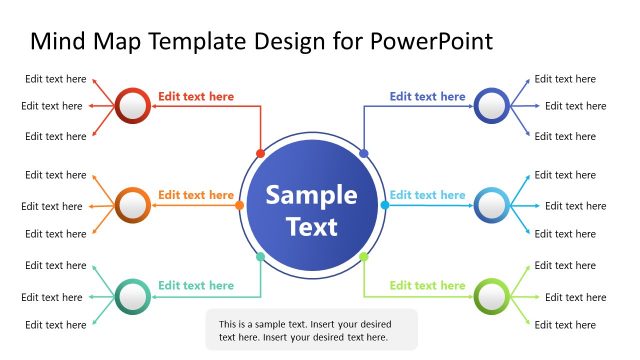
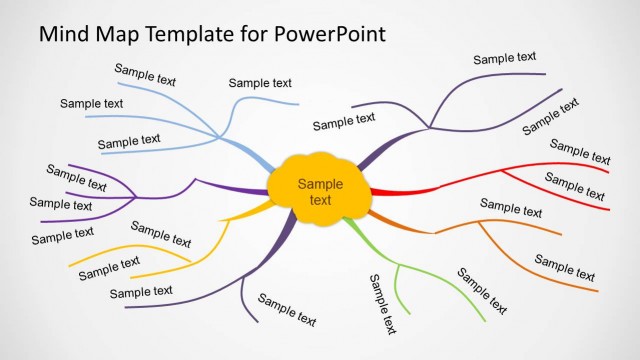
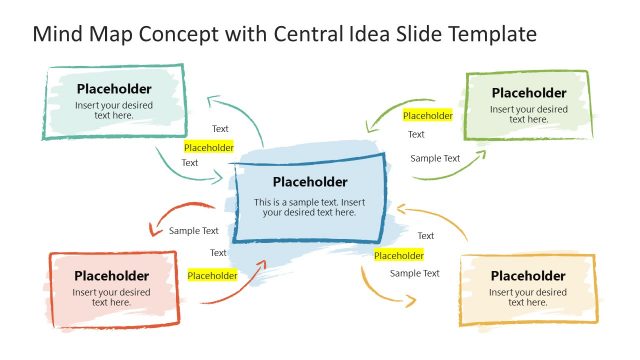
Organize your thoughts and ideas in clean layouts and use them in brainstorming sessions or business presentations with the Mind Map Diagram Template for PowerPoint.
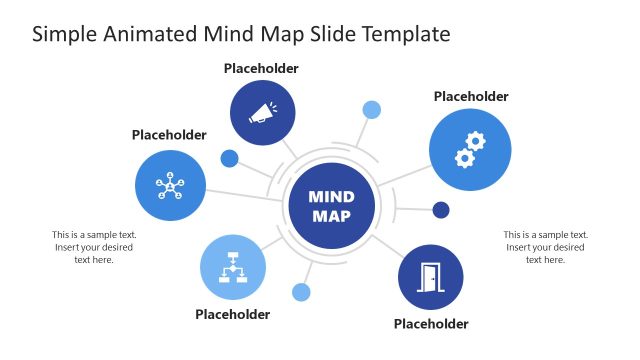
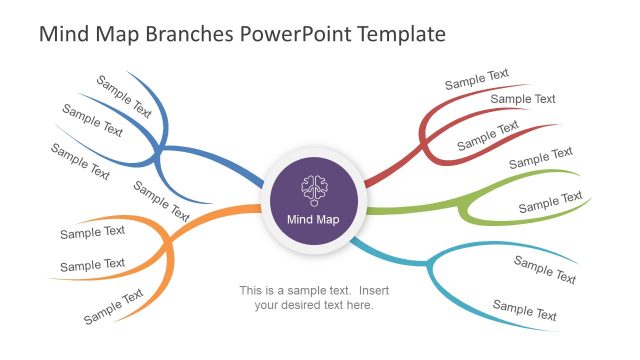
This customizable template is perfect for making mind maps, be it for personal or official use. The placeholders and connectors mix with attractive graphics to ensure that you are able to create mind maps in a clean, organized layout, with your content displayed in an easy to comprehend format.
With this PPT template you can create mind maps in PowerPoint with a variety of slide designs and graphical layouts and also comprehensively customize the sample slides to make the most out of your mind maps.
Mind maps can help you to make presentations with no bullet points. Instead of listing all the concepts in a typical bullet list you can use the mind map tool in PowerPoint to present a concept or idea using a nice visualization aid. Alternatively you can download other PowerPoint templates and slide designs including animated mind map diagrams and presentation slides.
What’s inside this template
Example presentation scenarios
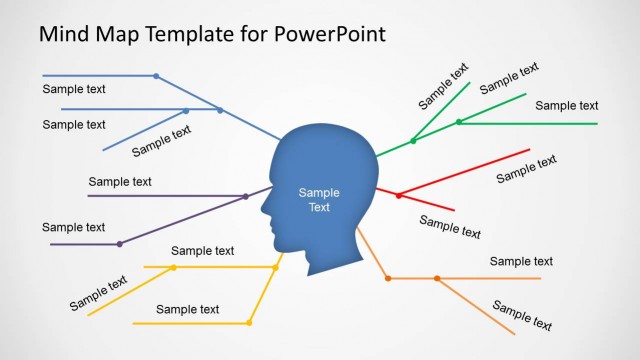
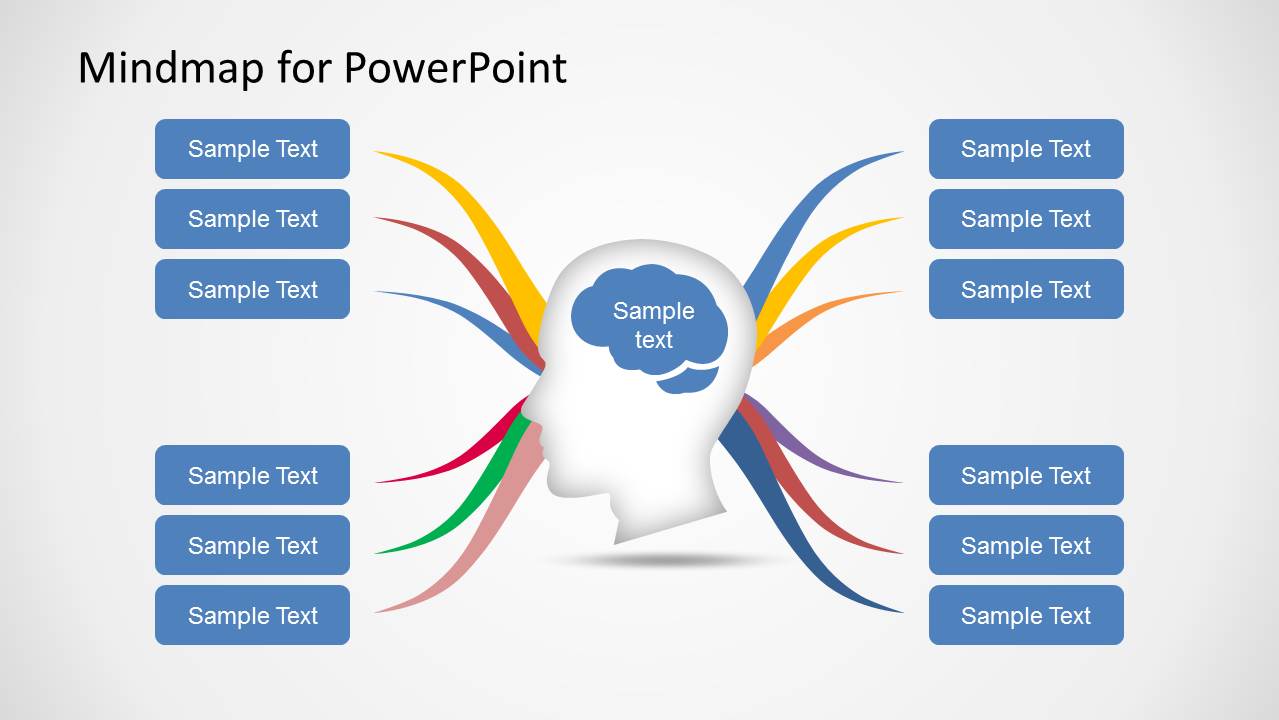
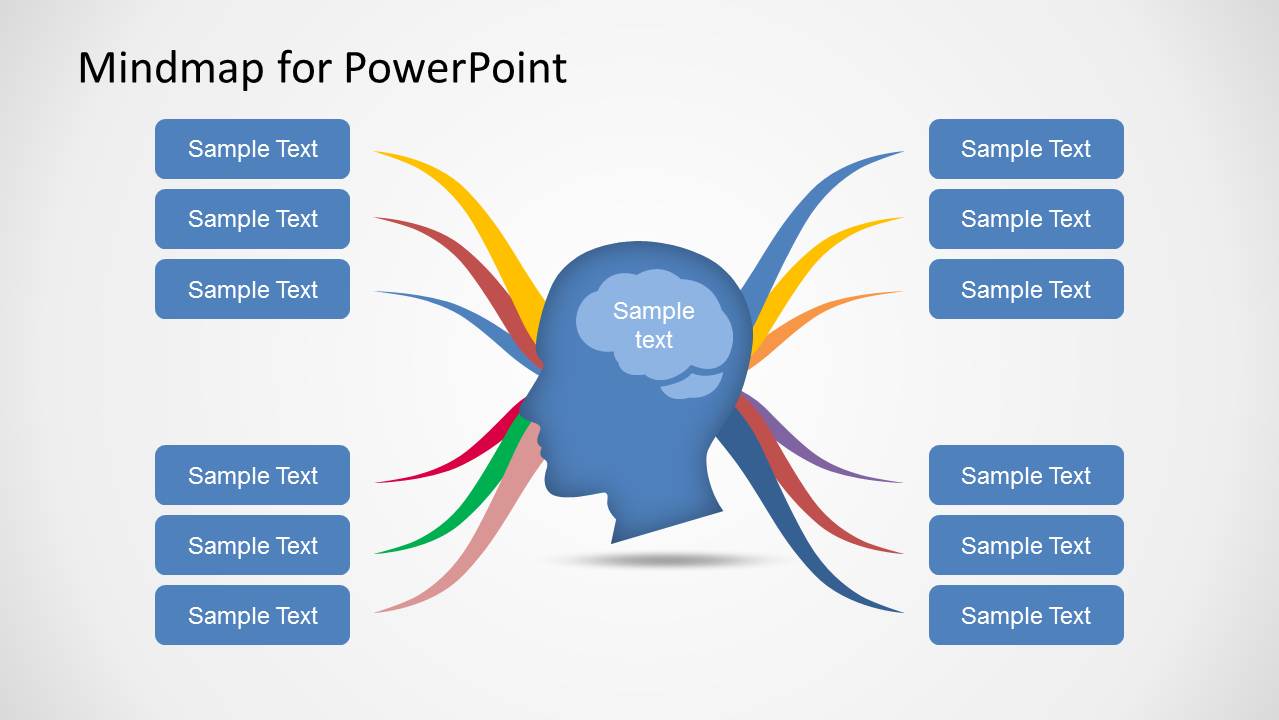
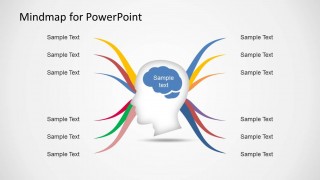
- A project manager can use the head-and-brain mind map to explain workstreams connected to a new initiative during a team planning meeting.
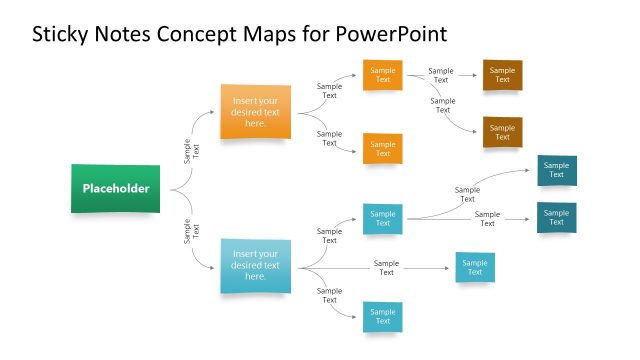
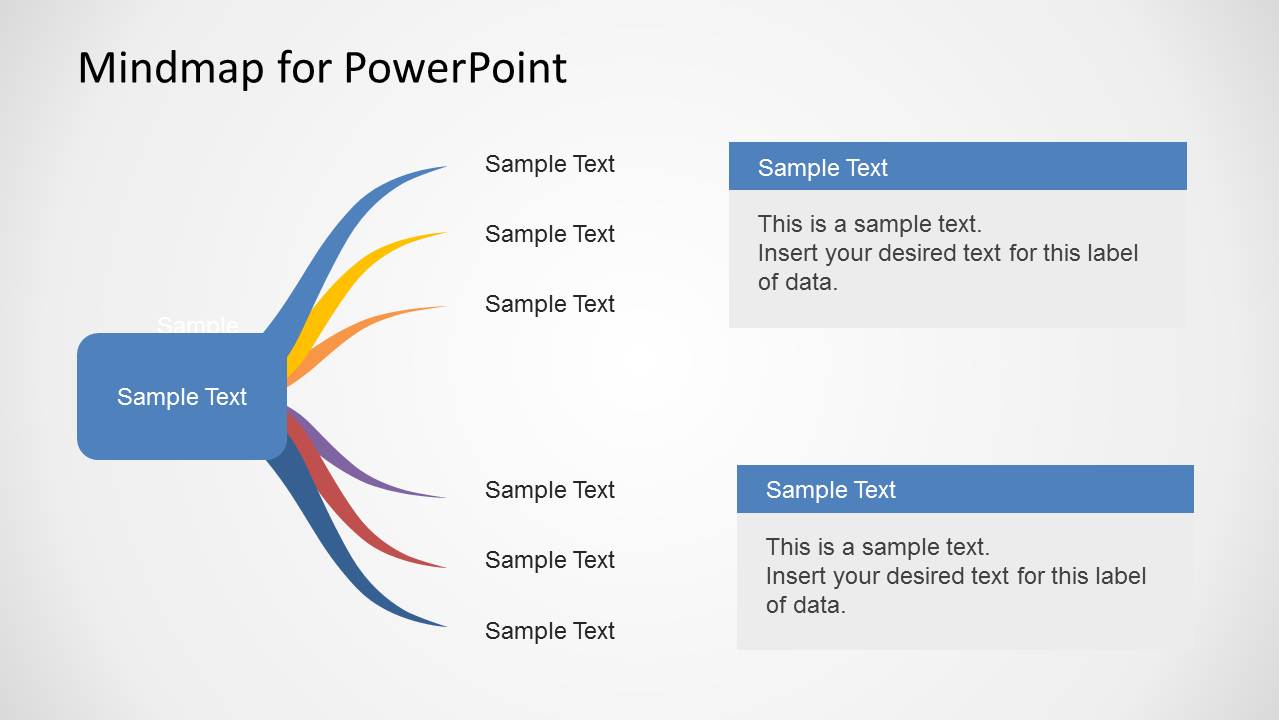
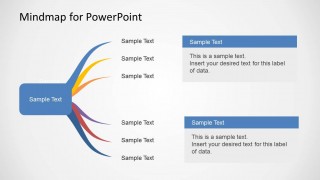
- A consultant can use the side-branch layout with note panels to separate high-level recommendations from supporting explanations in a client workshop.
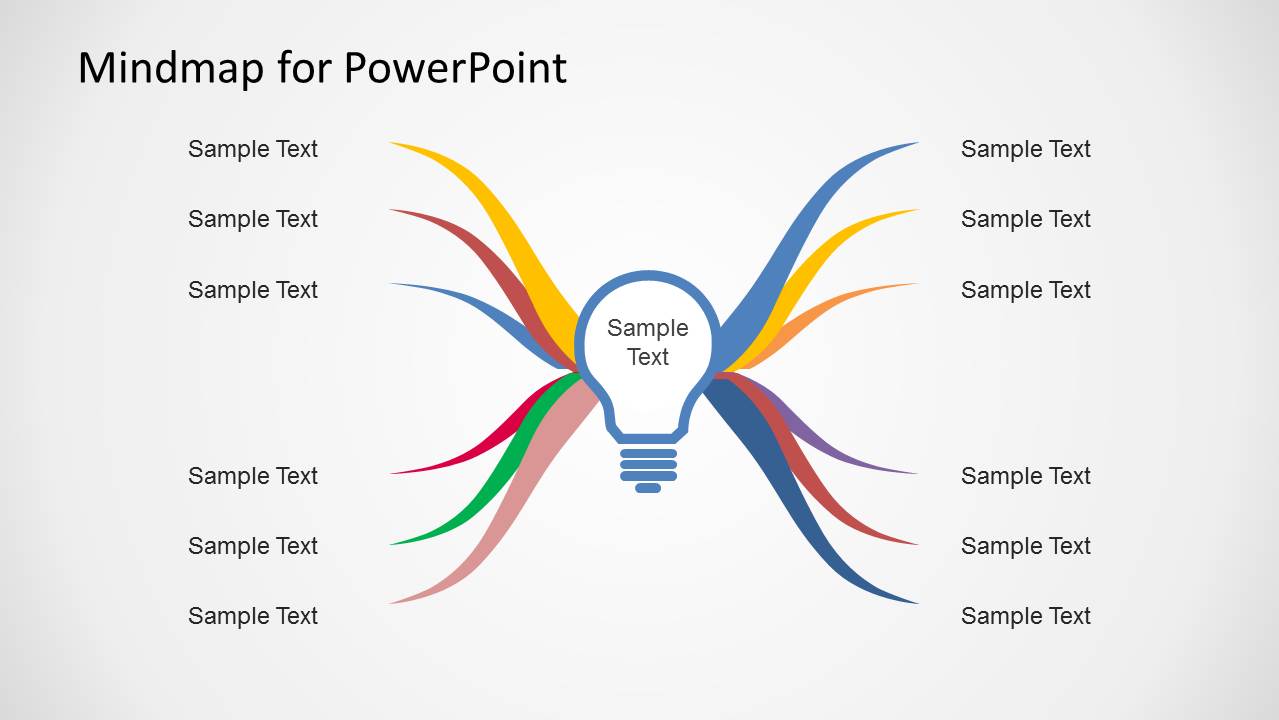
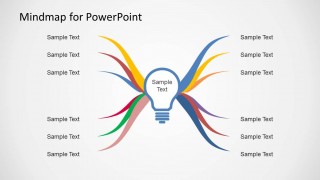
- An educator or trainer can use the lightbulb-centered mind map to introduce a lesson topic and group related concepts around it.
- A startup founder can use the mirrored branch diagrams to organize product ideas, market assumptions, or venture planning topics for an internal brainstorming session.
Features
- 100% editable presentation template
- Compatible with Microsoft PowerPoint and Google Slides
- 16:9 aspect ratio slides
- Scalable vector shapes, icons and illustrations
- AI-Ready for Microsoft Copilot and Claude
- Instant access and download
Frequently asked questions
Q: How should I present a mind map without overwhelming the audience?
A: Start with the central idea first, then reveal or discuss one branch group at a time. The head-and-brain and lightbulb slides work best when each branch represents a distinct category, not a long sentence. Keep side labels short and use the note-panel slide only when a branch needs explanation.
Q: Who is this template best suited for?
A: This template fits facilitators, consultants, trainers, and managers who need to guide a group from one central concept into related ideas. It is strongest for brainstorming, concept explanation, and planning conversations where a visual structure is clearer than a bullet list or dense table.
Q: Why do the head and lightbulb metaphors help the presentation?
A: The head and lightbulb visuals make the diagram feel like an idea-generation tool rather than a list of topics. Curved branches suggest associations and mental pathways, so the audience can see how each label connects back to the core concept while still scanning the slide quickly.
Mind Map Diagram Template for PowerPoint
5-slide PowerPoint and Google Slides presentation template for mind maps, idea branching, and brainstorming diagrams
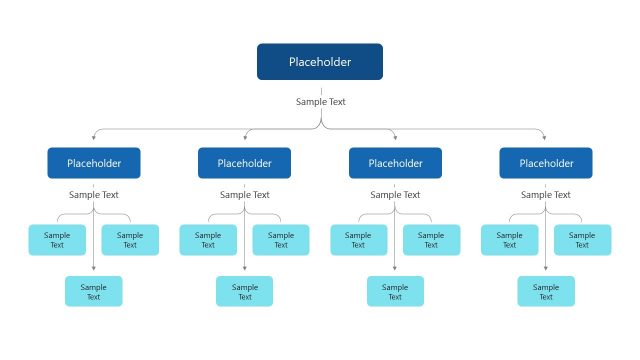
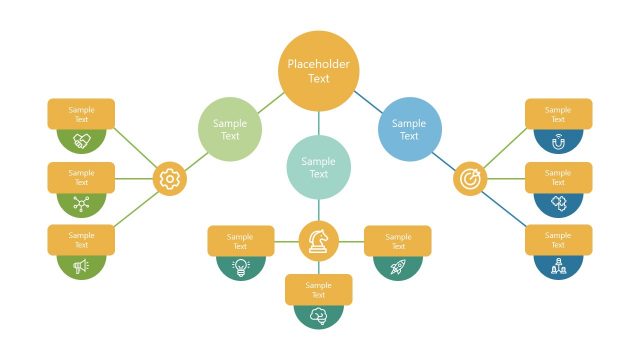
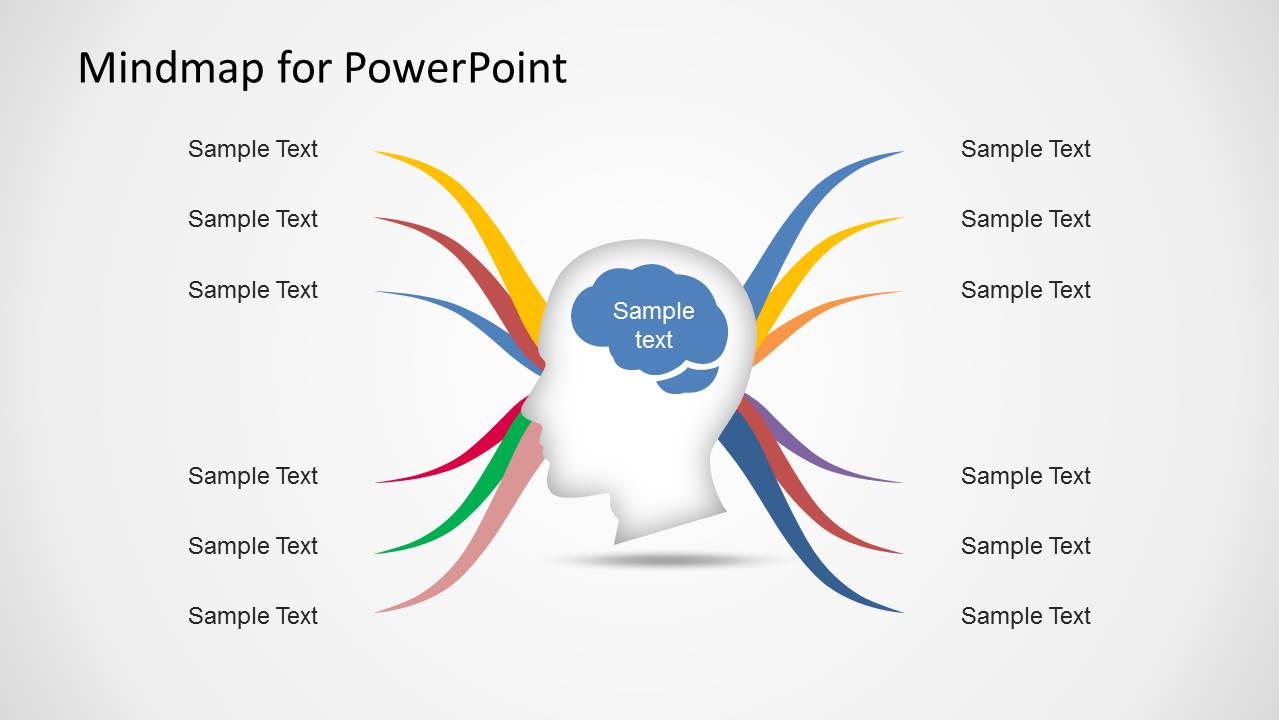
The Mind Map Diagram Template for PowerPoint is a 5-slide diagram presentation template for brainstorming and business planning. It includes head-and-brain mind map layouts, mirrored idea branches, a side branch with note panels, and a lightbulb center diagram. Presenters can edit the 16:9 slides in Microsoft PowerPoint or Google Slides.
- Category
- Diagrams
- Rating


 Loading...
- Aspect ratio
- 16:9
- Item ID
- 6218-01
- Colors
 Microsoft PowerPoint
  Microsoft Copilot
  Claude for PowerPoint
 Other formats supported
Subscribe today and get immediate
access to download our PowerPoint templates.