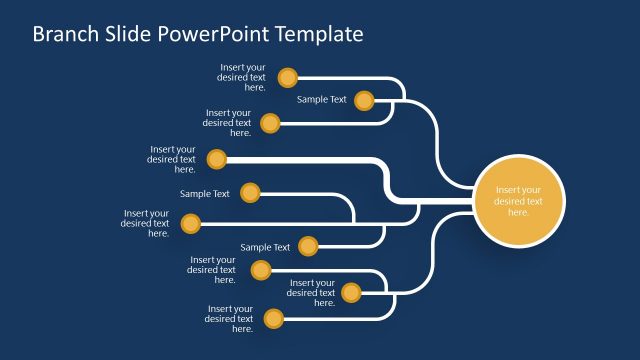
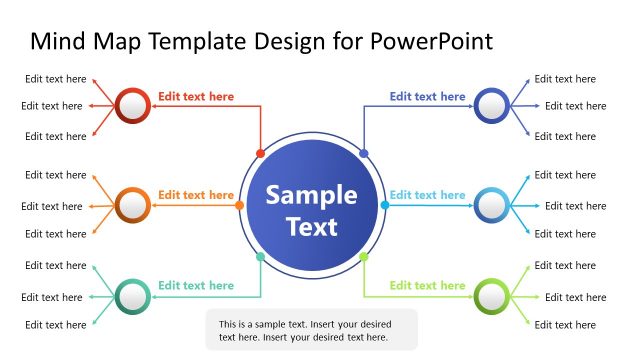
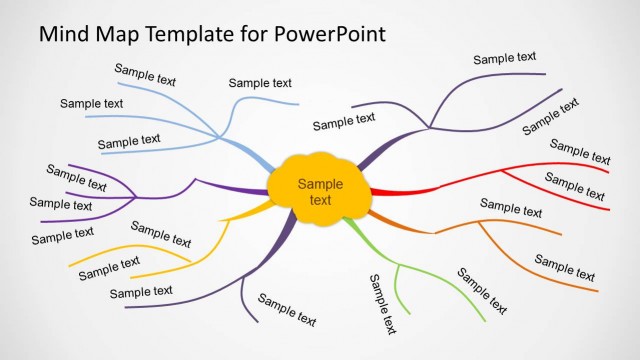
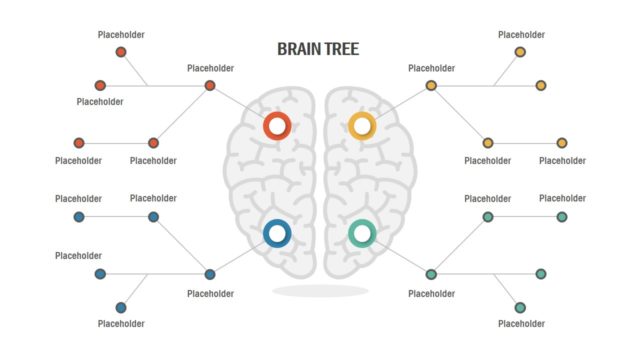
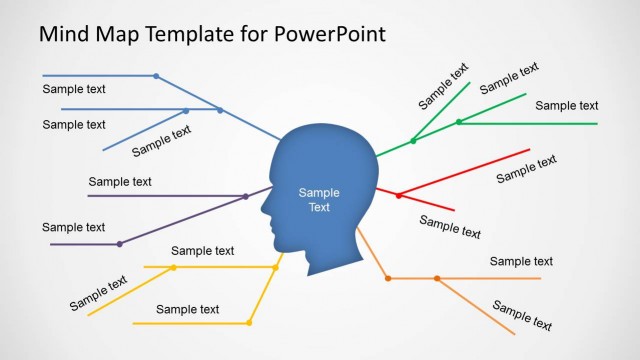
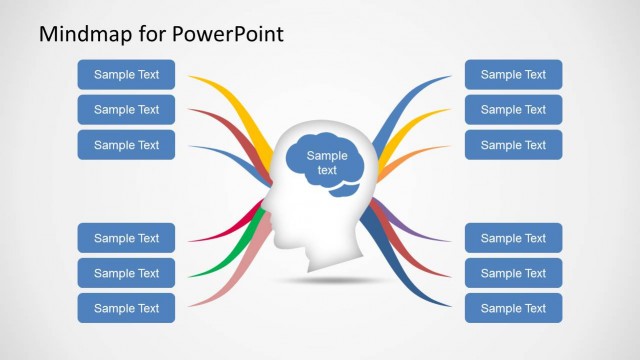
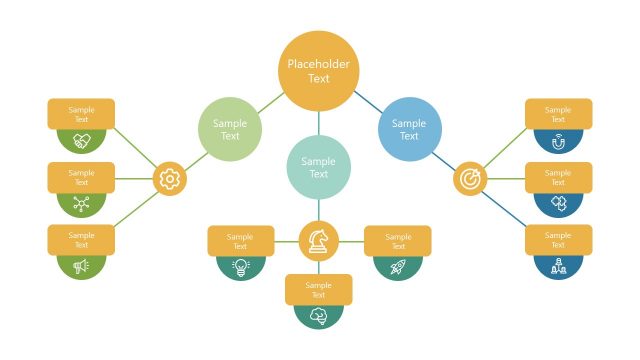
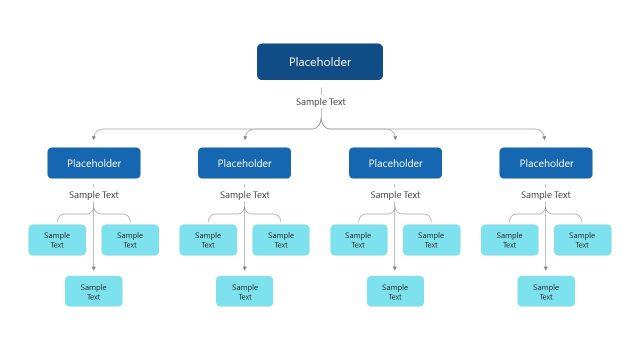
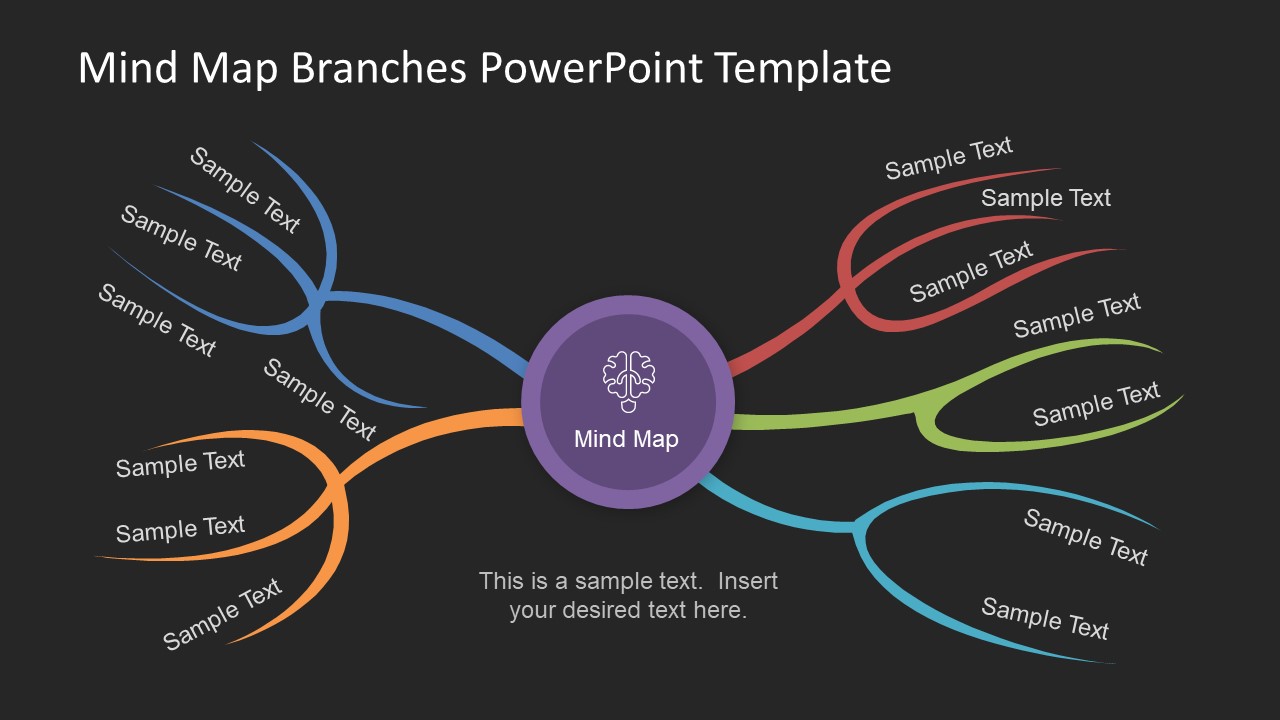
Mind Map Branches PowerPoint Template – an innovative brainstorming slide layout. It shows multiple branches spreading from a center which depicts the core unit of complete network model. This core figure contains brain clipart icon that metaphorically represents brainstorming and critical thinking concepts etc. It also illustrates the center hub of mind map, connecting all the possible views, ideas, or solutions together. There are two slides of similar mind map branches PowerPoint design. However, both slides have distinct black and white background to complement dark and light color theme of presentations. This template shows 5 main colorful branches further divided into 2, 3, and 4 sub-branches.
The Mind Map Branches PowerPoint Template also looks like a top-down view of expending tree roots. In a business context, it could demonstrate growing products and services of company. Or, it may display various ideas and suggest their implementation processes. But more importantly, a mind map branches PowerPoint can present an outstanding visual for root-cause analysis diagram. A circular center can highlight a problem while multiple branches list the possible causes. In this way, users can present PowerPoint diagram mind map as an outcome of brainstorming session.
The mind map diagram with branches and sub-branches is helpful in delivering cause and effect concepts. For example, mind mapping sessions for behavioral study of target consumer market. PowerPoint mind map enables the presenter to display a big picture of ideas flowing through branches. Although users can modify colors and shapes of an editable template. They can also add and remove the branches according to their presentation needs. Alternatively, download other mindmap templates for PowerPoint like the creative Mind Map design with colorful branches.
What’s inside this template
Example presentation scenarios
- A strategy consultant can use the central brain hub to frame a client problem, then assign each colored branch to a cause category during a root cause analysis discussion.
- A product manager can present feature ideas by placing the product goal in the center and grouping user needs, risks, dependencies, and next steps on the five branch areas.
- An operations manager can guide a workshop by mapping process issues on the main branches and using the smaller offshoots for team observations or corrective actions.
- A marketing analyst can explain consumer behavior findings by using the sub-branch labels to connect research insights, motivations, barriers, and campaign implications.
Features
- 100% editable presentation template
- Compatible with Microsoft PowerPoint and Google Slides
- 16:9 aspect ratio slides
- Scalable vector shapes, icons and illustrations
- AI-Ready for Microsoft Copilot and Claude
- Instant access and download
Frequently asked questions
Q: How should a presenter turn this mind map into a clear brainstorming story?
A: Start with one precise topic in the center, such as a problem, decision, or opportunity. Use the five main branches for broad categories, then keep each sub-branch to short labels rather than sentences. Present clockwise or by priority so the audience follows the thinking path instead of reading every item at once.
Q: Who is this template best suited for in a business meeting?
A: This template works best for analysts, consultants, product teams, and facilitators who need to explain how ideas connect. It is especially useful before a decision is finalized, when the group must see causes, options, or themes around one central issue rather than review finished financial results.
Q: Why does the branch metaphor help communicate root cause or idea mapping?
A: The design uses a central brain icon as the core thinking point and colored branches as visible pathways. That metaphor helps separate major categories while still showing they belong to one system. The curved sub-branches make secondary points feel connected, not isolated, which supports discussion and refinement.



Mind Map Branches PowerPoint Template
2-slide presentation template for mind map branches, brainstorming, and root cause analysis
Mind Map Branches PowerPoint Template is a 2-slide presentation template for brainstorming and analysis. It includes a central brain hub, five colored mind map branches, sub-branch text labels, and light and dark background versions. Strategy, consulting, product, and operations teams can use it in Microsoft PowerPoint and Google Slides.
- Category
- Strategy
- Rating


 Loading...
- Aspect ratio
- 16:9, 4:3
- Item ID
- 7490-01
- Colors
 Microsoft PowerPoint
 Microsoft Copilot
 Claude for PowerPoint
Other formats supported
Subscribe today and get immediate
access to download our PowerPoint templates.