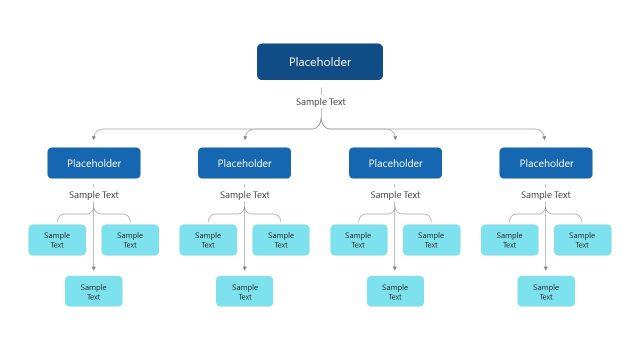
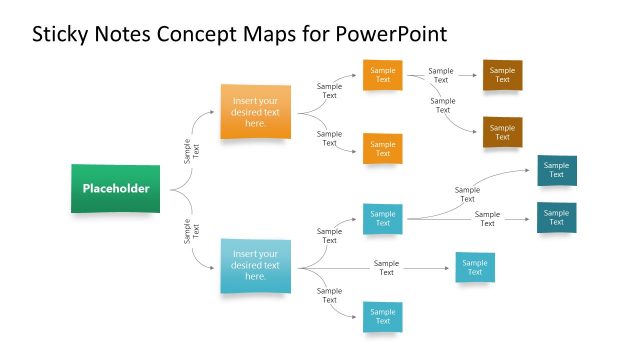
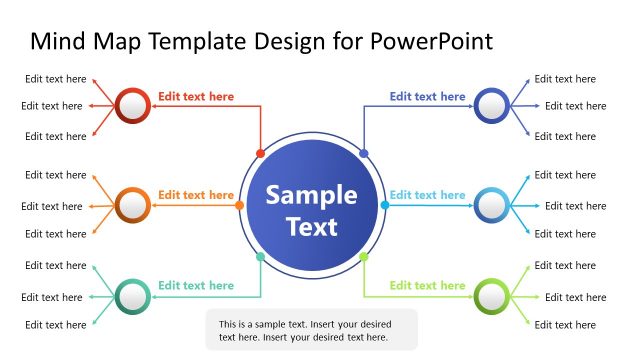
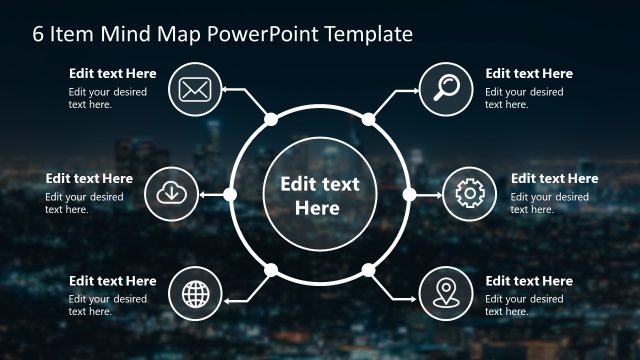
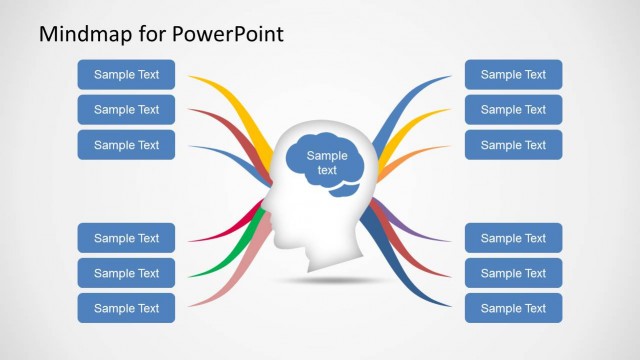
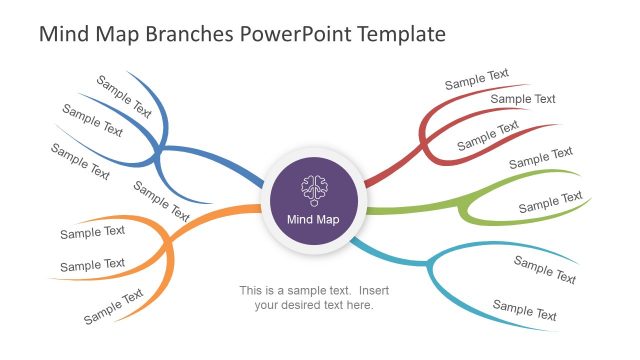
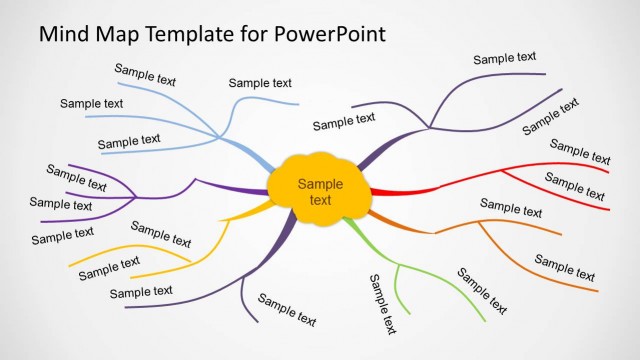
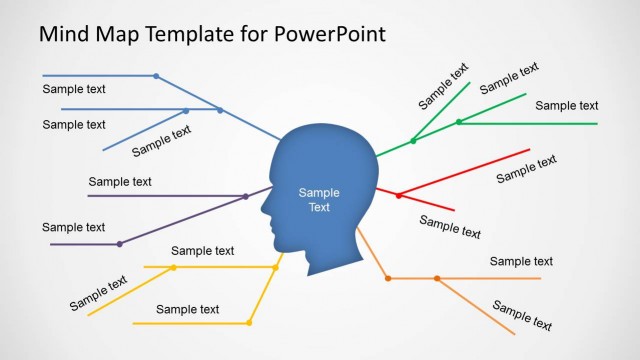
The Concept Maps Infographics Template is a multi-section mind map presentation. There are four slides containing concept map PowerPoint template for 3 to 6 categories of the core item. These slides provide a clear and organized structure for presenting subcategories of the topic. Each slide contains 3 levels of mind map hierarchy. The concept map icons are useful for visualizing the type of segmentation or different aspects of the diagram. The subsections are linked to the main idea and spread around the central concept in a non-linear graphical layout. The PowerPoint mind map templates are ideal for brainstorming and team collaboration on project activities. These slides give clean space to visually structure ideas in PowerPoint. Users can choose from the slides of 3 level, 4 level, 5 level, and 6 level mind map templates.
A mind map is a brainstorming method to organize ideas in an easy-to-understand visual diagram. The main idea, either on top or in the center has multiple connecting branches. Starting with the idea, the branches extend and display the broad view of the concept. The mind map helps understand the complexities to make informed decisions. The Concept Map Infographic Template is a simple visual structure for presenting ideas or analysis. Professionals from different fields and industries use this template for brainstorming sessions.
The mind mapping PowerPoint templates are useful for analysis and problem solving presentations. Teachers use concept map templates to simplify complex theories or chain of events. In business presentations, you can elaborate the problem with its cause and effects using mind map templates. Take an example of 5 why analysis technique where 5 steps concept map presentation template can explain the analysis.
What’s inside this template
Example presentation scenarios
- A product manager can use the six-branch concept map to organize feature themes, customer needs, and supporting ideas during a product planning workshop.
- A consultant can use the four-branch concept map to explain a business issue by separating causes, impacts, stakeholders, and next questions.
- A teacher or trainer can use the three-branch concept map to break a theory, event, or process into main categories and supporting examples.
- A project manager can use the five-branch concept map to align a team around workstreams, dependencies, risks, resources, and decision points.
Features
- 100% editable presentation template
- Compatible with Microsoft PowerPoint and Google Slides
- 16:9 aspect ratio slides
- Scalable vector shapes, icons and illustrations
- AI-Ready for Microsoft Copilot and Claude
- Instant access and download
Frequently asked questions
Q: How should I present a complex concept without overcrowding the map?
A: Start with the central circle as the single main idea, then choose the slide with the right branch count instead of forcing every topic onto one layout. Use the category circles for primary themes and the outer label cards for short supporting points. Keep each card brief so the audience can follow the relationship lines.
Q: Who is this template best suited for?
A: This template fits presenters who need to structure ideas before decisions are made: facilitators, analysts, teachers, product teams, and project managers. It works well in brainstorming sessions, classroom explanations, and issue framing meetings because the concept maps show categories and subpoints without requiring a linear sequence.
Q: Why does the radial concept map structure improve communication?
A: The radial layout uses a mind map metaphor: one central idea expands into branches and leaves. That visual pattern helps the audience see that the branches are related but not necessarily sequential. Color-coded nodes and icon hubs add grouping cues, making it easier to compare categories at the same hierarchy level.


Concept Maps Infographics Template
4-slide presentation template for concept maps, mind maps, and hierarchy brainstorming diagrams
Concept Maps Infographics Template is a 4-slide mind map and tree diagram presentation template for organizing ideas around a central concept. It includes 3-branch, 4-branch, 5-branch, and 6-branch concept maps with category circles, connector lines, icon hubs, and label cards for Microsoft PowerPoint and Google Slides.
- Category
- Tree Diagrams
- Rating


 Loading...
- Aspect ratio
- 16:9
- Item ID
- 21197-02
- Colors
 Microsoft PowerPoint
 Microsoft Copilot
 Claude for PowerPoint
Other formats supported
Subscribe today and get immediate
access to download our PowerPoint templates.