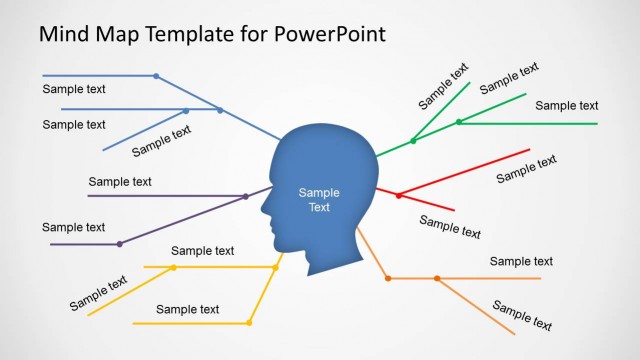
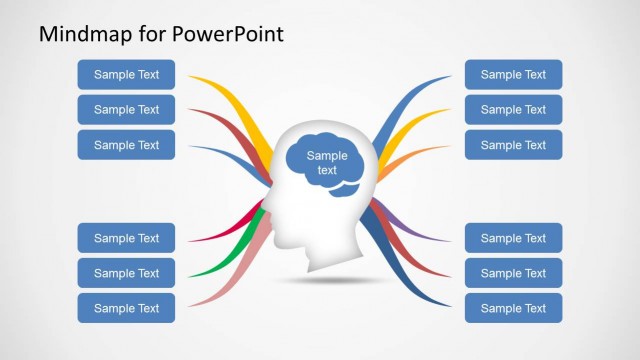
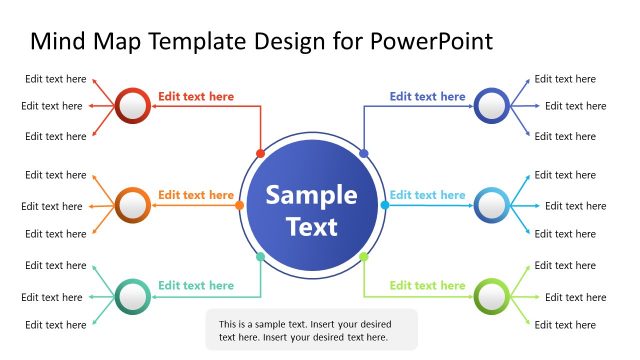
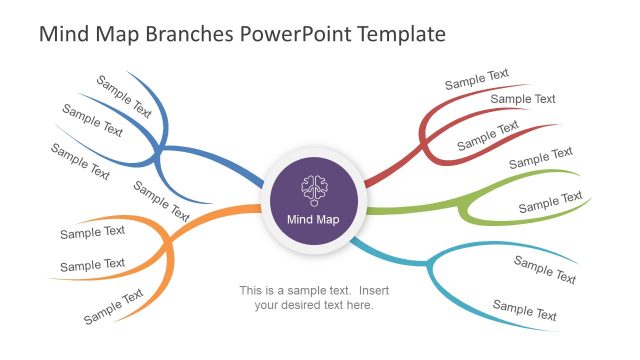
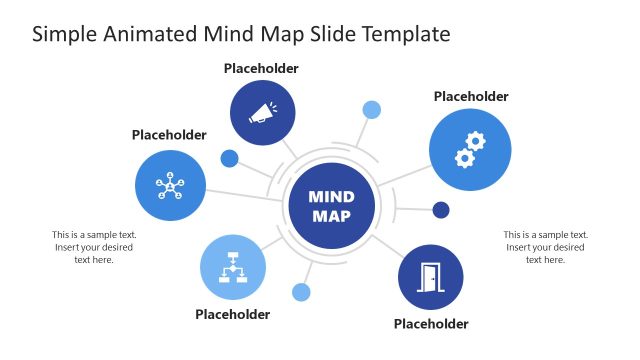
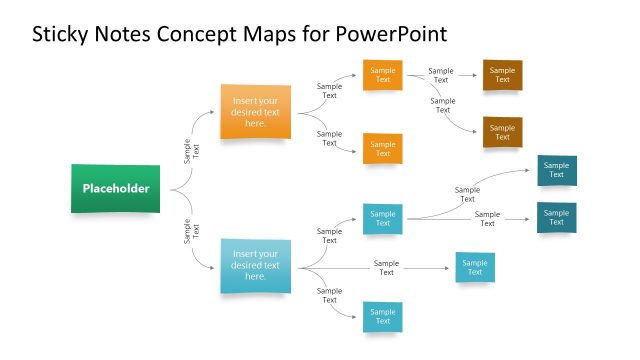
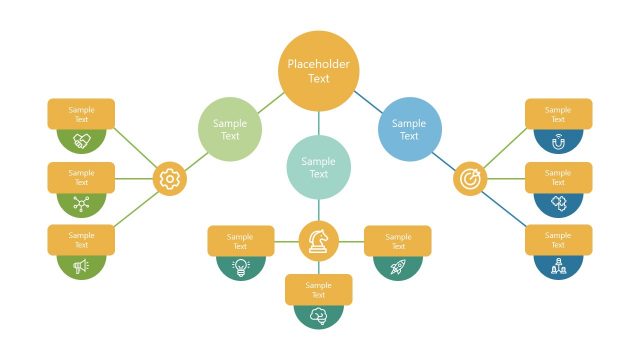
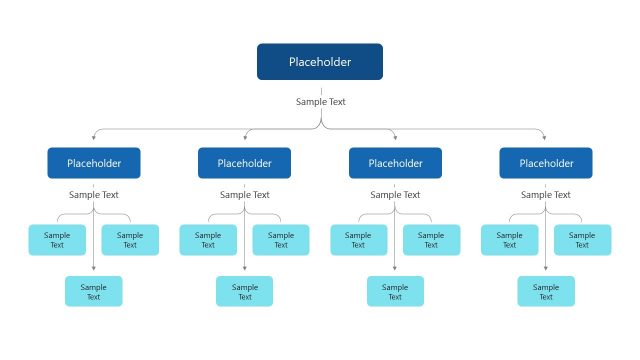
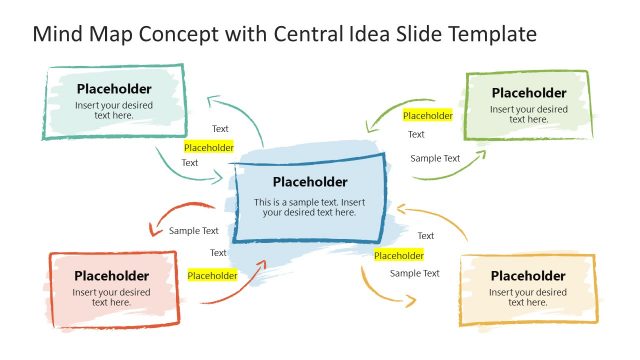
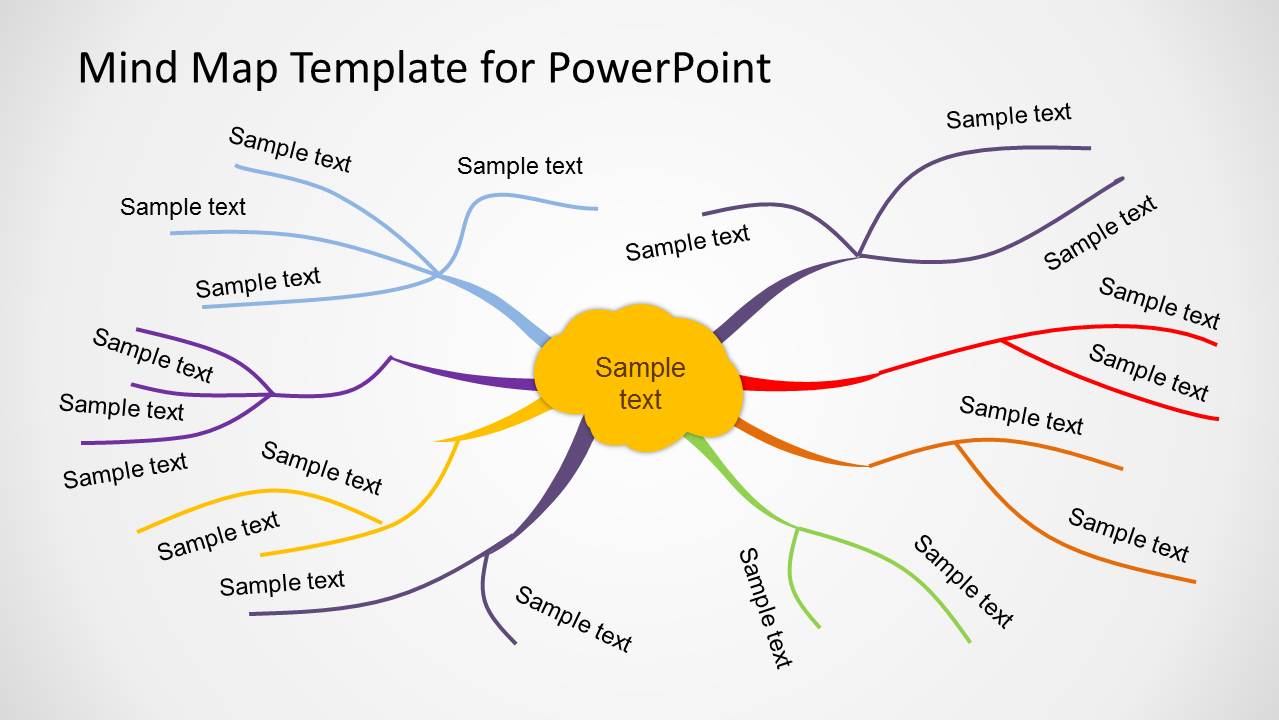
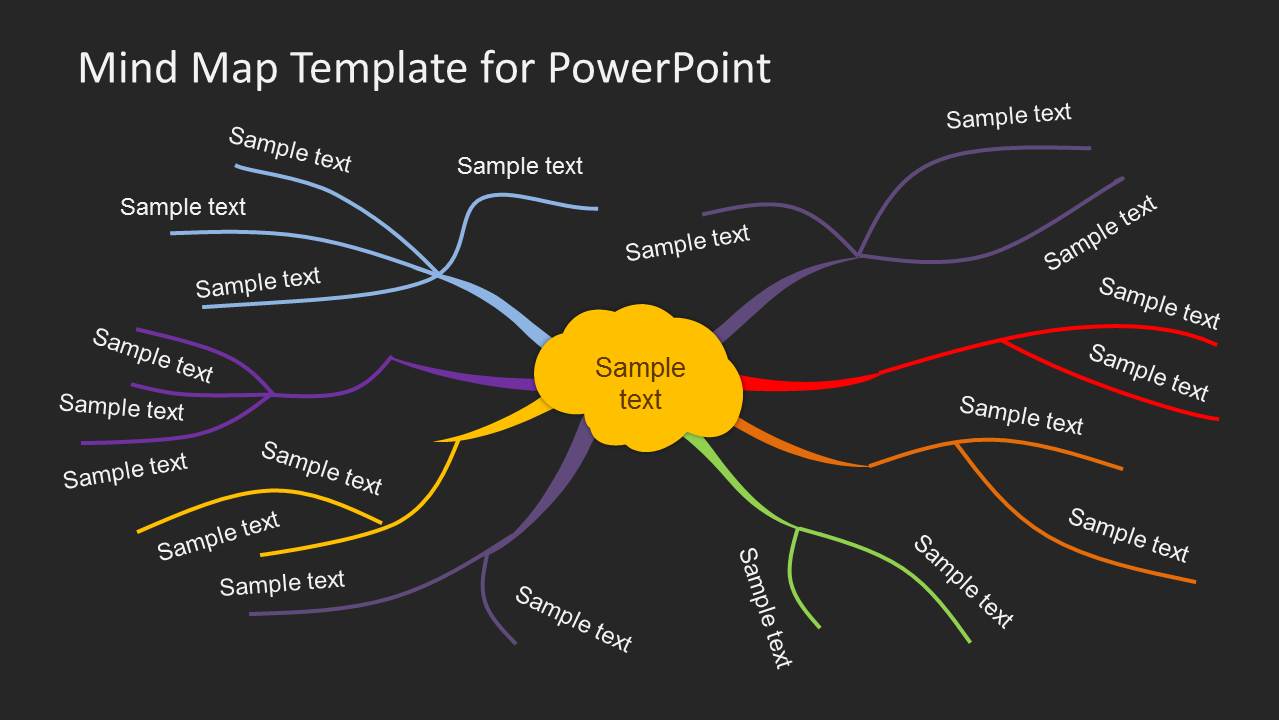
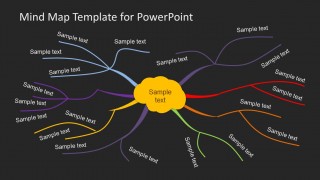
Creative Mind Map Template for PowerPoint is a PowerPoint template design containing a mind map diagram that you can edit to make presentations on brainstorming or sharing ideas in a PowerPoint slide. You can also make presentation slides using cause and effect diagrams and present ideas clearly in a PowerPoint presentation.
Alternatively you can download other mindmap templates for PowerPoint like the Mind Map diagram design with colorful branches.
What’s inside this template
Example presentation scenarios
- A workshop facilitator can use the radial mind map to capture ideas around one central topic and group participant input into colored branches.
- A product manager can explain feature themes by placing the product concept in the center and using branch labels for customer needs, risks, dependencies, and opportunities.
- A consultant can present cause-and-effect reasoning with the central cloud as the issue and the surrounding branches as contributing factors or decision paths.
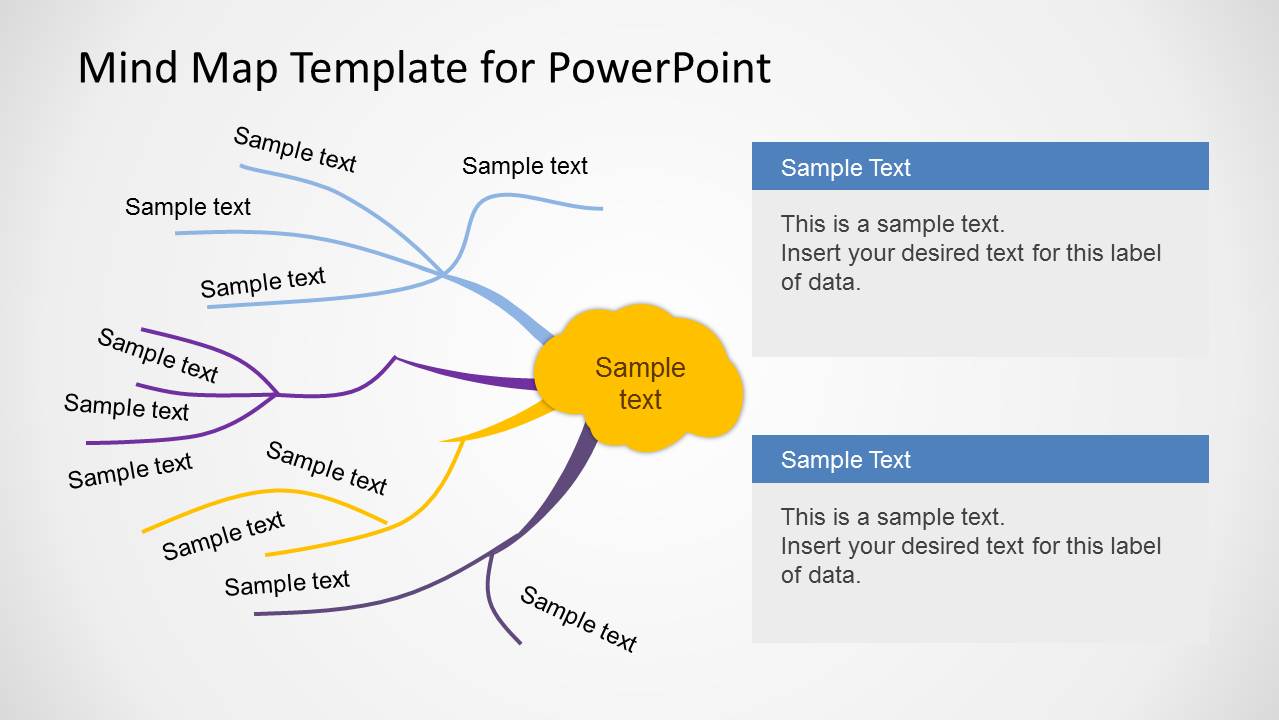
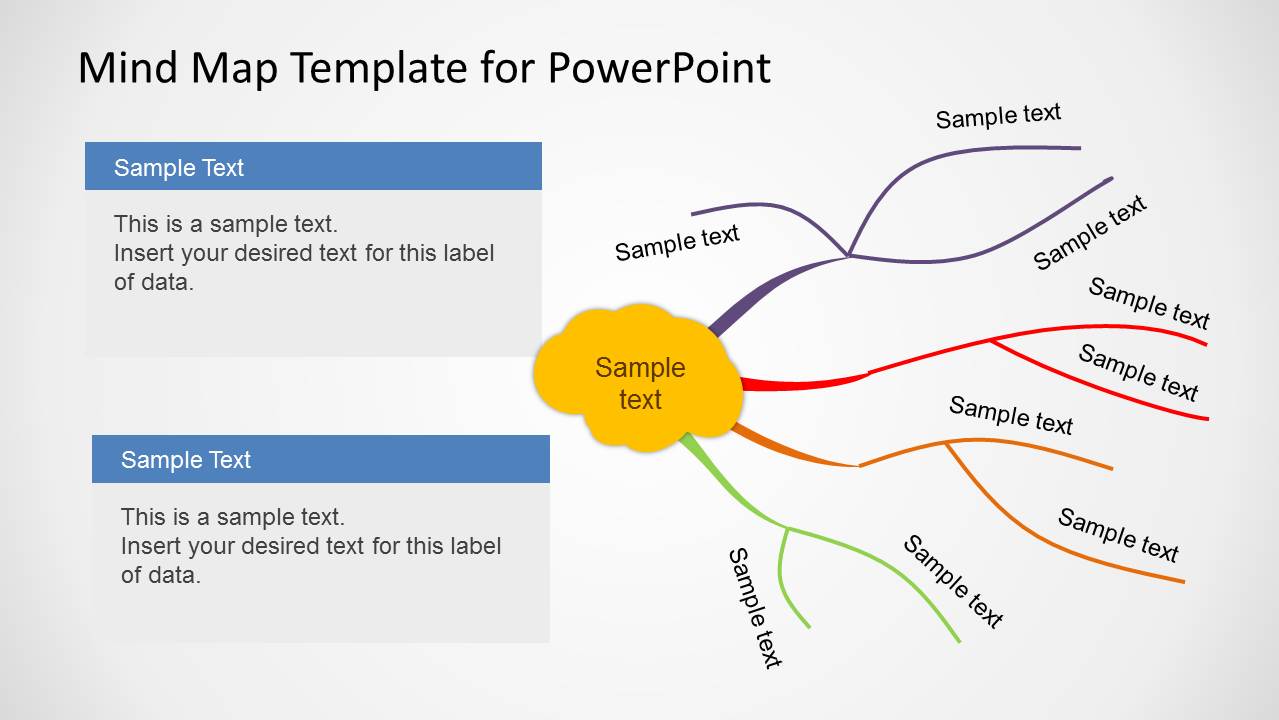
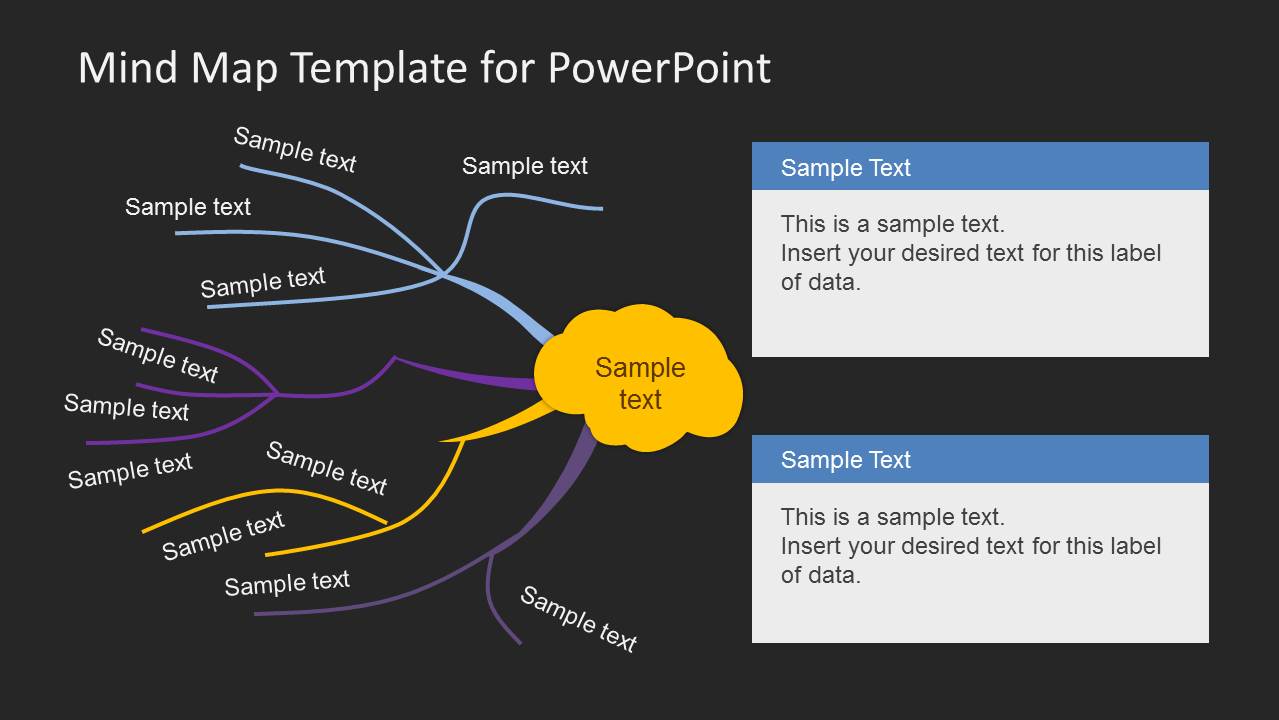
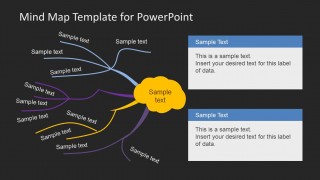
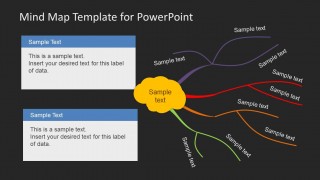
- An educator or trainer can use the side callout layouts to introduce a concept, then explain selected branches with longer supporting notes.
Features
- 100% editable presentation template
- Compatible with Microsoft PowerPoint and Google Slides
- 16:9 aspect ratio slides
- Scalable vector shapes, icons and illustrations
- AI-Ready for Microsoft Copilot and Claude
- Instant access and download
Frequently asked questions
Q: How should a facilitator organize content on the mind map without overcrowding it?
A: Start with one short central idea in the yellow cloud, then assign each main branch a clear category rather than a full sentence. Use the smaller branch labels for keywords only. If an idea needs explanation, move the detail into the side callout boxes on slides 2, 3, 5, or 6.
Q: Who is this mind map template best suited for in a business presentation?
A: It works best for presenters who need to make open-ended thinking easier to follow, such as consultants, team leads, product managers, educators, and workshop facilitators. The structure is strongest when the message starts from one central topic and expands into related ideas, causes, options, or action areas.
Q: Why does the branching visual metaphor help communicate brainstorming content?
A: The branch metaphor mirrors how audiences think through associations: one central concept leads to related topics, then to smaller supporting points. The curved colored branches separate categories without making the slide feel like a table. The yellow center creates a fixed starting point so viewers know where to begin reading.


Creative Mind Map Template for PowerPoint
6-slide mind map presentation template for brainstorming, idea branches, and cause-and-effect visualization
Creative Mind Map Template for PowerPoint is a 6-slide diagram template for structuring brainstorming content, idea branches, and cause-and-effect thinking. It includes full-slide radial mind maps, two-panel text callouts, left and right note layouts, and light or dark backgrounds for teams presenting strategy, planning, or concept development in PowerPoint or Google Slides.
- Category
- Diagrams
- Rating


 Loading...
- Aspect ratio
- 16:9, 4:3
- Item ID
- 6218-02
- Colors
 Microsoft PowerPoint
  Microsoft Copilot
  Claude for PowerPoint
 Other formats supported
Subscribe today and get immediate
access to download our PowerPoint templates.