Slide 5 of 5 from Mind Map Diagram Template for PowerPoint
6218-01-mind-map-5
Mind Map Diagram for Brainstorming
- Diagram
- Mind Map
- Concept Explanation Slide
- 16:9
- 100% Editable
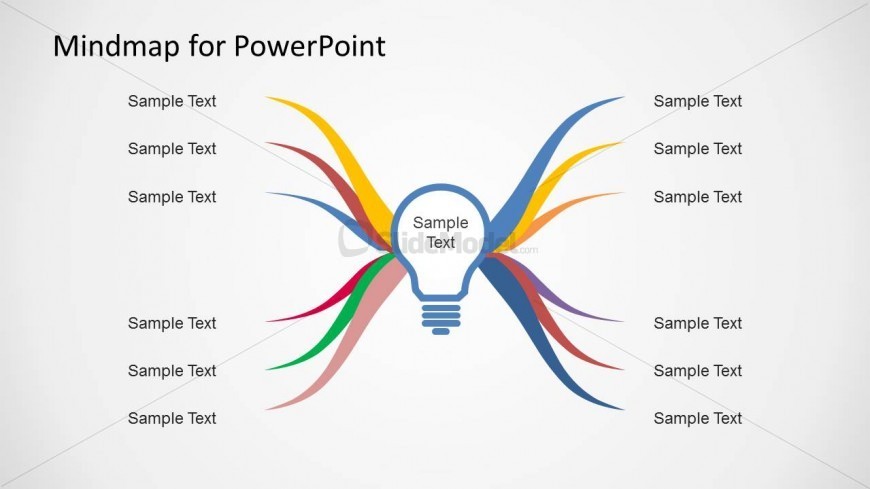
The Mind Map Diagram with Lightbulb Center slide from the Mind Map Diagram Template for PowerPoint offers a clear visual framework for brainstorming and business planning. This slide layout uses editable shapes and colorful branches to highlight interconnected ideas, making it suitable for corporate presentations and slide decks that require effective concept explanation. Its design supports the creation of engaging presentations using PowerPoint templates or Google Slides templates.
What’s on This Slide
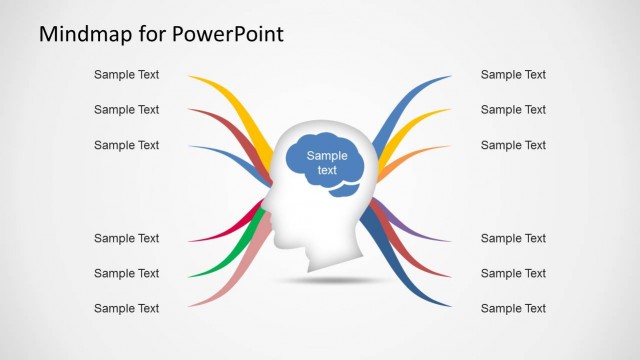
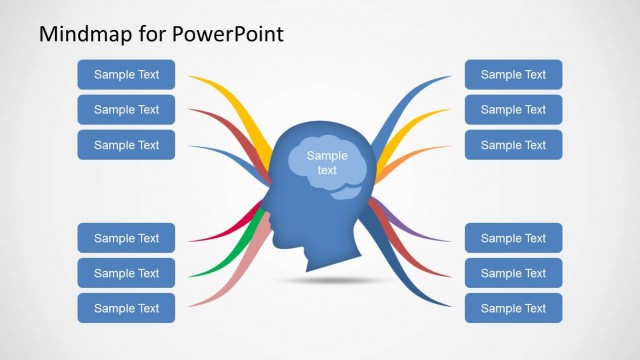
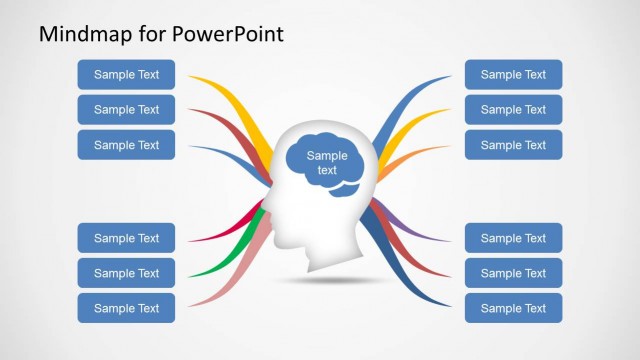
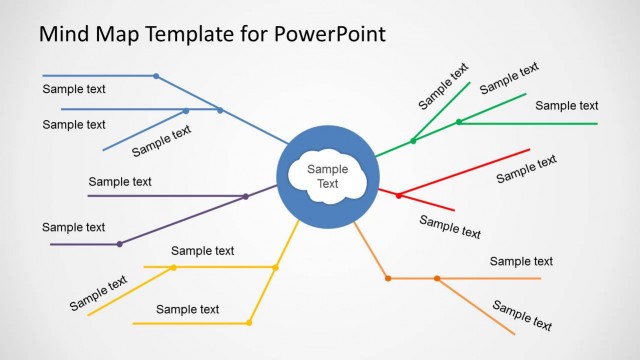
The slide features a central lightbulb shape surrounded by colorful branches extending outward. Each branch has a corresponding text placeholder positioned along its length, with three placeholders on the left and three on the right. The lightbulb is centrally located, serving as the focal point. The branches are curved and vary in color, including yellow, blue, green, red, and pink, creating a vibrant visual hierarchy. The background is white, enhancing the contrast with the colorful elements. Text placeholders are aligned vertically along the branches, indicating where content can be added.
How to Use It
This layout serves as a mind map diagram, ideal for brainstorming sessions or visualizing ideas. It fits well at the conclusion of a presentation, summarizing key concepts or generating discussion points. The central lightbulb symbolizes innovation or a main idea, while the branches represent related thoughts or topics. This structure is effective in business planning, educational settings, or creative workshops, allowing for clear visualization of interconnected ideas and fostering collaborative discussions.
Text Placeholders & Capacity
Keep your copy within these limits so it fits without resizing. Node body slots can hold about 3-4 words each.
| Placeholder | Count | Max characters (approx.) |
|---|---|---|
| Slide title | 1 | 30 |
| Item body | 6 | 20 |
Slide Keywords
Download unlimited PowerPoint templates, charts and graphics for your presentations with our annual plan.
DOWNLOADReturn to Mind Map Diagram Template for PowerPoint.