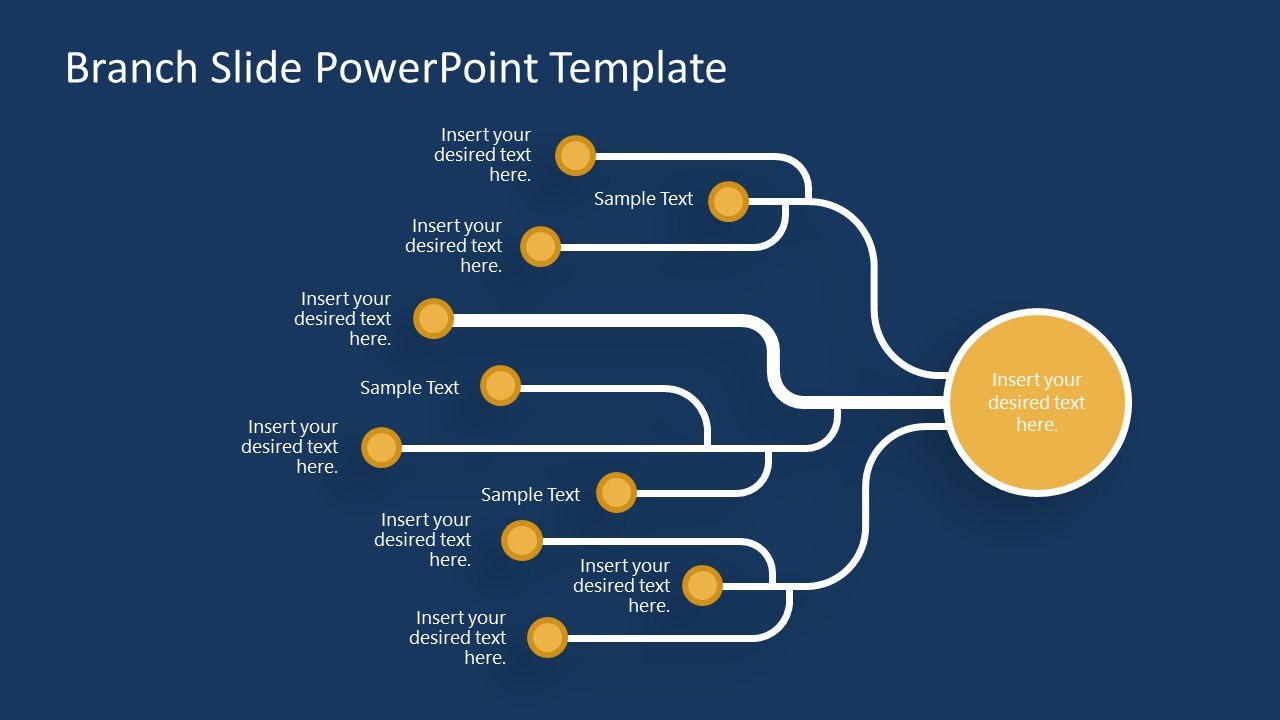
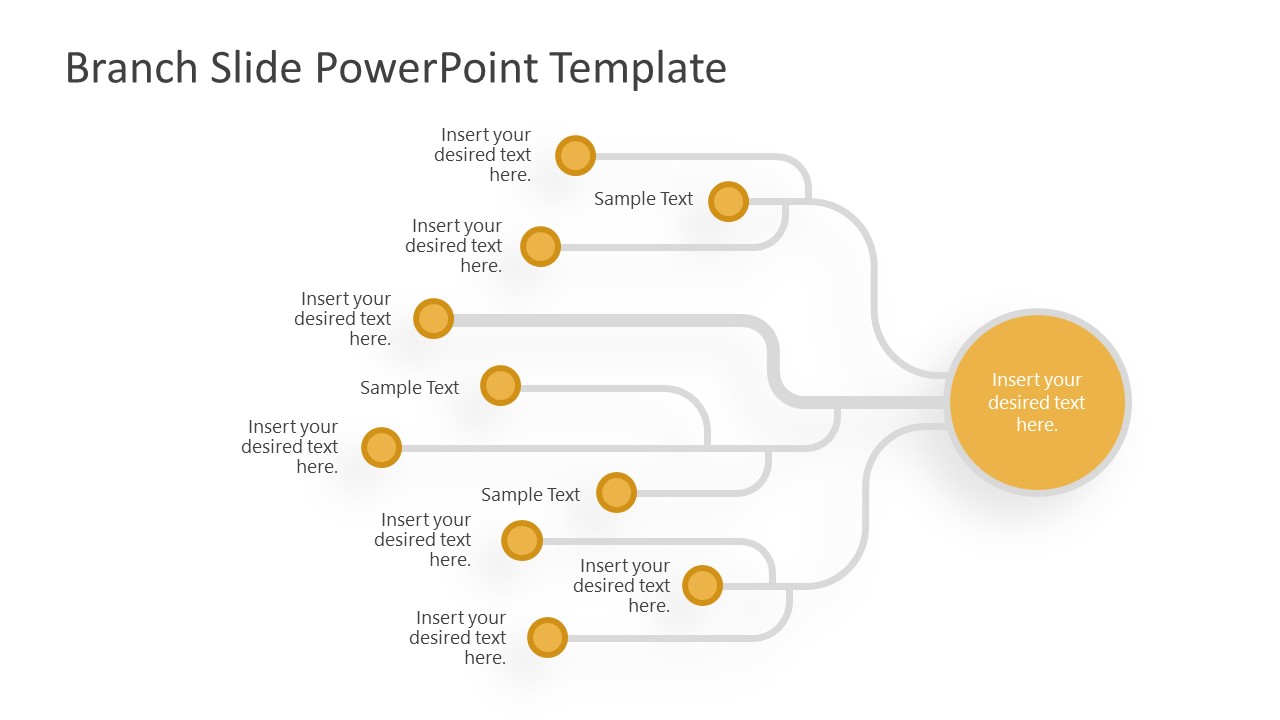
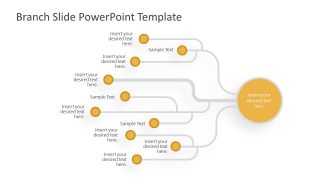
The Branches Slide PowerPoint Template is a mind-map infographic diagram. It diagrammatically explains how various ideas or opinions converge to produce a fundamental concept. All the brainstorming thoughts or opinions can be mentioned along with the small circular shapes. The interconnecting lines between these shapes indicate their mutual relevance. The diagram can be used for presentations about problem-solving, decision making or critical analysis, etc.
The slide contains a more oversized circular shape on the right-hand side. It is to mention the title or the name of the central topic. Three branches are shown emerging on its left side, dividing into sub-branches. At the end of each line, there is a circular shape or node. Users can write down the key points or mention the ideas along with these nodes. The color combination of yellow shapes with white lines makes this slide look engaging. Alternatively, users can change these color schemes and font styles, etc.
The Branch Slide PowerPoint Template is helpful to show a process of problem-solving, strategy planning, or decision-making analysis, as well as Root-Cause Analysis or as an alternative to Fishbone diagrams with the help of visually appealing tree diagrams. For instance, professionals can present the reasoning behind a decision, or describe how a decision is derived from several proposed answers, opinions, etc. In other cases, this slide template can also show the types of divisions in an arranged manner.
The branches template for PowerPoint and Google Slides is available in two background color variations, i.e., white and blue. The placeholder text is 100% editable. Presenters can add or remove the circular shapes according to their requirements. The branch slide template is 100% editable using PowerPoint and Google Slides.
What’s inside this template
Example presentation scenarios
- A strategy consultant can use the branching tree diagram to show how several market observations and internal factors lead to a recommended business decision.
- A project manager can present a root-cause discussion by placing symptoms on the smaller circular nodes and the main issue in the large central circle.
- An educator can use the white background diagram to teach critical thinking by connecting evidence points, assumptions, and conclusions in one visual structure.
- A workshop facilitator can summarize brainstormed ideas by grouping related inputs along the branches and ending with the shared theme in the central topic circle.
Features
- 100% editable presentation template
- Compatible with Microsoft PowerPoint and Google Slides
- 16:9 aspect ratio slides
- Scalable vector shapes, icons and illustrations
- AI-Ready for Microsoft Copilot and Claude
- Instant access and download
Frequently asked questions
Q: How should I present the branch diagram so the audience follows the logic?
A: Start with the smaller outer nodes, grouping related ideas by branch before naming the main conclusion in the large circle. This order prevents the central topic from feeling unsupported. Keep each node to a short phrase, and use the connector paths as the spoken bridge between evidence, reasoning, and final interpretation.
Q: Who is this template best suited for?
A: This template fits presenters who need to explain relationship-based thinking rather than a long sequence of events. Consultants, managers, educators, and facilitators can use it for decision logic, root-cause analysis, brainstorming synthesis, or concept mapping when several inputs need to be tied clearly to one central topic.
Q: Why does the tree branch metaphor help communication?
A: The branch metaphor shows dependency and grouping without forcing the content into a table. Smaller nodes represent separate inputs, while the large circle acts as the core idea or outcome. Because the paths visually converge, the audience can see that the conclusion is built from connected points, not a standalone claim.

Branches Slide PowerPoint Template
2-slide presentation template with branching tree diagrams for decision making and problem solving
The Branches Slide PowerPoint Template is a 2-slide tree diagram for mapping how ideas, causes, or decisions connect to a central topic. It includes branching node layouts in dark blue and white background versions, with circular callouts, connector paths, and editable text placeholders for consultants, strategists, and educators using PowerPoint or Google Slides.
- Category
- Tree Diagrams
- Rating


 Loading...
- Aspect ratio
- 16:9
- Item ID
- 20144-01
- Colors
 Microsoft PowerPoint
 Microsoft Copilot
 Claude for PowerPoint
Other formats supported
Subscribe today and get immediate
access to download our PowerPoint templates.