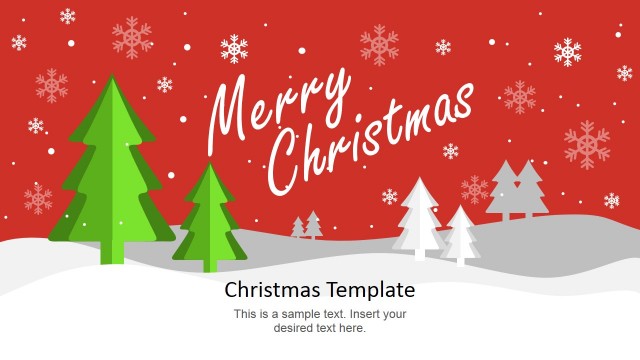
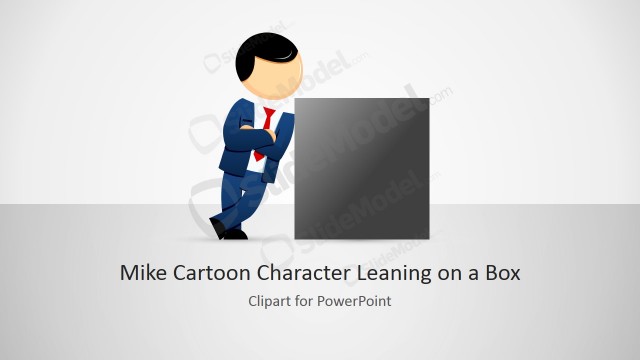
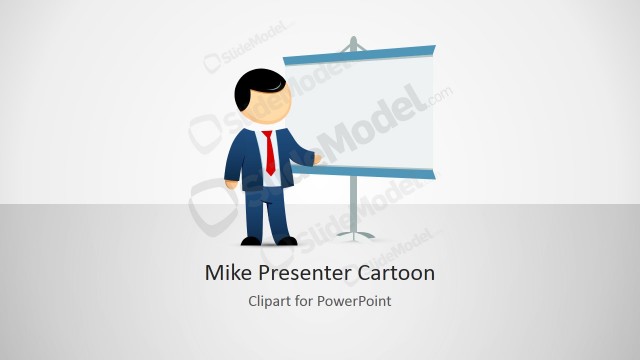
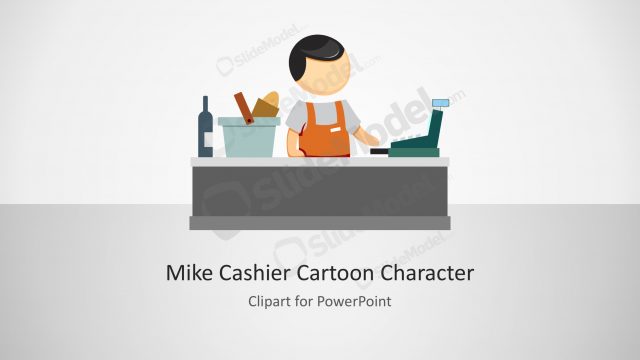
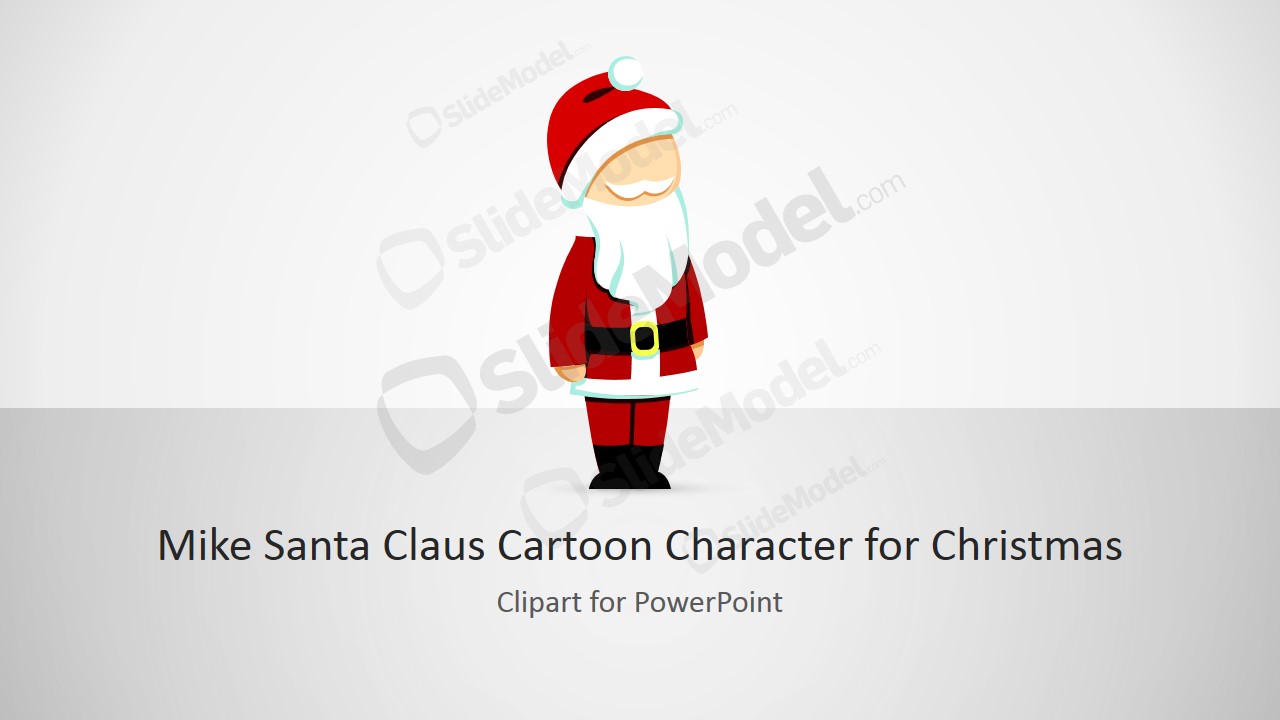
Mike Santa Claus Cartoon Character Clipart for Christmas is a creative clipart design of a Santa Claus cartoon character themed for Christmas season.
You can download this Santa Claus clipart and illustration to decorate your PowerPoint presentations for Christmas Holidays.
The best time of the year for marketing promotions is near the holiday events like Christmas. Santa Claus is very busy around those days and people rush towards toys and gift stores to get something for their children. It provides an ideal platform to launch a new product in the market. Launching a new product is critical for its future market value. A practical best practice consists on building hype around it and attract people towards the product. Illustrations and animations help a lot in doing so. The idea should be presented using a professional template for presentation to give a lasting and professional impression.
Mike Santa Claus Cartoon Character Clipart for Christmas is just the right choice for branding products in Christmas season. Use the Santa Claus clipart provided to introduce the product and attract the audience attention to the product. The Santa Claus Template is very innovative; the clipart used acts like the presenter character , explaining the product to audience.
The template can be applied in the following usage scenario:
- Start with the introduction of the product in the sales process. Santa does the introduction.
- Then gets on to the different features and their uses in the life of a family.
The basic purpose of the template is to aid the presenter attracting the attention required for the product. The template offers a great control and gives the authority to change the size, shape and place of the graphics included in this business PowerPoint template. The user can change whatever required to the desired condition. This cool template for presentation can be downloaded and can be used as a fun PowerPoint template to explain holidays to children.
What’s inside this template
Example presentation scenarios
- A retail marketer can introduce a Christmas sale by placing the Santa character on the cover slide and using the title-and-character layout to frame the offer.
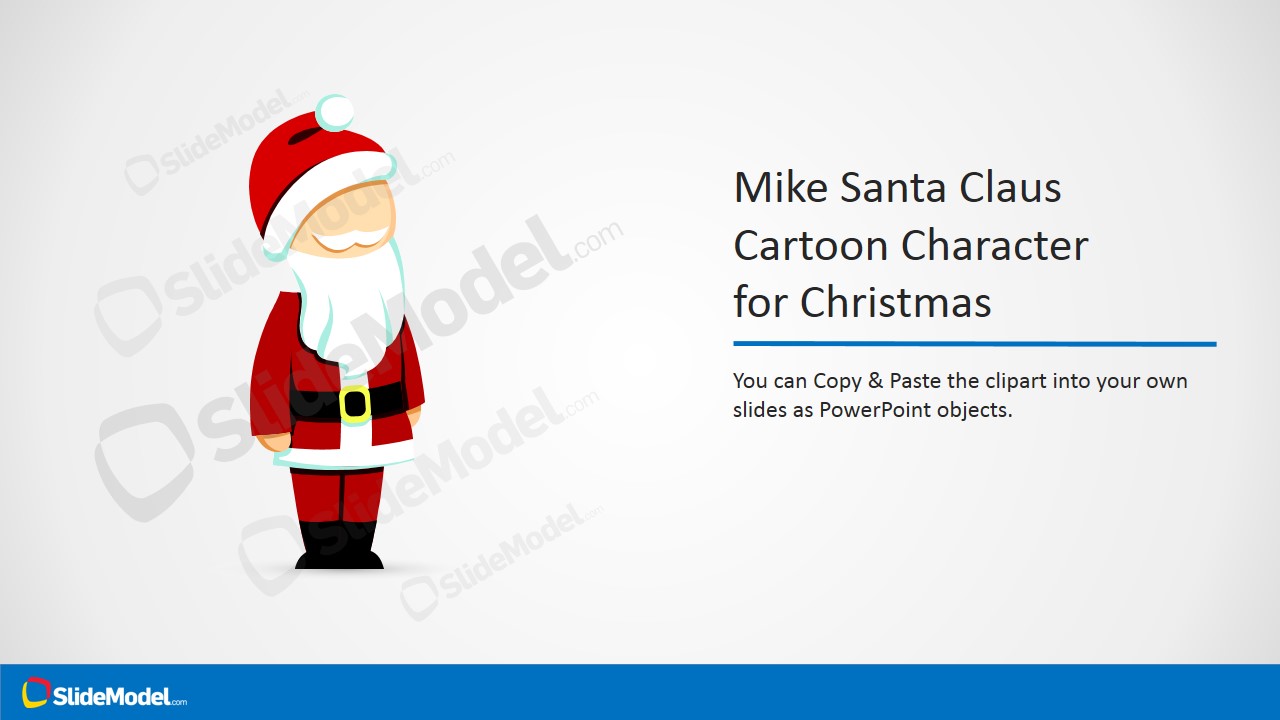
- A teacher can open a holiday lesson with the cartoon character and use the instruction callout slide to explain how students will use or discuss the visual.
- An event coordinator can announce a Christmas party by pairing the Santa illustration with short agenda or venue text on the right-side title layout.
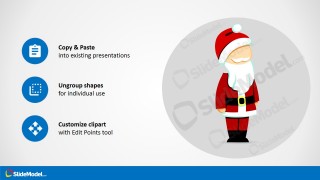
- A sales presenter can add seasonal personality to a product introduction by inserting the editable clipart into existing slides and adapting the icon callout style for key benefits.
Features
- 100% editable presentation template
- Compatible with Microsoft PowerPoint and Google Slides
- 16:9 aspect ratio slides
- Scalable vector shapes, icons and illustrations
- AI-Ready for Microsoft Copilot and Claude
- Instant access and download
Frequently asked questions
Q: How should a presenter use the Santa character without distracting from the message?
A: Use the character as a visual host, not as the main content. Keep the Santa illustration near the title or key callout, then write one clear message beside it. The icon callout slides work best when each point is short, so the character adds warmth while the text still carries the information.
Q: Who is this template best suited for during the Christmas season?
A: This template fits presenters who need a light seasonal tone, such as marketers announcing a promotion, teachers introducing a Christmas activity, or event organizers inviting people to a holiday gathering. The cover, title-and-character slide, and copy/paste instruction layout make it useful when a deck needs a reusable festive mascot.
Q: Why does the template include instruction slides instead of only showing the clipart?
A: The instruction slides reduce design uncertainty by showing practical ways to reuse the character: resize it, recolor it, change shape effects, copy it into another deck, or ungroup it. That sequencing helps non-designers treat the Santa artwork as a flexible presentation asset rather than a static image.



Mike Santa Claus Cartoon Character Clipart for Christmas
4-slide Christmas clipart presentation template with Santa character layouts for PowerPoint and Google Slides
Mike Santa Claus Cartoon Character Clipart for Christmas is a 4-slide 16:9 clipart presentation template with an editable Santa cartoon character for holiday decks. It includes a cover layout, title-and-character layout, icon feature callouts, and copy/paste instruction layout. It is for marketers, educators, and presenters using Microsoft PowerPoint or Google Slides.
- Rating

 Loading...
- Aspect ratio
- 16:9
- Item ID
- 8140-01
- Colors
 Microsoft PowerPoint
  Microsoft Copilot
  Claude for PowerPoint
 Other formats supported
Subscribe today and get immediate
access to download our PowerPoint templates.