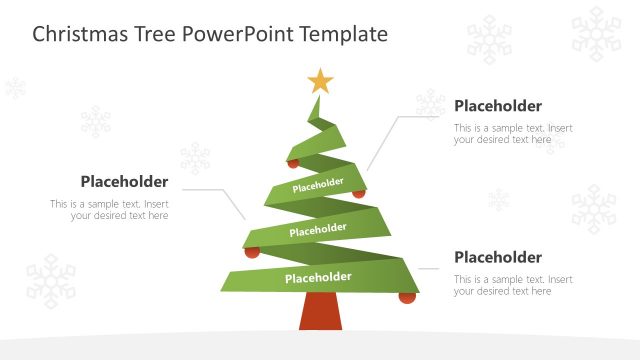
Christmas PowerPoint Template is a professional presentation with Christmas Themes, Scenes, and a Clipart Gallery. The user can edit the Christmas PowerPoint Template directly and create visually appealing presentations or reuse the PowerPoint Shapes provided in existing presentations to decorate them for the holiday season.
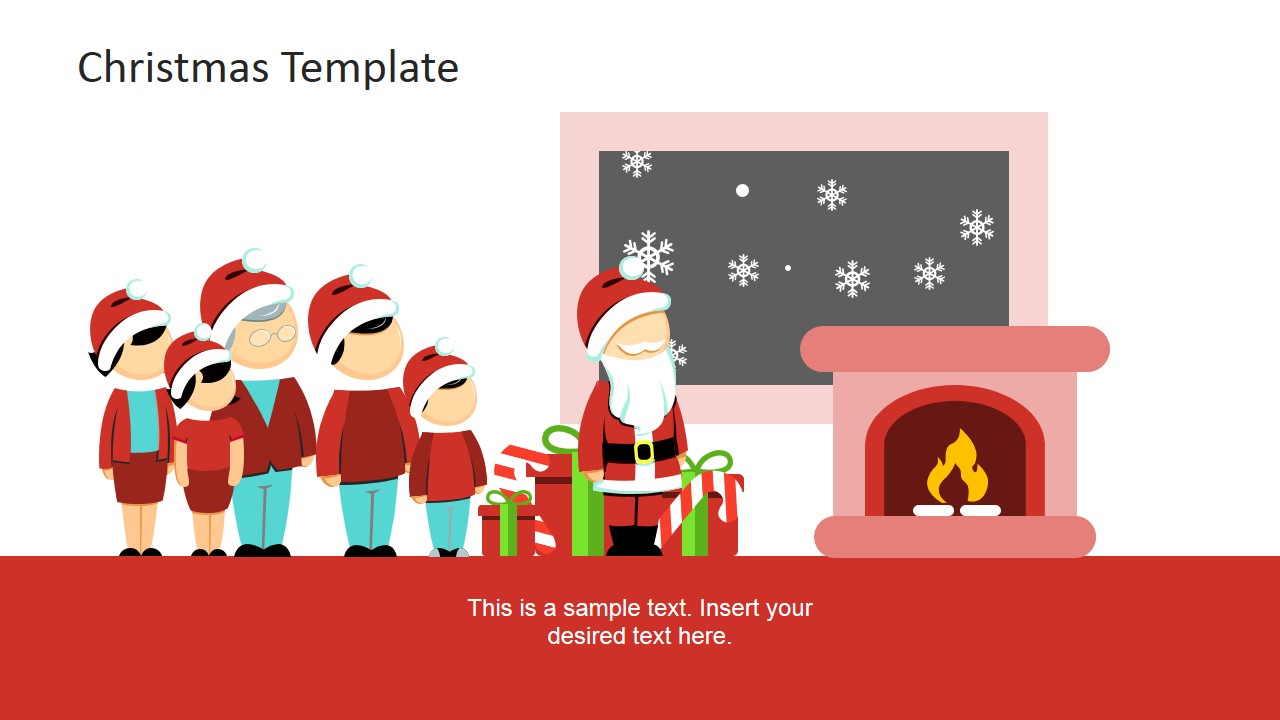
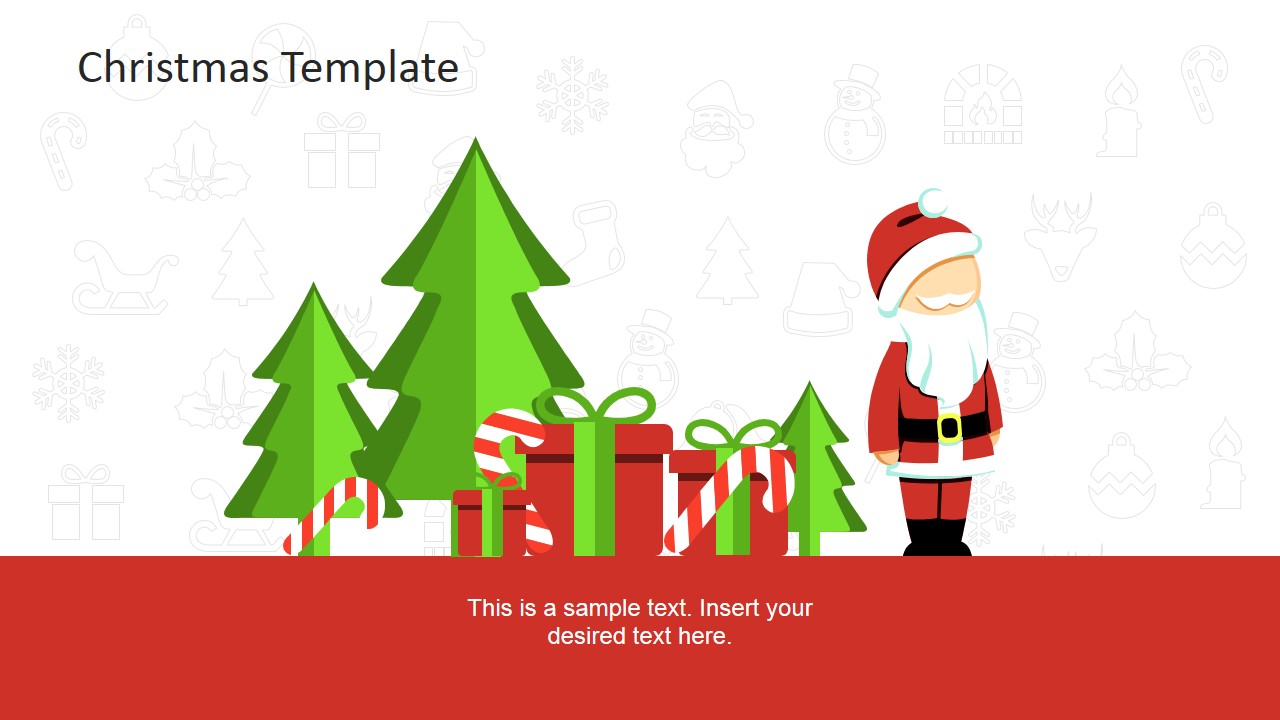
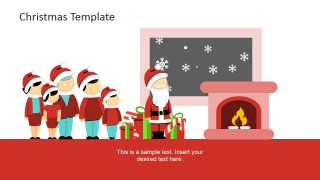
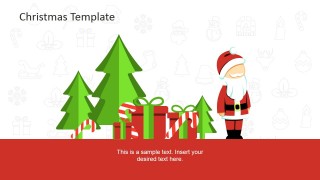
Christmas is the time for family gatherings, kids awaiting presents and Santa Claus. This Template provides clipart scenes that represent this real-life situation. Presenters can set the mood of a presentation and include a metaphor for their speech. Each of our Christmas templates are created with PowerPoint shapes & objects, allowing the user to fully customize the properties (size, color, appearance, etc.).
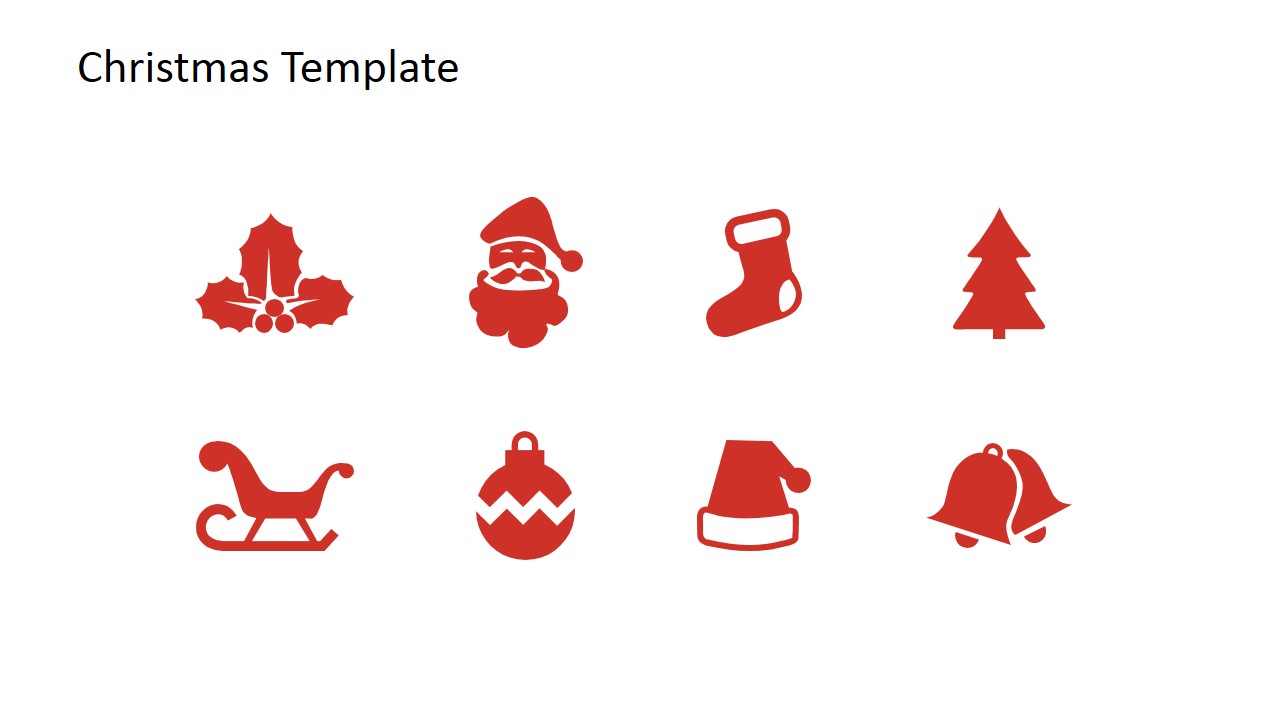
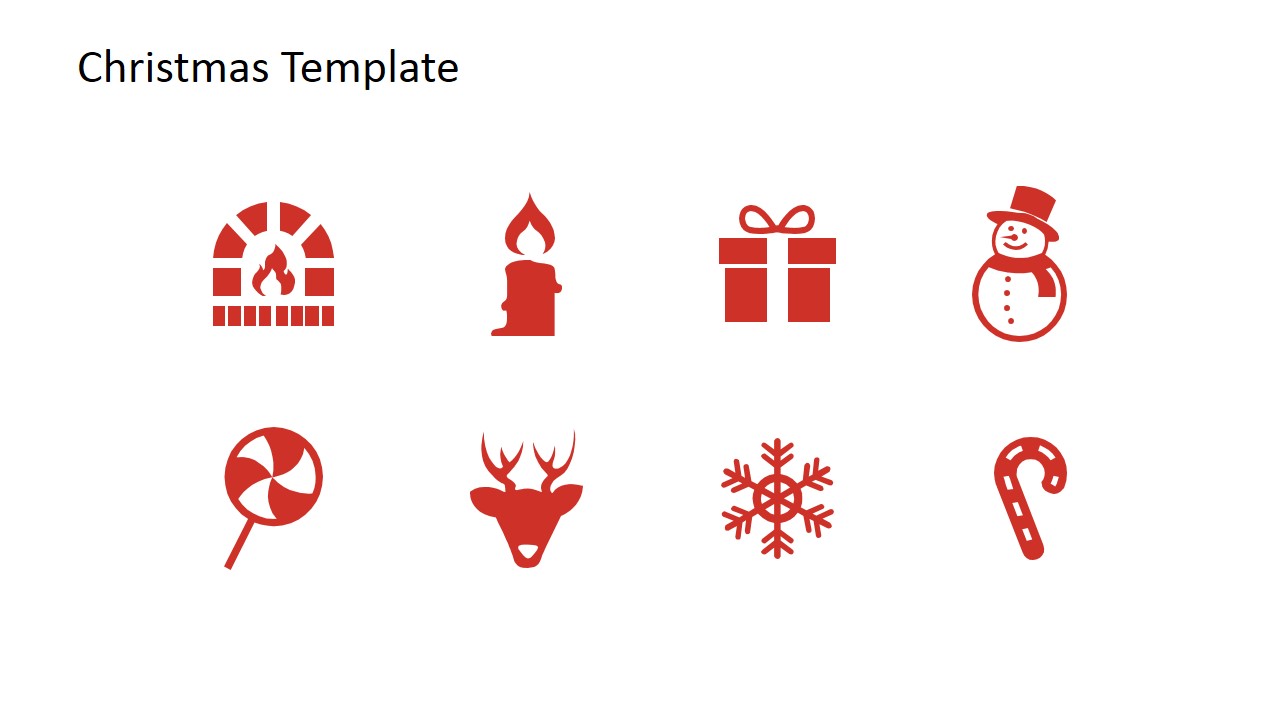
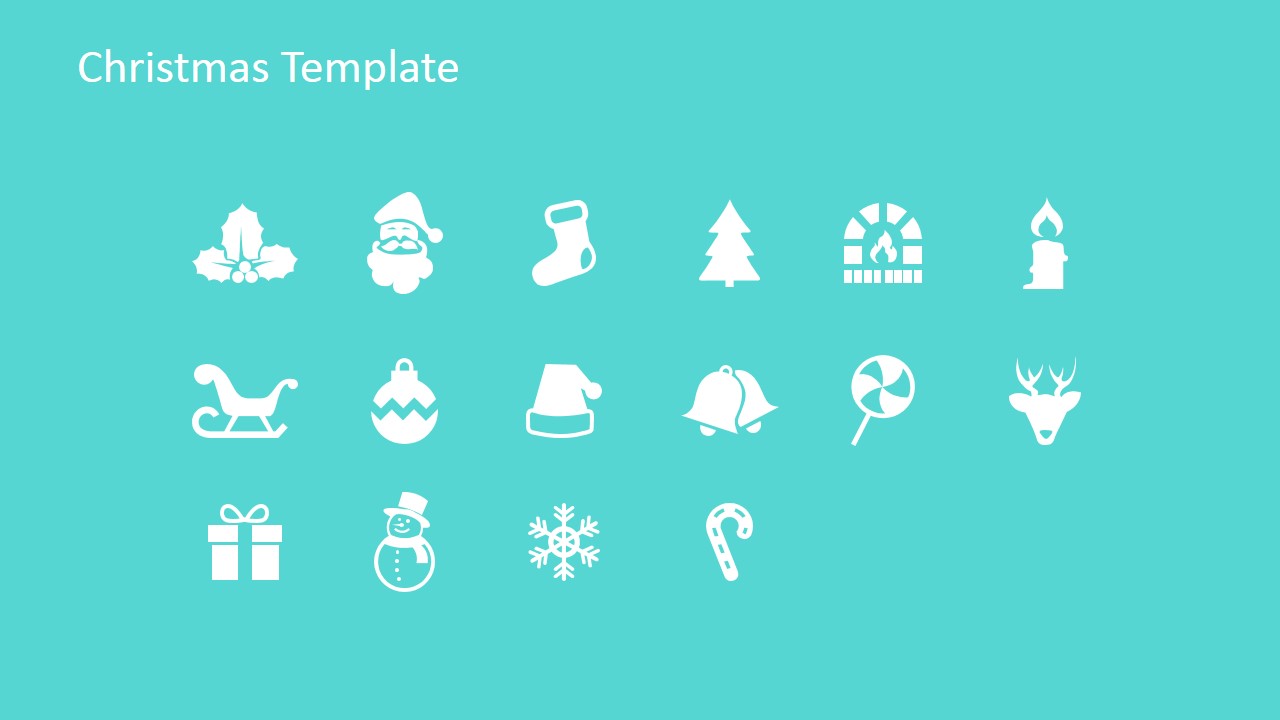
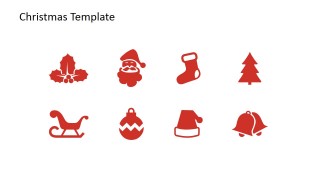
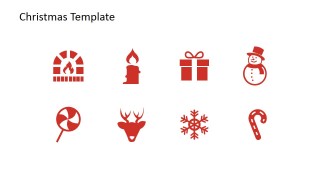
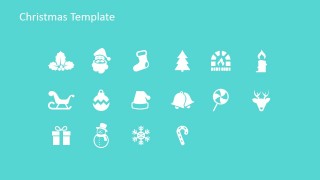
The Christmas PPT template also provides a PowerPoint Icon library with Christmas-related figures such as the famous Christmas tree, candy cane, snowman, etc. Impress your audience by including these professional PowerPoint Icons with flat designs in your presentations.
Santa Claus is featured by our character Mike, and also his family. The PowerPoint Shapes are 100% editable.
Ideal for seasonal marketing brochures or presentations, you can decorate your presentations with Christmas trimmings that will engage your audience.
You can see a live preview of this animated PowerPoint template here:
What’s inside this template
Example presentation scenarios
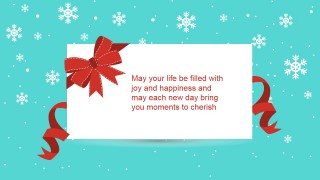
- A corporate communications manager can use the greeting card slide and snowy title cover to open an internal holiday message and thank employees before the year-end break.
- A marketing presenter can use the icon galleries and Christmas scene slides to add seasonal graphics to a retail campaign, promotion recap, or December customer update.
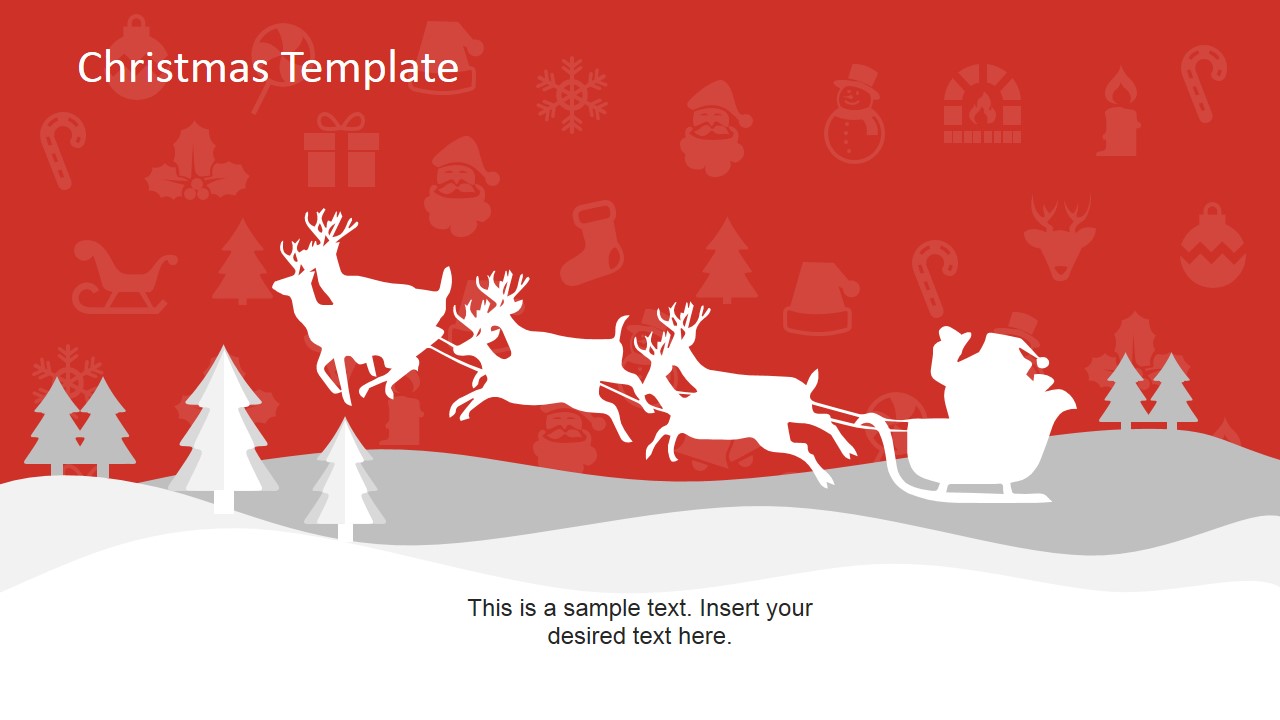
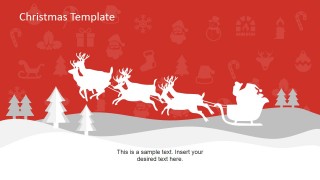
- An event planner can use the Santa gift scene and sleigh landscape layouts to introduce a holiday party, charity drive, or family-focused seasonal event.
- An educator or school administrator can use the ornament background and festive icons to frame classroom announcements, concert information, or winter program slides.
Features
- 100% editable presentation template
- Compatible with Microsoft PowerPoint
- 16:9 aspect ratio slides
- Scalable vector shapes, icons and illustrations
- AI-Ready for Microsoft Copilot and Claude
- Instant access and download
Frequently asked questions
Q: How should a presenter use this template without making the message feel overly decorative?
A: Start with one scene slide to set the Christmas tone, then use the cleaner icon gallery or ornament background when the content needs more attention. Keep text short on the scenic slides, especially the Santa and sleigh layouts, so the illustrations support the message rather than competing with it.
Q: What kinds of presentations fit this Christmas template best?
A: This template works best for seasonal messages where the goal is warmth, recognition, or event awareness. It fits internal holiday greetings, school announcements, retail promotions, nonprofit drives, and community events. The greeting card slide, Santa gift scene, and reusable holiday icons help presenters add context quickly without building artwork from scratch.
Q: Why do the snow scenes, ornaments, and icon libraries help the audience understand the theme quickly?
A: The deck uses familiar Christmas metaphors: snow, trees, gifts, Santa, reindeer, ornaments, and candy canes. These visuals signal the occasion before the presenter explains details. The separate icon library also gives presenters a consistent visual vocabulary for agenda items, event activities, or holiday campaign sections.
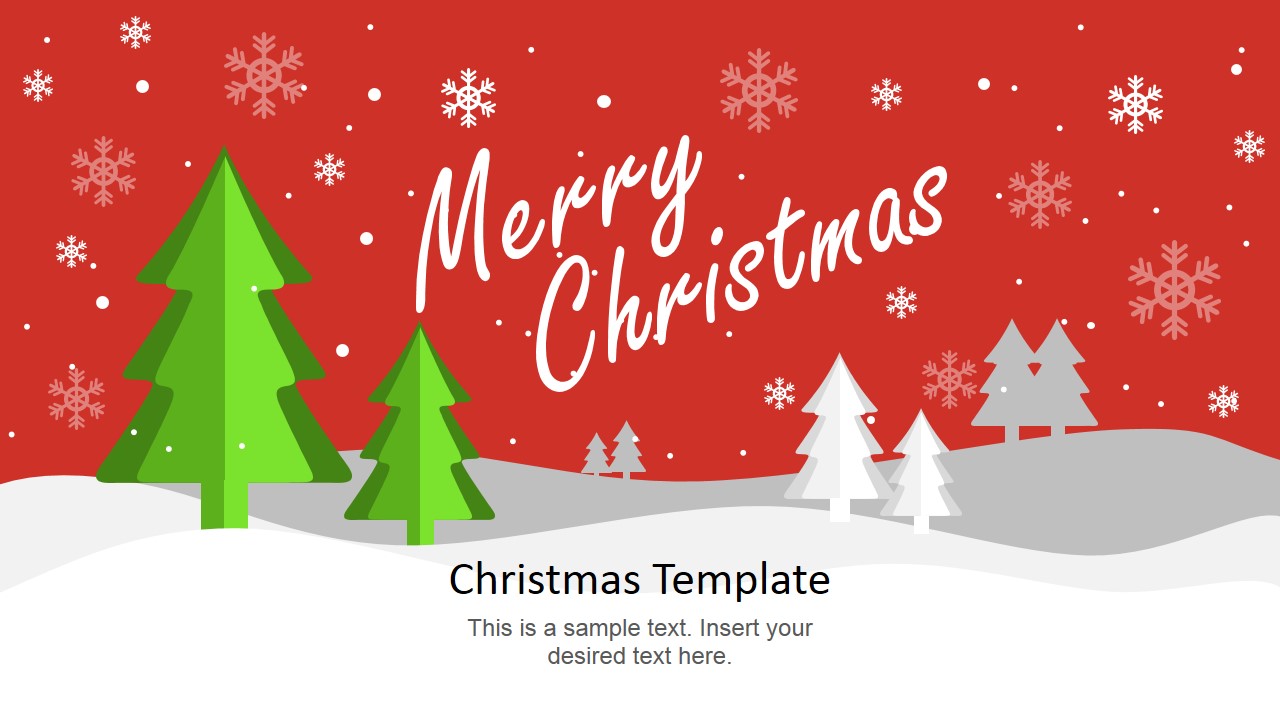




Christmas PowerPoint Template
11-slide Christmas presentation template with holiday icons, snow scenes, and editable festive clipart.
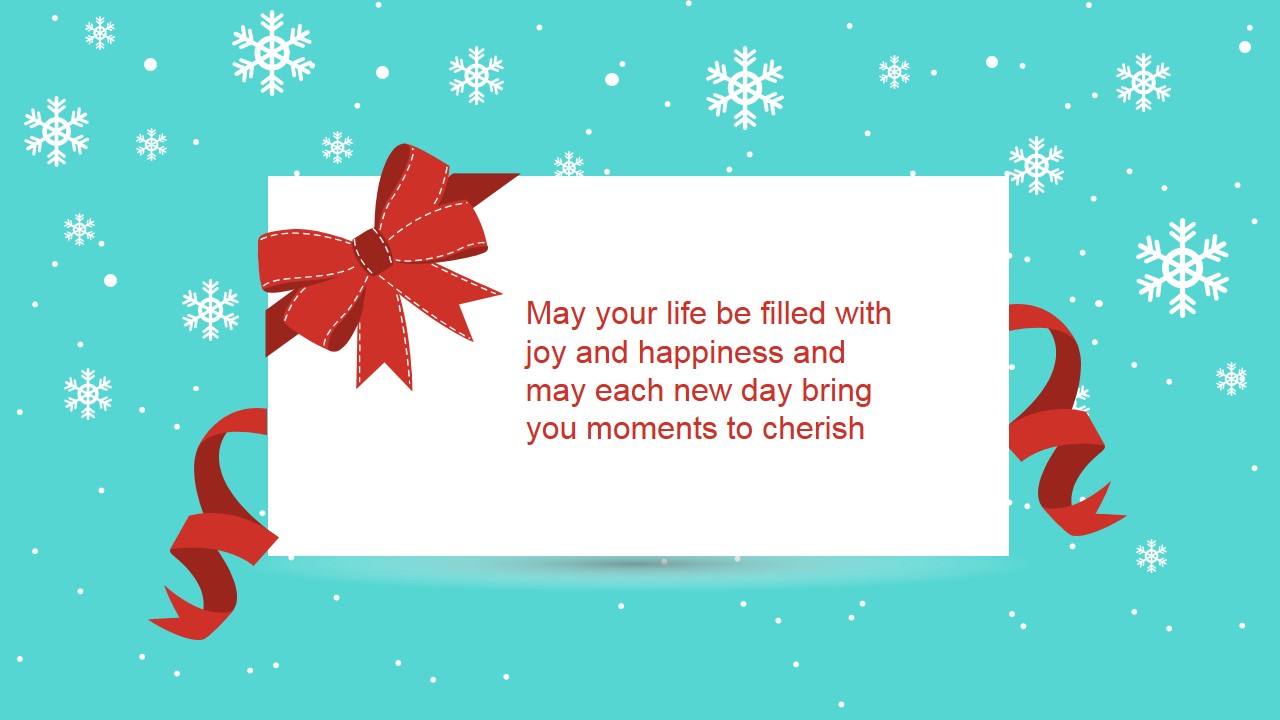
This is an 11-slide Christmas PowerPoint Template with holiday title scenes, a greeting card layout, ornament background, icon galleries, Santa family scene, and sleigh landscape slides. It is for seasonal business messages, greetings, event decks, and internal holiday communications in Microsoft PowerPoint with 16:9 and 4:3 formats.
- Category
- Shapes
- Rating


 Loading...
- Aspect ratio
- 16:9, 4:3
- Item ID
- 6725-01
- Colors
 Microsoft PowerPoint
  Microsoft Copilot
  Claude for PowerPoint
 Other formats supported
Subscribe today and get immediate
access to download our PowerPoint templates.