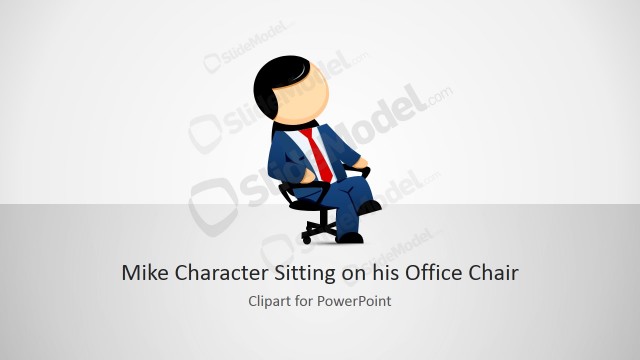
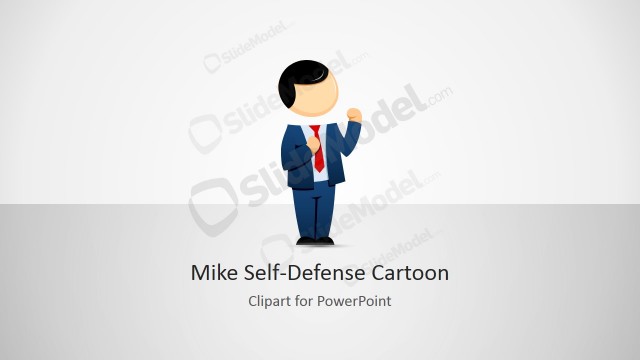
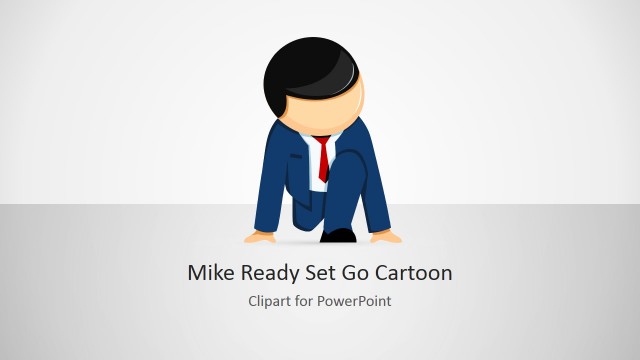
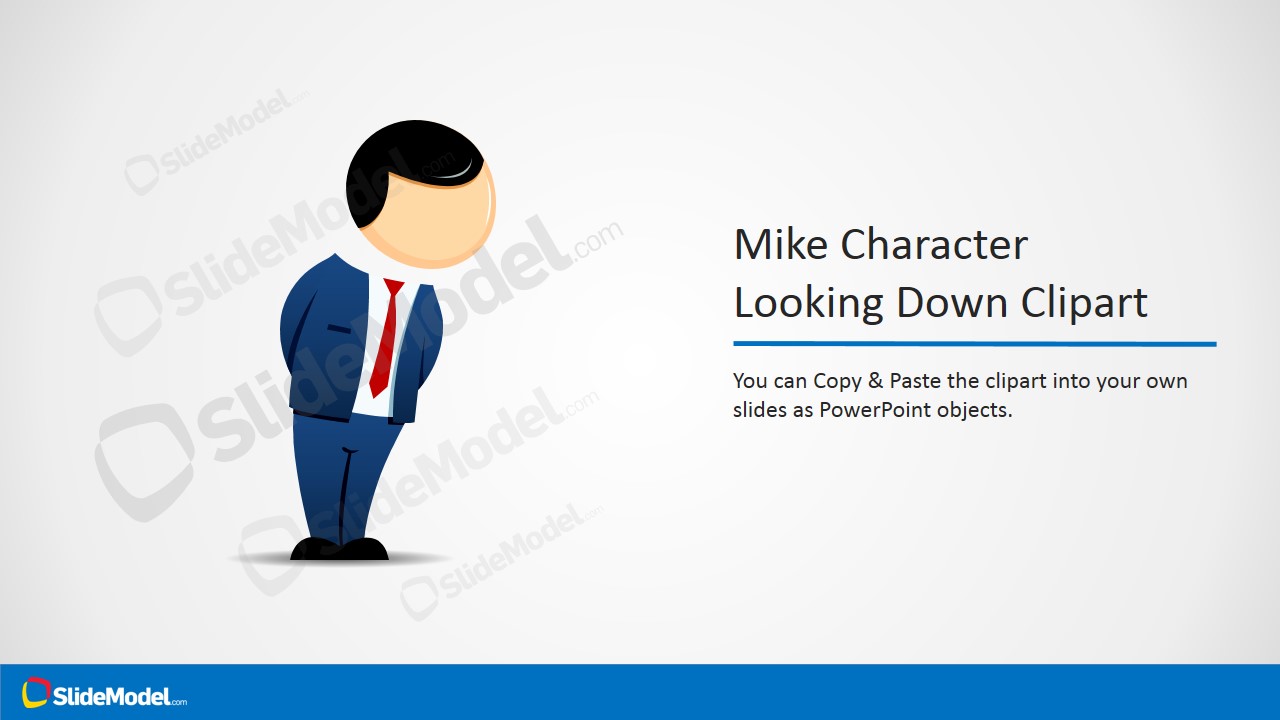
Rouse up the curiosity of the audience with Mike Male Cartoon Clipart Looking Down. Great visuals can stimulate the senses to concentrate on the figures seen in front. In addition, people mimic and analyze the actions shown to them unconsciously. This can create a domino effect of understanding the presentation within all sorts of audiences.
Curiosity is the desire to be curious or learn something novel. It includes being drawn to understand things and know strange ideas. The concept of curiosity is checking out the “unusual” and the “new”. It is overlooking at a picture and asking one’s self what is happening. It is a hunger that needs to be fulfilled. It is what allows people to innovate and study the anything under the sun, even the ones the rays of the sun does not hit.
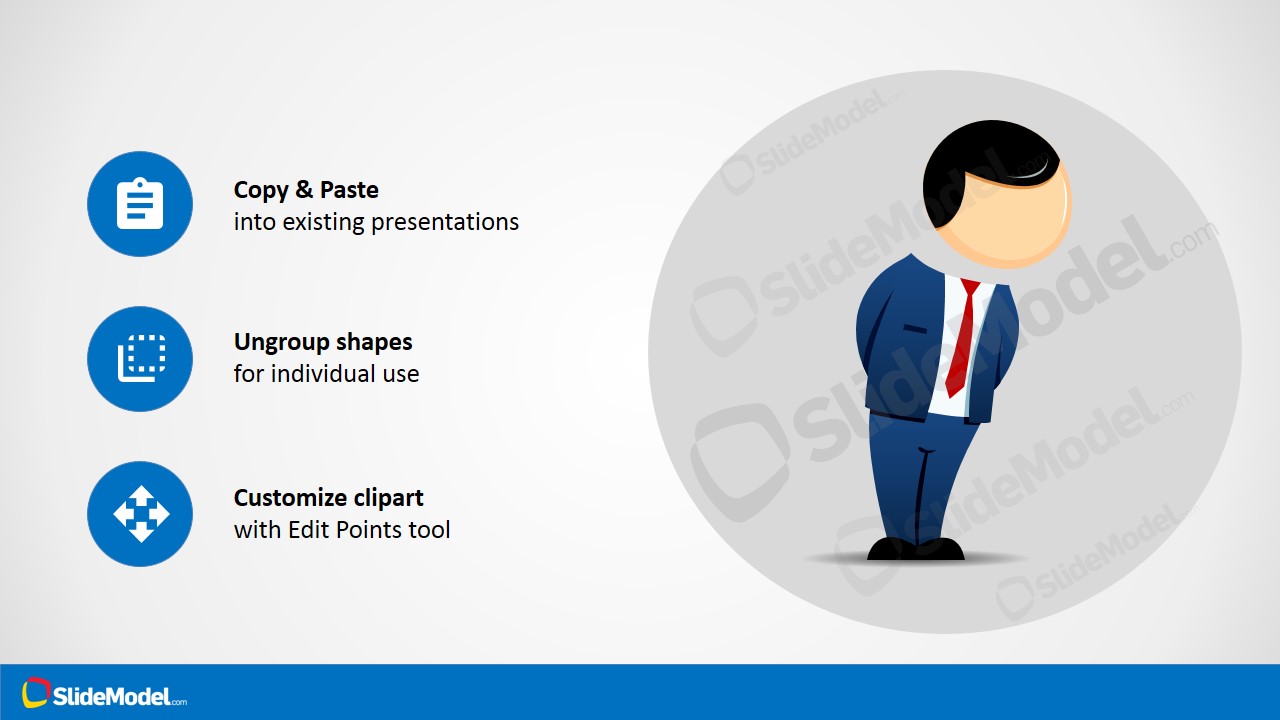
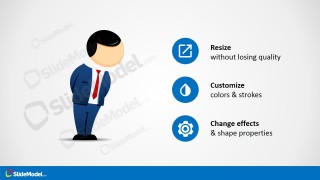
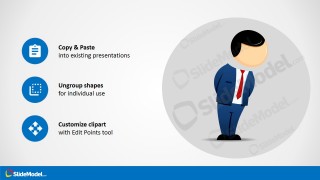
In the PowerPoint template, Mike is a name associated to the male cartoon figure found in the slide designs. Mike is wearing a suit and tie. This shows that he is either a professional, businessman or manager. He is looking down which can symbolize looking after people who are working under his leadership. The first slide is a venue for the report title and subtitles. The presenter can start on the first topic using the 2nd slide. The user can put headings on the right text placeholders. The third and fourth slides incorporate icons that the user can utilize to outline shape options. These icons imply custom menus such as Resize, Customize, Change effects, Copy & Paste, Ungroup shapes and Customize clipart.
Overseeing procedures, checklist of tasks, delegation and team leadership or organization are some of the great application of this template. It is also ideal for sales and marketing, even in academic presentations.
Download Mike Male Cartoon Clipart Looking Down for resourceful and attractive management reports. Mike Male Cartoon Clipart Relaxing on his Office Chair is also downloadable at the SlideModel gallery.
What’s inside this template
Example presentation scenarios
- A manager can use the Mike clipart cover and two-column text slide to introduce a team update about reviewing tasks, monitoring progress, or overseeing responsibilities.
- A trainer can use the icon instruction callouts to explain how a presenter can resize, recolor, copy, and ungroup the cartoon character before adding it to learning slides.
- A consultant can place the looking-down business character beside a short recommendation to signal review, oversight, or attention to an issue in a client presentation.
- A sales or marketing presenter can use the character illustration as a light visual cue on slides that ask the audience to examine a detail, inspect a result, or notice a gap.
Features
- 100% editable presentation template
- Compatible with Microsoft PowerPoint and Google Slides
- 16:9 aspect ratio slides
- Scalable vector shapes, icons and illustrations
- AI-Ready for Microsoft Copilot and Claude
- Instant access and download
Frequently asked questions
Q: How should a presenter use the looking-down character without distracting from the message?
A: Use Mike as a visual cue for attention, review, or supervision, then keep the message short beside him. The two-column slide works best when the character frames one clear idea, not a long paragraph. On the instruction slides, pair each blue icon with a concise action label so the character supports the explanation instead of competing with it.
Q: Who is this clipart template best suited for?
A: This template fits managers, trainers, consultants, and educators who need a business-friendly character to make an abstract point more recognizable. It is most useful for topics such as task oversight, delegation, curiosity, review, or process checking. It is less suited to formal financial reports where charts, tables, and evidence should carry the main message.
Q: Why does the template use a character plus icon callouts?
A: The character gives the audience an immediate human reference, while the blue icon callouts organize the practical actions into quick visual chunks. This pairing makes the deck work as both a clipart asset and a short usage guide. The looking-down pose acts as a metaphor for inspecting, checking, or looking into something.


Mike Male Cartoon Clipart Looking Down
4-slide presentation template with Mike cartoon clipart, title slide, and editable instruction icons
Mike Male Cartoon Clipart Looking Down is a 4-slide presentation template featuring a male business character looking downward. It includes a title cover, two-column text layout, and icon-based instruction lists for resizing, customizing, copying, and ungrouping the clipart. It is for management, training, and business presentations in Microsoft PowerPoint and Google Slides.
- Rating


 Loading...
- Aspect ratio
- 16:9
- Item ID
- 8127-02
- Colors
 Microsoft PowerPoint
  Microsoft Copilot
  Claude for PowerPoint
 Other formats supported
Subscribe today and get immediate
access to download our PowerPoint templates.