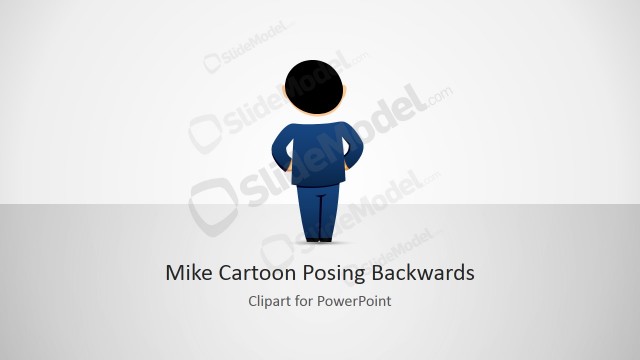
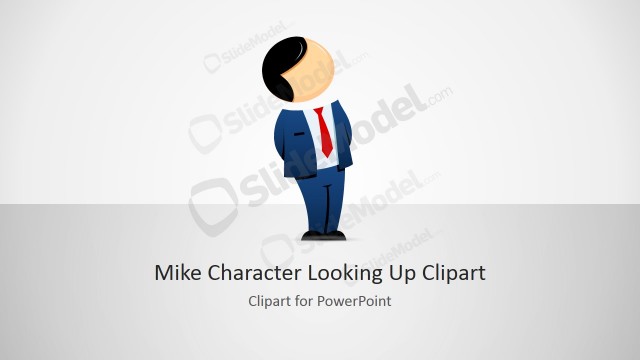
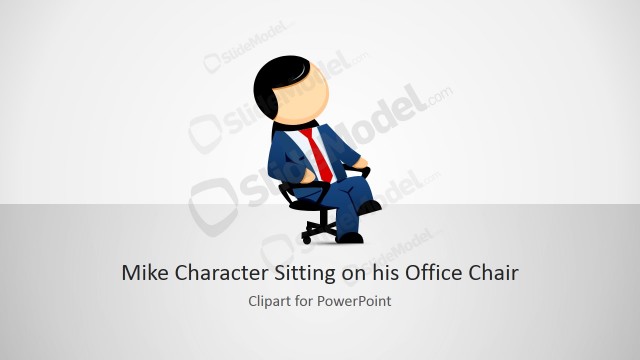
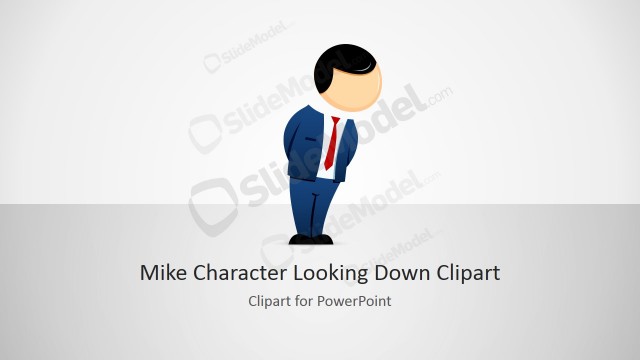
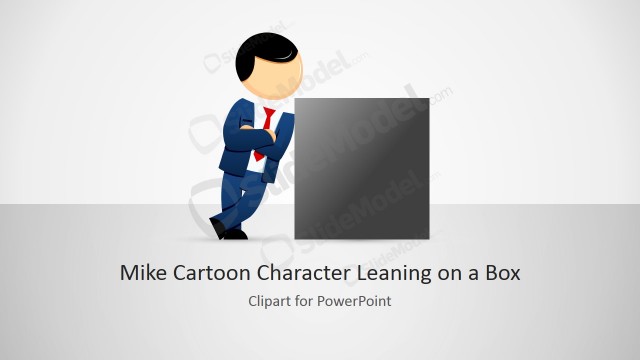
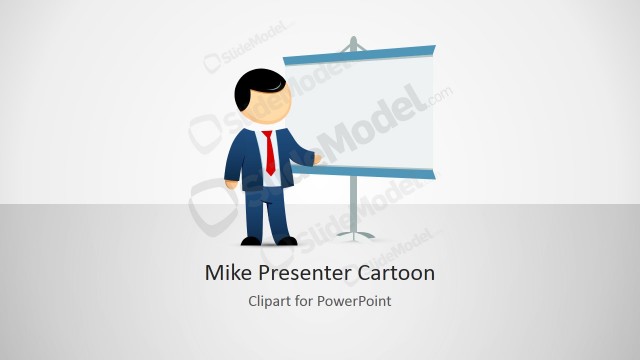
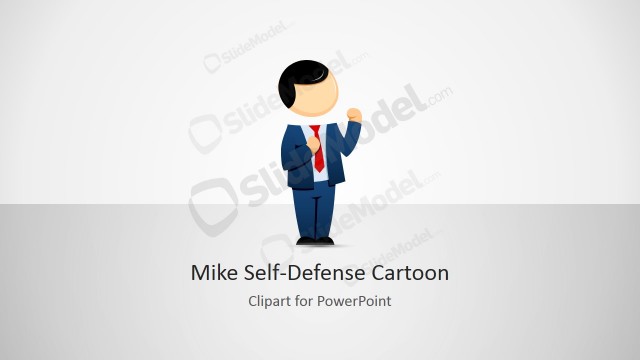
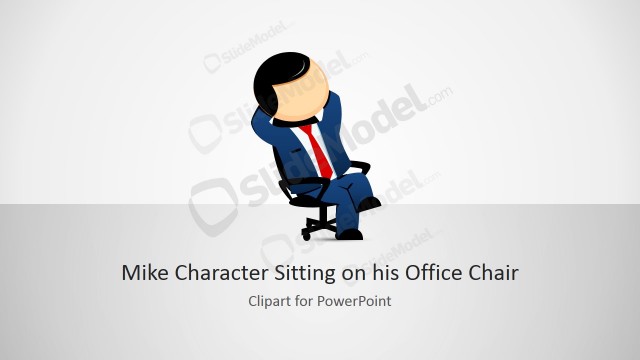
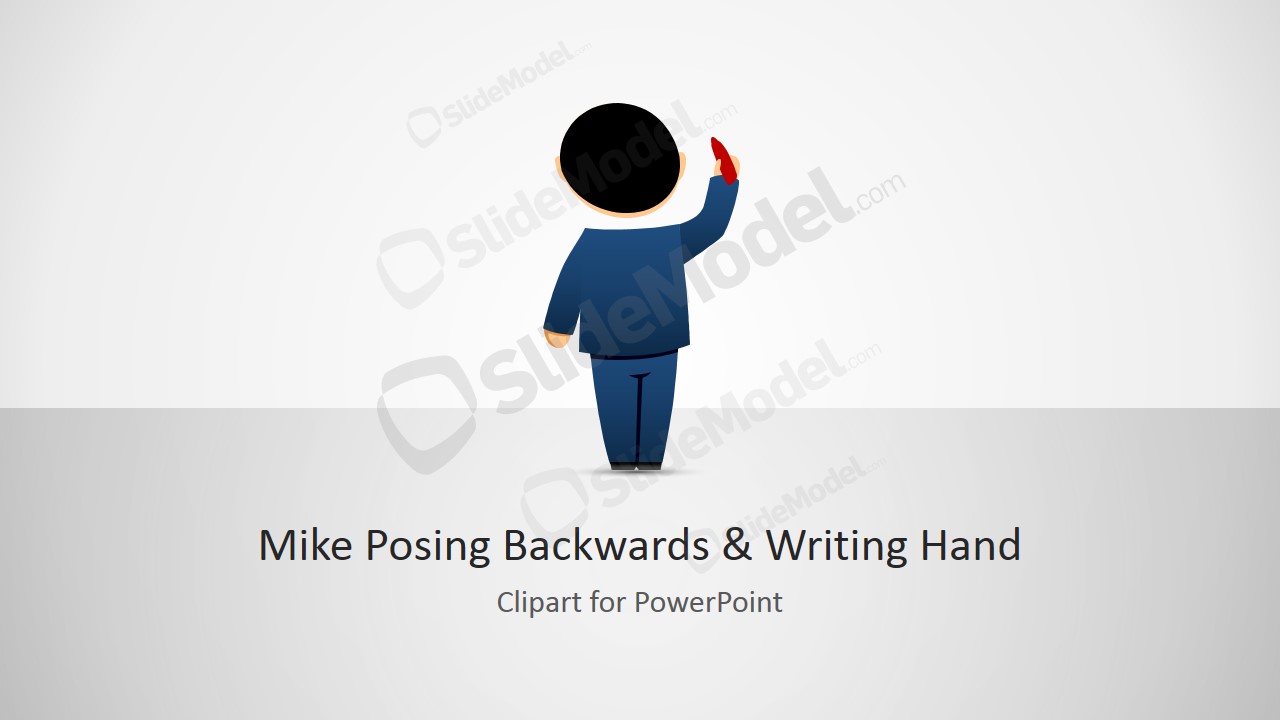
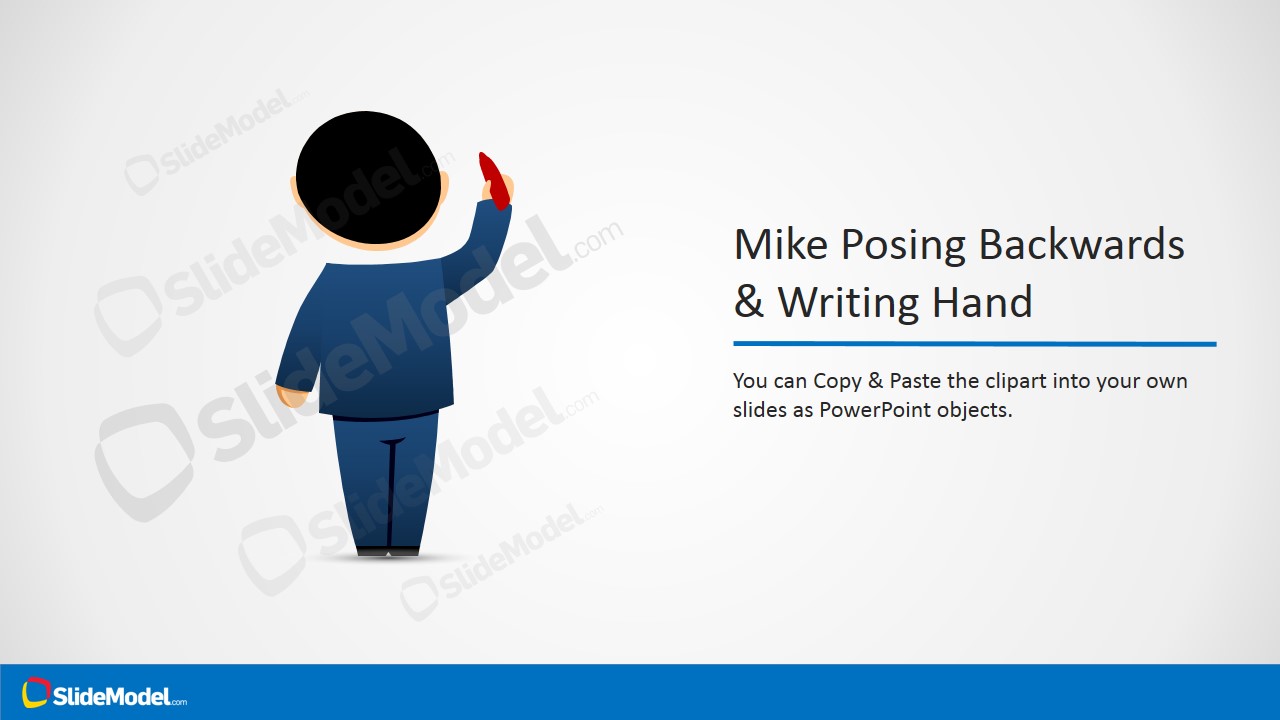
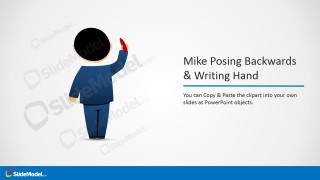
Mike cartoon posing backwards clipart with hands writing is a creative illustration of a male cartoon character created in PowerPoint that you can use in your own presentations.
It contains a nice illustration of Mike cartoon posing backwards and you can use this clipart along with other PowerPoint shapes available in our PowerPoint templates gallery to make awesome slides. For example, you may want to put a blackboard shape behind Mike in order to make the slide look as he is writing a message or sentence in the blackboard.
What’s inside this template
Example presentation scenarios
- A trainer can use the character-and-headline layout to introduce a lesson topic and make the writing pose feel like the instructor is adding notes to a board.
- A consultant can place the Mike clipart next to a workshop agenda or action list to create a less static opening slide.
- An educator can use the cover slide and large character artwork to frame a classroom explanation before adding subject-specific text.
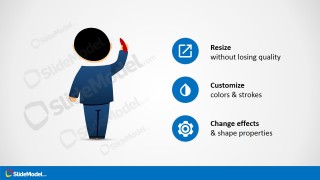
- A presentation designer can use the feature callout slide to document how a client should resize, recolor, or restyle the clipart inside a branded deck.
Features
- 100% editable presentation template
- Compatible with Microsoft PowerPoint and Google Slides
- 16:9 aspect ratio slides
- Scalable vector shapes, icons and illustrations
- AI-Ready for Microsoft Copilot and Claude
- Instant access and download
Frequently asked questions
Q: How should the character be used so it supports the message instead of becoming decoration?
A: Treat Mike as a visual presenter, not as filler. Place him next to a short statement, whiteboard shape, agenda point, or learning objective so the raised writing hand points attention toward the content. Keep surrounding text brief, because the pose works best when it implies one clear note being written.
Q: Who is this clipart template best suited for?
A: This template fits presenters who need a friendly human cue in explanatory content, especially trainers, educators, consultants, and workshop facilitators. It is useful when the slide needs to feel instructional or conversational, such as a lesson opener, workshop note, facilitator prompt, or internal training page.
Q: Why does the backwards writing pose improve communication?
A: The backwards pose creates a familiar whiteboard metaphor: the character appears to be writing the idea the audience should notice. That makes the slide feel active and directional. The open space around Mike also gives designers room to add a board, label, quote, or single instruction without visual crowding.


Mike Clipart with Writing Hand & Posing Backwards
4-slide presentation template with Mike cartoon clipart, writing hand pose, and editable callout layouts
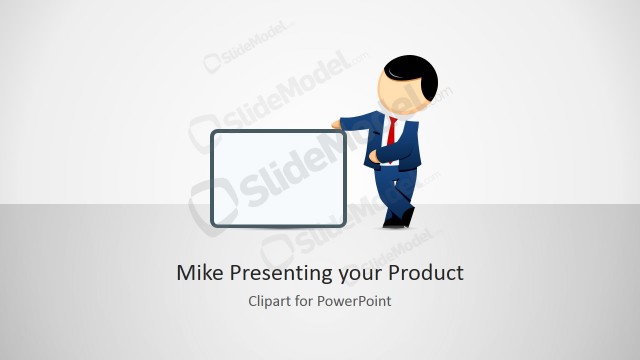
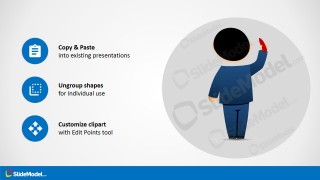
This 4-slide clipart presentation template provides a male cartoon character, Mike, shown from behind with a raised writing hand. It includes a cover slide, character-and-headline layout, feature callout slide, and copy-paste guidance layout for presenters building instructional, explainer, or informal business slides in Microsoft PowerPoint and Google Slides.
- Rating


 Loading...
- Aspect ratio
- 16:9
- Item ID
- 8124-02
- Colors
 Microsoft PowerPoint
  Microsoft Copilot
  Claude for PowerPoint
 Other formats supported
Subscribe today and get immediate
access to download our PowerPoint templates.